Prompt
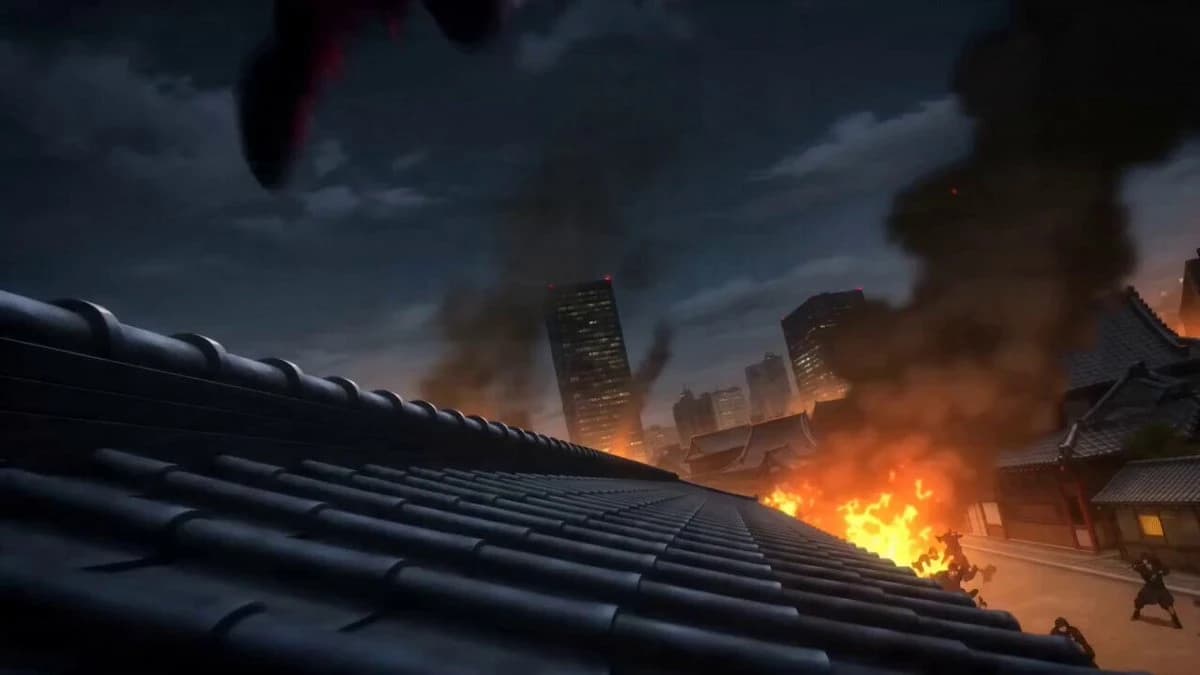
135 wordsA fearless kunoichi with flowing black hair, intense violet eyes, elegant combat outfit, athletic and agile presence, rendered in ultra-premium Japanese anime rendering, high-energy sakuga, sharp manga linework, vibrant cel shading, dynamic perspective distortion, glowing aura VFX - 0–4s: leaps across rooftops above a city under attack by rogue ninja clans, camera racing alongside her through the skyline; - 4–10s: engages multiple assassins in mid-air combat, chaining acrobatic dodges, kunai throws and spinning kicks while rooftops collapse beneath the battle, speed lines and motion smears flooding the frame; - 10–15s: confronts the clan leader atop a giant torii gate, defeats him in a lightning-fast exchange and sends him crashing into the street below, ending with the city safe as the camera rises above the dawn skyline - Epic-level anime action, kinetic choreography, cinematic rooftop warfare.
About this prompt
Anime Kunoichi Rooftop Battle is a Anime Seedance 2.0 prompt with 135 words, structured around shot timing, camera direction, motion cues, and remixable scene details.
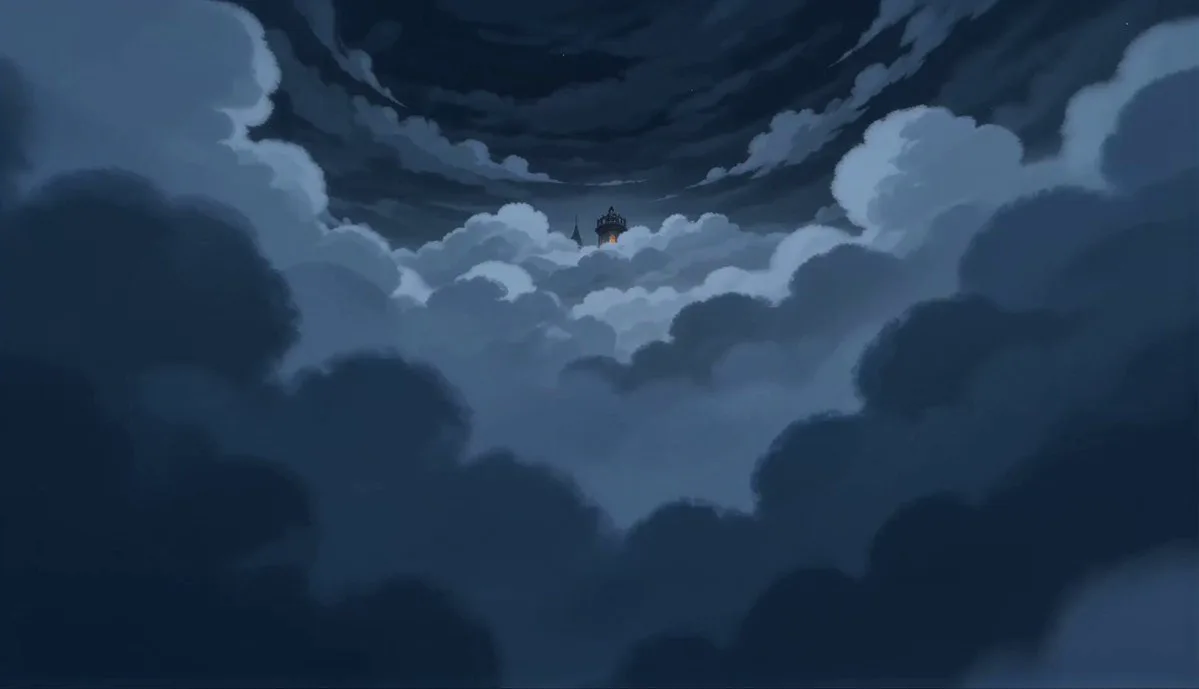
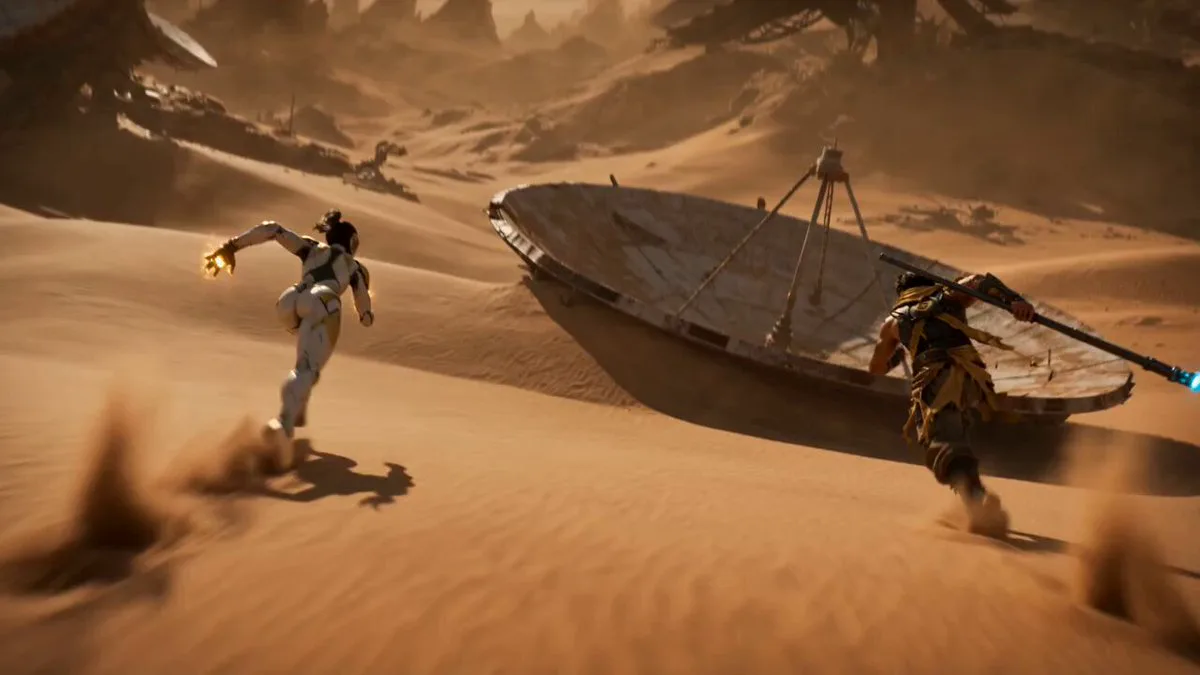
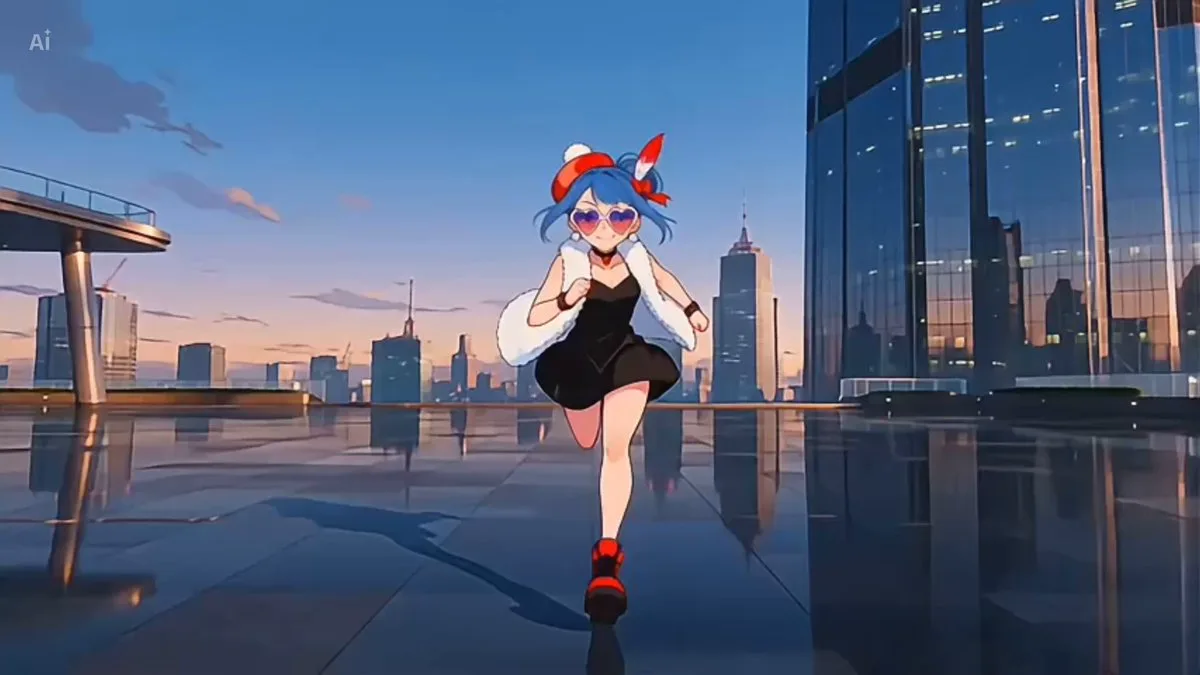
Use the visual preview, when available, to understand the composition, then treat the prompt text as a production brief you can adapt for your own subject, brand, or story.
Video prompt structure
Use it for Anime videos
Best for Seedance 2.0 generations that need Anime, Multi-Shot. Replace the subject, setting, product, dialogue, music, and timing before sending it to the generator.
Customize before generating
- Swap the subject. Keep the camera and timing structure, but change the character, product, or environment.
- Tighten the timeline. Shorten or expand shot blocks so they match the duration you want to render.
- Add reference media. Use first frames, last frames, images, video, or audio when the prompt depends on a specific look or rhythm.
More Seedance paths to explore
Browse adjacent styles and techniques from the same Seedance 2.0 prompt library.
How to use it
- Step 1
Copy or start from this prompt
Use the full prompt as a structured draft rather than rewriting the whole video brief.
- Step 2
Open Seedance 2.0
Send the text into the Seedance generator and choose text, image, or reference mode.
- Step 3
Adapt and render
Tune duration, aspect ratio, reference media, camera notes, and dialogue before generating.
Make it a Seedance video
Start from this prompt in the Seedance 2.0 generator, then adjust the scene, duration, aspect ratio, and reference media.