Prompt
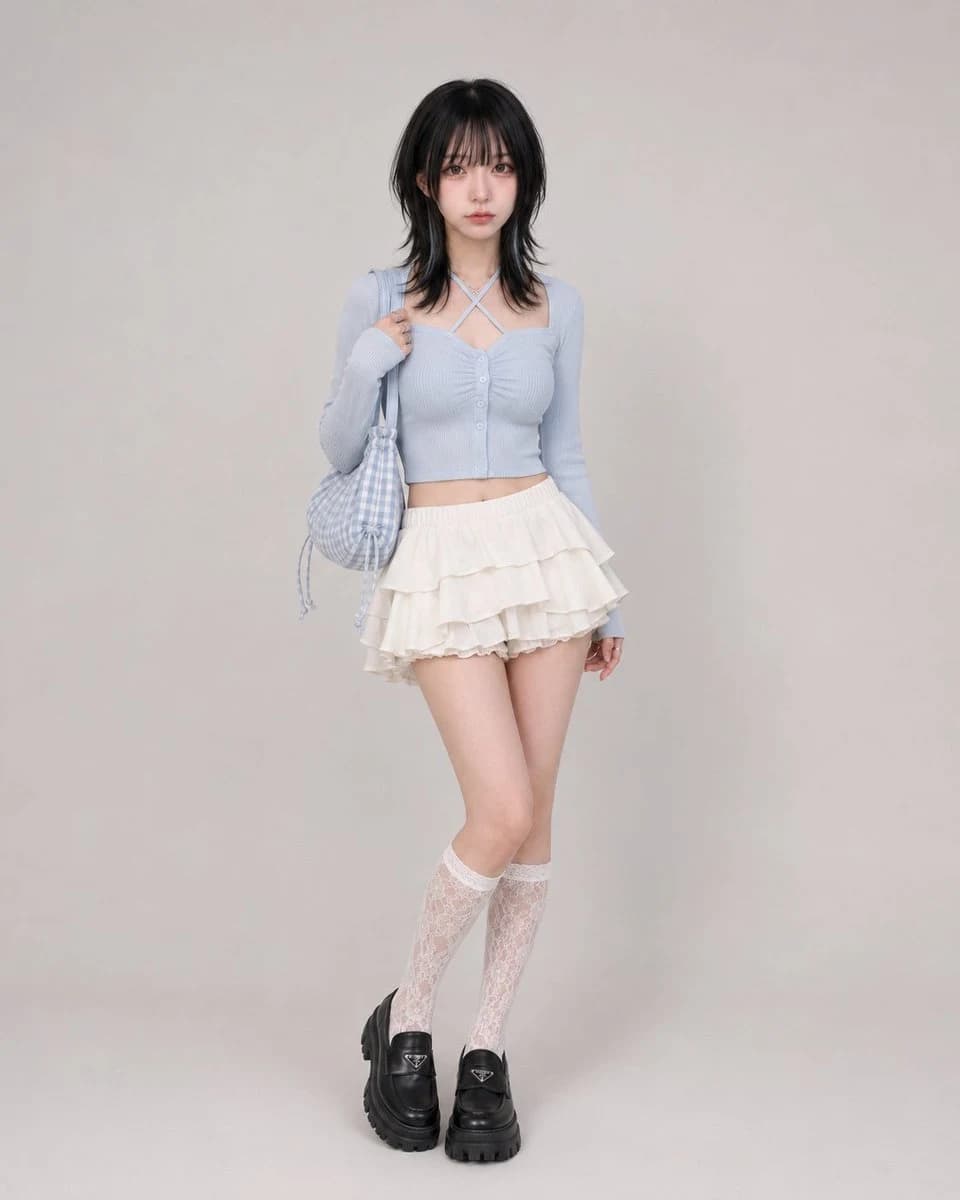
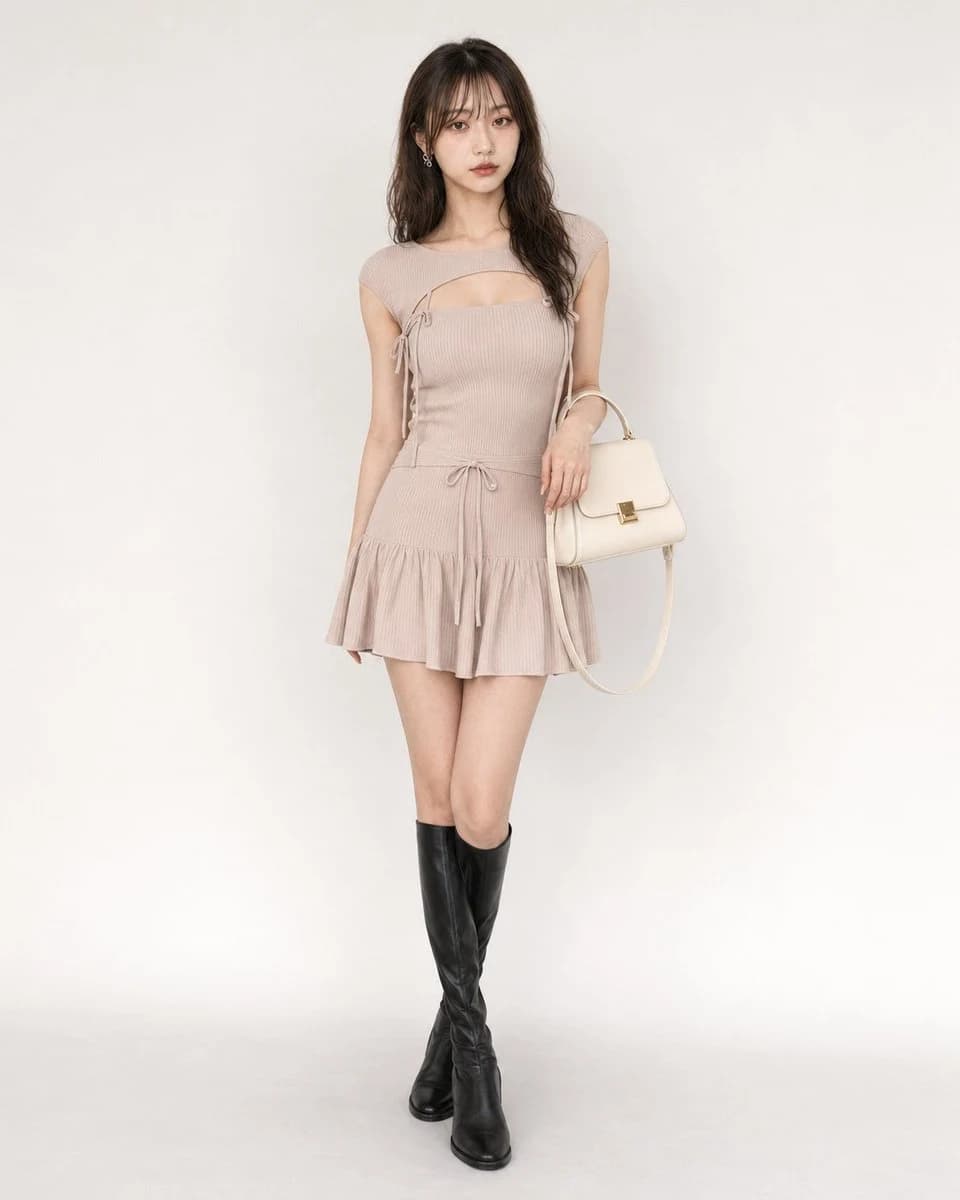
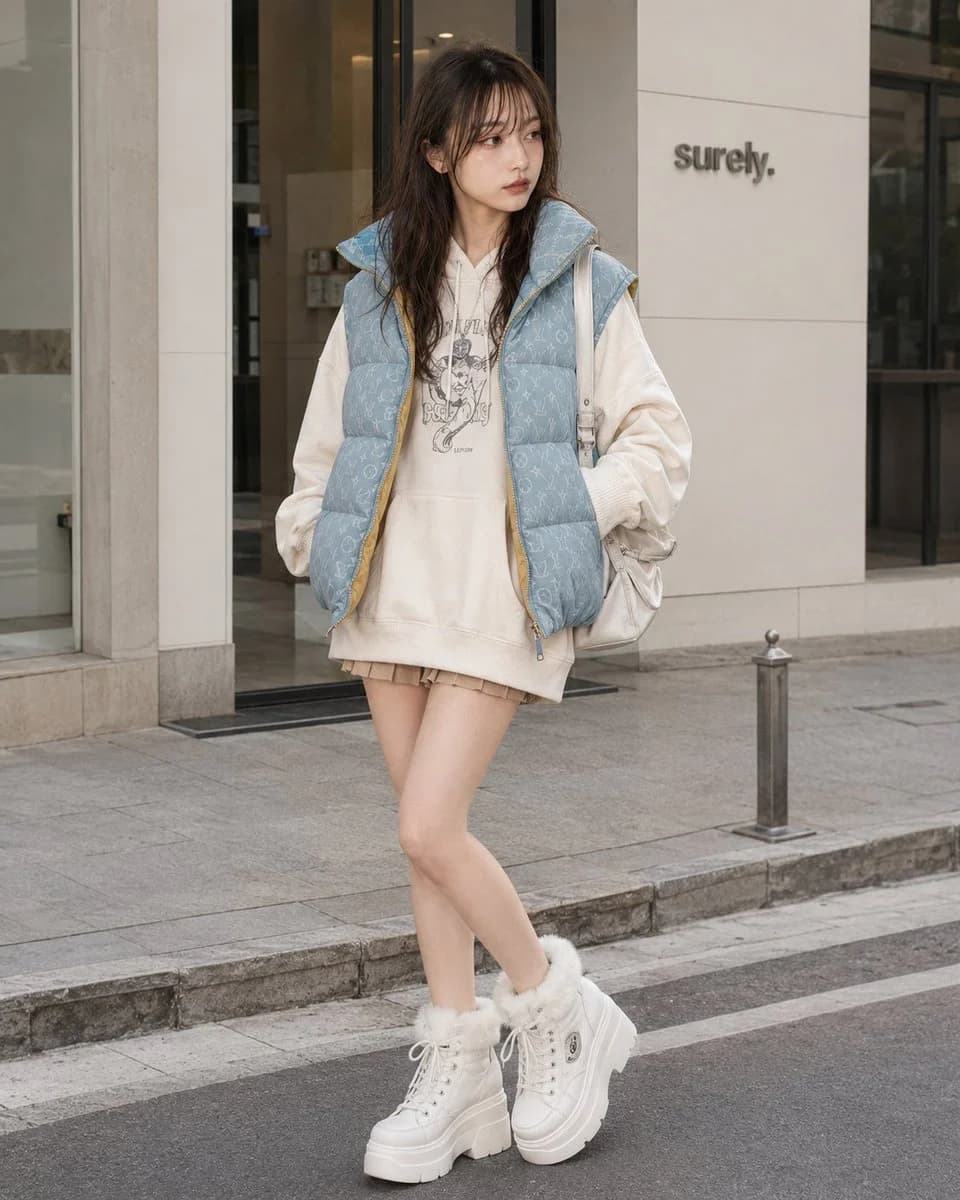
152 wordsOutfit: cute Y2K casual street outfit with an oversized {argument name="hoodie color" default="off-white"} cotton fleece hoodie worn in a mini-length silhouette, front pouch pocket, relaxed long sleeves, ribbed cuffs and hem, and a generalized chest graphic print, layered with a {argument name="vest color" default="light-blue"} washed denim-like quilted puffer vest featuring an all-over generalized monogram-style pattern, high padded collar, open front, believable padding volume, subtle yellow lining accent, visible seams, real folds, natural seam tension, realistic drape, clean stitching, premium fabric texture, and refined edge finishing; a very short beige to light-brown mini bottom subtly visible beneath the hoodie hem; white chunky platform lace-up sneaker boots with faux-fur ankle trim, thick rubber sole, metal eyelets, small generalized patch-like side details, high-quality material feel, detailed garment realism, not costume-like, not cheap-looking; add a random mix of delicate casual Y2K {argument name="accessory tone" default="silver-tone"} and white-tone accessories that match the outfit without fixing exact pieces.About this prompt
Y2K Casual Street Hoodie Outfit is a ready-to-use e-commerce prompt for GPT Image 2 on Image 2. Copy the 152 words below, paste them into the Create form, and you will get a result close to the preview above. Tweak the Product Ad, E-commerce, Product tag if you want to push it somewhere new.
Use it as a starting point, then adjust the subject, lighting, or composition to suit your idea. The credit cost stays the same whether you use it as written or customize it.
Use case
A strong starting point for E-commerce
Start here when you want a e-commerce image inspired by Y2K Casual Street Hoodie Outfit. The prompt already sets the look and composition; replace the subject, product, colors, or scene details to match your project.
Easy places to tweak
- Subject Swap in your person, product, place, or object without changing the overall composition.
- Look and mood Tune the lighting, palette, camera angle, or materials so the image fits your brand.
- Final format Set the aspect ratio, background, text, or layout notes before you generate.
More prompt paths to explore
Find more GPT Image 2 prompts with a similar style, use case, or subject.
How to use it
- Step 1
Copy the prompt
Hit the Copy button above to grab the full text.
- Step 2
Open Image 2 Create
Head to the Create form and paste it in.
- Step 3
Generate
Hit Generate. Your version lands in seconds.
Make it yours
Load the prompt into the Create form with one click, then start tweaking.