Prompt
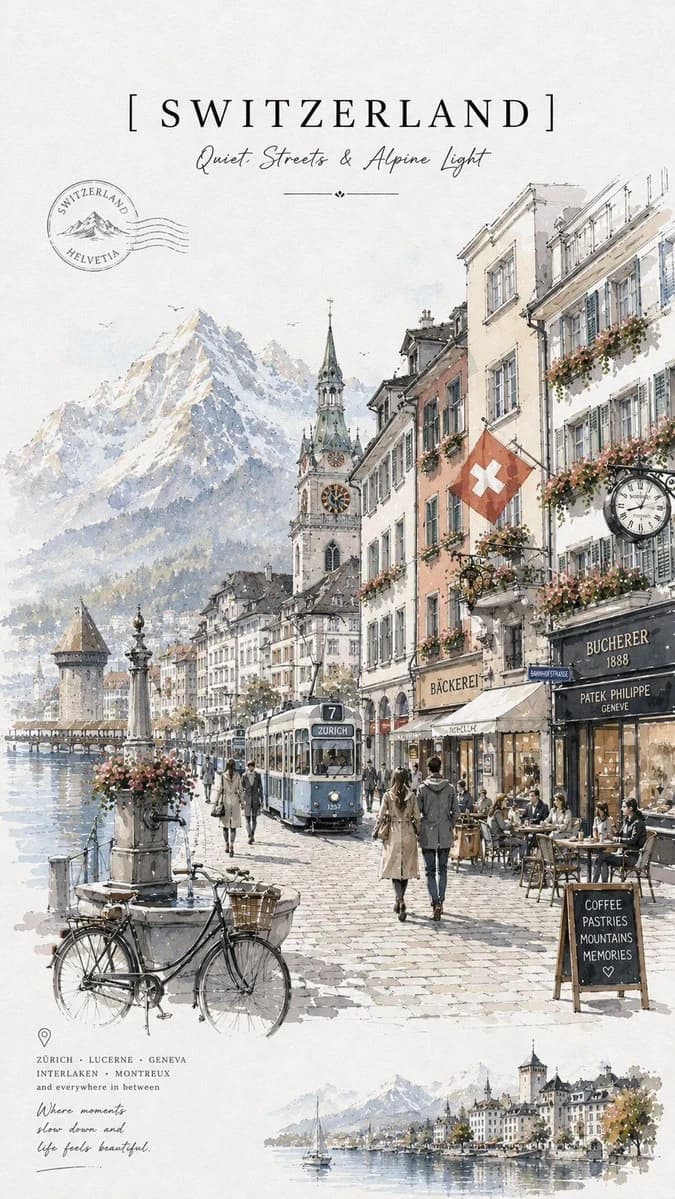
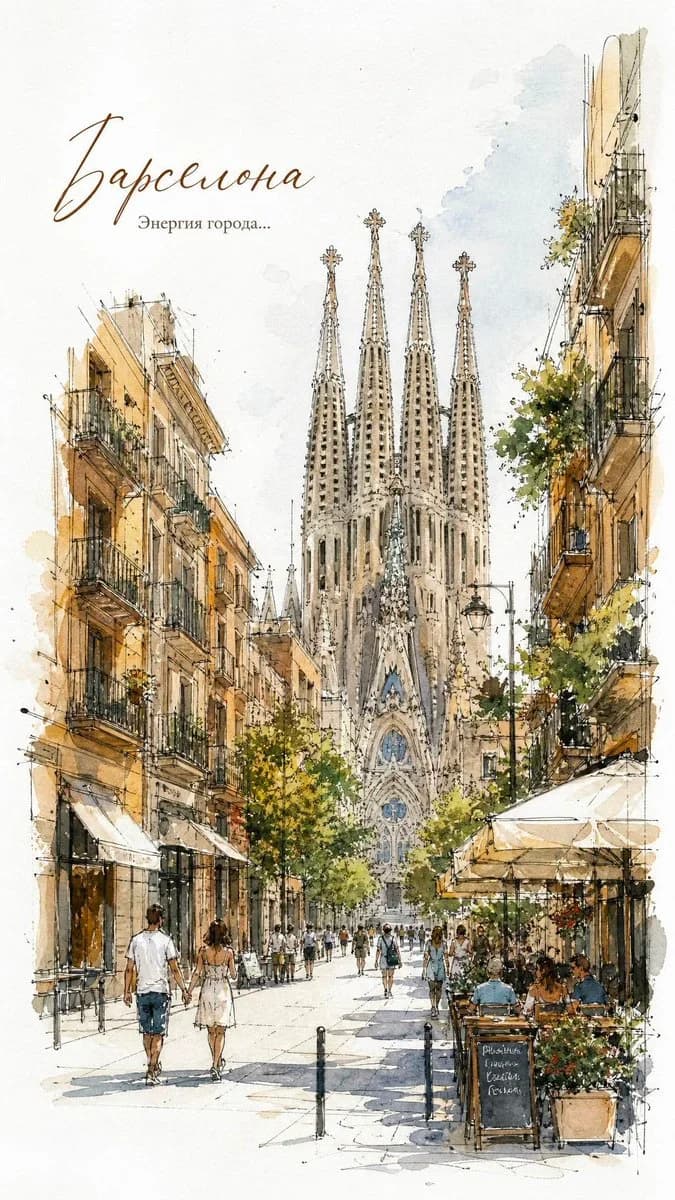
103 wordsElegant European city street travel poster, delicate watercolor and ink sketch illustration, hand-drawn architectural linework, soft pastel washes, urban streetscape with historic buildings, charming cafés, pedestrians strolling, outdoor terraces, detailed balconies, trees and flower boxes, loose expressive brushstrokes, architectural journal sketch style, travel diary aesthetic, white paper texture, minimal background, subtle paint splashes, fine pen outlines, sophisticated composition, light and airy atmosphere, vintage travel book illustration, high-detail watercolor rendering, muted earthy palette, European old-town charm, artistic perspective drawing, editorial illustration, premium stationery art, museum-quality watercolor, clean negative space, handwritten calligraphy title at the top, elegant typography, travel magazine cover design, masterpiece, ultra-detailed, 8k.
About this prompt
Watercolor European Travel Poster is a ready-to-use poster prompt for GPT Image 2 on Image 2. Copy the 103 words below, paste them into the Create form, and you will get a result close to the preview above. Tweak the Poster, Travel, Architecture tag if you want to push it somewhere new.
Use it as a starting point, then adjust the subject, lighting, or composition to suit your idea. The credit cost stays the same whether you use it as written or customize it.
Use case
A strong starting point for Poster
Start here when you want a poster image inspired by Watercolor European Travel Poster. The prompt already sets the look and composition; replace the subject, product, colors, or scene details to match your project.
Easy places to tweak
- Subject Swap in your person, product, place, or object without changing the overall composition.
- Look and mood Tune the lighting, palette, camera angle, or materials so the image fits your brand.
- Final format Set the aspect ratio, background, text, or layout notes before you generate.
More prompt paths to explore
Find more GPT Image 2 prompts with a similar style, use case, or subject.
How to use it
- Step 1
Copy the prompt
Hit the Copy button above to grab the full text.
- Step 2
Open Image 2 Create
Head to the Create form and paste it in.
- Step 3
Generate
Hit Generate. Your version lands in seconds.
Make it yours
Load the prompt into the Create form with one click, then start tweaking.