Prompt
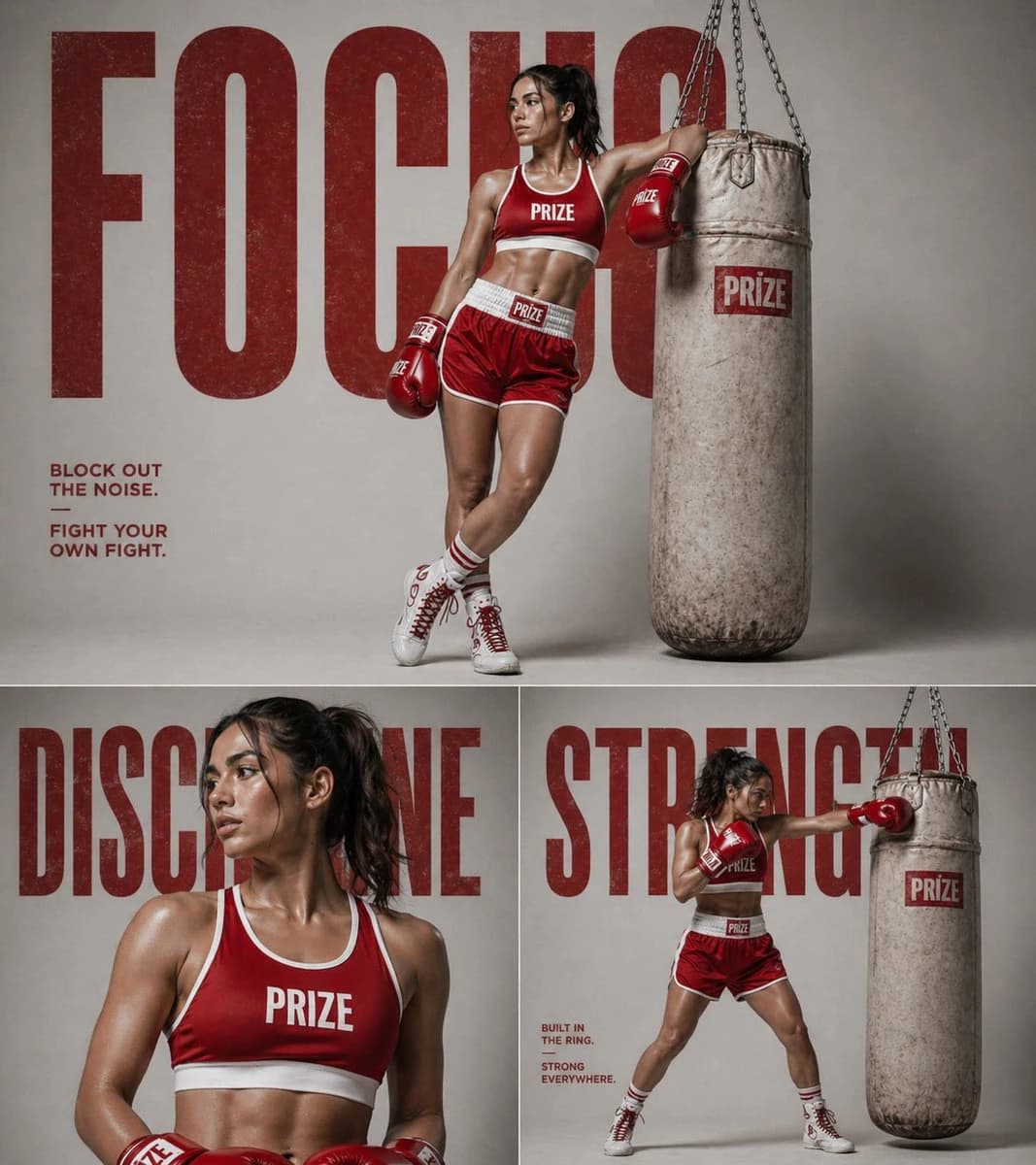
185 wordsPixPretty @PixPrettyAI with GPT Image 2 has been quietly setting a new standard over the past few days Prompt : A premium sports fashion campaign featuring a confident athletic woman wearing a red and white retro roller skating outfit, styled in a minimal studio environment with bold red and beige tones. Top frame: full-body shot of the model sitting casually on a concrete ledge, wearing white roller skates with red wheels, one leg extended and the other bent, looking sideways with a strong editorial pose. Background features large bold typography reading “FREEDOM” in oversized letters. Bottom left frame: close-up portrait of the model with glowing skin, slicked-back hair, and sharp lighting emphasizing facial structure. Minimal text “OWN YOUR PACE” placed beside her. Bottom right frame: dynamic action pose of the model skating low to the ground, hand reaching forward, showcasing motion and strength. Background includes minimal graphic lines and text “BALANCE FLOW FREEDOM”. Style: high-end commercial photography, sharp details, cinematic lighting, glossy skin highlights, strong shadows, ultra-clean composition, brand campaign aesthetic, Nike/Adidas inspired, 1:1 layout, grid collage format, editorial typography, bold color blocking, 4K resolution.
About this prompt
Retro Roller Skating Campaign is a ready-to-use ad creative prompt for GPT Image 2 on Image 2. Copy the 185 words below, paste them into the Create form, and you will get a result close to the preview above. Tweak the Product Ad, Ad Creative, Fashion tag if you want to push it somewhere new.
Use it as a starting point, then adjust the subject, lighting, or composition to suit your idea. The credit cost stays the same whether you use it as written or customize it.
Use case
A strong starting point for Ad Creative
Start here when you want a ad creative image inspired by Retro Roller Skating Campaign. The prompt already sets the look and composition; replace the subject, product, colors, or scene details to match your project.
Easy places to tweak
- Subject Swap in your person, product, place, or object without changing the overall composition.
- Look and mood Tune the lighting, palette, camera angle, or materials so the image fits your brand.
- Final format Set the aspect ratio, background, text, or layout notes before you generate.
More prompt paths to explore
Find more GPT Image 2 prompts with a similar style, use case, or subject.
How to use it
- Step 1
Copy the prompt
Hit the Copy button above to grab the full text.
- Step 2
Open Image 2 Create
Head to the Create form and paste it in.
- Step 3
Generate
Hit Generate. Your version lands in seconds.
Make it yours
Load the prompt into the Create form with one click, then start tweaking.