Prompt
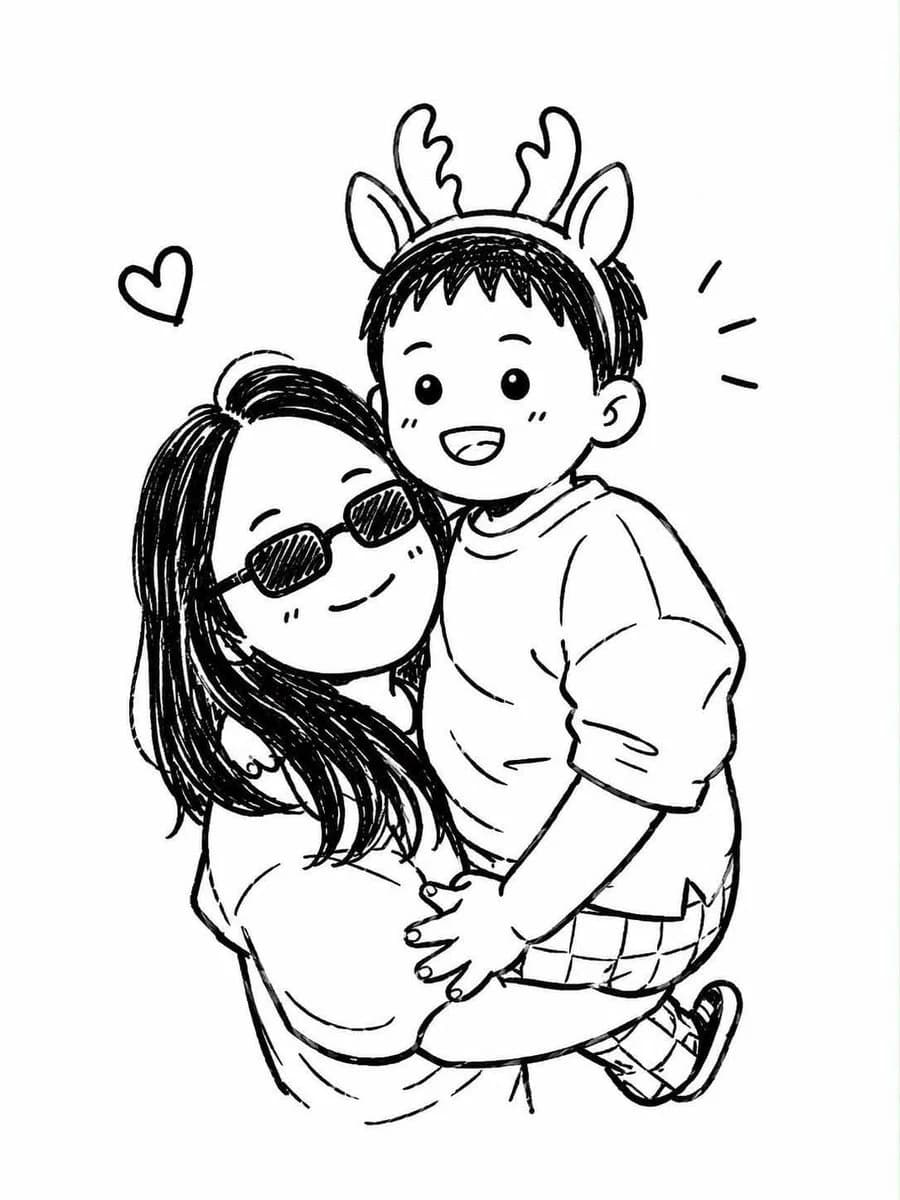
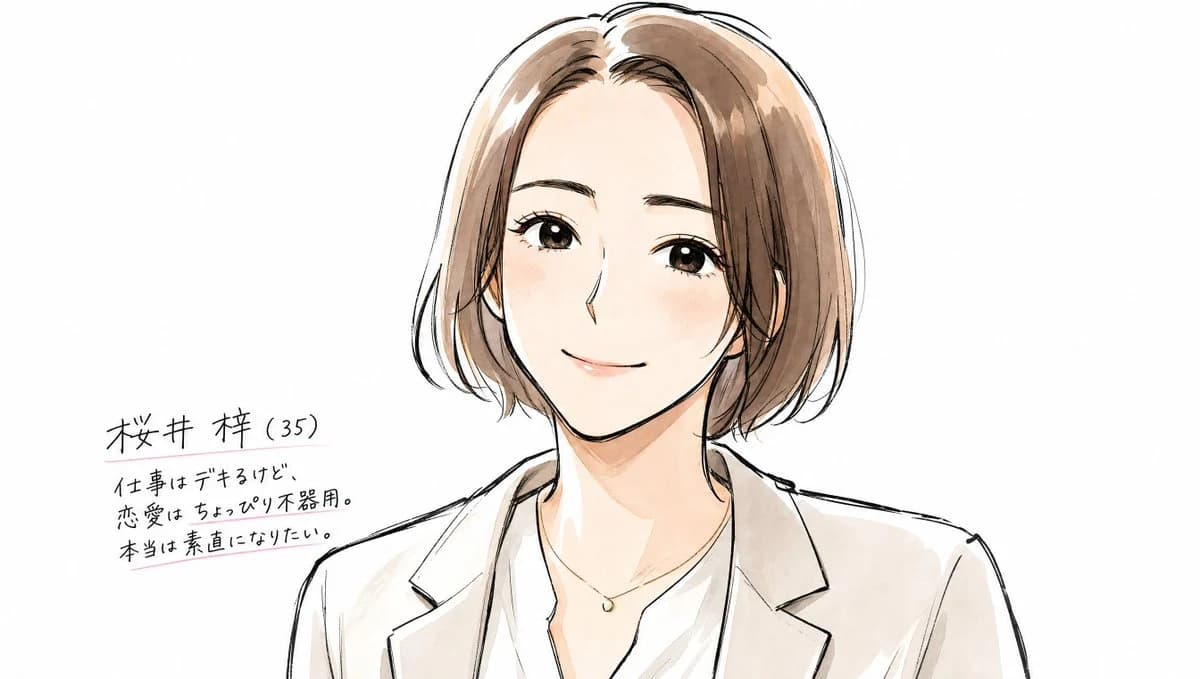
159 wordsUsing REFERENCE_0 as the character base, redraw the rough black-and-white sketch into a polished, original anime character design sheet while keeping the same bust-up composition, short bob hairstyle, blazer-and-blouse outfit, and face-obscuring rectangle placement. Convert the sketch into clean expressive ink lines with soft watercolor-style coloring: warm brown hair, natural skin tones, a light beige blazer, white blouse, and a small delicate necklace. Keep the background plain white and expand the canvas horizontally so there is empty space on the left for handwritten character notes.
Add exactly 4 handwritten Japanese text lines on the left side, in black ink with subtle pink underline accents:
1. {argument name="character name" default="桜井 梓(35)"}
2. {argument name="profile line one" default="仕事はデキるけど、"}
3. {argument name="profile line two" default="恋愛はちょっぴり不器用。"}
4. {argument name="profile line three" default="本当は素直になりたい。"}
Style: refined but still sketch-like anime illustration, clean corrected anatomy, loose hand-drawn linework, soft marker/watercolor shading, gentle contemporary character-concept art feel. Do not add a detailed background, props, or extra characters.About this prompt
Polished Anime Character Sheet is a ready-to-use poster prompt for GPT Image 2 on Image 2. Copy the 159 words below, paste them into the Create form, and you will get a result close to the preview above. Tweak the Poster, Comic, Storyboard tag if you want to push it somewhere new.
Use it as a starting point, then adjust the subject, lighting, or composition to suit your idea. The credit cost stays the same whether you use it as written or customize it.
Use case
A strong starting point for Poster
Start here when you want a poster image inspired by Polished Anime Character Sheet. The prompt already sets the look and composition; replace the subject, product, colors, or scene details to match your project.
Easy places to tweak
- Subject Swap in your person, product, place, or object without changing the overall composition.
- Look and mood Tune the lighting, palette, camera angle, or materials so the image fits your brand.
- Final format Set the aspect ratio, background, text, or layout notes before you generate.
More prompt paths to explore
Find more GPT Image 2 prompts with a similar style, use case, or subject.
How to use it
- Step 1
Copy the prompt
Hit the Copy button above to grab the full text.
- Step 2
Open Image 2 Create
Head to the Create form and paste it in.
- Step 3
Generate
Hit Generate. Your version lands in seconds.
Make it yours
Load the prompt into the Create form with one click, then start tweaking.