Prompt
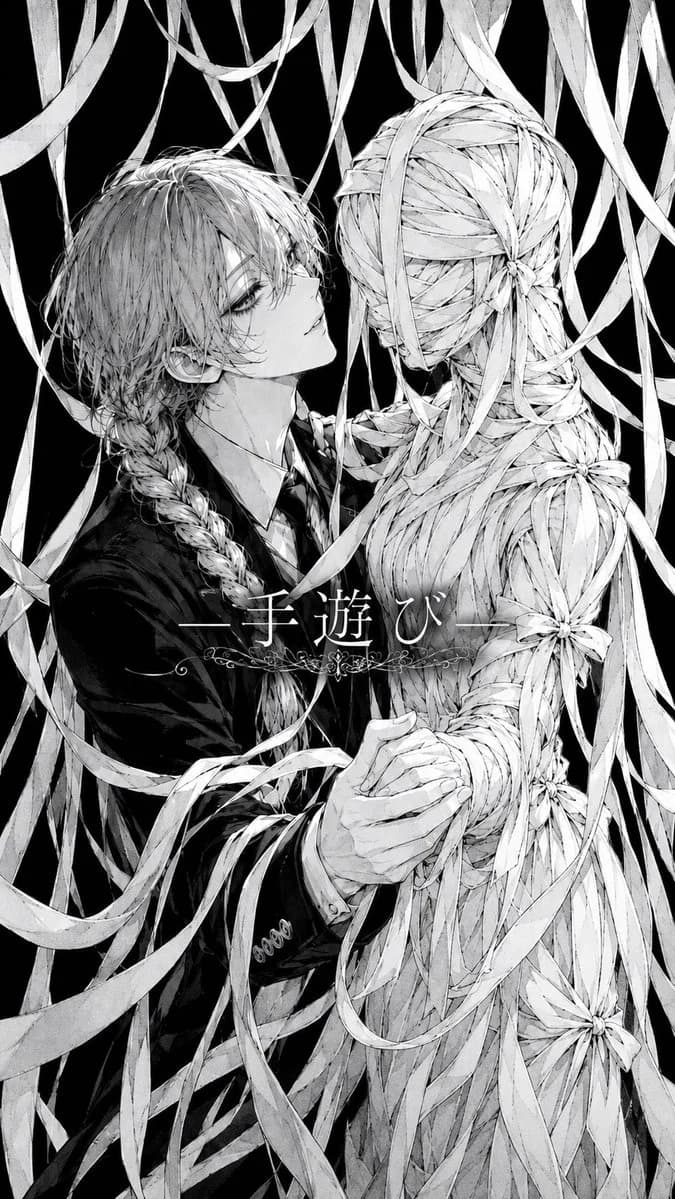
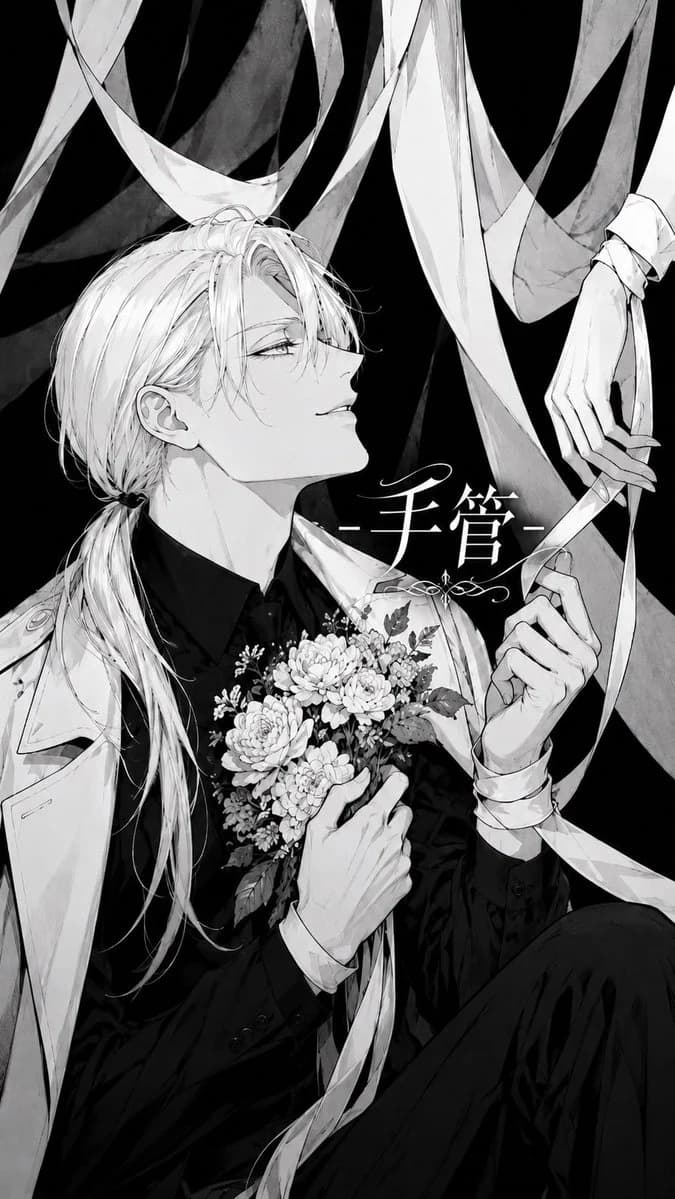
222 wordsCreate a vertical monochrome manga illustration in an elegant gothic shoujo style. A beautiful androgynous young man with {argument name="hair color" default="pale platinum blond"} long hair tied in a low ponytail sits in a dramatic three-quarter pose against a deep black background. He has sharp delicate features, half-lidded eyes, a faint confident smile, and loose bangs falling across his face. He wears a black formal shirt and suit with a light trench coat or cloak draped over his shoulders. One hand holds a dense bouquet of small detailed flowers at his chest, and the other hand delicately manipulates long white ribbon strips like puppet strings. Include exactly one separate elegant mannequin-like hand entering from the upper right, also tangled in the ribbon, with long thin fingers. Surround the figure with exactly eight broad flowing translucent white ribbons crossing the image diagonally and vertically, some wrapping around the wrist and bouquet. Place ornate Japanese title text {argument name="title text" default="手管"} in white near the center-right with thin horizontal dash marks on both sides and a small decorative flourish beneath it. Use high-contrast black, white, and gray ink wash shading, fine linework, intricate hair strands, detailed floral petals and leaves, subtle screentone texture, and a mysterious theatrical mood. Canvas aspect ratio 9:16, close crop from head to knees, no color except grayscale, no watermark.About this prompt
Monochrome Gothic Manga Puppet Ribbons is a ready-to-use character design prompt for GPT Image 2 on Image 2. Copy the 222 words below, paste them into the Create form, and you will get a result close to the preview above. Tweak the Comic, Storyboard, Portrait tag if you want to push it somewhere new.
Use it as a starting point, then adjust the subject, lighting, or composition to suit your idea. The credit cost stays the same whether you use it as written or customize it.
Use case
A strong starting point for Character Design
Start here when you want a character design image inspired by Monochrome Gothic Manga Puppet Ribbons. The prompt already sets the look and composition; replace the subject, product, colors, or scene details to match your project.
Easy places to tweak
- Subject Swap in your person, product, place, or object without changing the overall composition.
- Look and mood Tune the lighting, palette, camera angle, or materials so the image fits your brand.
- Final format Set the aspect ratio, background, text, or layout notes before you generate.
More prompt paths to explore
Find more GPT Image 2 prompts with a similar style, use case, or subject.
How to use it
- Step 1
Copy the prompt
Hit the Copy button above to grab the full text.
- Step 2
Open Image 2 Create
Head to the Create form and paste it in.
- Step 3
Generate
Hit Generate. Your version lands in seconds.
Make it yours
Load the prompt into the Create form with one click, then start tweaking.