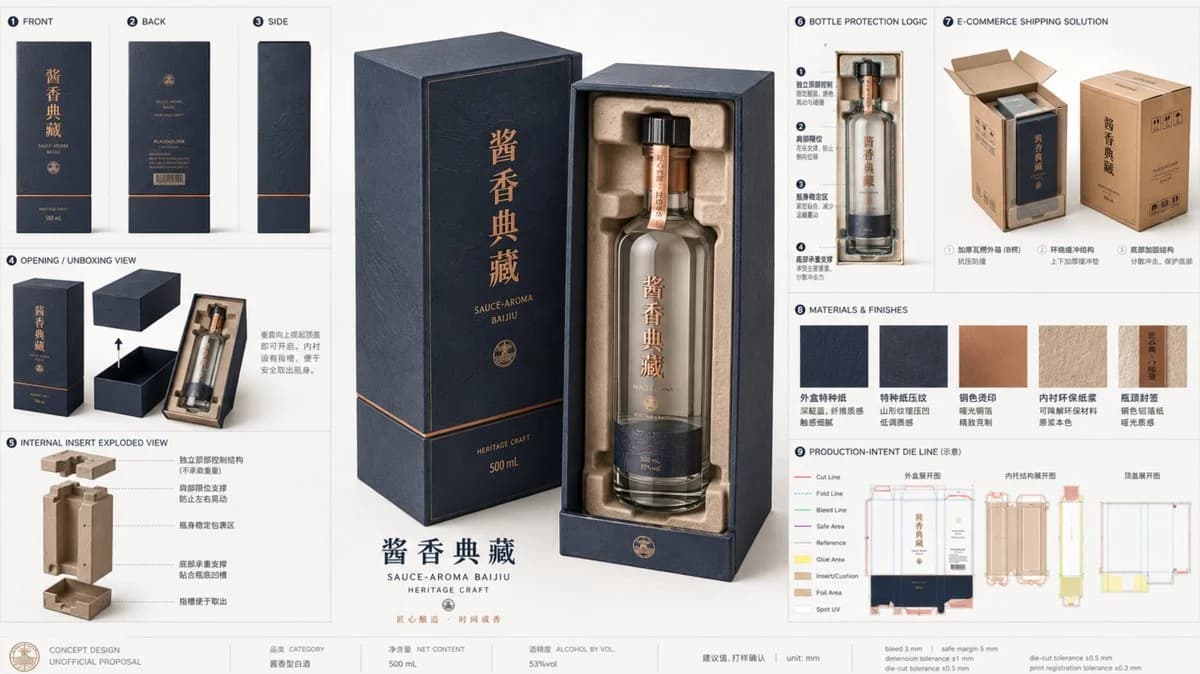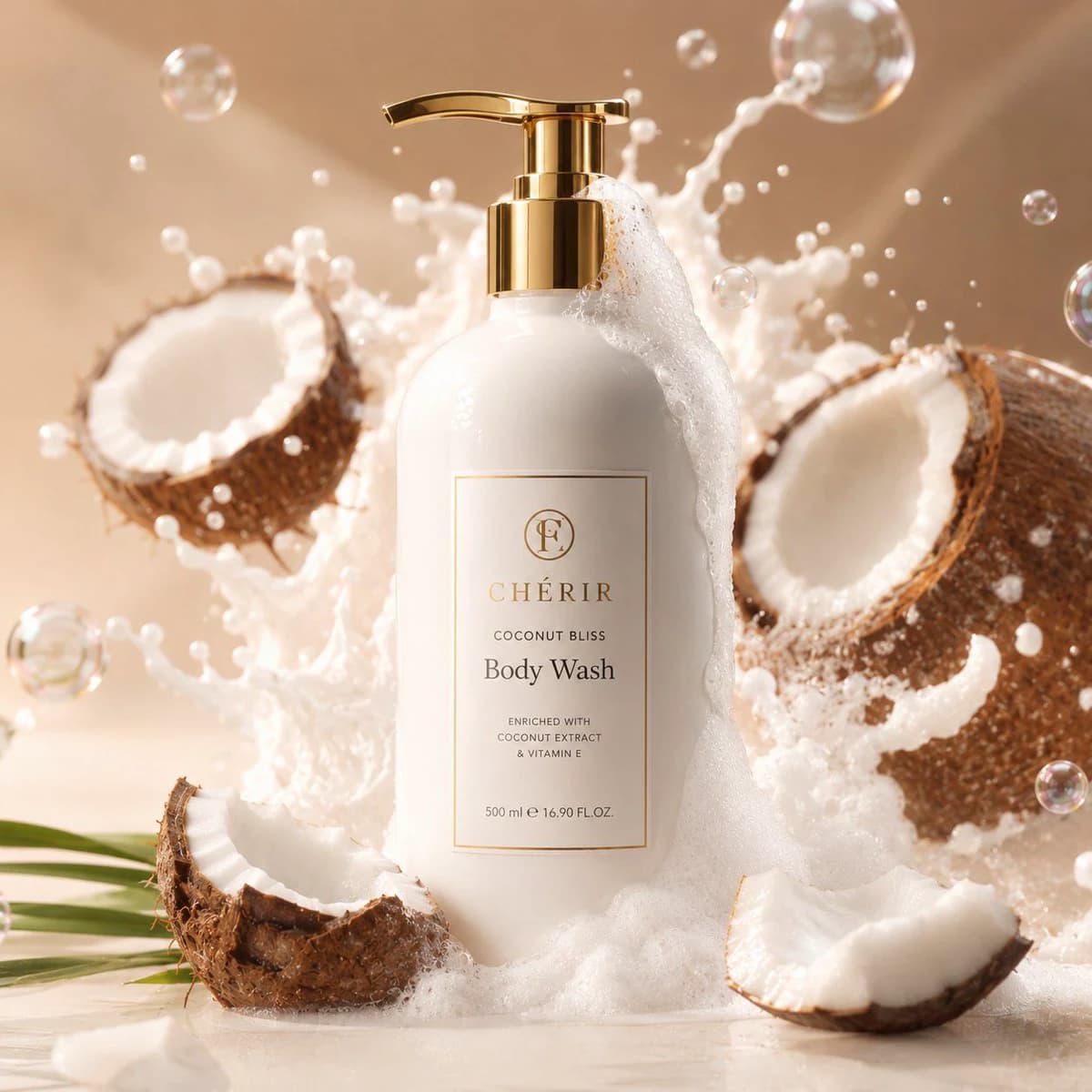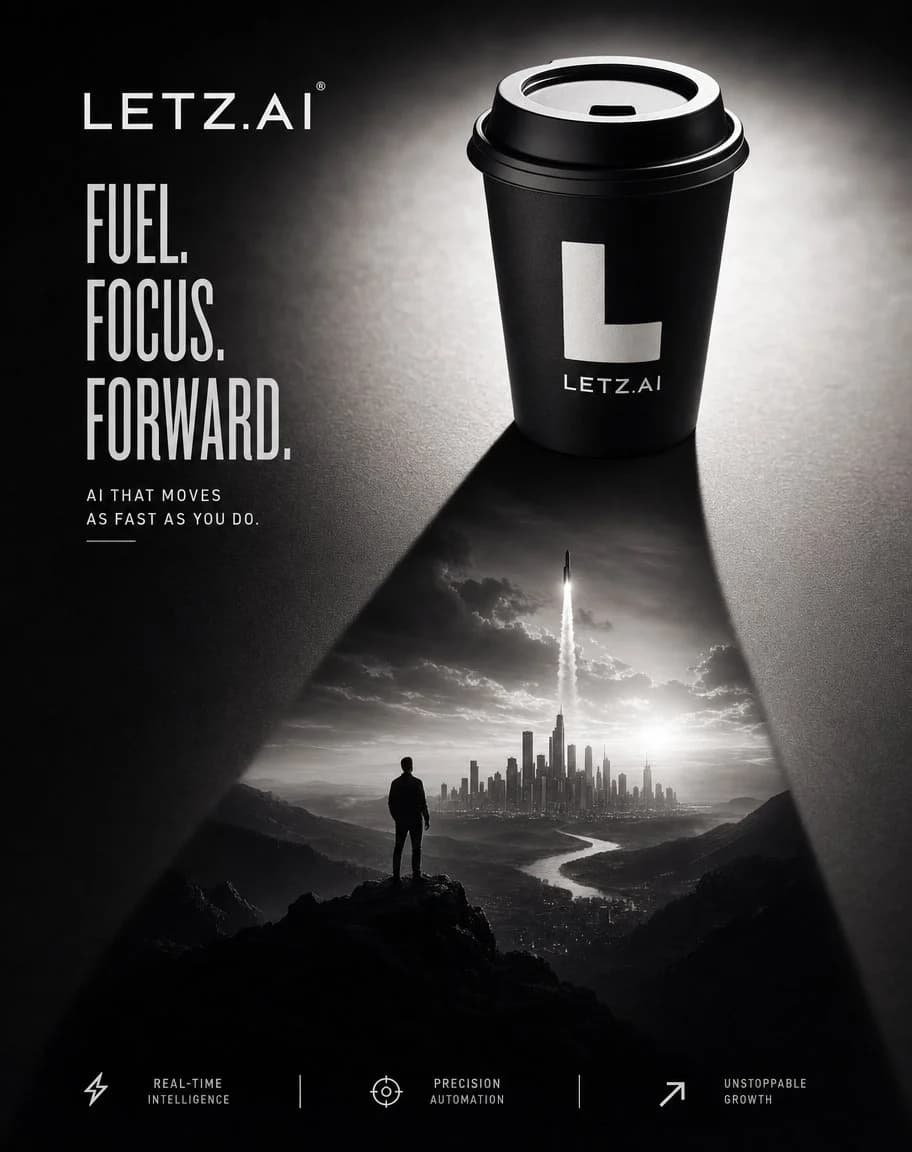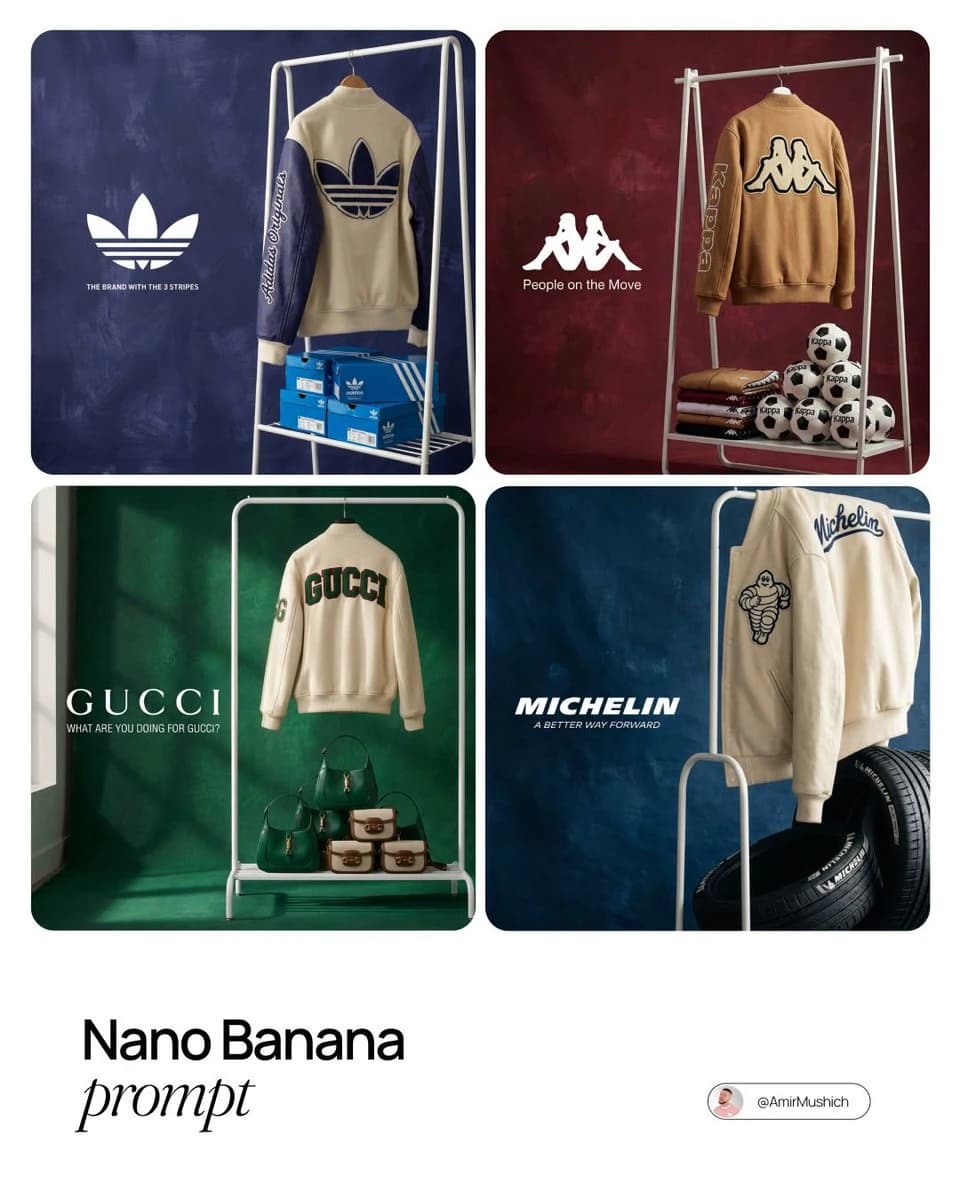
Prompt
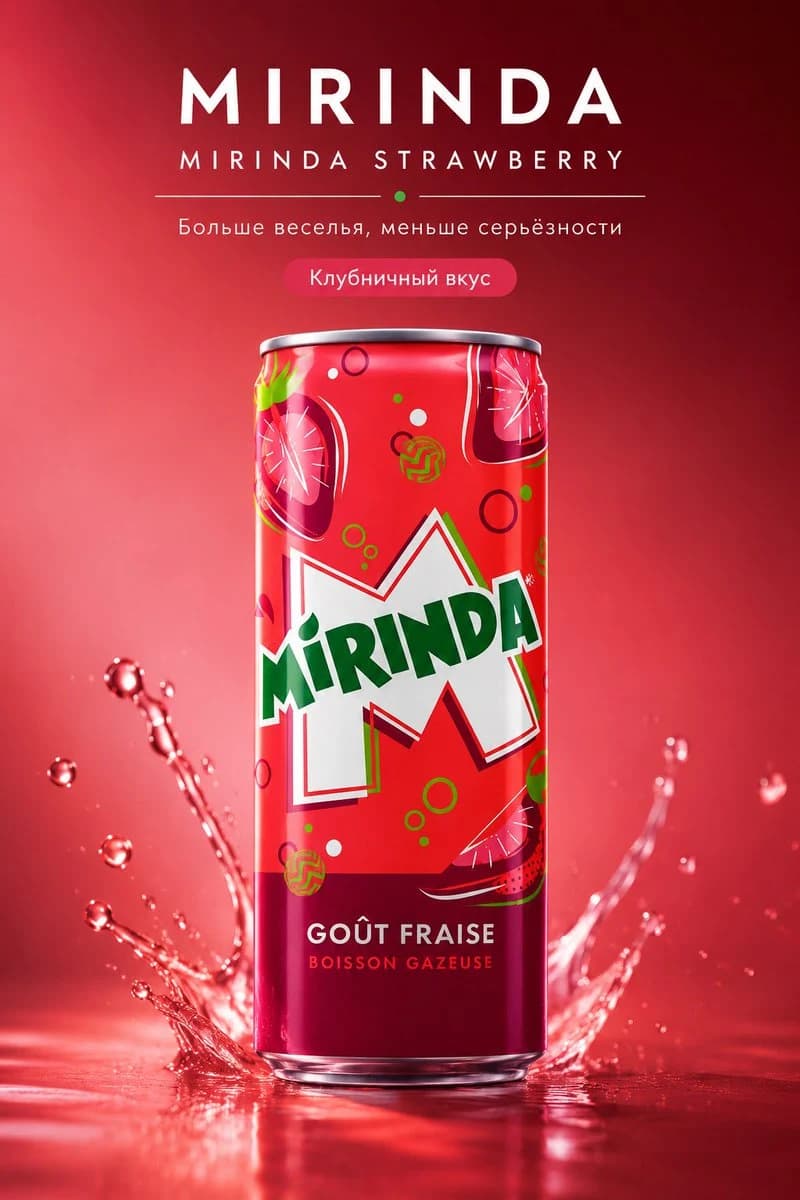
394 wordsUse the uploaded product photo as the exact reference. Preserve the exact packaging shape, proportions, material, color, lid, label, text placement, logo, design details, and overall recognizable appearance of the product. Do not alter the packaging, do not invent a different design, do not replace the brand, and do not distort the product. Create an ultra-premium advertising poster in the format of a hyper-real product campaign. The main object is the product from the reference photo. It must be the absolute hero object and dominate the composition. The image should look expensive, clean, aesthetic, modern, and advertising-driven, like a world-class luxury commercial campaign. Use a vertical composition. Place one product exactly in the center or slightly above center. The product must be rendered with maximum photorealism: accurate packaging, realistic materials, a crisp label, clearly legible branding, premium reflections, clean highlights, dimensionality, and a polished presentation. If appropriate, add a restrained visual accent around the product related to its texture, formula, or essence: a flowing ribbon, soft enveloping motion, delicate particles, droplets, creamy texture, glassy shine, aromatic mist, or another neat sculptural element. Everything should look controlled, elegant, and premium, without chaos or overload. The background should be minimal, clean, expensive-looking, with a soft depth gradient. The background color should harmonize with the product and enhance its premium look. No extra objects, no crowded environment, no visual noise. Lighting should be premium studio lighting, soft and cinematic. Clean highlights on the packaging, soft rim light, neat shadows, beautiful dimensionality, and elegant falloff into the background. The image should look appetizing, clean, luxurious, and professional. The image must include text in Russian, with no mistakes, beautifully integrated into the design. Use minimal premium typography: a clean modern font, elegant layout, no clutter. Add: brand name: “[BRAND NAME]” product name: “[PRODUCT NAME]” short slogan: “[SHORT SLOGAN]” additional phrase if needed: “[ADDITIONAL PHRASE]” The text should look like part of an expensive advertising campaign: concise, stylish, premium, and readable. Overall mood: luxury, premium commercial, clean beauty / luxury food / premium lifestyle / high-end product campaign, depending on the product type. Final style: hyper-real product photography, premium advertising aesthetic, world-class campaign quality, 8k, clean luxury design. Negative prompt: distorted packaging, incorrect label, weak branding, chaotic effects, cluttered background, cheap advertising style, dirty shadows, noise, unreadable text, mistakes in Russian text, plastic texture, poor-quality materials, extra objects, sloppy typography.
About this prompt
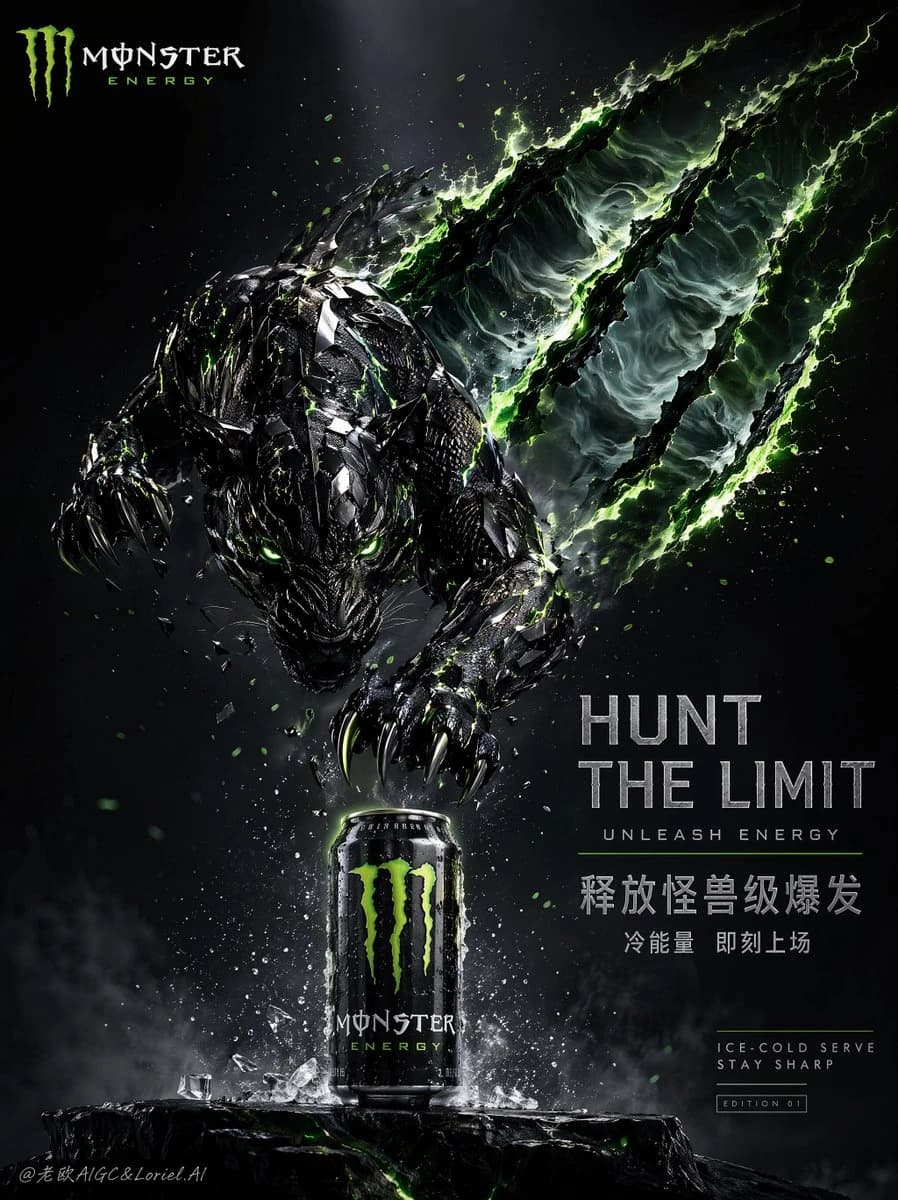
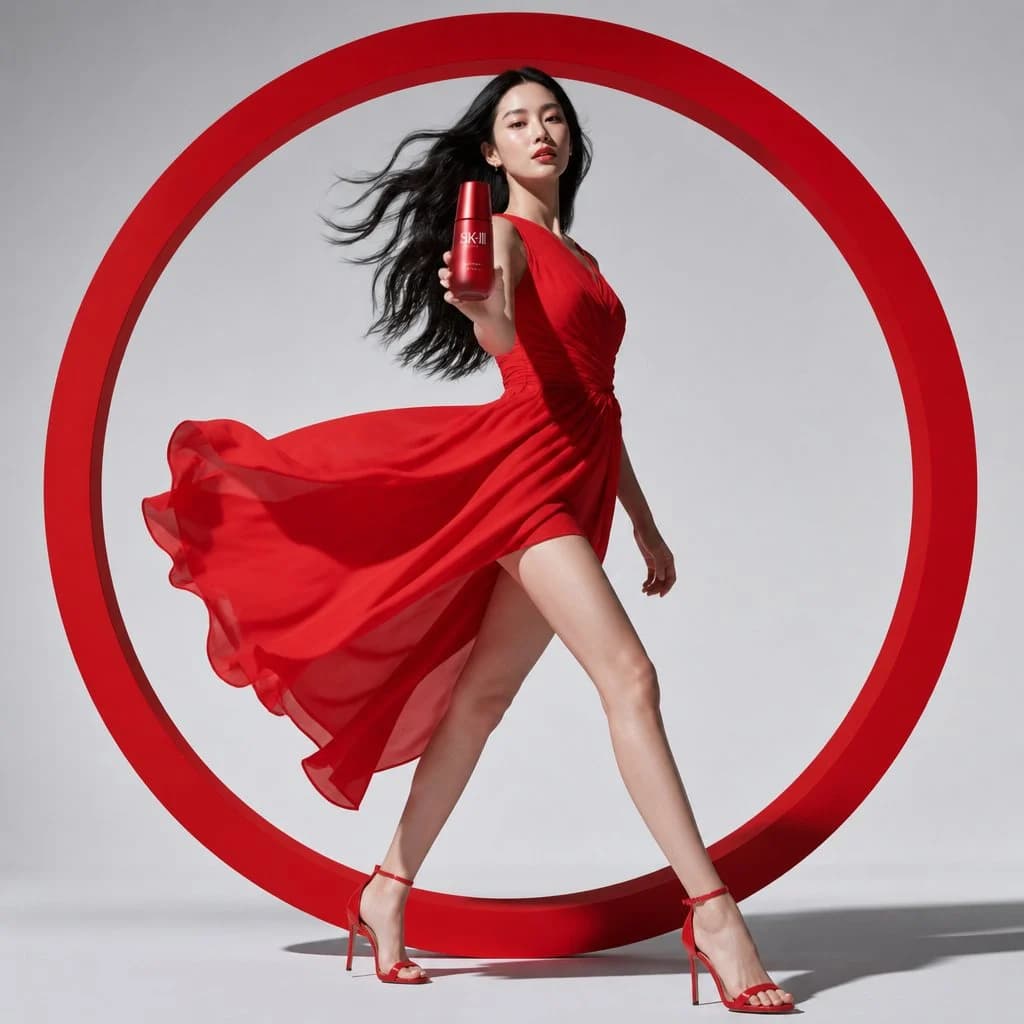
Luxury Product Campaign Advertising Poster is a ready-to-use ad creative prompt for GPT Image 2 on Image 2. Copy the 394 words below, paste them into the Create form, and you will get a result close to the preview above. Tweak the Product Ad, Ad Creative, Product tag if you want to push it somewhere new.
Use it as a starting point, then adjust the subject, lighting, or composition to suit your idea. The credit cost stays the same whether you use it as written or customize it.
Use case
A strong starting point for Ad Creative
Start here when you want a ad creative image inspired by Luxury Product Campaign Advertising Poster. The prompt already sets the look and composition; replace the subject, product, colors, or scene details to match your project.
Easy places to tweak
- Subject Swap in your person, product, place, or object without changing the overall composition.
- Look and mood Tune the lighting, palette, camera angle, or materials so the image fits your brand.
- Final format Set the aspect ratio, background, text, or layout notes before you generate.
More prompt paths to explore
Find more GPT Image 2 prompts with a similar style, use case, or subject.
How to use it
- Step 1
Copy the prompt
Hit the Copy button above to grab the full text.
- Step 2
Open Image 2 Create
Head to the Create form and paste it in.
- Step 3
Generate
Hit Generate. Your version lands in seconds.
Make it yours
Load the prompt into the Create form with one click, then start tweaking.