Prompt
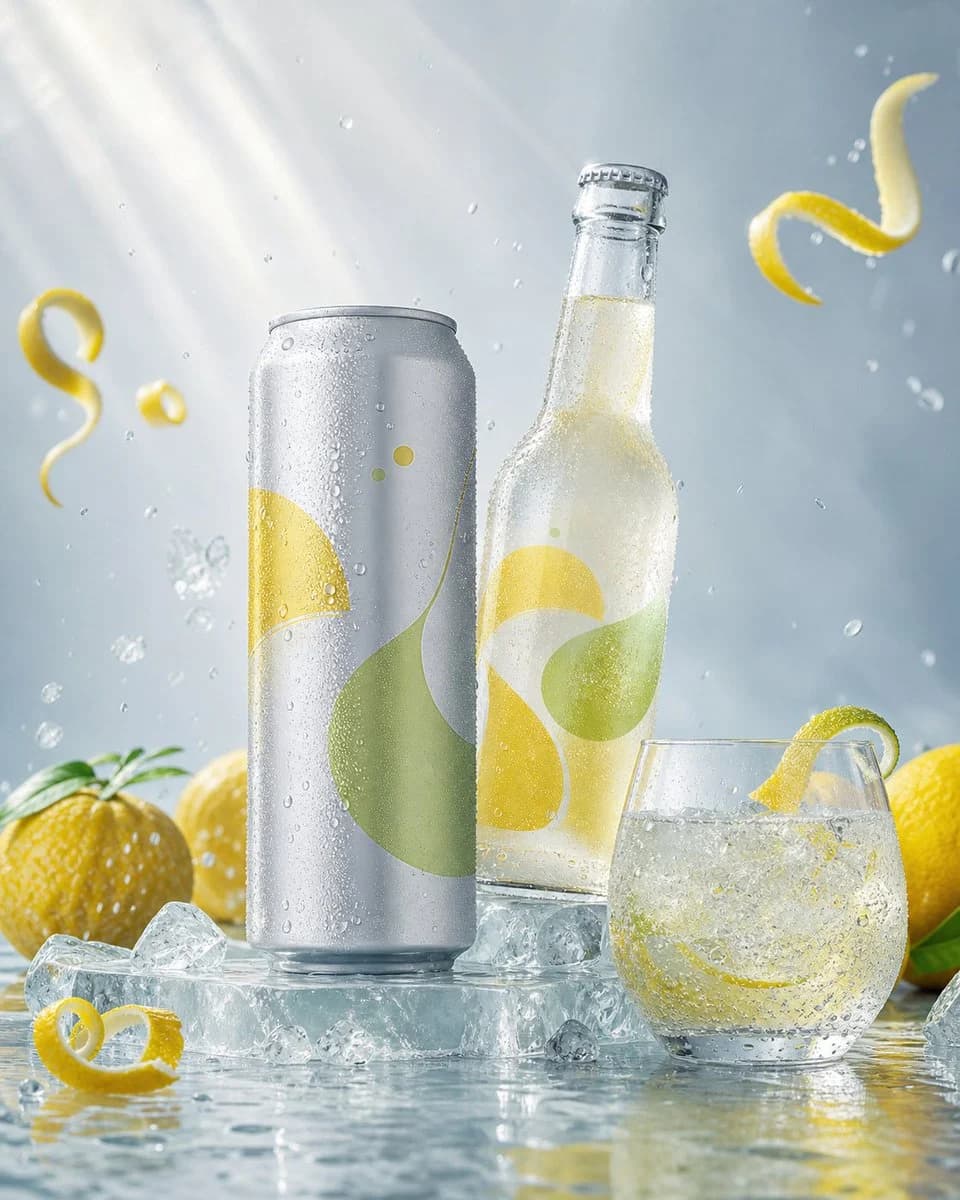
36 wordspremium FMCG advertisement, original unbranded {argument name="drink type" default="yuzu sparkling drink"}, sleek can and clear bottle, icy translucent platform, condensation droplets, citrus peel curls, carbonated bubbles, luxury commercial retouching, no readable text, no logo, no humans.About this prompt
Luxury Citrus Sparkling Drink Advertisement is a ready-to-use e-commerce prompt for GPT Image 2 on Image 2. Copy the 36 words below, paste them into the Create form, and you will get a result close to the preview above. Tweak the Product Ad, E-commerce, Product tag if you want to push it somewhere new.
Use it as a starting point, then adjust the subject, lighting, or composition to suit your idea. The credit cost stays the same whether you use it as written or customize it.
Use case
A strong starting point for E-commerce
Start here when you want a e-commerce image inspired by Luxury Citrus Sparkling Drink Advertisement. The prompt already sets the look and composition; replace the subject, product, colors, or scene details to match your project.
Easy places to tweak
- Subject Swap in your person, product, place, or object without changing the overall composition.
- Look and mood Tune the lighting, palette, camera angle, or materials so the image fits your brand.
- Final format Set the aspect ratio, background, text, or layout notes before you generate.
More prompt paths to explore
Find more GPT Image 2 prompts with a similar style, use case, or subject.
How to use it
- Step 1
Copy the prompt
Hit the Copy button above to grab the full text.
- Step 2
Open Image 2 Create
Head to the Create form and paste it in.
- Step 3
Generate
Hit Generate. Your version lands in seconds.
Make it yours
Load the prompt into the Create form with one click, then start tweaking.