Prompt
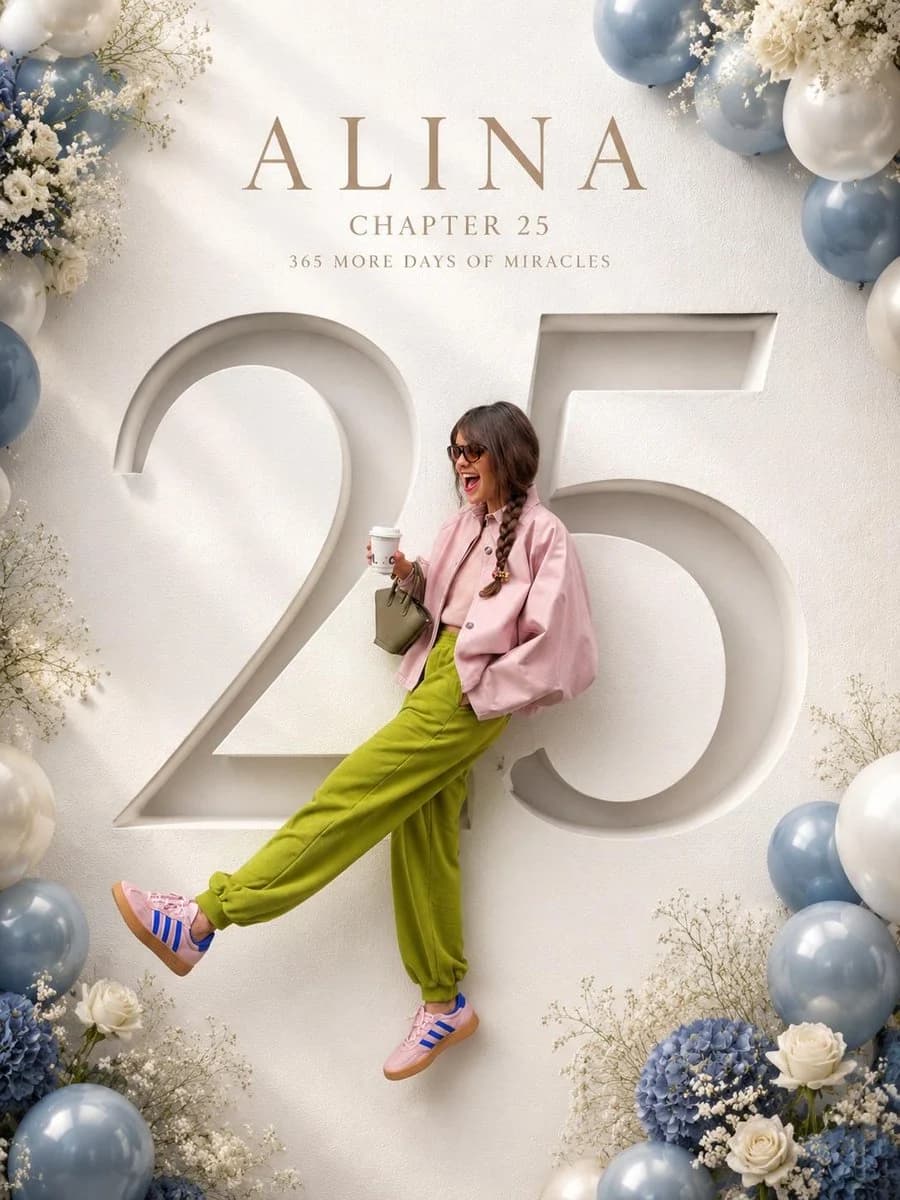
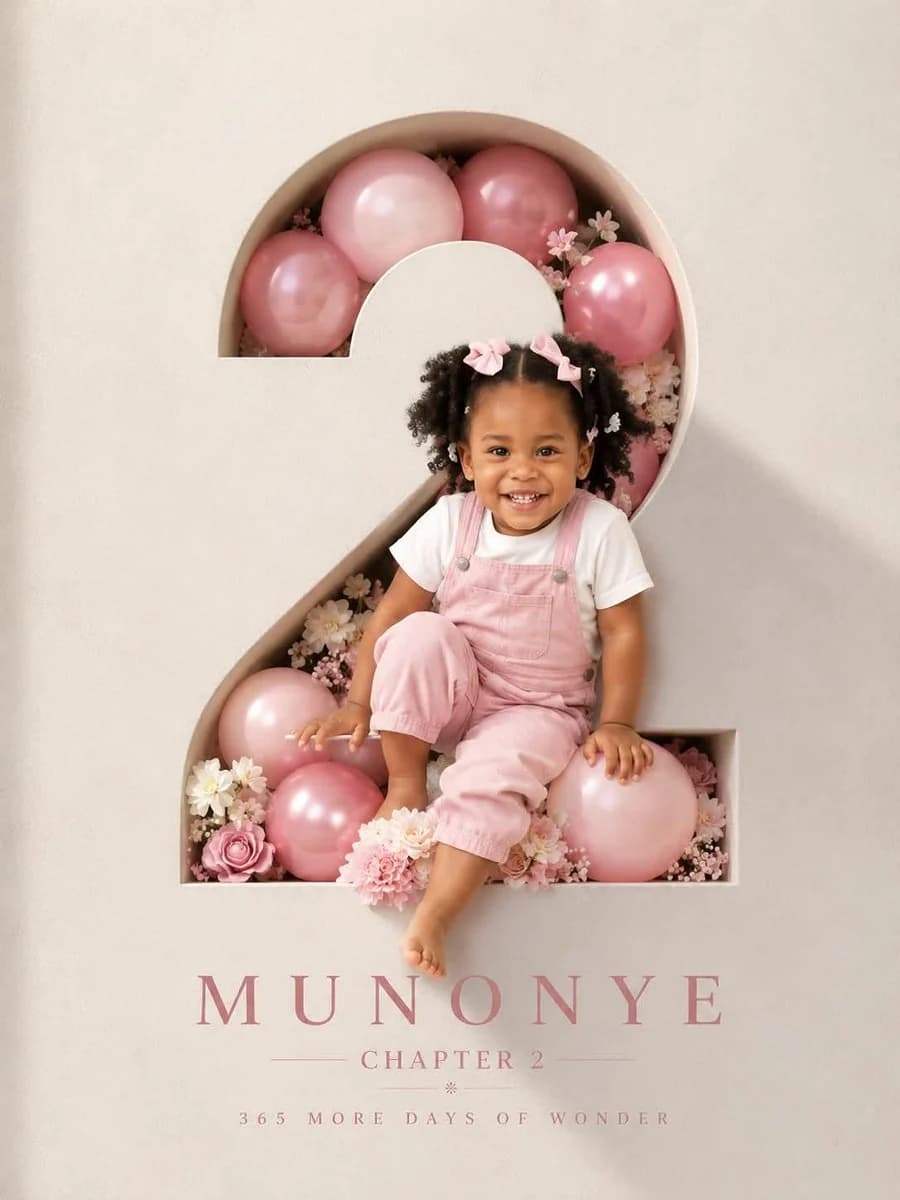
142 wordsProfessional luxury birthday poster, 3:4 ratio. Entire frame filled with a premium off white luxury paper textured wall. Large number “2” precisely carved in the wall with visible depth and realistic inner shadows. Inside the number: soft pink and pink balloons, subtle white flowers, elegant bouquet arrangement, premium celebration styling. A happy 2 year old child with preserved reference facial features, wearing a milky white T shirt and pink denim overalls, laughing naturally. Face, shoulder, one hand and one foot extend outside the number creating a realistic 3D effect. Warm cinematic sunlight from one side, soft rim light, photorealistic skin, premium studio photography, ultra realistic, sharp focus. Typography on wall: MUNONYE, CHAPTER 2, 365 MORE DAYS OF WONDER. Clean minimalist layout, luxury magazine cover aesthetic, high end art direction, realistic shadows, natural colors, no tree shadows, no fake lighting, no AI artifacts.
About this prompt
Luxury Birthday Poster 3:4 is a ready-to-use poster prompt for GPT Image 2 on Image 2. Copy the 142 words below, paste them into the Create form, and you will get a result close to the preview above. Tweak the Poster, 3D, Luxury tag if you want to push it somewhere new.
Use it as a starting point, then adjust the subject, lighting, or composition to suit your idea. The credit cost stays the same whether you use it as written or customize it.
Use case
A strong starting point for Poster
Start here when you want a poster image inspired by Luxury Birthday Poster 3:4. The prompt already sets the look and composition; replace the subject, product, colors, or scene details to match your project.
Easy places to tweak
- Subject Swap in your person, product, place, or object without changing the overall composition.
- Look and mood Tune the lighting, palette, camera angle, or materials so the image fits your brand.
- Final format Set the aspect ratio, background, text, or layout notes before you generate.
More prompt paths to explore
Find more GPT Image 2 prompts with a similar style, use case, or subject.
How to use it
- Step 1
Copy the prompt
Hit the Copy button above to grab the full text.
- Step 2
Open Image 2 Create
Head to the Create form and paste it in.
- Step 3
Generate
Hit Generate. Your version lands in seconds.
Make it yours
Load the prompt into the Create form with one click, then start tweaking.