Prompt
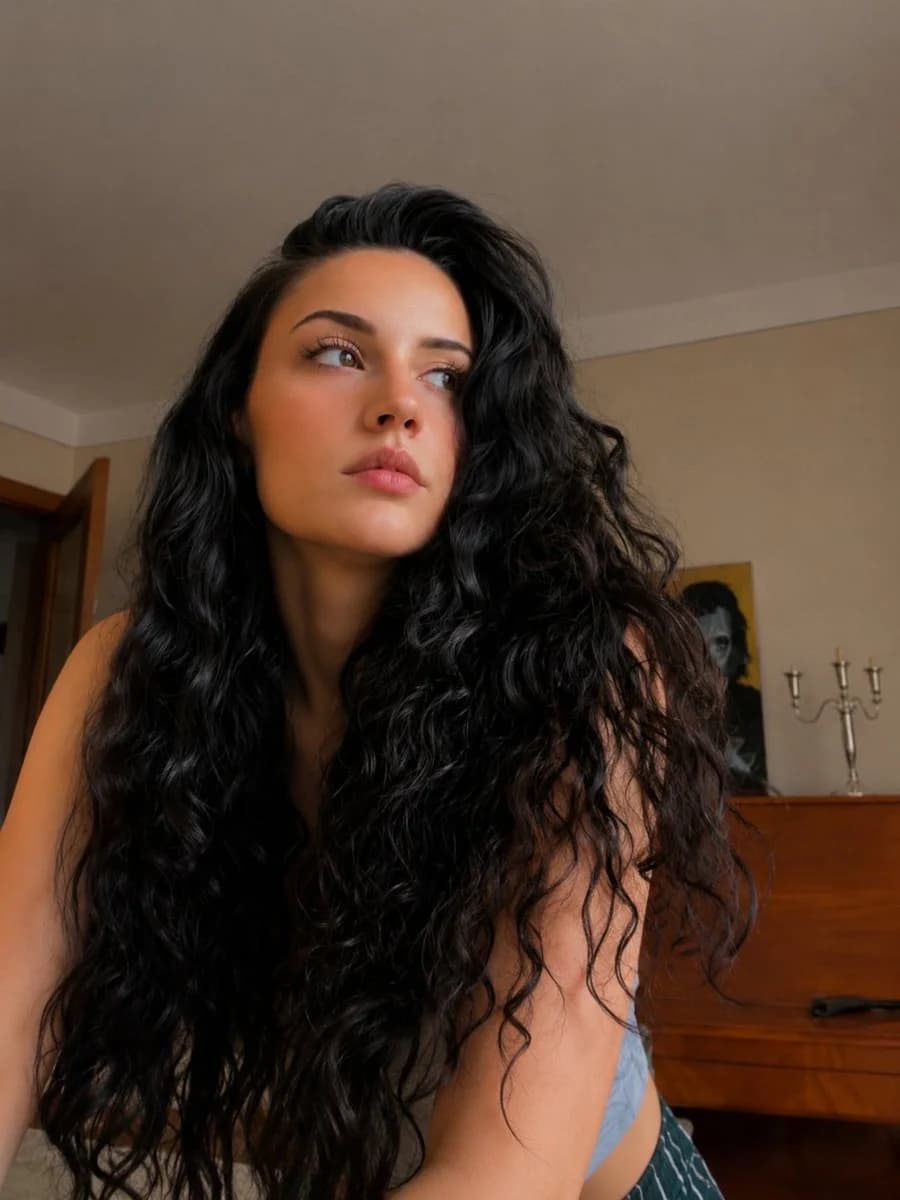
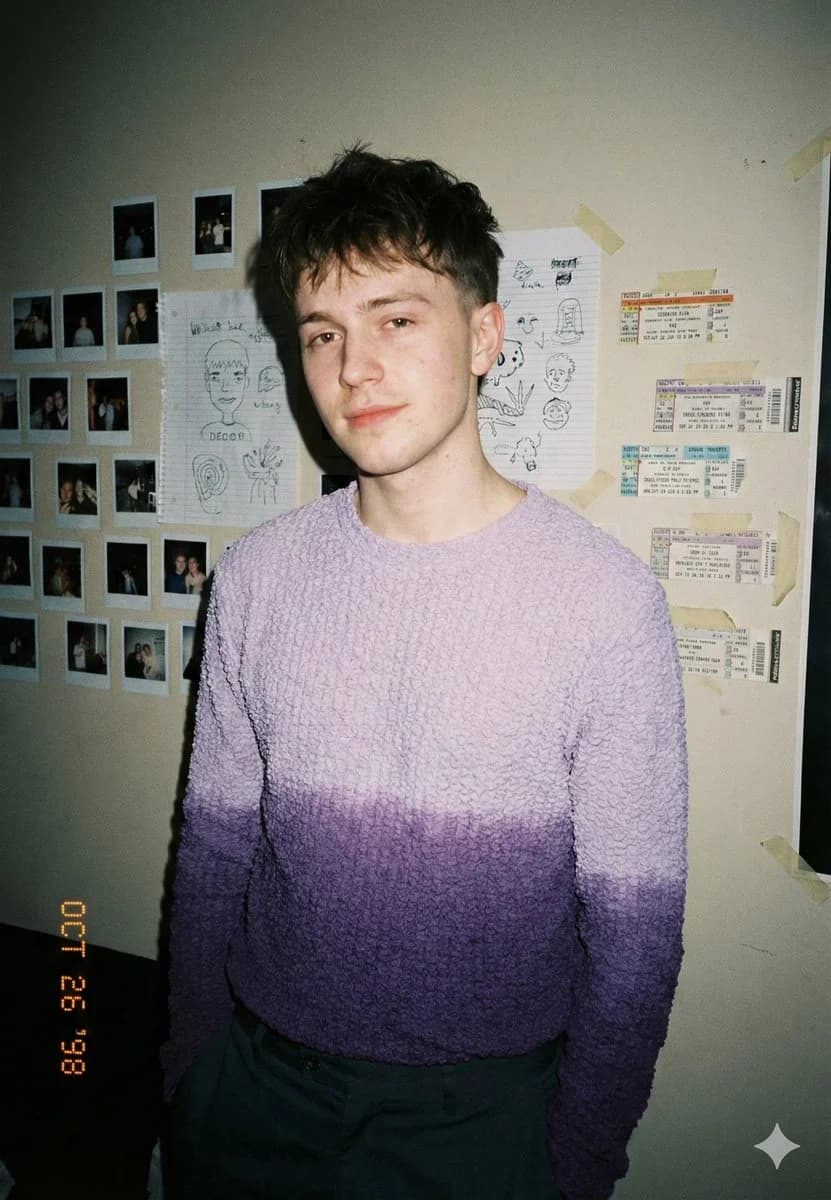
133 wordsAn intimate bedroom portrait of a {argument name="subject" default="young man in his early 20s"}, calm and slightly guarded expression, direct eye contact, standing relaxed. He wears a {argument name="clothing" default="textured knit sweater with a soft purple gradient fade"} and muted casual trousers. The background is a personal room wall covered in taped polaroids, handwritten sketches, and concert ticket stubs. Shot at eye level on a 35mm lens with harsh on-camera flash, hard shadows behind subject, deep depth of field, slight vignetting and flash falloff. Real skin texture, visible blemishes, no retouching, noticeable film grain, subtle date stamp in corner. Muted neutral palette with soft lavender emphasis, natural warm skin tones, moderate contrast. Lo-fi editorial realism, late 90s / early 2000s candid diary aesthetic. No studio lighting, no beauty retouching, no clean minimal background.About this prompt
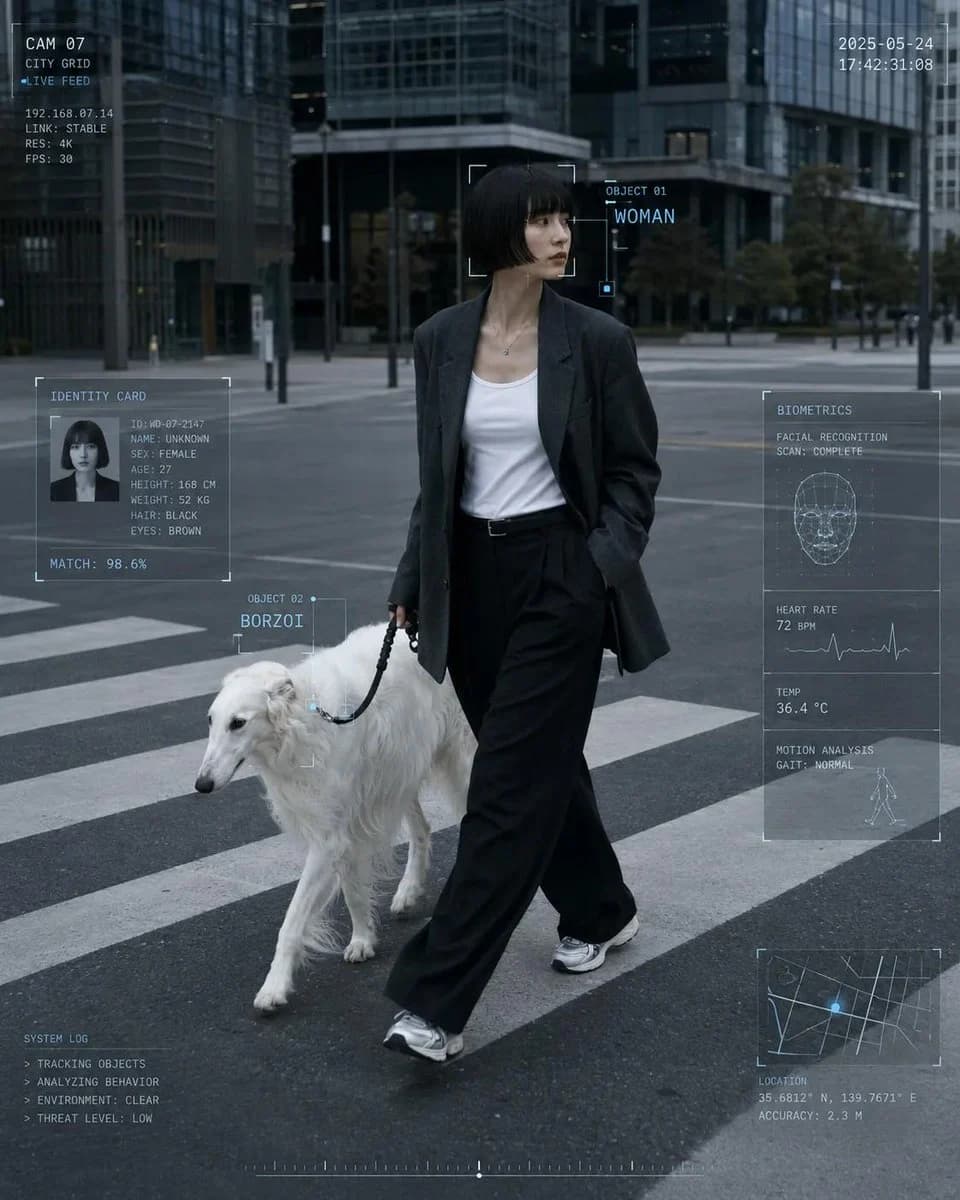
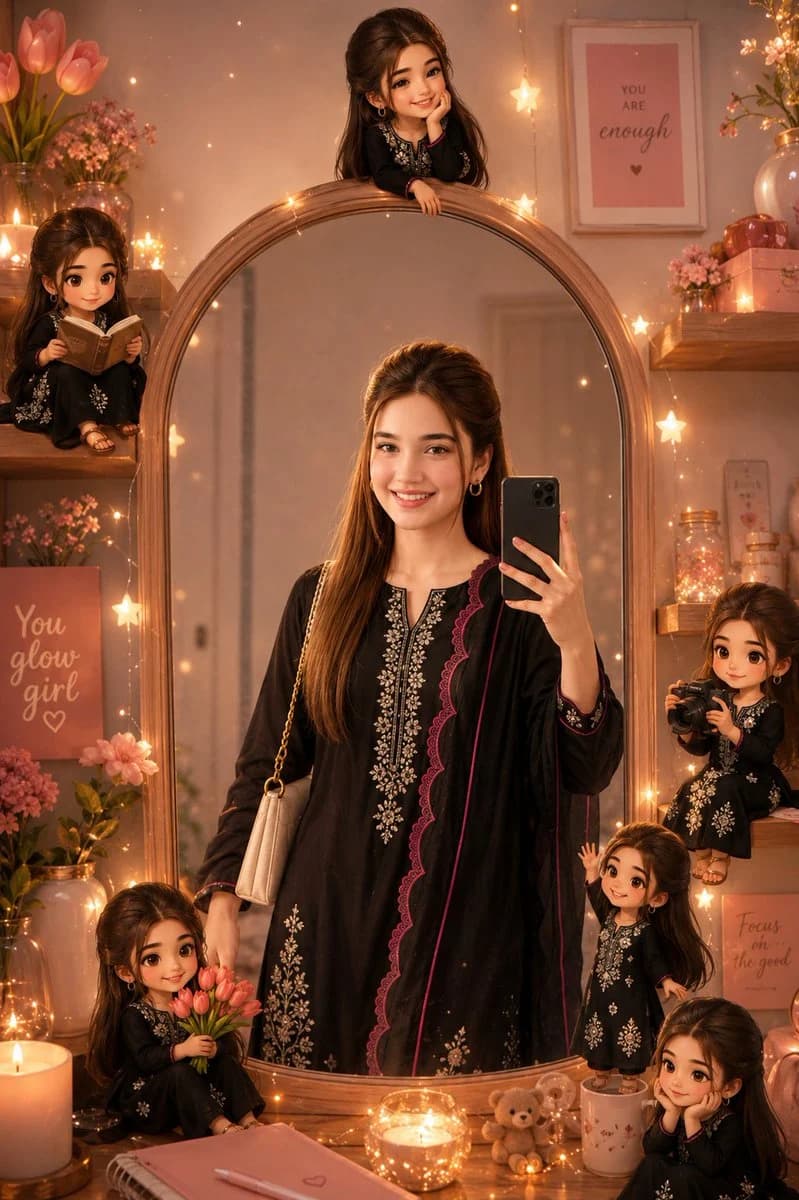
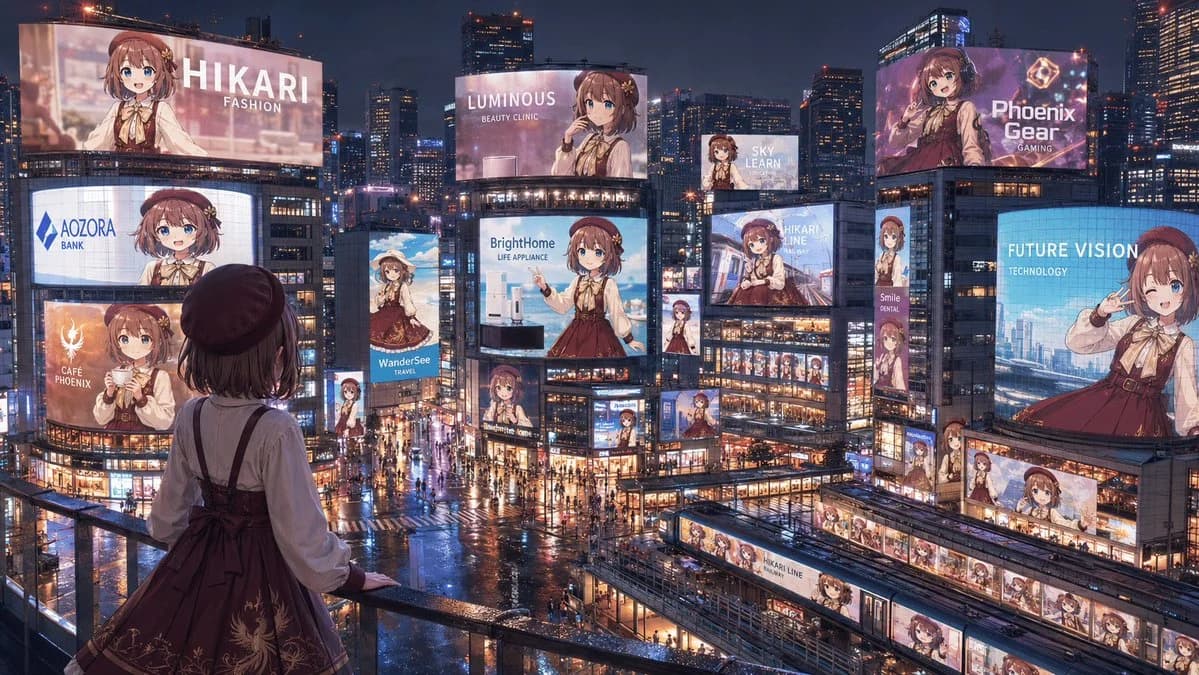
Lo-fi Editorial Bedroom Portrait is a ready-to-use social media prompt for GPT Image 2 on Image 2. Copy the 133 words below, paste them into the Create form, and you will get a result close to the preview above. Tweak the Social Media, Portrait, Fashion tag if you want to push it somewhere new.
Use it as a starting point, then adjust the subject, lighting, or composition to suit your idea. The credit cost stays the same whether you use it as written or customize it.
Use case
A strong starting point for Social Media
Start here when you want a social media image inspired by Lo-fi Editorial Bedroom Portrait. The prompt already sets the look and composition; replace the subject, product, colors, or scene details to match your project.
Easy places to tweak
- Subject Swap in your person, product, place, or object without changing the overall composition.
- Look and mood Tune the lighting, palette, camera angle, or materials so the image fits your brand.
- Final format Set the aspect ratio, background, text, or layout notes before you generate.
More prompt paths to explore
Find more GPT Image 2 prompts with a similar style, use case, or subject.
How to use it
- Step 1
Copy the prompt
Hit the Copy button above to grab the full text.
- Step 2
Open Image 2 Create
Head to the Create form and paste it in.
- Step 3
Generate
Hit Generate. Your version lands in seconds.
Make it yours
Load the prompt into the Create form with one click, then start tweaking.