Prompt
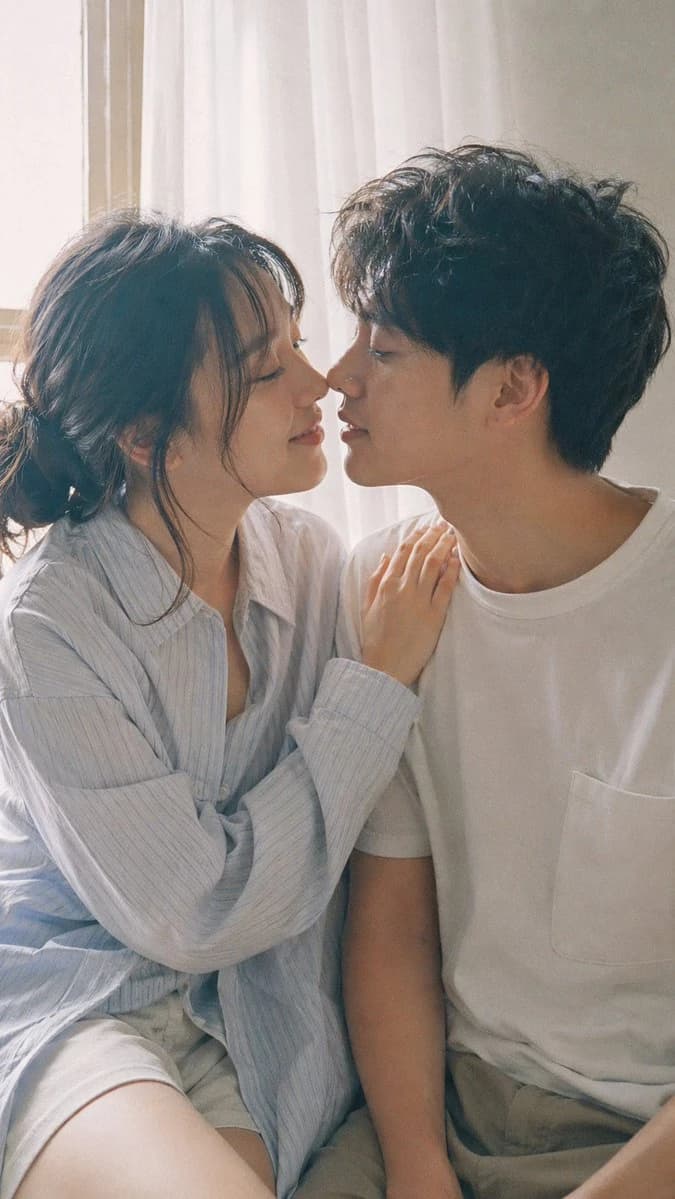
190 words9:16 vertical — Japanese Fuji film style couple portrait, two subjects Fujifilm analog aesthetic (Pro 400H / Superia feel), soft pastel tones, slight green-magenta shift, low contrast, gentle highlight roll-off, fine film grain, subtle halation bright natural daylight, diffused sunlight through window, soft shadows, airy atmosphere young Japanese couple, natural minimal makeup, realistic skin texture, slight imperfections female outfit: oversized button-up shirt with loose shorts, relaxed fit, soft casual styling male outfit: simple t-shirt or light shirt, clean and understated hair: natural, slightly tousled for both pose: close intimate distance — sitting or standing close together; the girl gently leaning toward him, one hand lightly resting on his shoulder or chest; the boy slightly leaning in, faces close, almost touching, capturing the moment just before a kiss expression: soft smiles or gentle gaze toward each other, relaxed and natural, emotional connection visible camera: close framing (waist-up), eye-level, intimate distance, slight handheld feel setting: minimal indoor near window, light curtains, clean soft background lighting: diffused daylight, gentle highlight bloom, soft shadow transitions mood: warm, romantic, intimate everyday moment, natural affection quality: ultra-realistic, analog film look, fine grain, slight softness, natural imperfections
About this prompt
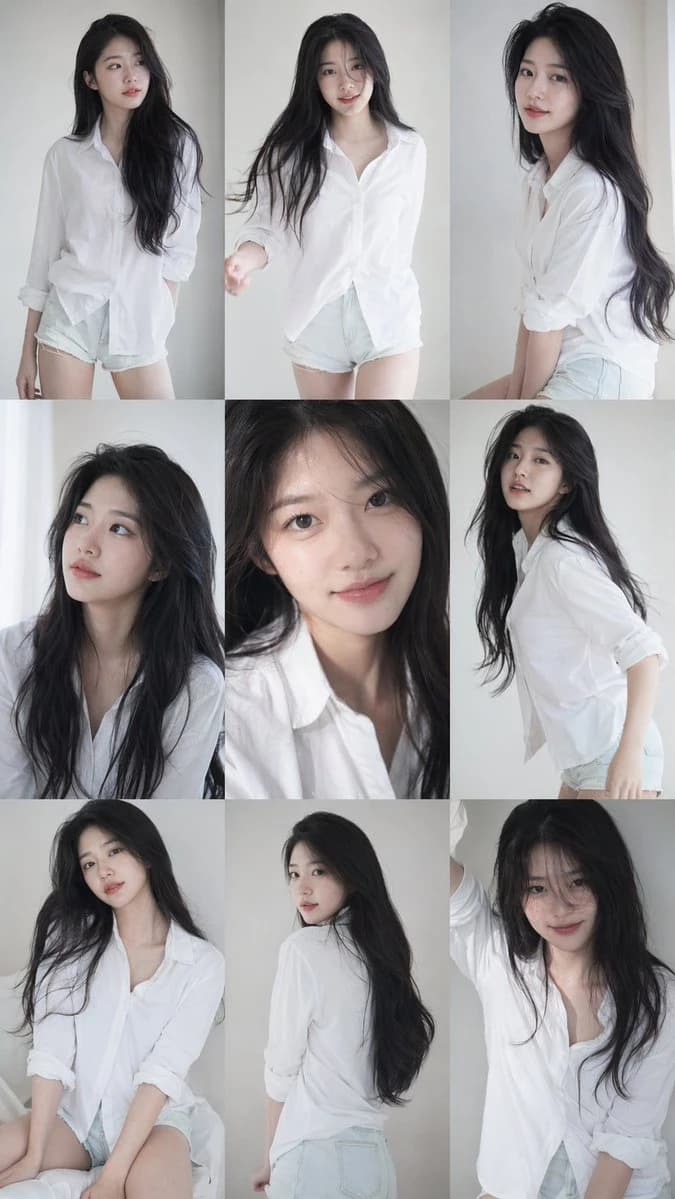
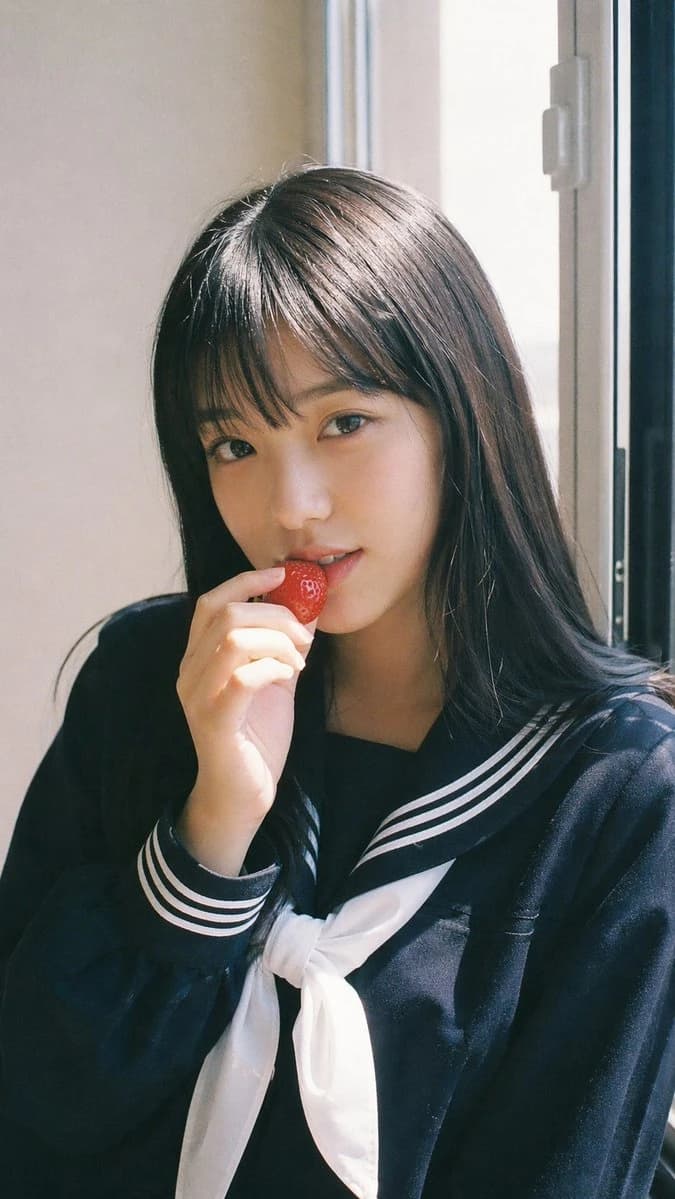
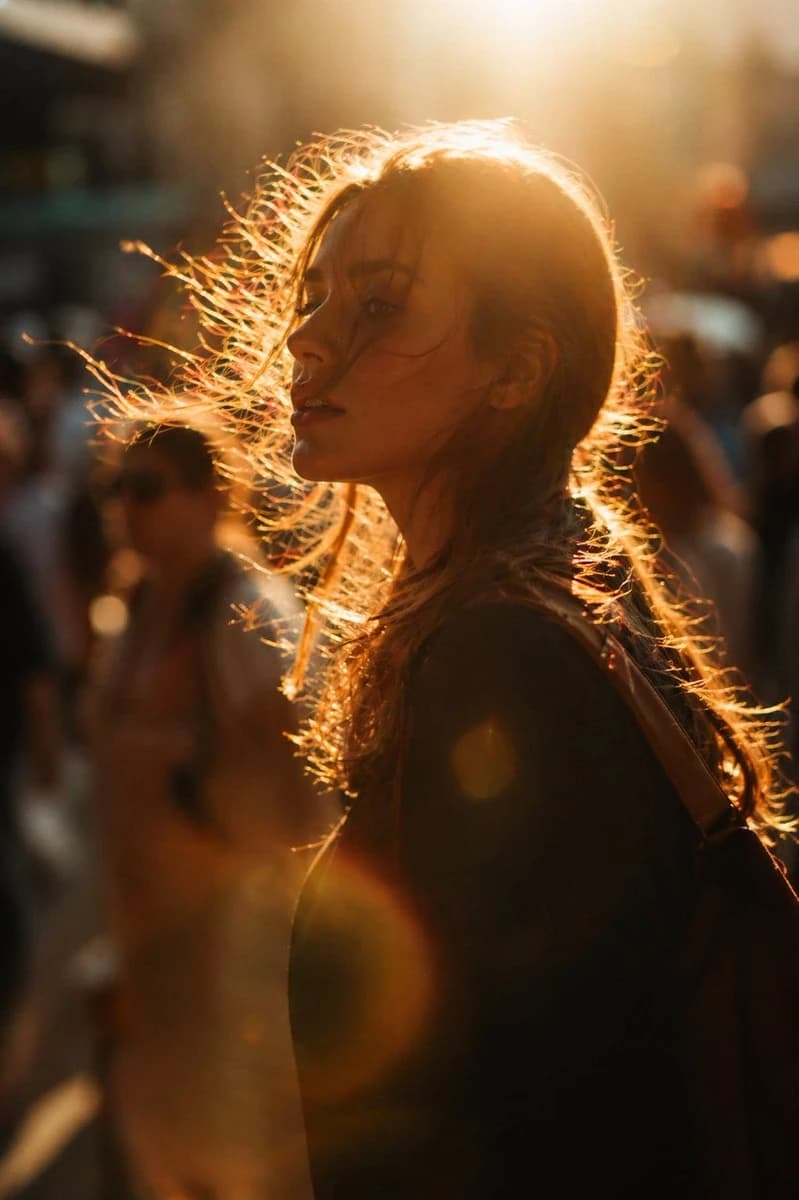
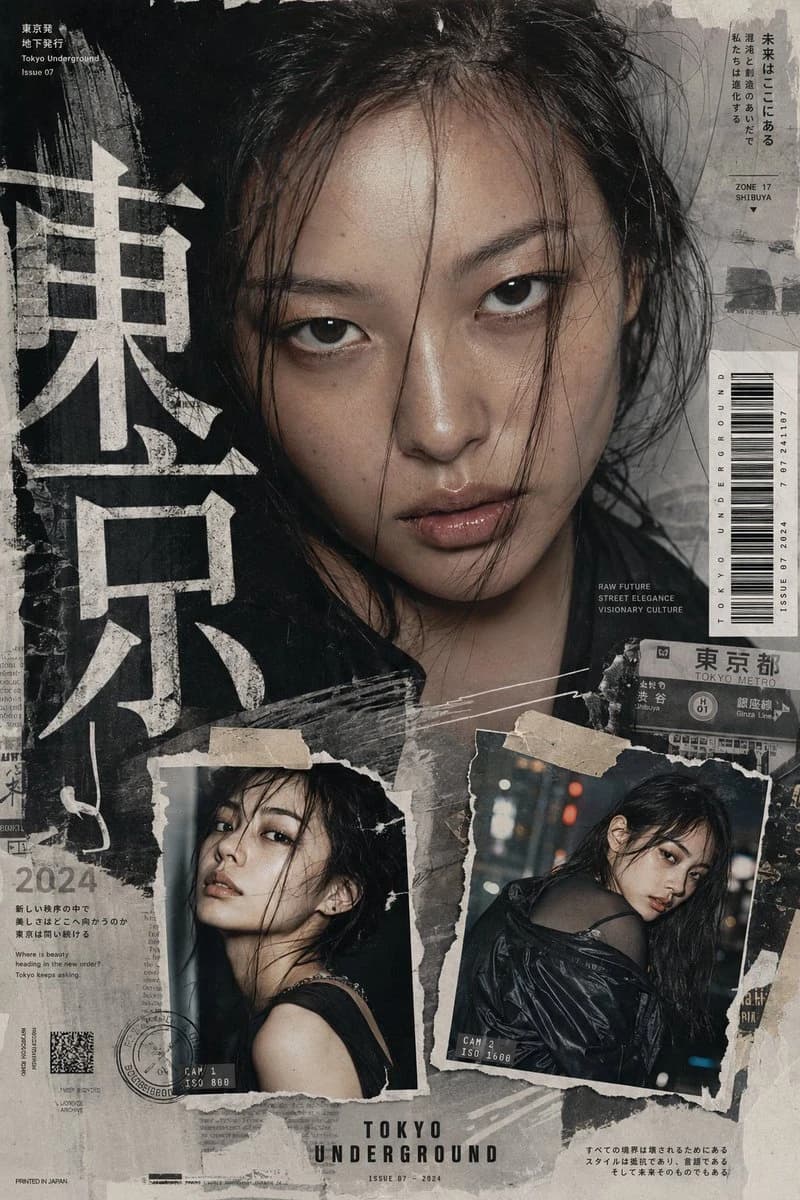
Fujifilm Couple Portrait is a ready-to-use portrait prompt for GPT Image 2 on Image 2. Copy the 190 words below, paste them into the Create form, and you will get a result close to the preview above. Tweak the Portrait, Fashion, Beauty tag if you want to push it somewhere new.
Use it as a starting point, then adjust the subject, lighting, or composition to suit your idea. The credit cost stays the same whether you use it as written or customize it.
Use case
A strong starting point for Portrait
Start here when you want a portrait image inspired by Fujifilm Couple Portrait. The prompt already sets the look and composition; replace the subject, product, colors, or scene details to match your project.
Easy places to tweak
- Subject Swap in your person, product, place, or object without changing the overall composition.
- Look and mood Tune the lighting, palette, camera angle, or materials so the image fits your brand.
- Final format Set the aspect ratio, background, text, or layout notes before you generate.
More prompt paths to explore
Find more GPT Image 2 prompts with a similar style, use case, or subject.
How to use it
- Step 1
Copy the prompt
Hit the Copy button above to grab the full text.
- Step 2
Open Image 2 Create
Head to the Create form and paste it in.
- Step 3
Generate
Hit Generate. Your version lands in seconds.
Make it yours
Load the prompt into the Create form with one click, then start tweaking.