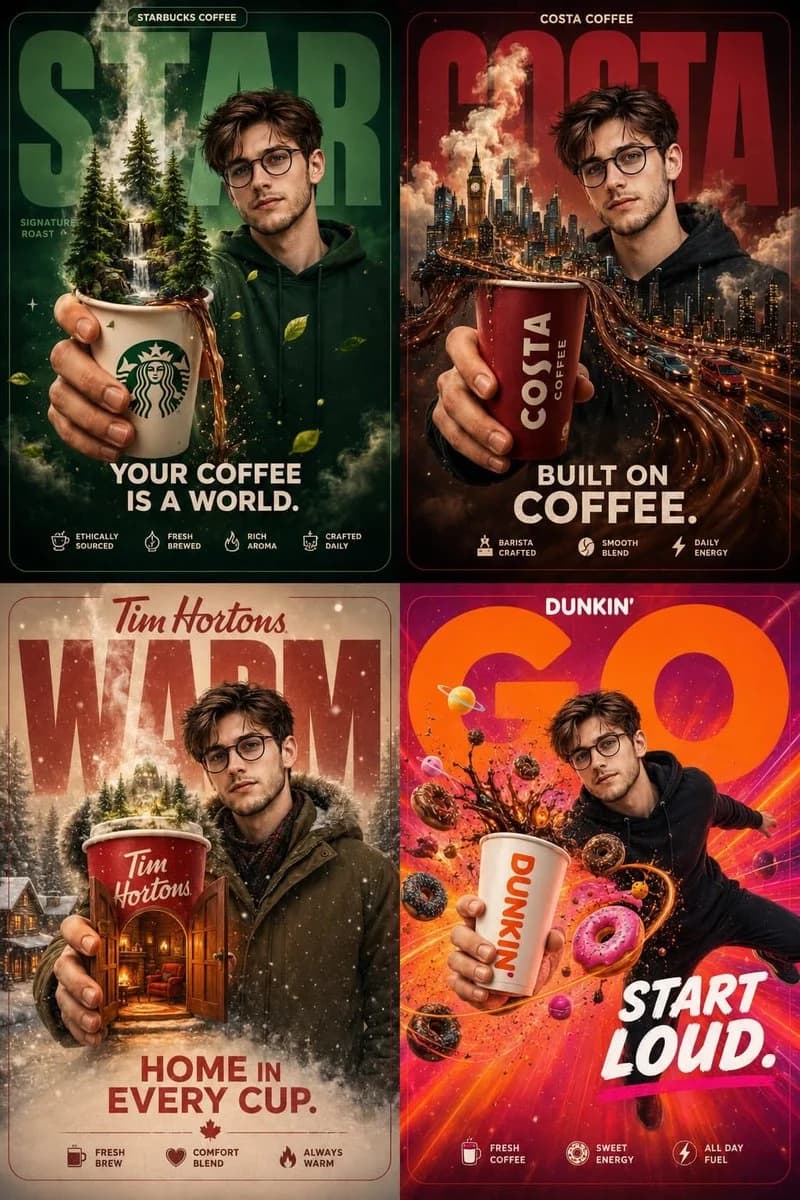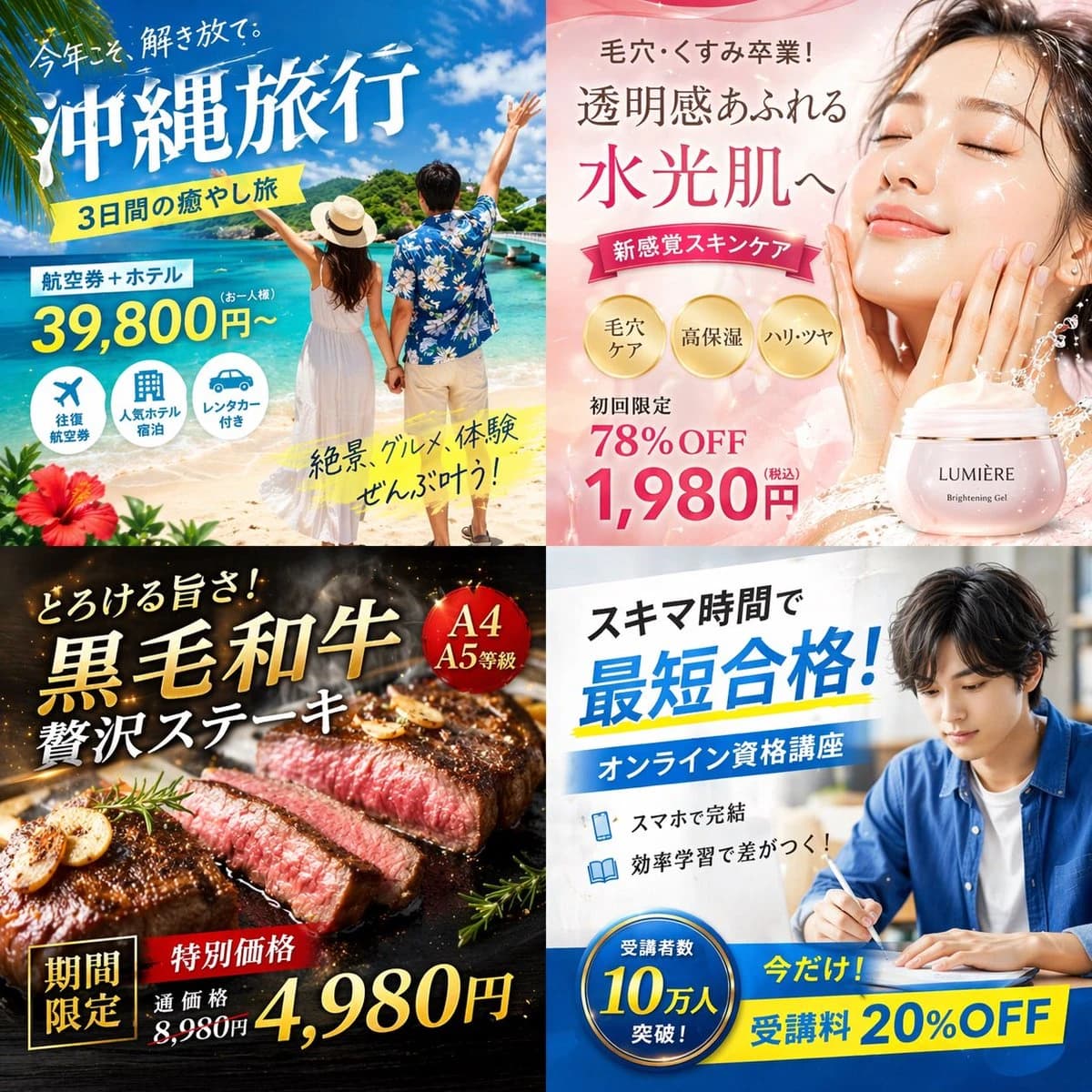
Prompt
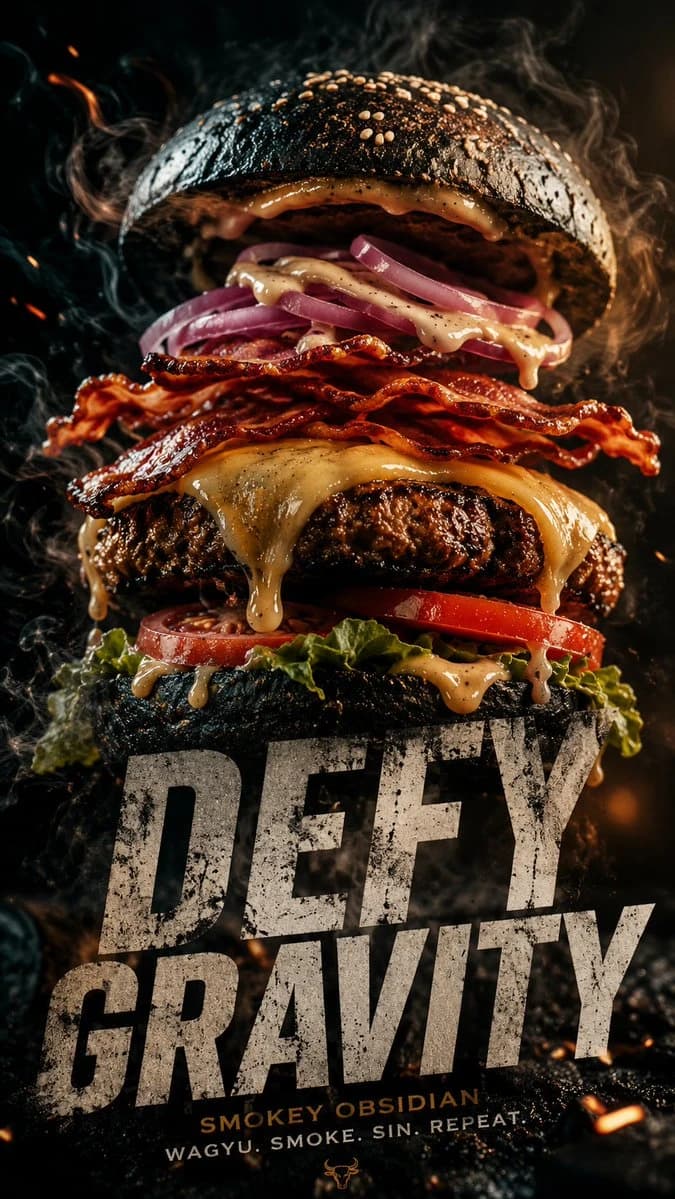
154 wordsA cinematic 9:16 vertical composition featuring a gourmet "Smokey Obsidian" burger. WHAT: A towering burger with a charcoal brioche bun, thick Wagyu beef patty with visible sear marks, melting aged gruyère dripping like lava, and crispy maple-glazed bacon. FEEL: An atmosphere of "Urban Indulgence." Dark, moody lighting with a single warm amber spotlight. Wisps of real hickory smoke curl around the bun. The texture is hyper-realistic you can see the salt crystals on the crust and the moisture on the heirloom tomato. SHOW: The burger is captured in a "deconstructed gravity" moment the top bun is slightly hovering, revealing the internal layers of house-made aioli and pickled red onions. TYPOGRAPHY: Integration of ultra-bold, distressed sans-serif typeface overlapping the bottom third of the frame. The text reads "DEFY GRAVITY" in a raw, concrete-texture finish. TECHNICAL: 4k resolution, macro photography style, shallow depth of field, neon-noir color grading (deep blacks, warm ambers, and subtle teal highlights).
About this prompt
Fast Food Hero Poster is a ready-to-use ad creative prompt for GPT Image 2 on Image 2. Copy the 154 words below, paste them into the Create form, and you will get a result close to the preview above. Tweak the Product Ad, Ad Creative, Food tag if you want to push it somewhere new.
Use it as a starting point, then adjust the subject, lighting, or composition to suit your idea. The credit cost stays the same whether you use it as written or customize it.
Use case
A strong starting point for Ad Creative
Start here when you want a ad creative image inspired by Fast Food Hero Poster. The prompt already sets the look and composition; replace the subject, product, colors, or scene details to match your project.
Easy places to tweak
- Subject Swap in your person, product, place, or object without changing the overall composition.
- Look and mood Tune the lighting, palette, camera angle, or materials so the image fits your brand.
- Final format Set the aspect ratio, background, text, or layout notes before you generate.
More prompt paths to explore
Find more GPT Image 2 prompts with a similar style, use case, or subject.
How to use it
- Step 1
Copy the prompt
Hit the Copy button above to grab the full text.
- Step 2
Open Image 2 Create
Head to the Create form and paste it in.
- Step 3
Generate
Hit Generate. Your version lands in seconds.
Make it yours
Load the prompt into the Create form with one click, then start tweaking.