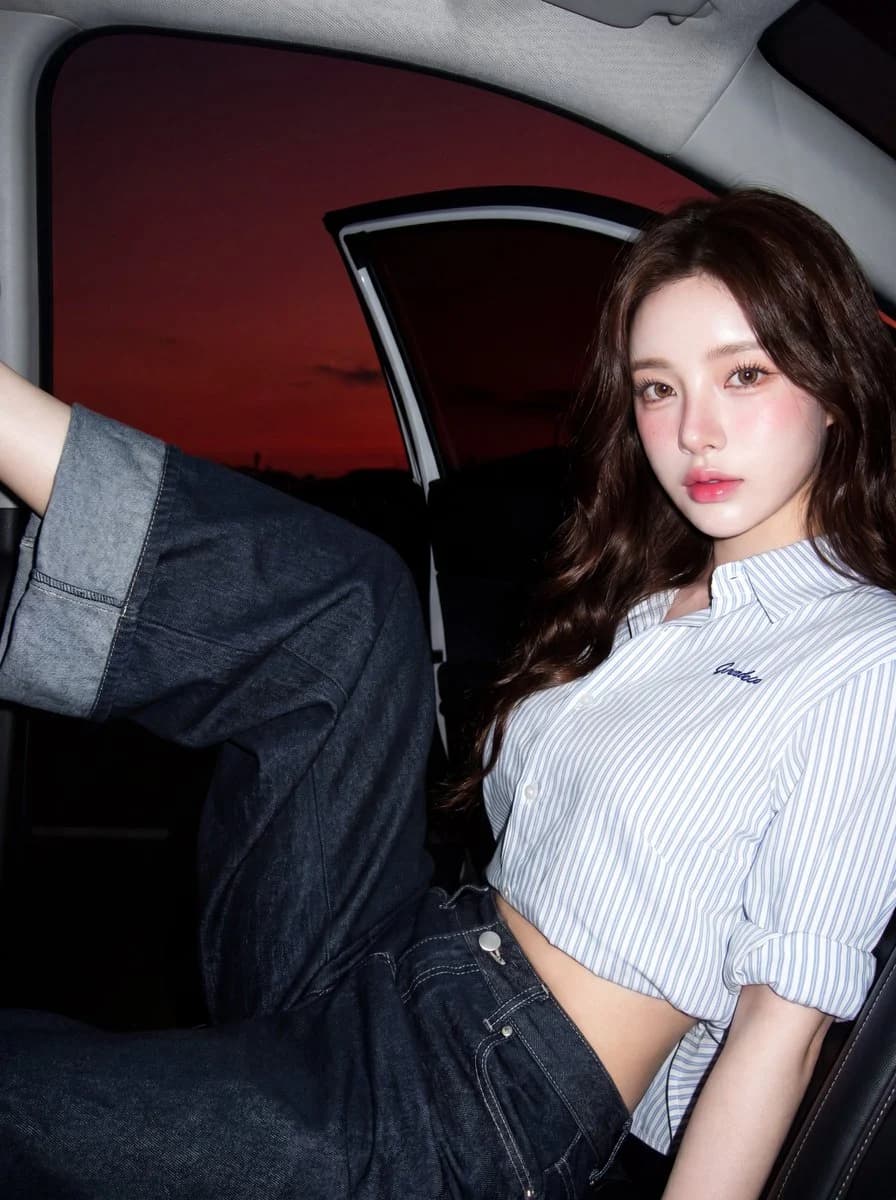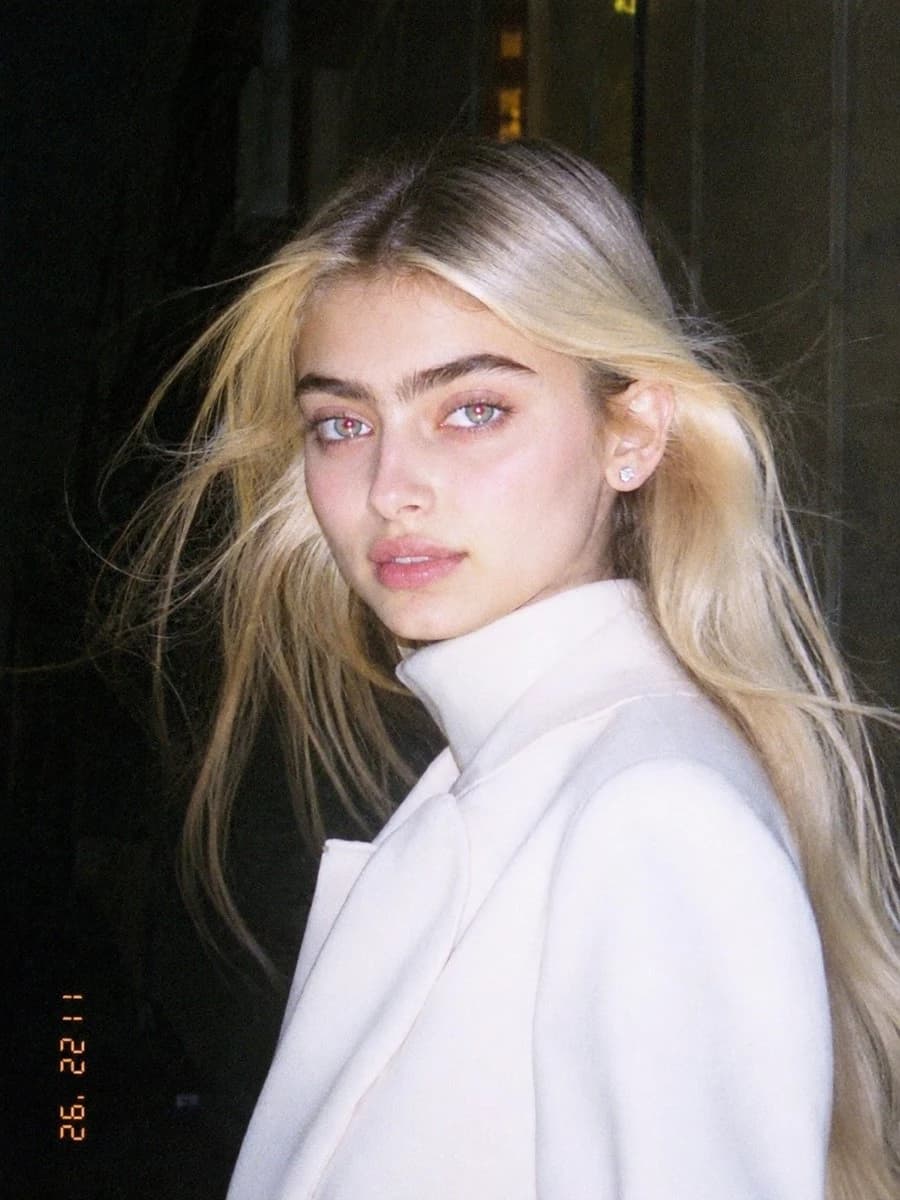
Prompt
197 wordsUse the uploaded image as the main reference. Transform the uploaded photo into a realistic candid portrait with an early 1990s digital camera aesthetic. Preserve the subject’s identity, facial features, pose, outfit, and overall composition, but restyle the image with harsh blown-out flash highlights, subtle red-eye effect, low-resolution image quality, raw snapshot imperfections, nostalgic flash-filter styling, and a vintage timestamp look. The final image should feel candid, imperfect, and authentic, like an old retro party or personal snapshot taken with an early consumer digital camera. Keep the background dark or naturally subdued when appropriate, maintain a direct-flash look, and give the image a raw, unpolished, memory-like atmosphere. Include: - harsh direct camera flash - overexposed or blown-out highlights - subtle red-eye effect - low-resolution / soft digital detail - slight grain or noisy texture - authentic retro snapshot feeling - vintage date/timestamp aesthetic in one corner - candid, natural, imperfect energy Avoid: - cartoon or anime style - overly polished beauty retouching - studio lighting - ultra-sharp modern DSLR look - glossy AI skin - text, logos, watermarks, or graphic overlays other than the timestamp aesthetic - distorted anatomy or altered identity Make the aspect ratio 3:4
About this prompt
Early 1990s Flash Portrait is a ready-to-use portrait prompt for GPT Image 2 on Image 2. Copy the 197 words below, paste them into the Create form, and you will get a result close to the preview above. Tweak the Portrait, Fashion, Beauty tag if you want to push it somewhere new.
Use it as a starting point, then adjust the subject, lighting, or composition to suit your idea. The credit cost stays the same whether you use it as written or customize it.
Use case
A strong starting point for Portrait
Start here when you want a portrait image inspired by Early 1990s Flash Portrait. The prompt already sets the look and composition; replace the subject, product, colors, or scene details to match your project.
Easy places to tweak
- Subject Swap in your person, product, place, or object without changing the overall composition.
- Look and mood Tune the lighting, palette, camera angle, or materials so the image fits your brand.
- Final format Set the aspect ratio, background, text, or layout notes before you generate.
More prompt paths to explore
Find more GPT Image 2 prompts with a similar style, use case, or subject.
How to use it
- Step 1
Copy the prompt
Hit the Copy button above to grab the full text.
- Step 2
Open Image 2 Create
Head to the Create form and paste it in.
- Step 3
Generate
Hit Generate. Your version lands in seconds.
Make it yours
Load the prompt into the Create form with one click, then start tweaking.