Prompt
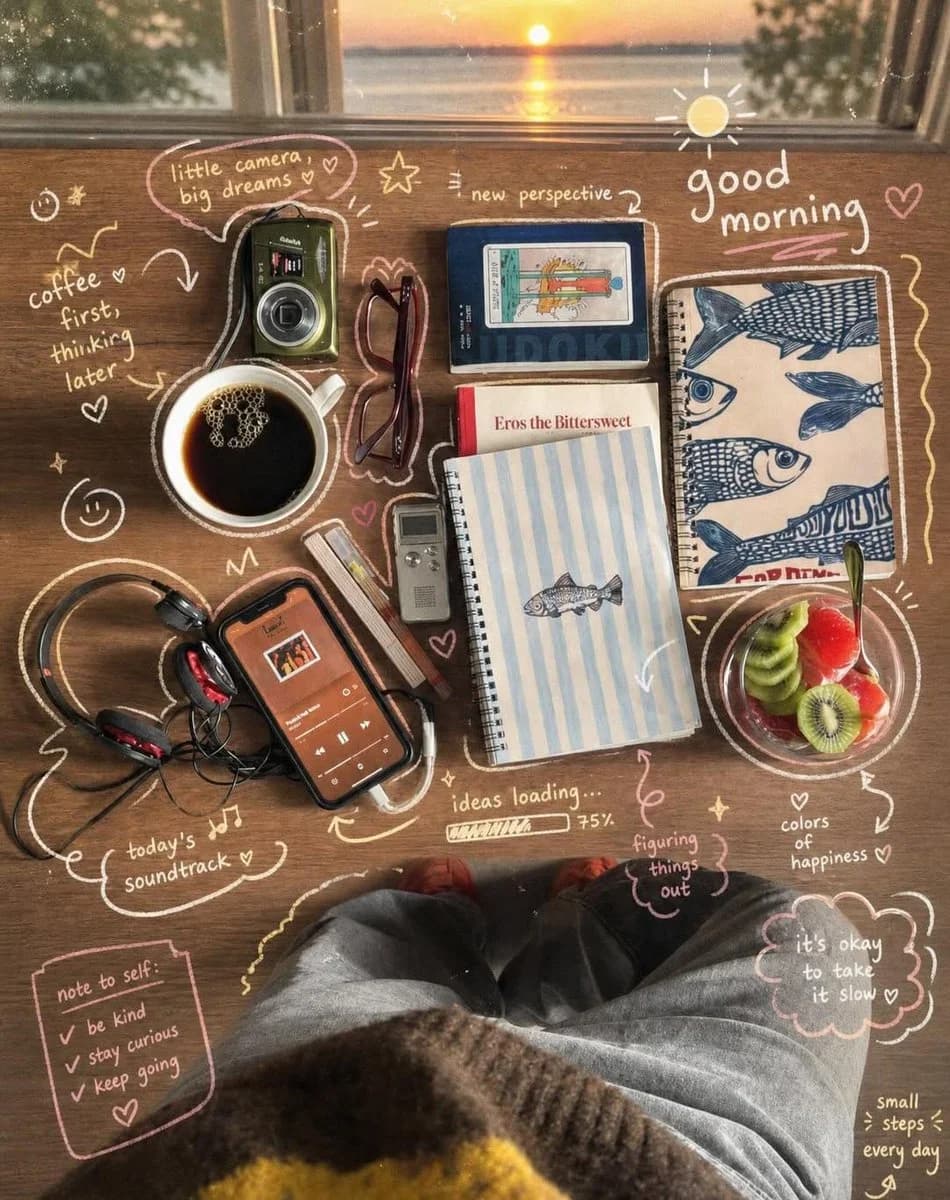
157 wordsSunrise Desk Flatlay Top-down cozy desk flatlay near a sunrise window, wooden table filled with coffee, camera, headphones, notebooks, fruit bowl, cassette player, glasses and phone playing music, warm sunrise reflections, nostalgic morning atmosphere, handwritten doodle annotations around every object, pastel sketch overlays, cute arrows, stars and handwritten motivational phrases, realistic lifestyle photography mixed with diary aesthetics, soft golden lighting, cinematic composition, vintage indie mood, highly detailed textures, warm creamy tones, relaxing morning ritual vibe, 8k. Prompt 2: Cozy Study Desk Setup Ultra cozy study desk scene during early morning golden hour, cluttered but aesthetic workspace filled with open books, sticky notes, warm desk lamp, coffee mug, laptop, pens and stationery, calming productivity atmosphere, soft sunlight through the window, vintage academic vibe, handwritten doodle overlays with “focus mode on”, hearts, arrows, stars and tiny notes, realistic cinematic lighting, visual diary aesthetic, warm earthy colors, dreamy slice-of-life mood, indie room decor, highly detailed cozy textures, film grain, 8k.
About this prompt
Cozy Sunrise Desk Flatlay is a ready-to-use ui mockup prompt for GPT Image 2 on Image 2. Copy the 157 words below, paste them into the Create form, and you will get a result close to the preview above. Tweak the UI, Mockup, Food tag if you want to push it somewhere new.
Use it as a starting point, then adjust the subject, lighting, or composition to suit your idea. The credit cost stays the same whether you use it as written or customize it.
Use case
A strong starting point for UI Mockup
Start here when you want a ui mockup image inspired by Cozy Sunrise Desk Flatlay. The prompt already sets the look and composition; replace the subject, product, colors, or scene details to match your project.
Easy places to tweak
- Subject Swap in your person, product, place, or object without changing the overall composition.
- Look and mood Tune the lighting, palette, camera angle, or materials so the image fits your brand.
- Final format Set the aspect ratio, background, text, or layout notes before you generate.
More prompt paths to explore
Find more GPT Image 2 prompts with a similar style, use case, or subject.
How to use it
- Step 1
Copy the prompt
Hit the Copy button above to grab the full text.
- Step 2
Open Image 2 Create
Head to the Create form and paste it in.
- Step 3
Generate
Hit Generate. Your version lands in seconds.
Make it yours
Load the prompt into the Create form with one click, then start tweaking.