Prompt
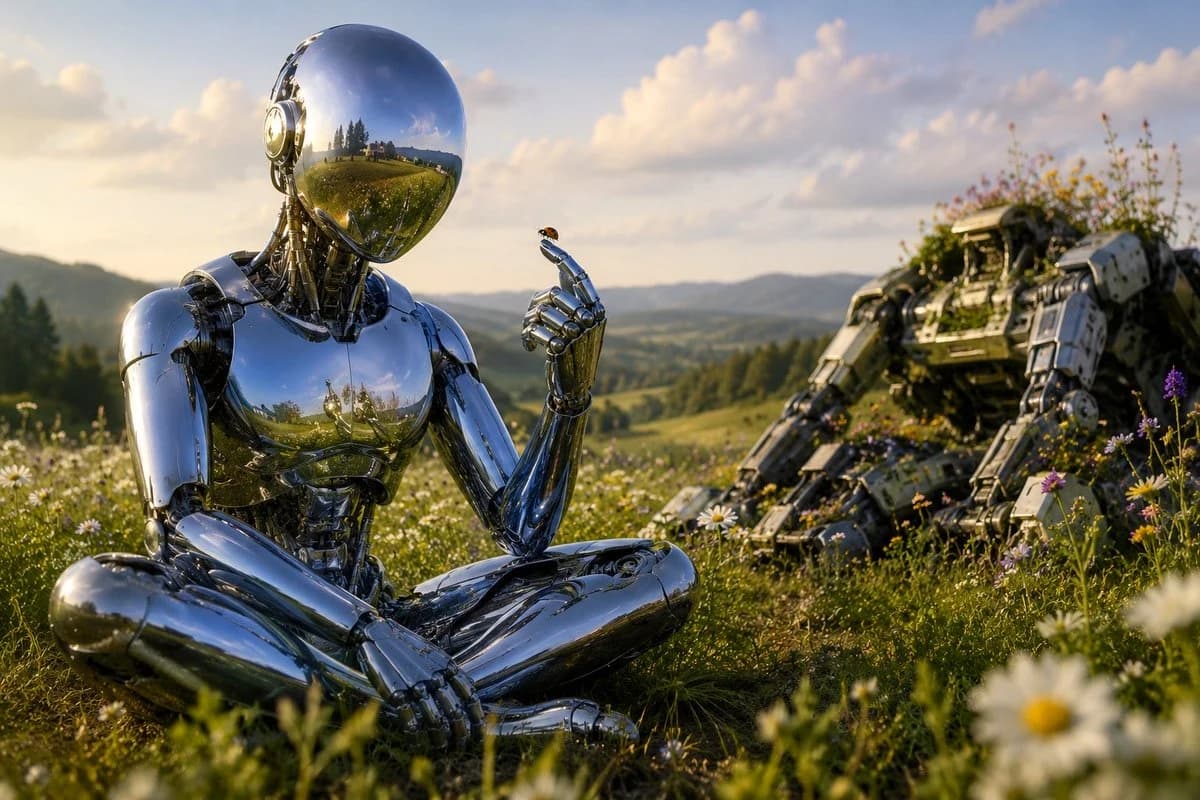
201 wordsCreate a cinematic sci-fi pastoral scene titled by mood, “Where the Robots Came to Wonder”: a highly reflective chrome humanoid robot sits cross-legged in a wildflower meadow at golden hour, positioned left of center in the foreground. The robot has a smooth mirror-sphere head with no face, polished silver anatomical plating, exposed mechanical neck details, and a calm meditative posture. One hand rests on its lap while the other is raised delicately, index finger extended, holding or greeting a tiny {argument name="insect" default="ladybug"} perched on the fingertip. Its mirror surfaces reflect the meadow, sky, and distant hills. In the right midground, show exactly 1 large abandoned rugged robot or mech wreck, partially reclined and overgrown with grass and wildflowers, suggesting nature reclaiming machinery. The setting is a lush rolling countryside with exactly 1 seated chrome humanoid robot, exactly 1 tiny insect on its finger, exactly 1 derelict mech in the background, and abundant daisies and purple wildflowers in the foreground. Use {argument name="lighting" default="warm golden-hour sunlight"}, soft clouds, distant blue-green mountains, shallow depth of field with blurred flowers near the camera, realistic high-detail 3D rendering, cinematic composition, peaceful wonder, no text, no logos, no humans, no city skyline, no weapons firing.About this prompt
Chrome Robot Wondering in Meadow is a ready-to-use storyboard prompt for GPT Image 2 on Image 2. Copy the 201 words below, paste them into the Create form, and you will get a result close to the preview above. Tweak the Comic, Storyboard, Architecture tag if you want to push it somewhere new.
Use it as a starting point, then adjust the subject, lighting, or composition to suit your idea. The credit cost stays the same whether you use it as written or customize it.
Use case
A strong starting point for Storyboard
Start here when you want a storyboard image inspired by Chrome Robot Wondering in Meadow. The prompt already sets the look and composition; replace the subject, product, colors, or scene details to match your project.
Easy places to tweak
- Subject Swap in your person, product, place, or object without changing the overall composition.
- Look and mood Tune the lighting, palette, camera angle, or materials so the image fits your brand.
- Final format Set the aspect ratio, background, text, or layout notes before you generate.
More prompt paths to explore
Find more GPT Image 2 prompts with a similar style, use case, or subject.
How to use it
- Step 1
Copy the prompt
Hit the Copy button above to grab the full text.
- Step 2
Open Image 2 Create
Head to the Create form and paste it in.
- Step 3
Generate
Hit Generate. Your version lands in seconds.
Make it yours
Load the prompt into the Create form with one click, then start tweaking.