Prompt
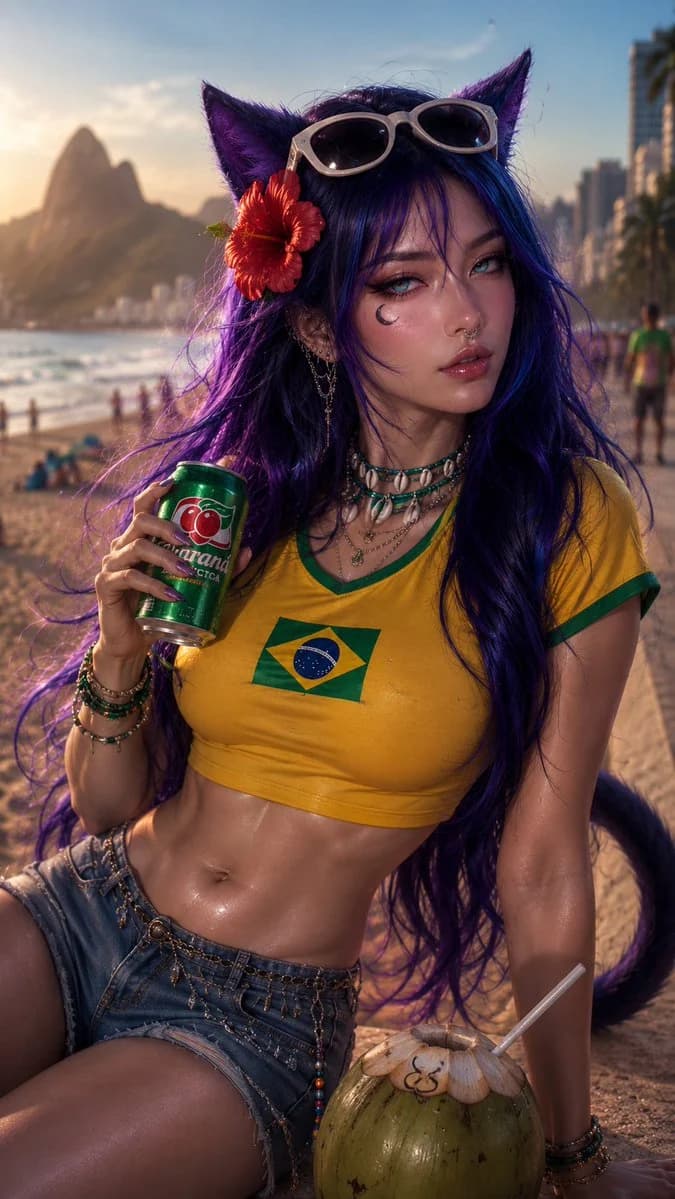
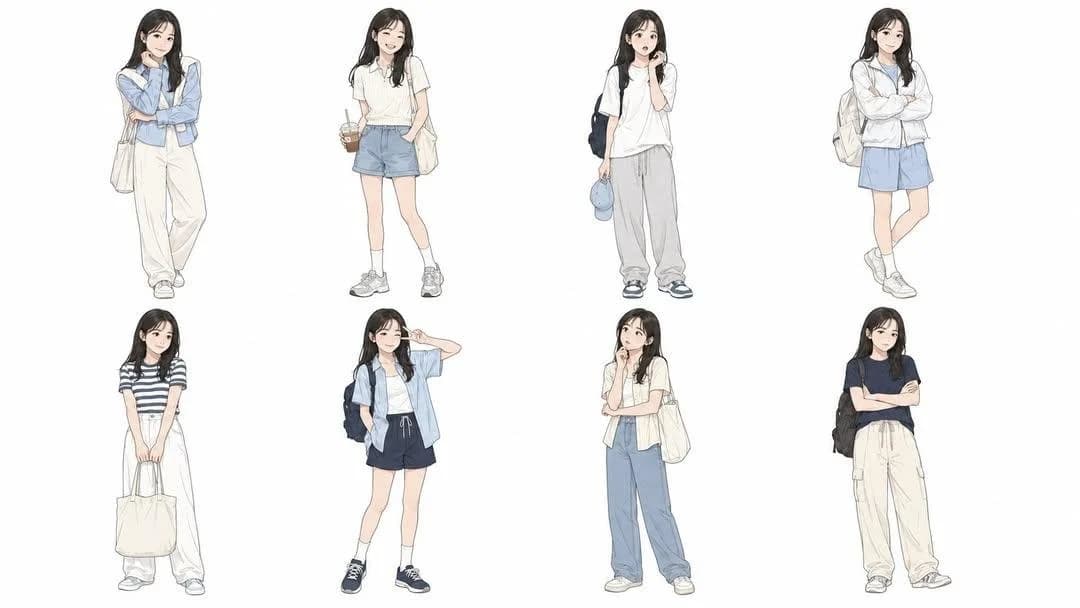
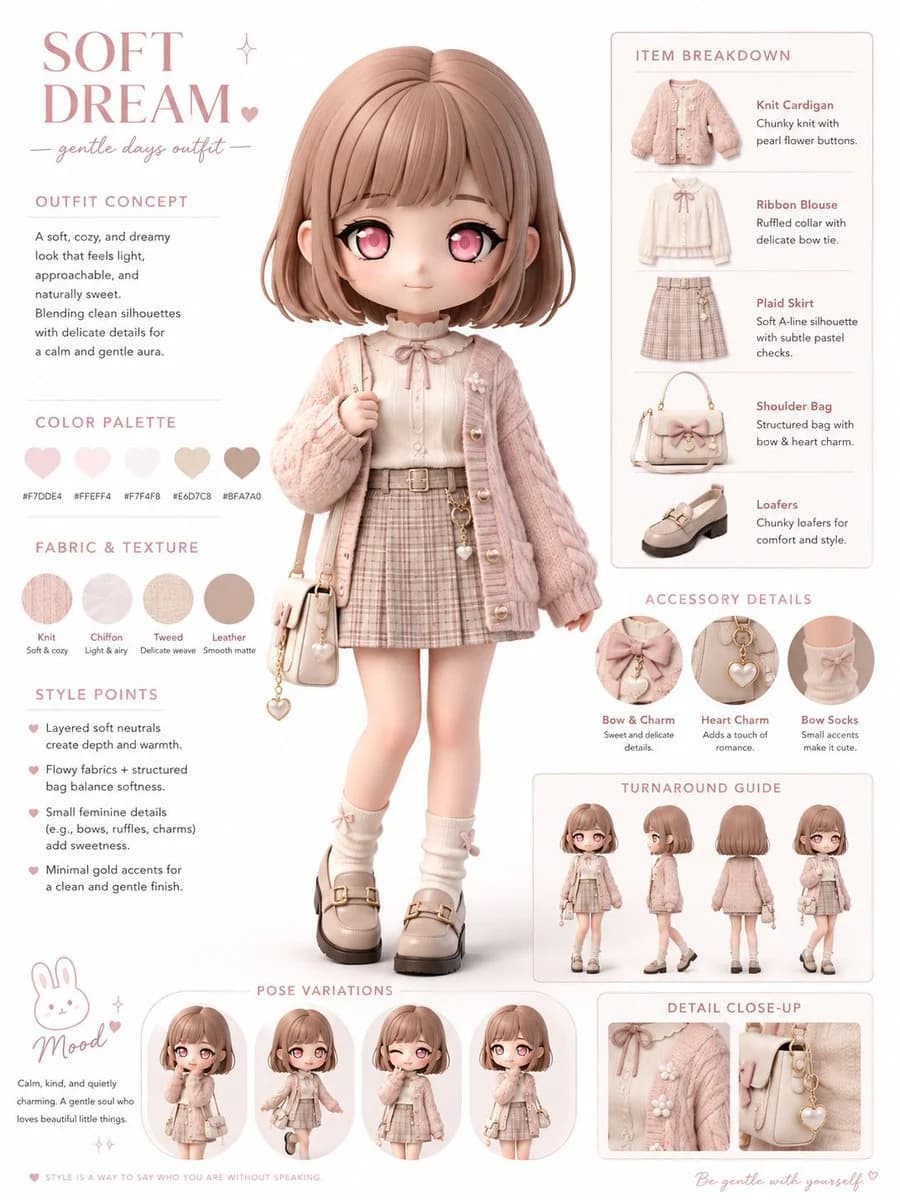
174 wordsCreate a fashion infographic based on the reference image. Use the reference image mainly to understand the character’s identity, hairstyle, facial features, color impression, personality, and overall mood. Transform the character into a polished 3D chibi character with a large head, small body, expressive eyes, and soft cute proportions. Keep the character’s recognizable features, such as hairstyle, hair color, eye color, facial impression, and overall aura, while designing a new original outfit that naturally suits the character’s atmosphere. Do not simply copy the clothing from the reference image. Instead, create a coordinated fashion style that feels appropriate for this character’s personality, color palette, and visual mood. The outfit may include thoughtfully chosen clothing, shoes, accessories, textures, and silhouettes that enhance the character’s charm. Show a full-body main pose in the center, surrounded by editorial callouts: outfit concept, clothing item breakdown, fabric texture swatches, styling points, accessory close-ups, color palette, and a small pose guide. Use a clean white background, soft lighting, premium lookbook layout, ultra-detailed 3D rendering, stylish fashion editorial design, cute but refined.
About this prompt
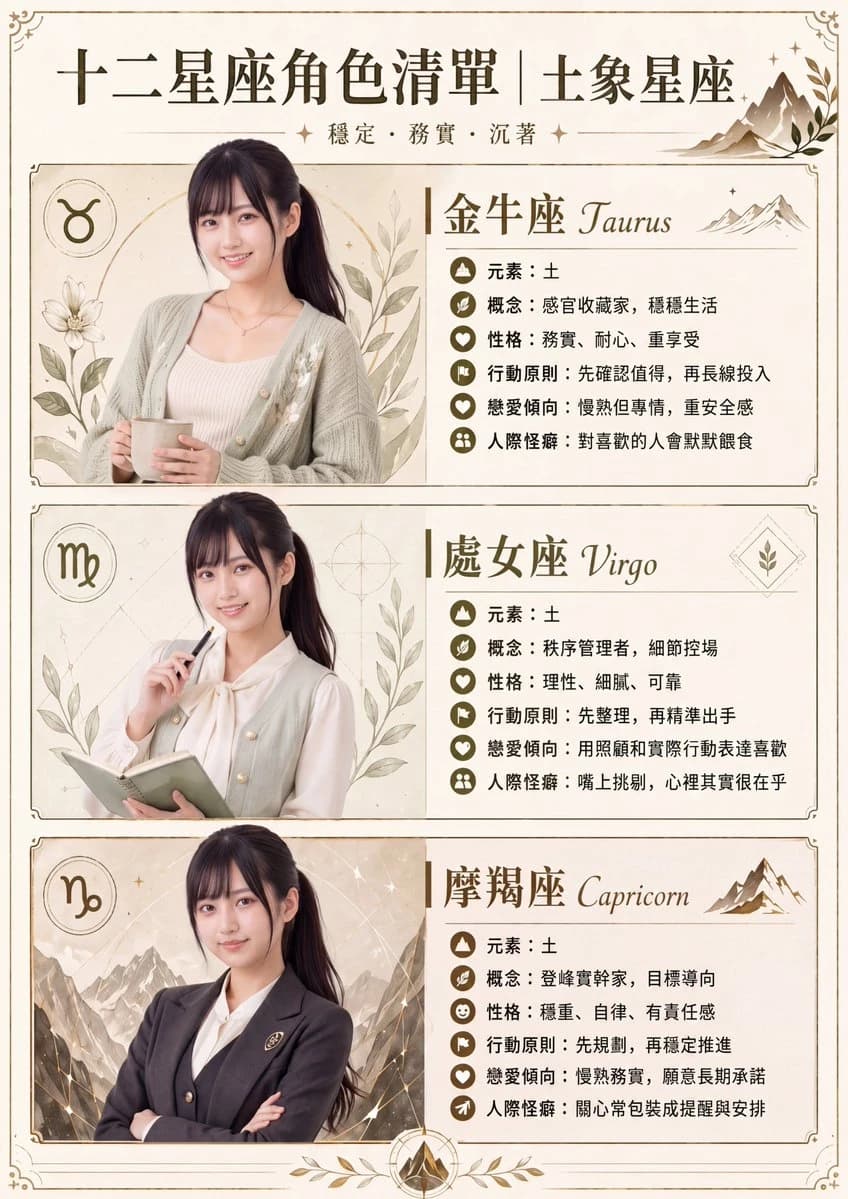
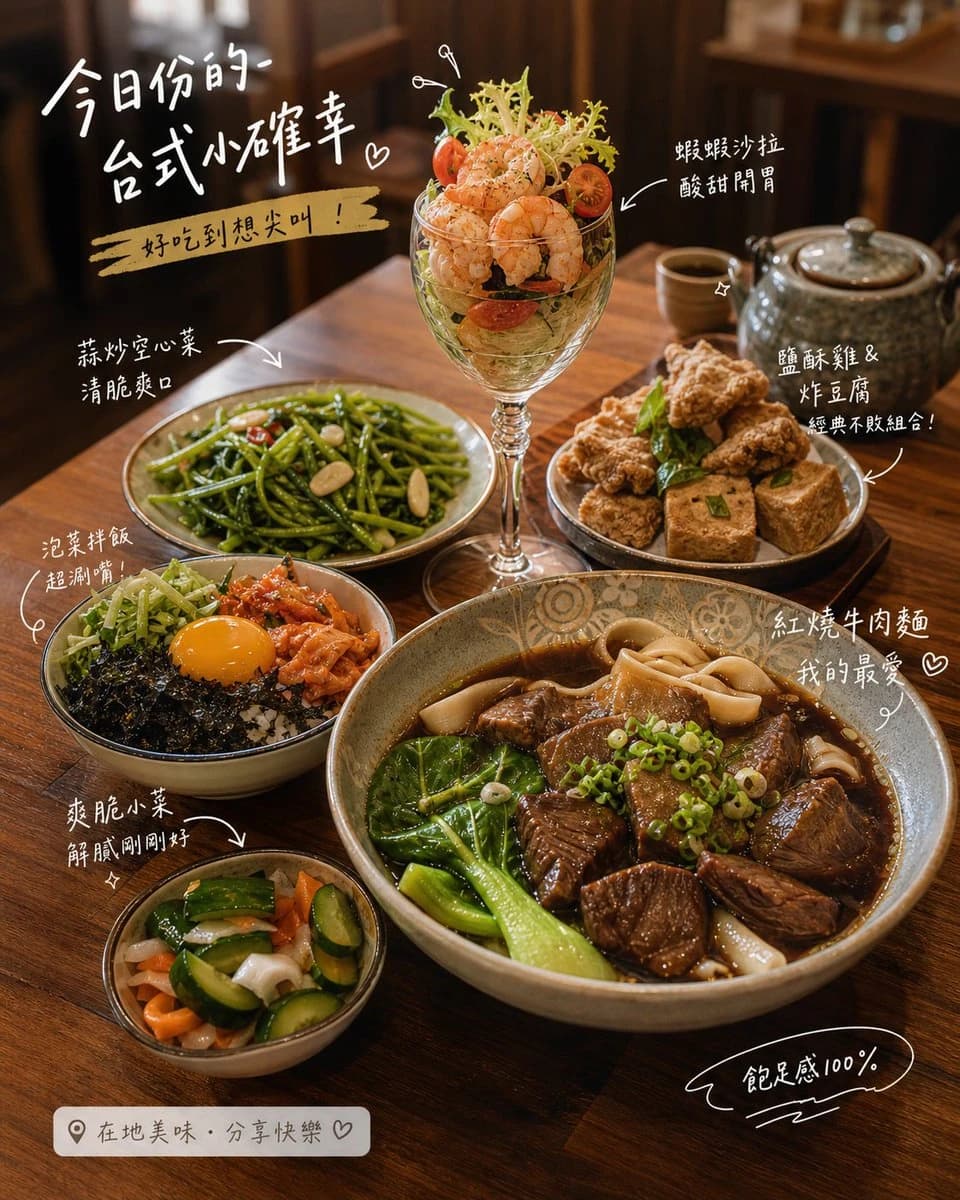
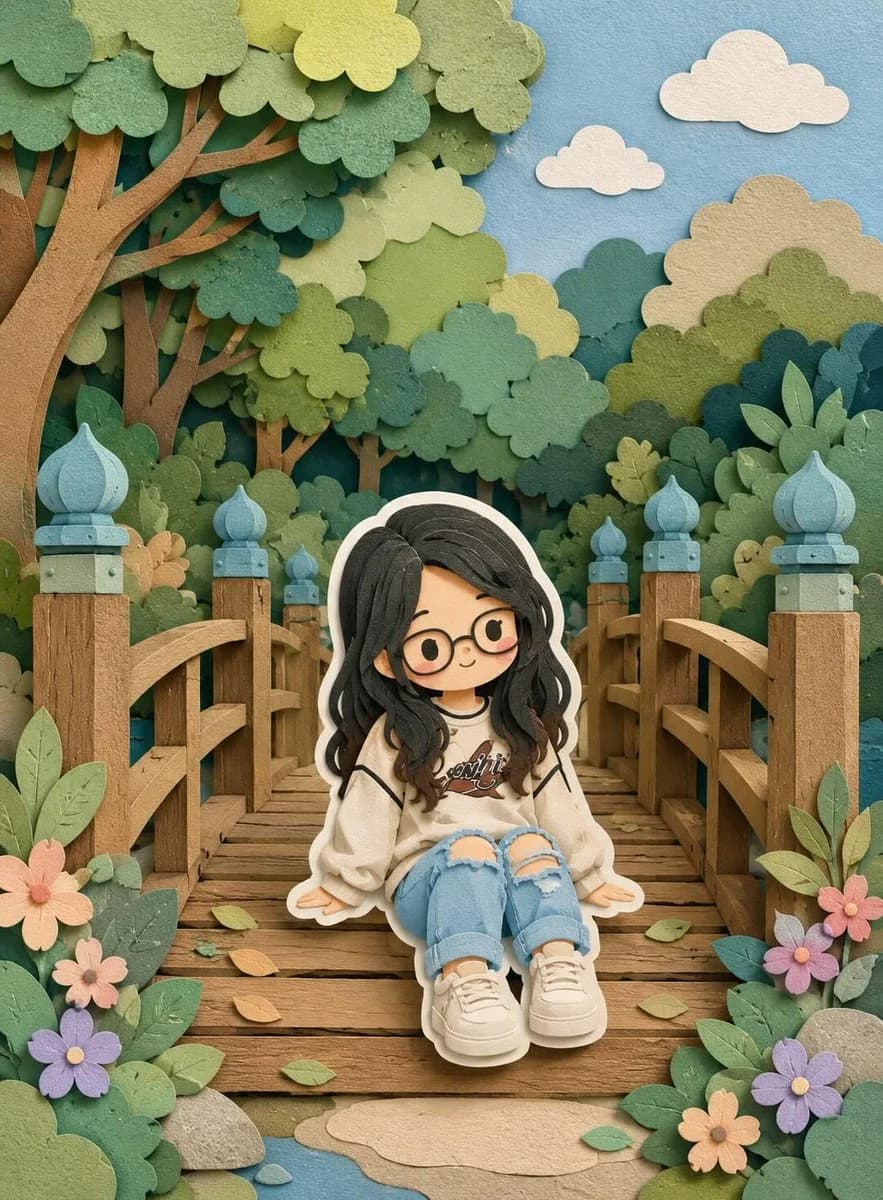
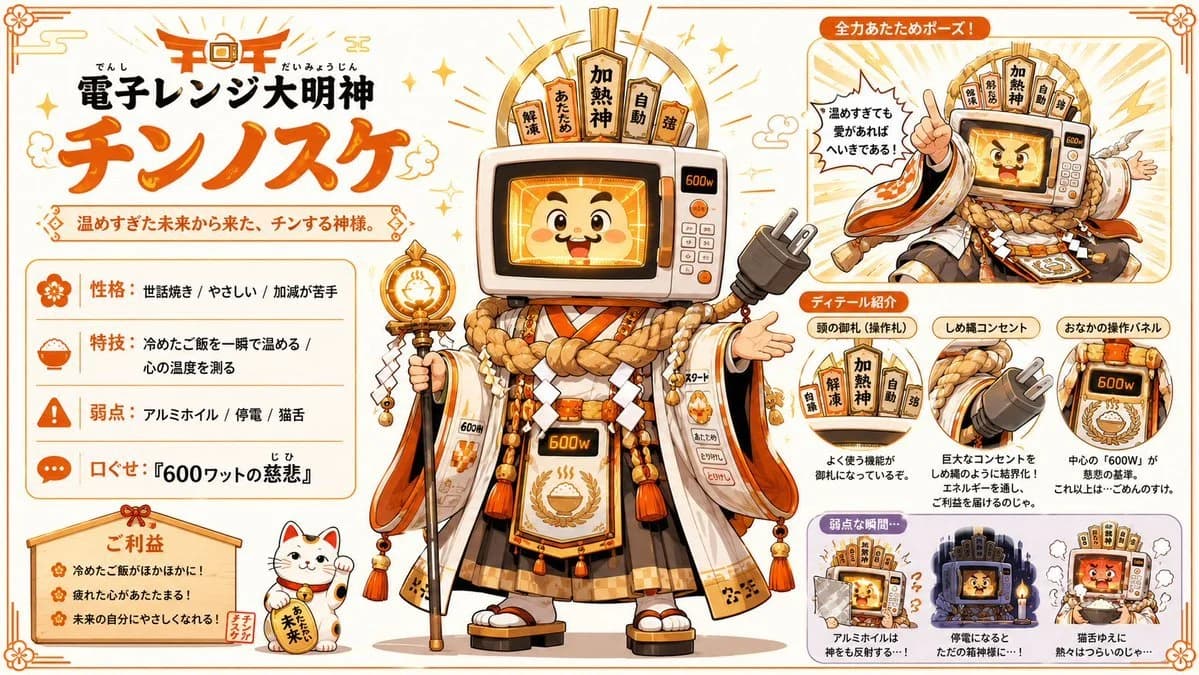
Chibi Fashion Infographic is a ready-to-use poster prompt for GPT Image 2 on Image 2. Copy the 174 words below, paste them into the Create form, and you will get a result close to the preview above. Tweak the Infographic, Poster, Product tag if you want to push it somewhere new.
Use it as a starting point, then adjust the subject, lighting, or composition to suit your idea. The credit cost stays the same whether you use it as written or customize it.
Use case
A strong starting point for Poster
Start here when you want a poster image inspired by Chibi Fashion Infographic. The prompt already sets the look and composition; replace the subject, product, colors, or scene details to match your project.
Easy places to tweak
- Subject Swap in your person, product, place, or object without changing the overall composition.
- Look and mood Tune the lighting, palette, camera angle, or materials so the image fits your brand.
- Final format Set the aspect ratio, background, text, or layout notes before you generate.
More prompt paths to explore
Find more GPT Image 2 prompts with a similar style, use case, or subject.
How to use it
- Step 1
Copy the prompt
Hit the Copy button above to grab the full text.
- Step 2
Open Image 2 Create
Head to the Create form and paste it in.
- Step 3
Generate
Hit Generate. Your version lands in seconds.
Make it yours
Load the prompt into the Create form with one click, then start tweaking.