Prompt
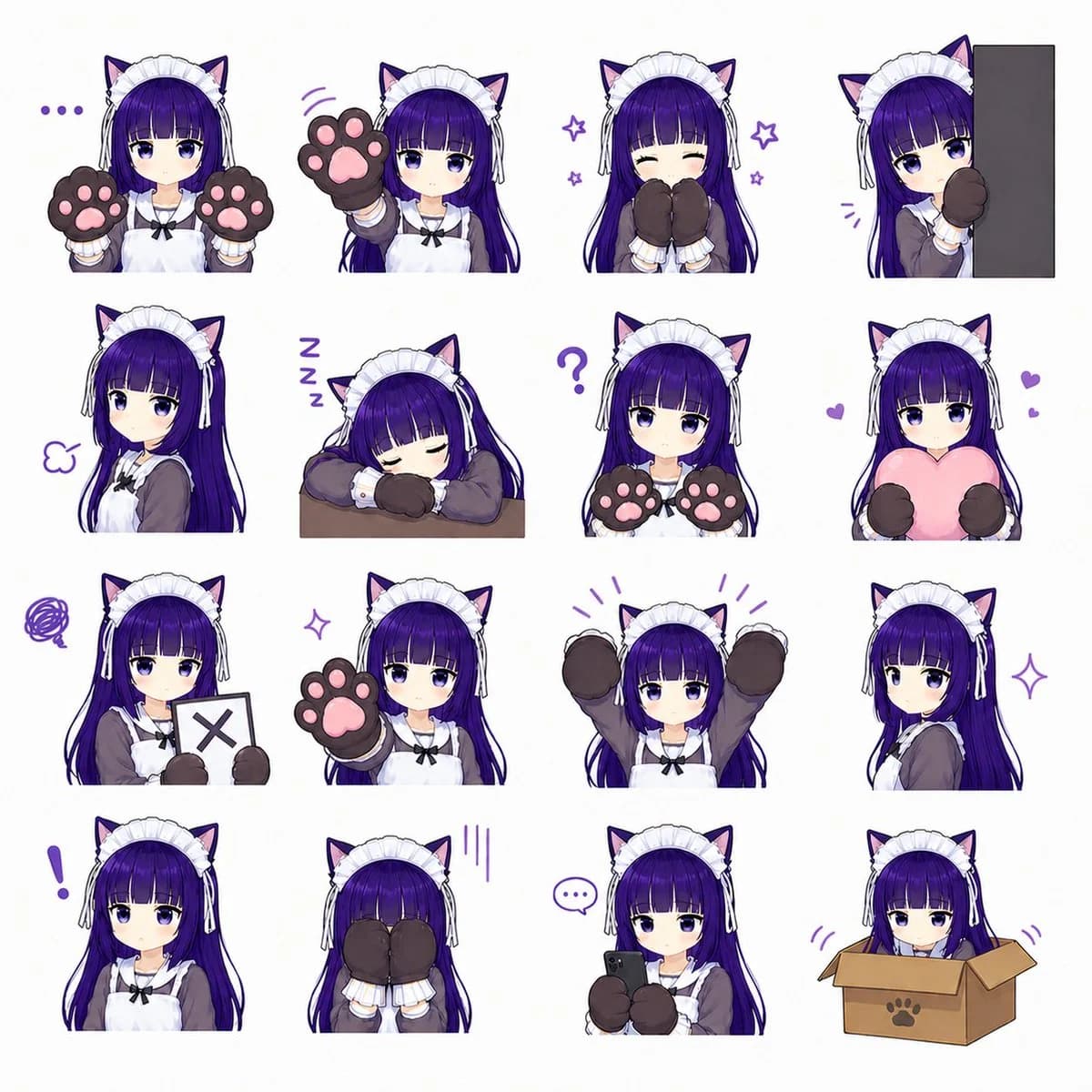
495 wordsGoal: Create a clean anime sticker/emote sheet featuring {argument name="character name" default="a cat-eared maid girl"} in exactly 16 separate chibi-style portrait stickers on a plain white background.
Canvas: Square 1:1 image, high resolution, white background, arranged as a neat 4 by 4 grid with generous spacing. Each sticker is cropped around the upper body or head-and-shoulders, with no panel borders.
Character design: The same young anime girl appears in every sticker. She has {argument name="hair color" default="long deep purple hair"} with straight bangs, large purple eyes, pale skin, black cat ears with pink inner ears, a white frilly maid headband with side ribbons, a gray-brown maid dress, white apron, black bow at the collar, and oversized dark brown cat-paw mittens with pink paw pads. Use a cute soft-shaded VTuber/anime style, crisp line art, gentle gradients, and a playful purple accent color for small emotion marks.
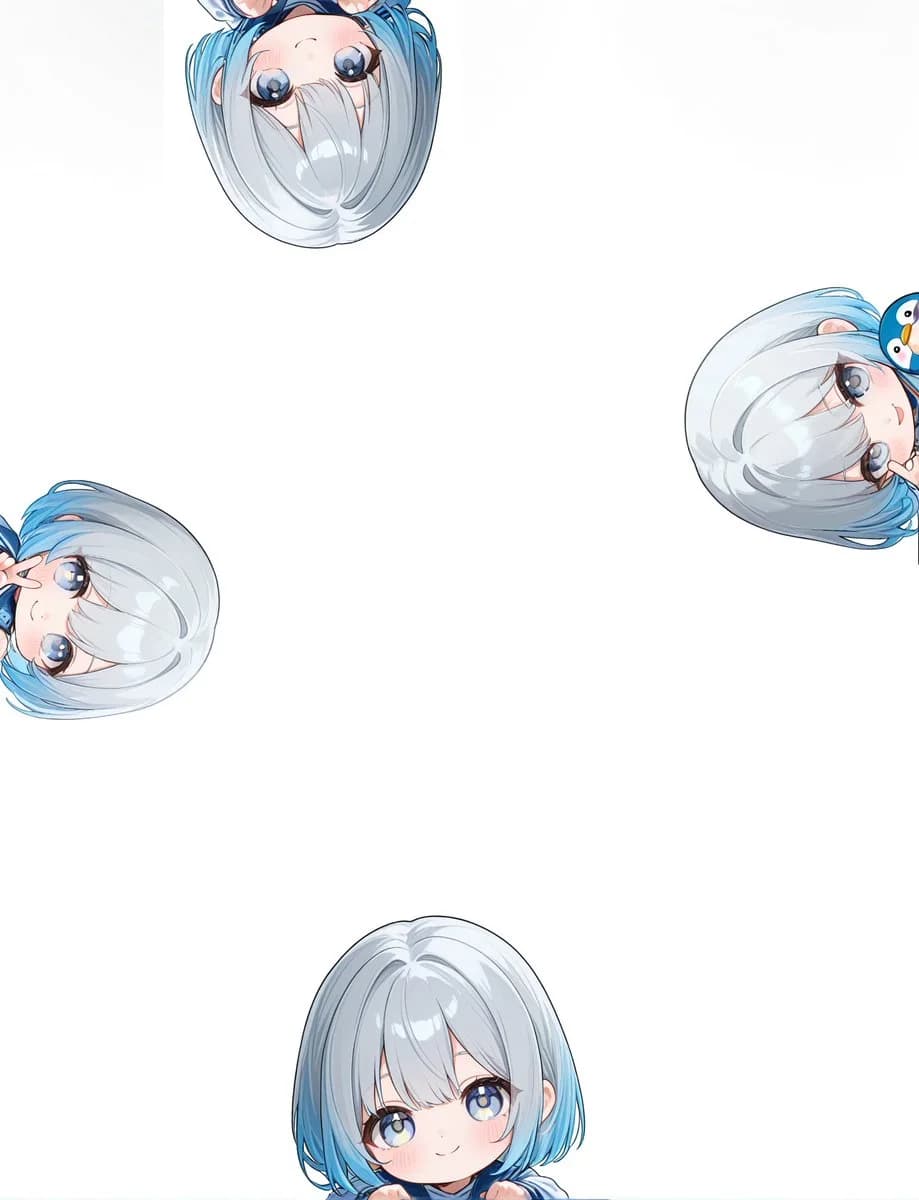
Layout and exact sticker count: Include exactly 16 discrete stickers, arranged left to right and top to bottom as follows: 1) neutral face holding both paw mittens up beside her cheeks, with three purple dots to the left; 2) calm expression reaching one paw forward toward the viewer, with small purple motion lines; 3) happy closed-eye smile with both paw mittens covering her mouth, surrounded by small purple stars; 4) shy girl peeking from behind a tall dark gray vertical rectangle on the right, one paw raised; 5) side-facing slightly unimpressed expression with a small purple puff mark; 6) sleeping pose with head resting on folded arms on a small brown tabletop, with three purple Z letters; 7) confused neutral pose holding both paw mittens forward, with a large purple question mark above; 8) affectionate pose hugging a large pink heart pillow, with two small purple hearts; 9) displeased pose holding a white sign with a dark X mark, with a purple scribble cloud; 10) gentle forward-facing pose raising one paw pad close to the viewer; 11) excited pose with both arms raised high and purple emphasis lines above; 12) elegant side portrait looking over her shoulder, with a purple sparkle; 13) surprised neutral portrait with a large purple exclamation mark to the left; 14) embarrassed or hiding pose with both mittens covering her face, with three vertical purple stress lines; 15) focused pose holding a small black smartphone with both paw mittens, with a purple speech bubble containing three dots; 16) cute pose sitting inside an open cardboard box with a paw-print symbol on the front, only her head and paws visible, with small purple motion marks.
Visual style: Make the stickers feel like a social media emote pack, cute and polished, with consistent character proportions, expressive but subtle facial changes, soft cel shading, clean white negative space, and decorative purple doodles only where specified.
Constraints: Do not add text labels, captions, watermarks, or extra characters. Keep the exact 4 by 4 arrangement and exactly 16 stickers. Maintain the same outfit, hairstyle, and cat-ear maid identity in every pose.About this prompt
Cat-Eared Maid Emote Sticker Sheet is a ready-to-use portrait prompt for GPT Image 2 on Image 2. Copy the 495 words below, paste them into the Create form, and you will get a result close to the preview above. Tweak the Social Media, Portrait, Fashion tag if you want to push it somewhere new.
Use it as a starting point, then adjust the subject, lighting, or composition to suit your idea. The credit cost stays the same whether you use it as written or customize it.
Use case
A strong starting point for Portrait
Start here when you want a portrait image inspired by Cat-Eared Maid Emote Sticker Sheet. The prompt already sets the look and composition; replace the subject, product, colors, or scene details to match your project.
Easy places to tweak
- Subject Swap in your person, product, place, or object without changing the overall composition.
- Look and mood Tune the lighting, palette, camera angle, or materials so the image fits your brand.
- Final format Set the aspect ratio, background, text, or layout notes before you generate.
More prompt paths to explore
Find more GPT Image 2 prompts with a similar style, use case, or subject.
How to use it
- Step 1
Copy the prompt
Hit the Copy button above to grab the full text.
- Step 2
Open Image 2 Create
Head to the Create form and paste it in.
- Step 3
Generate
Hit Generate. Your version lands in seconds.
Make it yours
Load the prompt into the Create form with one click, then start tweaking.