Prompt
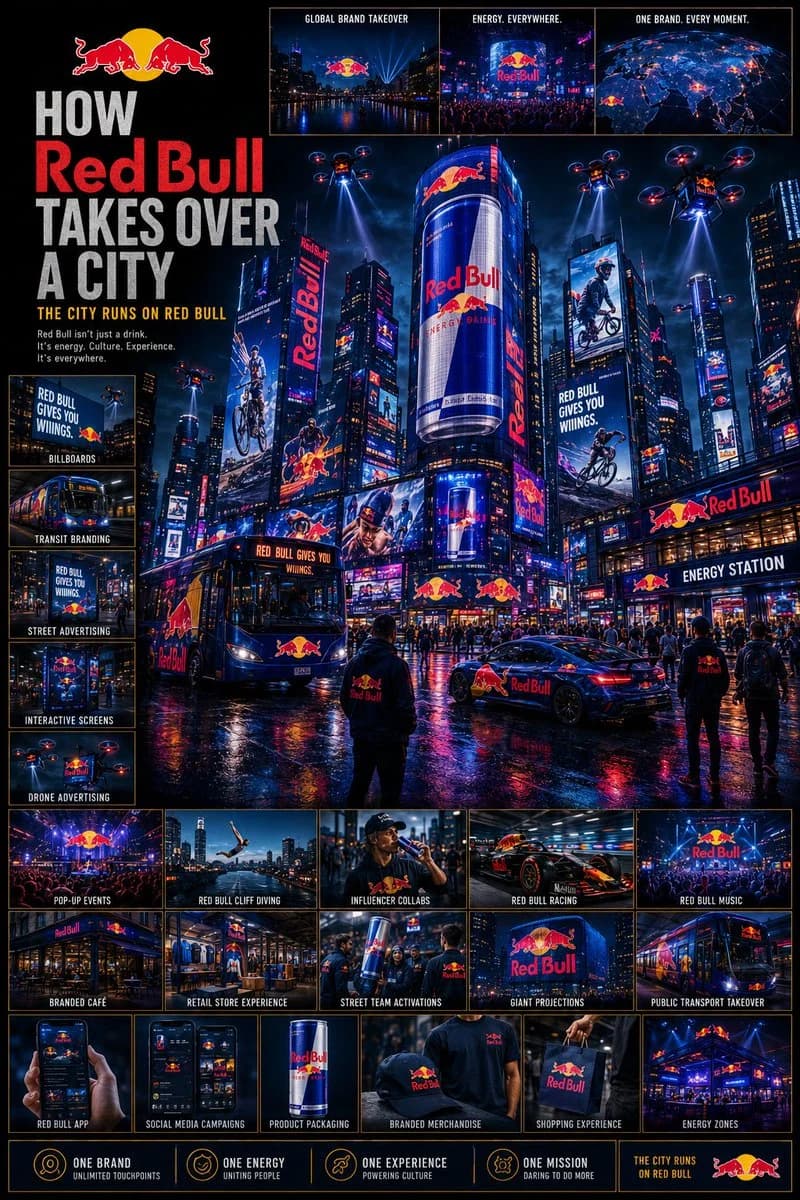
426 wordsUsing the brand name “[BRAND NAME]”, create a highly detailed cinematic poster: “HOW [BRAND NAME] TAKES OVER A CITY” GOAL: Show the brand expanding across an entire city ecosystem until it becomes impossible to ignore. This must feel like: global campaign rollout + futuristic city domination + luxury advertising ecosystem. The brand should appear integrated naturally into the city, not random logo placement. CORE RULE: Everything must be visually inspired by the brand identity of “[BRAND NAME]”: brand colors typography style design language visual energy aesthetic mood The city itself should begin to feel transformed by the brand identity. MAIN STRUCTURE: Vertical 4:5 poster Dense multi layered composition Huge cinematic city scene mixed with many smaller detail panels TOP SECTION: Include: “[BRAND NAME]” logo or wordmark Campaign title Short slogan (max 5 words) Example slogans: “The City Wears [BRAND NAME]” “One Brand. Everywhere.” “The Future Is [BRAND NAME]” “This City Runs On [BRAND NAME]” MAIN HERO SCENE: Show a massive cinematic city environment where “[BRAND NAME]” has become dominant. Include: giant digital billboards skyscraper LED screens branded taxis buses train wraps storefronts public transport stations branded cafés interactive street ads branded drones or futuristic media systems The city should feel alive and overloaded with coordinated branding. CITY ENVIRONMENT: Create: realistic streets crowds of people traffic nightlife urban lighting weather atmosphere The branding should blend naturally into the environment. MICRO SCENES: Around the main scene, include many smaller panels showing: people using branded products social media campaign visuals branded pop up events digital ads on phones branded shopping bags influencer campaigns café branding event installations giant building projections ADVERTISEMENT SYSTEM: OUTDOOR: billboards LED towers transit ads street posters DIGITAL: mobile ads social media ads app UI interactive screens PHYSICAL: packaging shopping bags uniforms vehicles VISUAL DETAILS: Add: glowing reflections rain reflections on streets holographic screens animated signage crowds interacting with ads city lights matching the brand palette COLOR SYSTEM: Strictly derived from the brand identity colors. Use: lighting reflections atmosphere ad screens to reinforce the brand identity. STYLE: cinematic urban realism futuristic advertising aesthetic dense but readable luxury campaign presentation Inspired by: Tokyo/Shibuya LED overload Times Square campaigns cyberpunk city advertising luxury fashion campaign rollouts DEPTH: 40 to 80 visual elements layered foreground/midground/background multiple scales of detail IMPORTANT RULES: no random logo spam branding must feel intelligently integrated every ad placement should feel intentional no empty areas city must still feel believable FINAL FEEL: Like: a billion dollar global campaign launch a cinematic city takeover a futuristic luxury advertising ecosystem NOT: generic mockups flat layouts repetitive placements
About this prompt
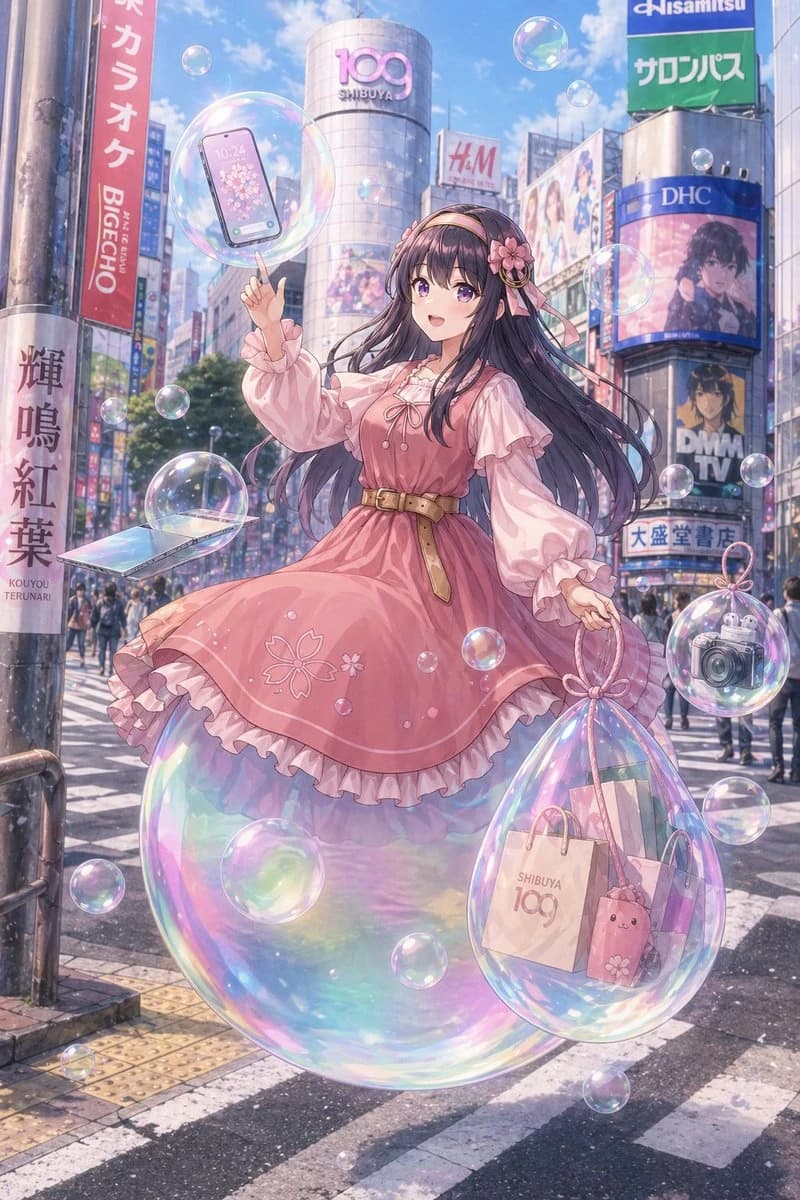
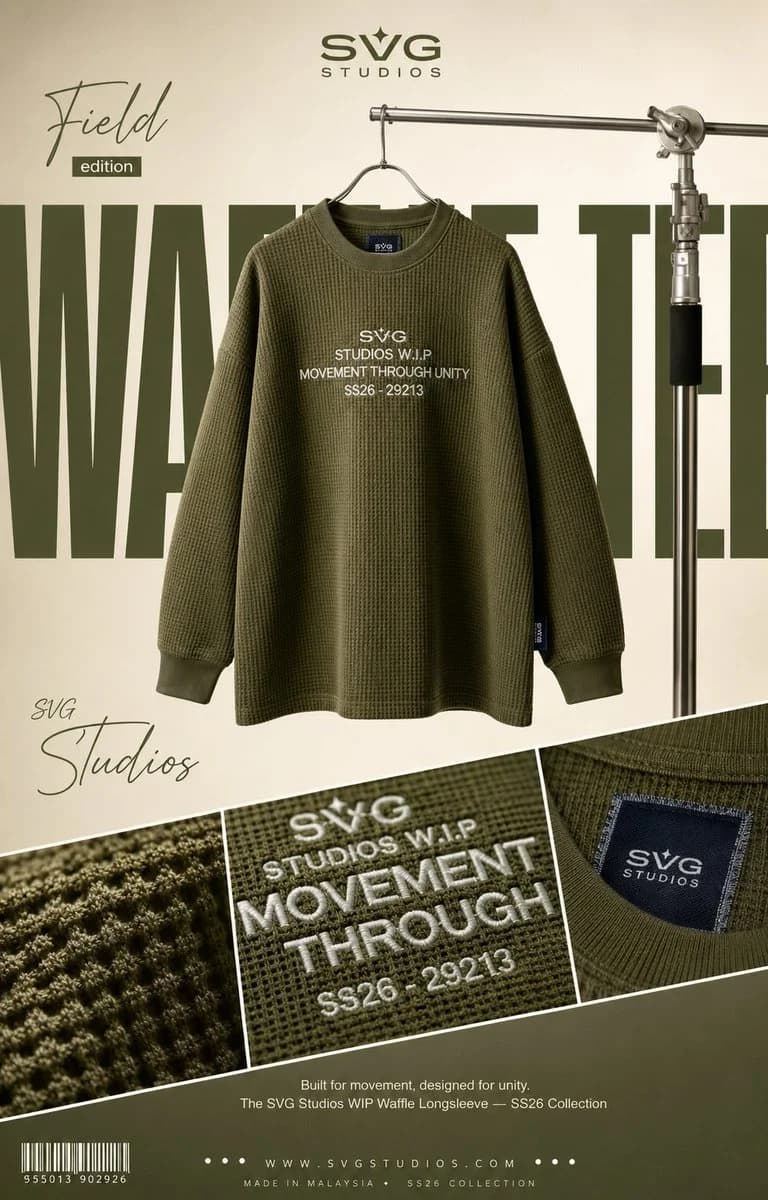
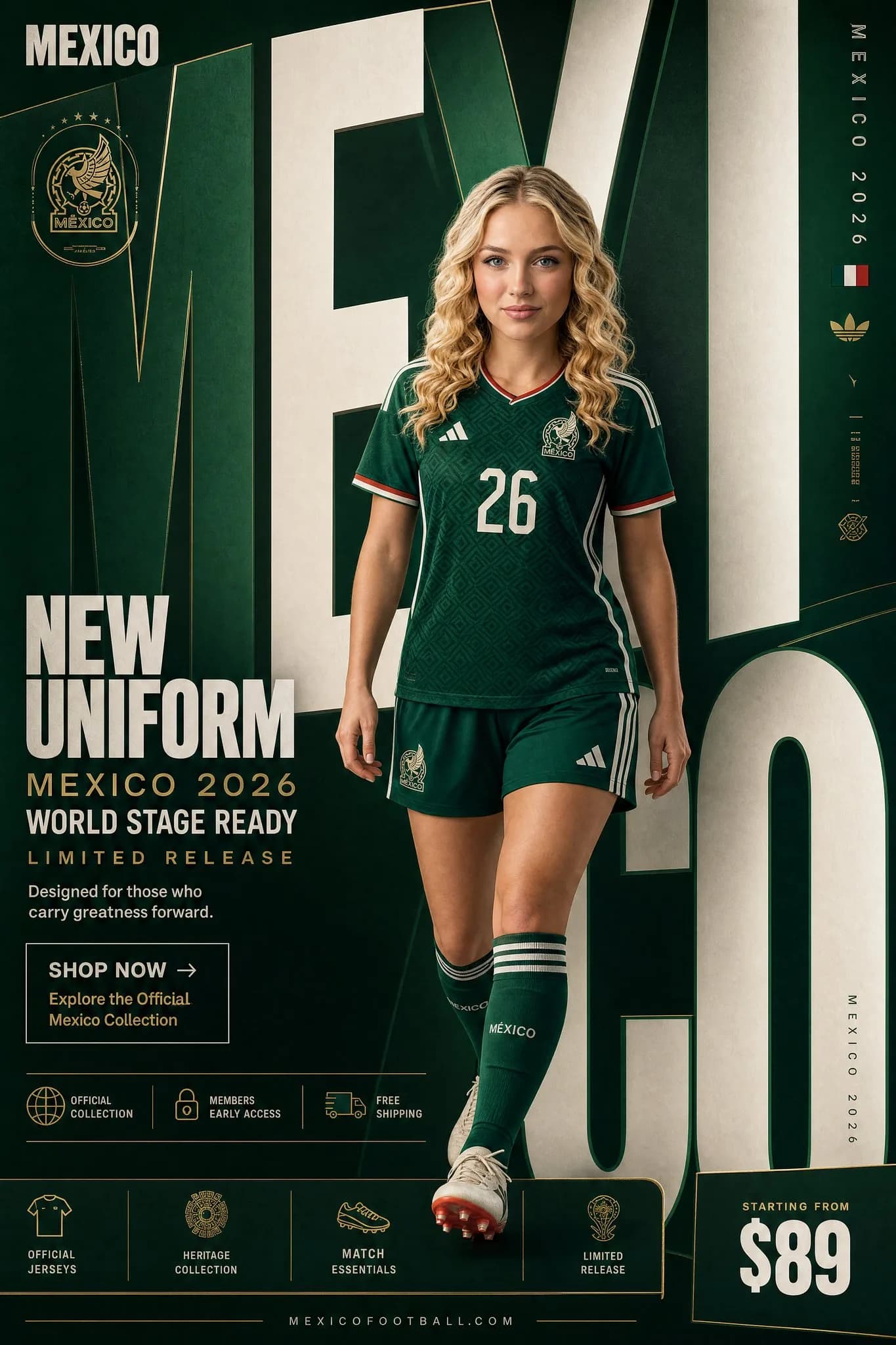
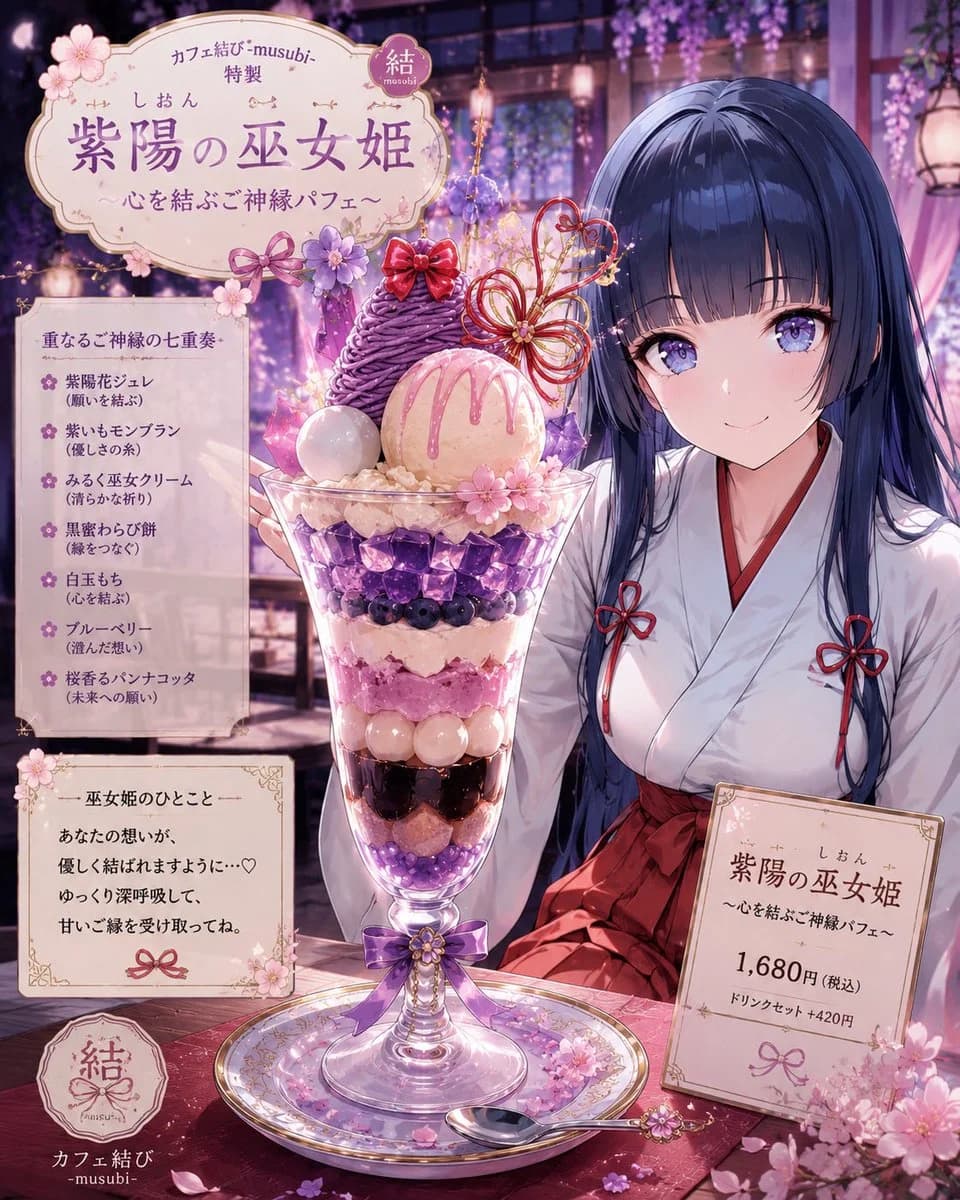
Brand City Takeover Poster is a ready-to-use poster prompt for GPT Image 2 on Image 2. Copy the 426 words below, paste them into the Create form, and you will get a result close to the preview above. Tweak the Product Ad, Social Media, Poster tag if you want to push it somewhere new.
Use it as a starting point, then adjust the subject, lighting, or composition to suit your idea. The credit cost stays the same whether you use it as written or customize it.
Use case
A strong starting point for Poster
Start here when you want a poster image inspired by Brand City Takeover Poster. The prompt already sets the look and composition; replace the subject, product, colors, or scene details to match your project.
Easy places to tweak
- Subject Swap in your person, product, place, or object without changing the overall composition.
- Look and mood Tune the lighting, palette, camera angle, or materials so the image fits your brand.
- Final format Set the aspect ratio, background, text, or layout notes before you generate.
More prompt paths to explore
Find more GPT Image 2 prompts with a similar style, use case, or subject.
How to use it
- Step 1
Copy the prompt
Hit the Copy button above to grab the full text.
- Step 2
Open Image 2 Create
Head to the Create form and paste it in.
- Step 3
Generate
Hit Generate. Your version lands in seconds.
Make it yours
Load the prompt into the Create form with one click, then start tweaking.