01Transformations
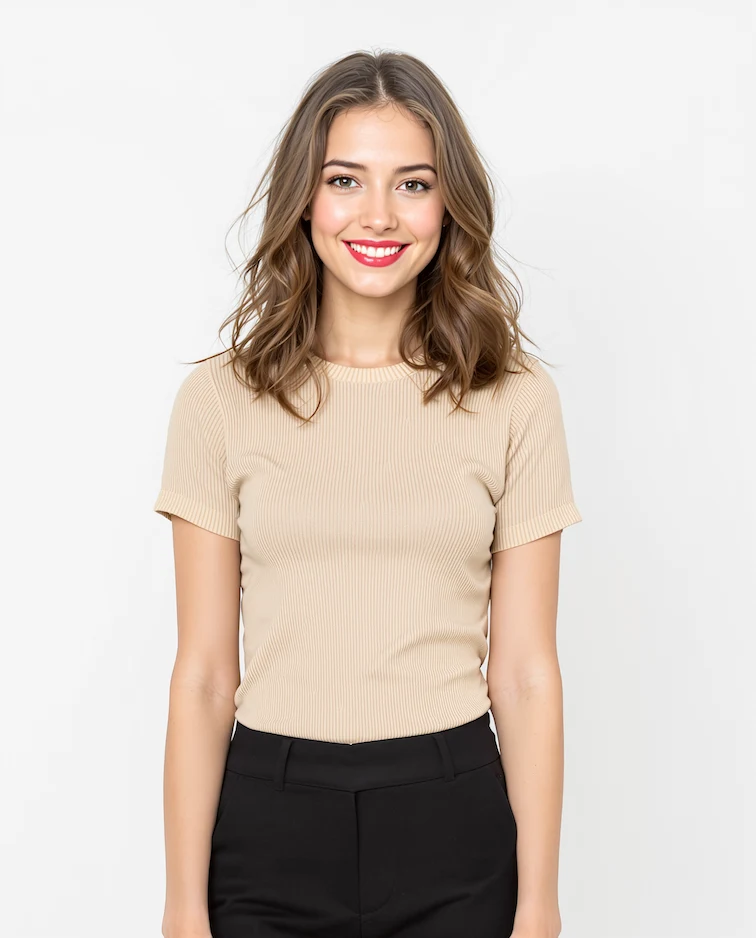
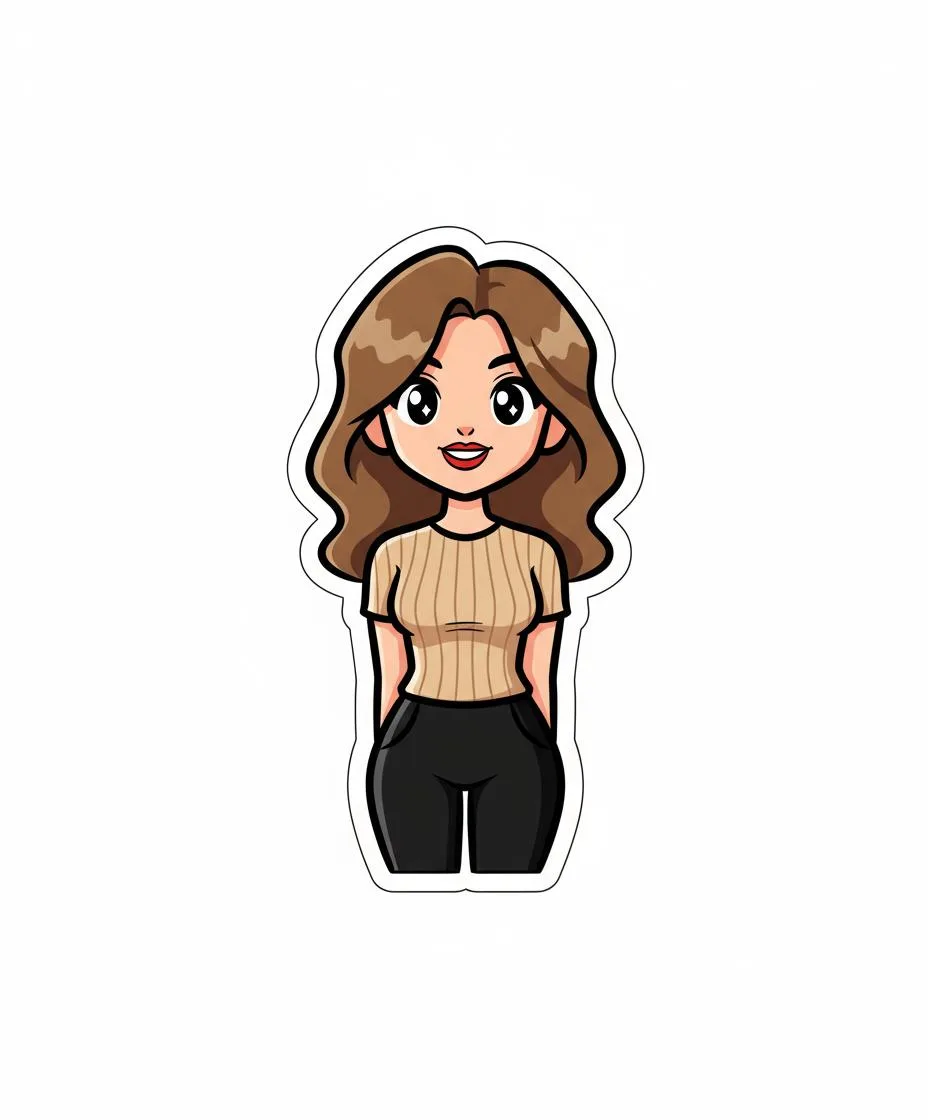
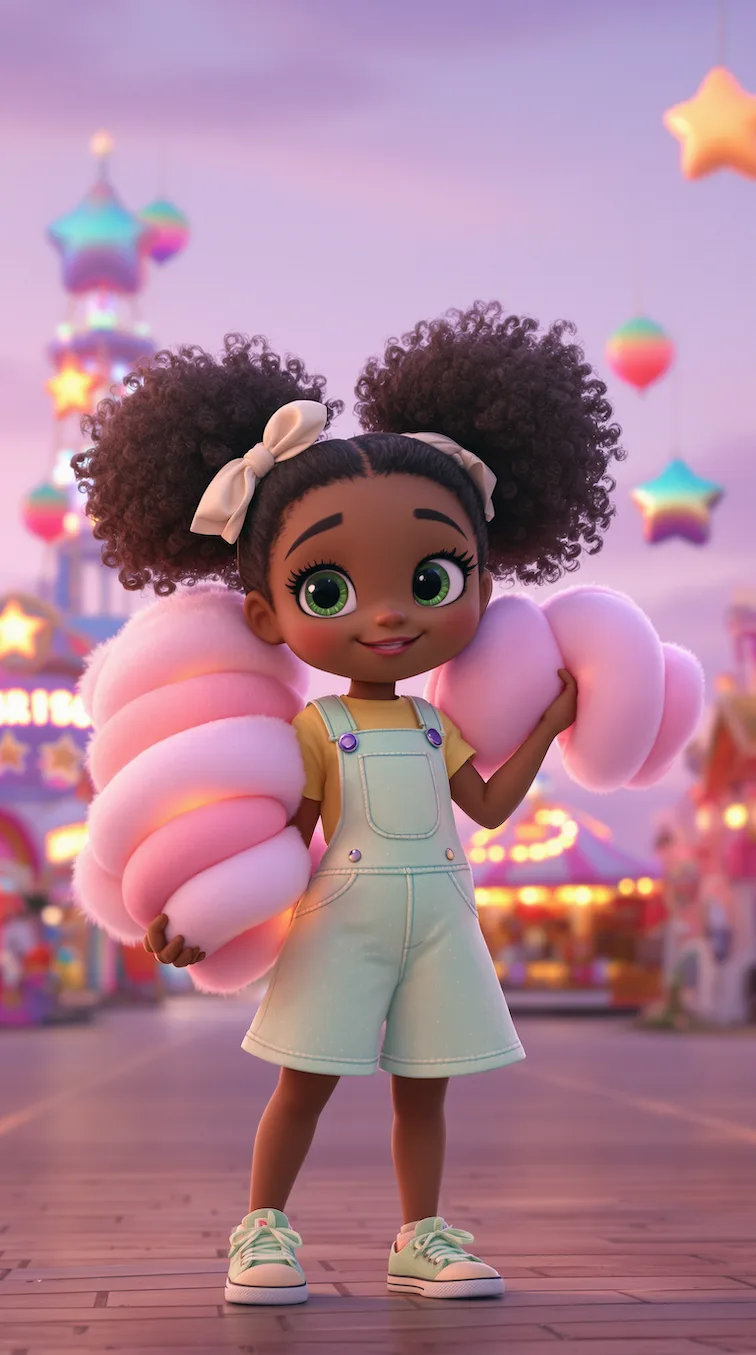
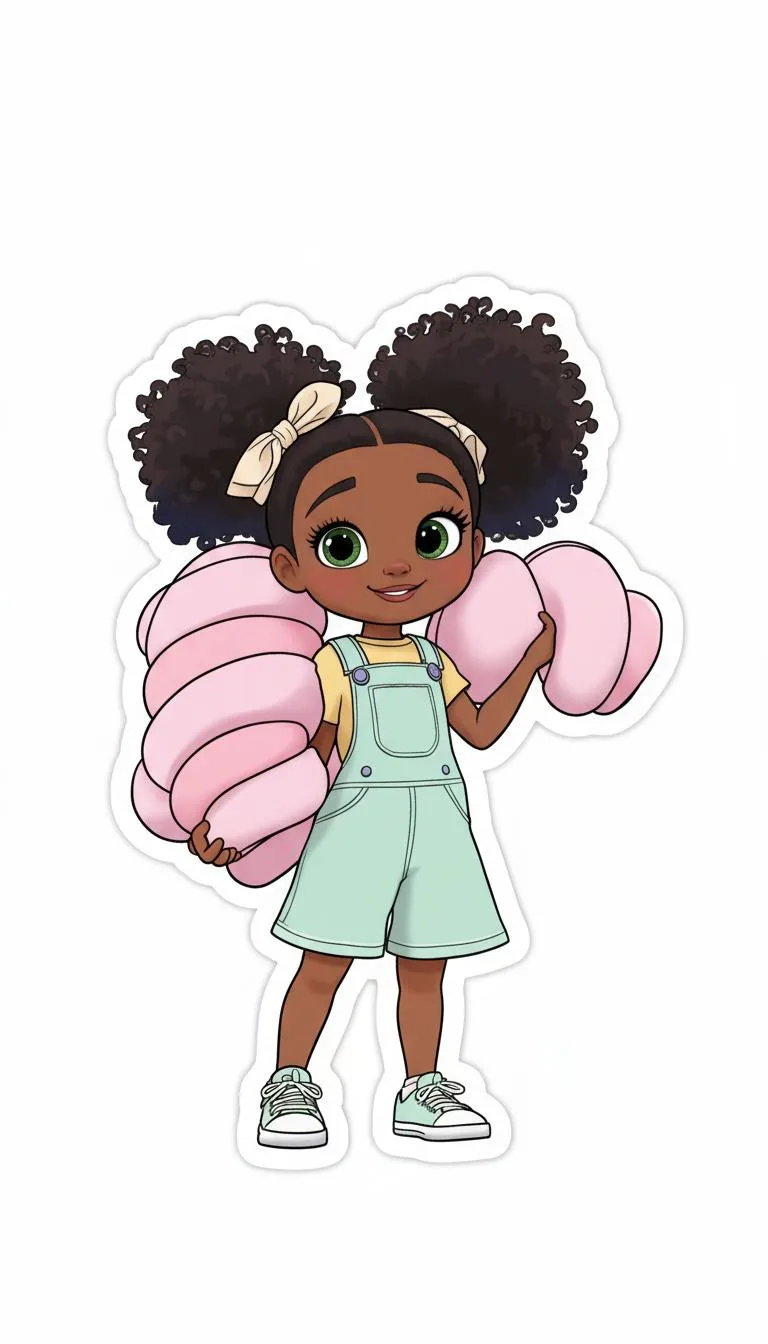
Kawaii Sticker before and after
Start with a person, pet, object, mascot, or character photo; the result shows bold outlines, bright color, simple shading, and a clean white background in a clear before-and-after comparison.
Use GPT Image 2 to make cute stickers from photos for print, chats, labels, and digital sticker packs. This Kawaii Sticker workflow focuses on bold outlines, bright color, simple shading, and a clean white background.
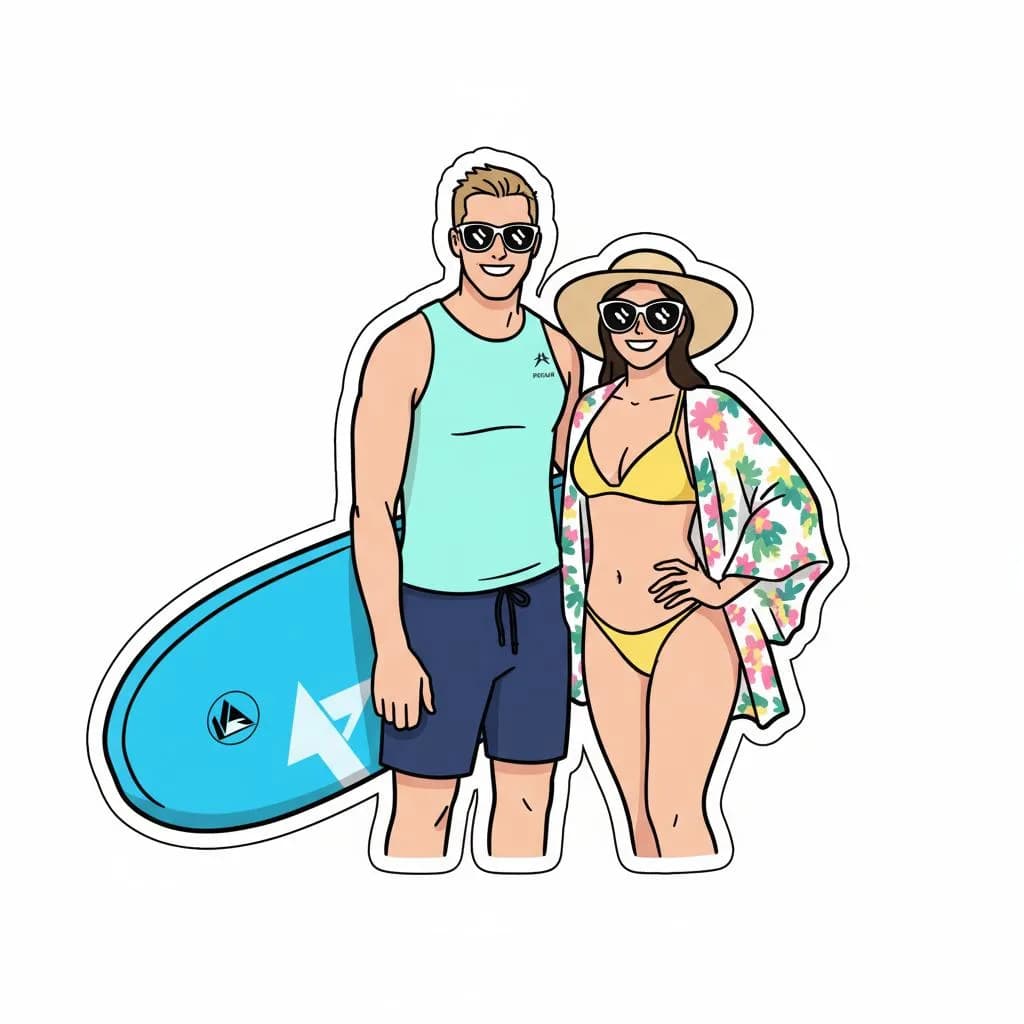
See how Kawaii Sticker works when you need to make cute stickers from photos for print, chats, labels, and digital sticker packs.
Start with a person, pet, object, mascot, or character photo; the result shows bold outlines, bright color, simple shading, and a clean white background in a clear before-and-after comparison.
Best with a person, pet, object, mascot, or character photo. Keep the main subject clear so GPT Image 2 can preserve recognizable detail while applying the Kawaii Sticker look.
Use it when you need to make cute stickers from photos for print, chats, labels, and digital sticker packs. These examples show finished outputs, so users can judge the Kawaii Sticker look before uploading.
Common questions about using Kawaii Sticker Creator
This GPT Image 2 creates kawaii-inspired sticker designs with bold outlines, simple cel-shading, and vibrant colors on a white background.
Clear subjects like characters, pets, objects, or simple scenes work best. The AI will automatically simplify complex images into sticker-friendly designs.
Absolutely! The generated stickers are high-resolution and perfect for printing. They include clean edges ideal for cutting and creating physical stickers.
Commercial use may be permitted, subject to our Terms of Service, applicable law, and third-party rights. You are responsible for reviewing generated outputs before any commercial use.
Each generation uses 2/2/6 (1K/2K/4K) credits. New users can try it with free signup credits, daily rewards, or purchased credit packs.
Use a sharp, well-lit image with the main subject unobstructed. Add a short note if you want stronger styling, a cleaner background, or a more subtle edit.
Still have questions? Contact us at [email protected]