
50% OFF
Image2

GPT Image 2 Studio Ghibli AI Filter

Use GPT Image 2 to turn photos into Ghibli-style illustrations, cozy anime scenes, and storybook images. This Ghibli-Style Image Generator workflow focuses on soft painterly color, warm light, rich background detail, and a gentle animated-film mood.

Studio GhibliAnime Style
Studio Ghibli sample result

Create Your Studio Ghibli Portrait

Upload a portrait, pet photo, cozy room, street scene, or landscape. GPT Image 2 will create a Ghibli-Style Image Generator result with soft painterly color, warm light, rich background detail, and a gentle animated-film mood.

Ghibli-Style Image Generator Results

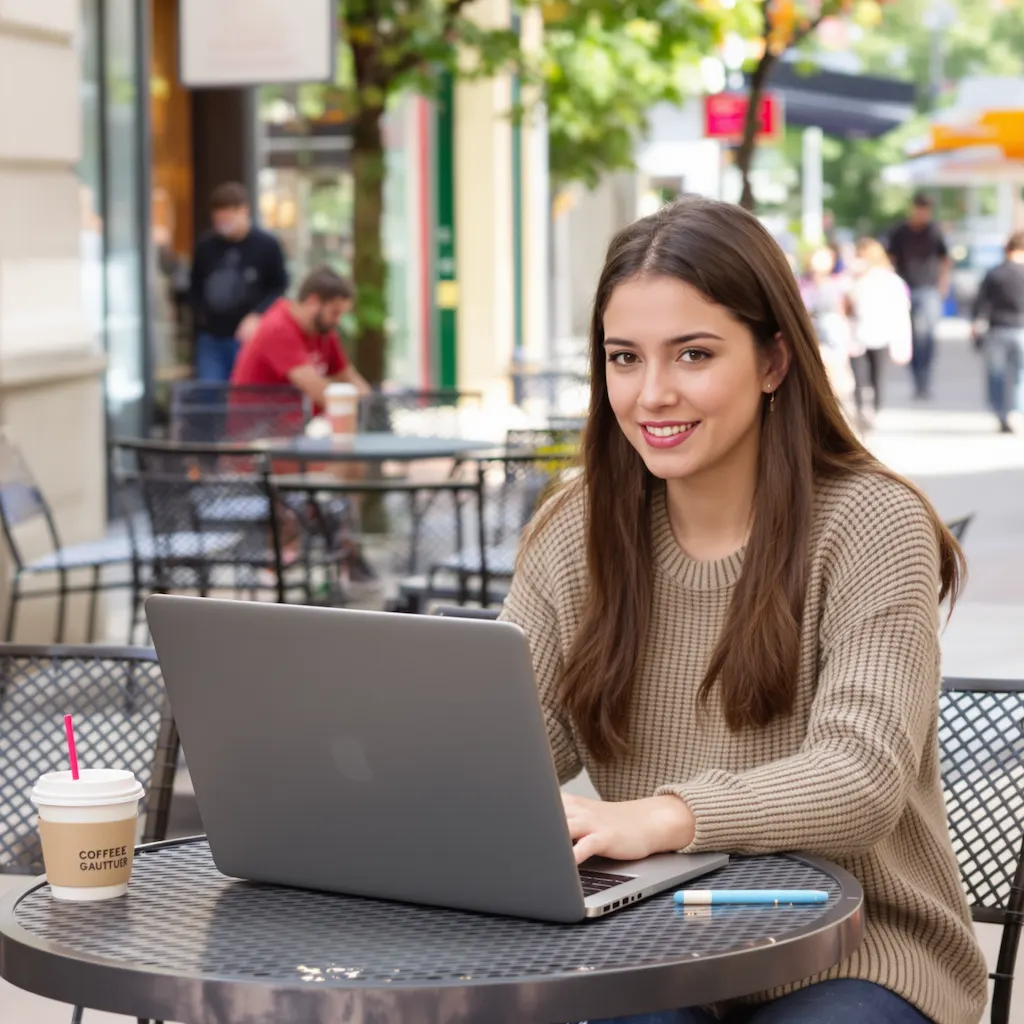
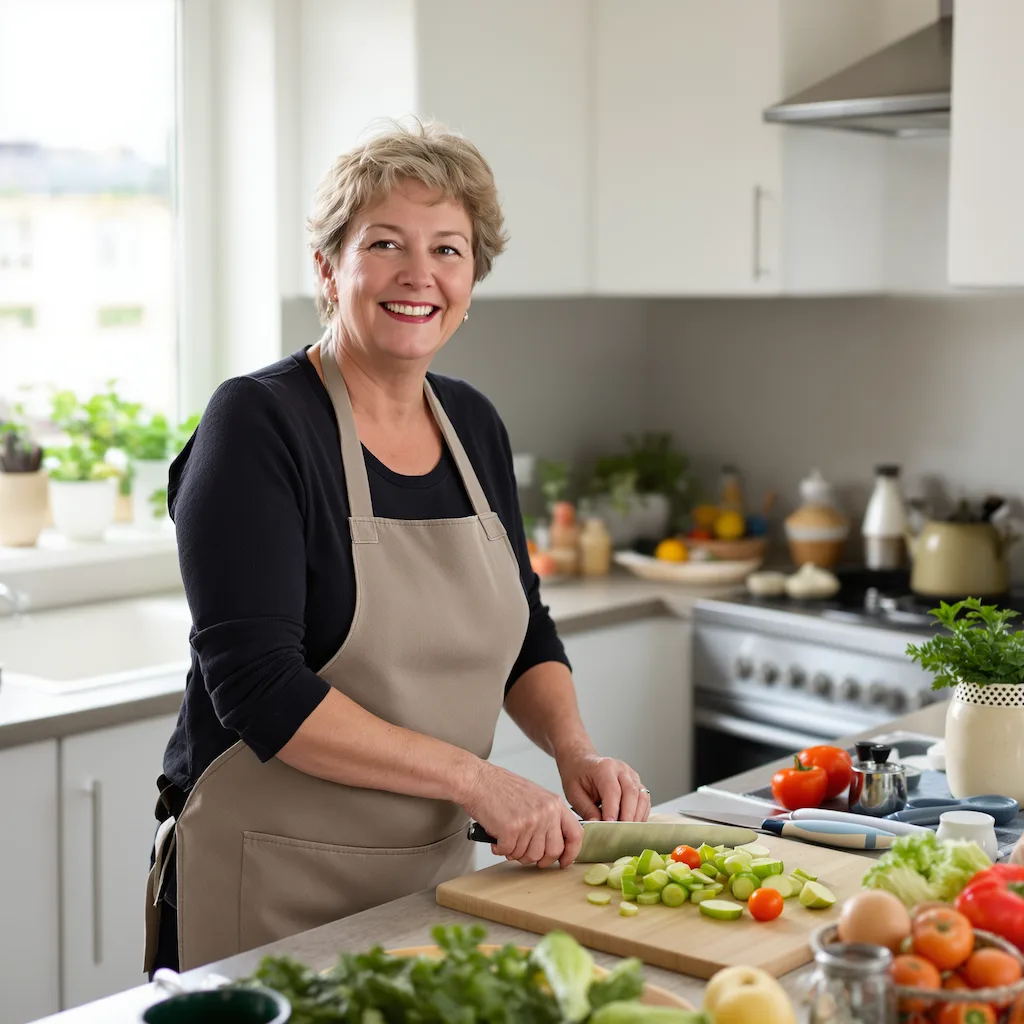
Original image example 1 - Before Image 2 AI transformation
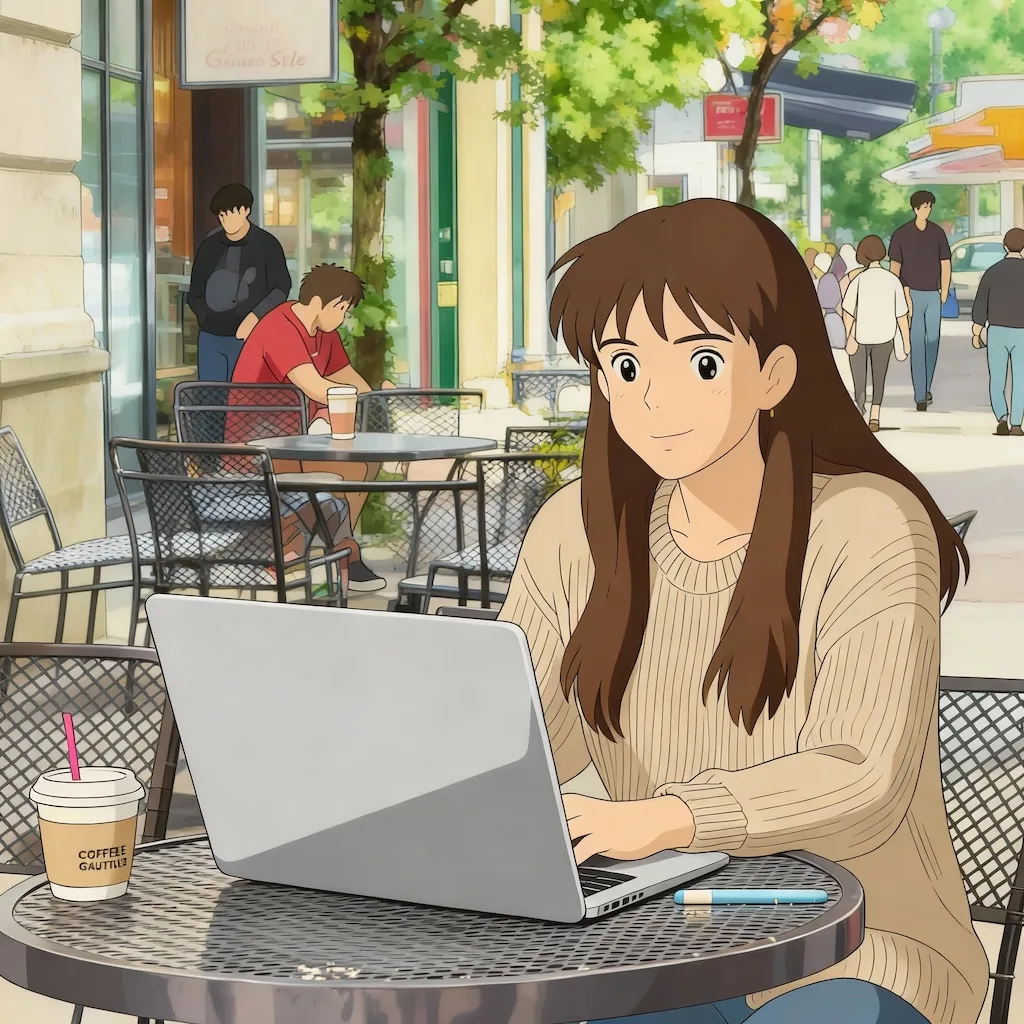
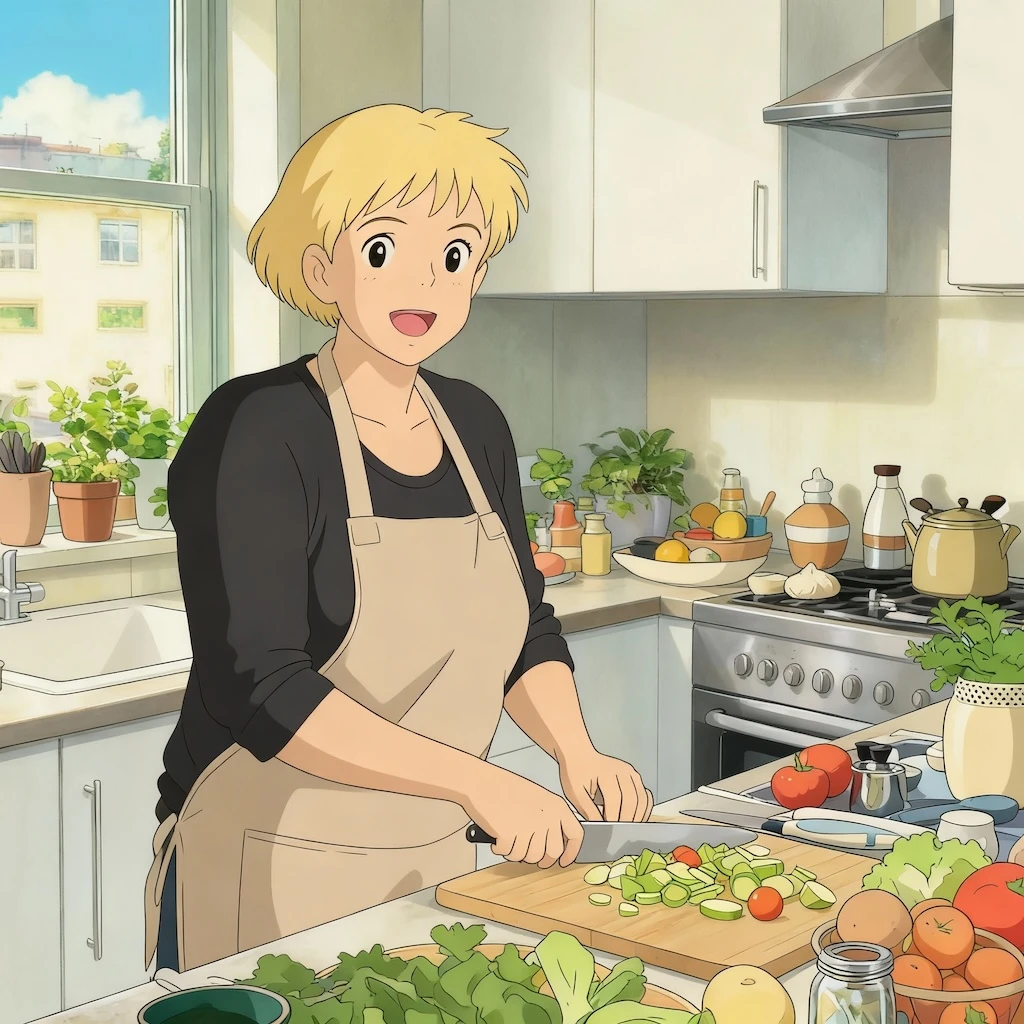
AI-generated result example 1 - After Image 2 transformation
Before
After
Original image example 2 - Before Image 2 AI transformation
AI-generated result example 2 - After Image 2 transformation
Before
After

Ghibli-Style Image Generator Examples

See how Ghibli-Style Image Generator works when you need to turn photos into Ghibli-style illustrations, cozy anime scenes, and storybook images.

01Transformations

Ghibli-Style Image Generator before and after

Start with a portrait, pet photo, cozy room, street scene, or landscape; the result shows soft painterly color, warm light, rich background detail, and a gentle animated-film mood in a clear before-and-after comparison.

02Transformations

Best source for Ghibli-Style Image Generator

Best with a portrait, pet photo, cozy room, street scene, or landscape. Keep the main subject clear so GPT Image 2 can preserve recognizable detail while applying the Ghibli-Style Image Generator look.

03Transformations

Where to use Ghibli-Style Image Generator

Use it when you need to turn photos into Ghibli-style illustrations, cozy anime scenes, and storybook images. These examples show finished outputs, so users can judge the Ghibli-Style Image Generator look before uploading.

Studio Ghibli FAQ

Common questions about using Studio Ghibli

GPT Image 2 works best with clear photos featuring people, pets, or landscapes. Images with good lighting and visible details produce the most enchanting results. The AI particularly excels at transforming portraits and scenic backgrounds into the characteristic Ghibli aesthetic with its soft, dreamlike quality.

The Studio Ghibli style created by GPT Image 2 features soft pastel colors, hand-drawn aesthetics, gentle shading, and a dreamlike atmosphere. It includes characteristic elements like detailed backgrounds, naturalistic movement, expressive character features, and the magical realism that defines Miyazaki's work.

Each Studio Ghibli transformation uses 2/2/6 (1K/2K/4K) credits. You can purchase credit packages, claim daily check-in rewards, or invite friends for additional credits.

Commercial use may be permitted, subject to our Terms of Service, applicable law, and third-party rights. You are responsible for reviewing generated outputs before any commercial use.

GPT Image 2 keeps the original facial features, expression, and proportions while applying soft painterly color, warm light, and a hand-drawn animated-film mood.

GPT Image 2 excels with portraits, nature scenes, cityscapes, and everyday moments. Photos with clear subjects, interesting backgrounds, or emotional expressions produce particularly magical results. The AI transforms ordinary scenes into the whimsical, emotionally resonant artwork characteristic of Studio Ghibli films.

Still have questions? Contact us at [email protected]