01Transformations
Pop Art Portrait before and after
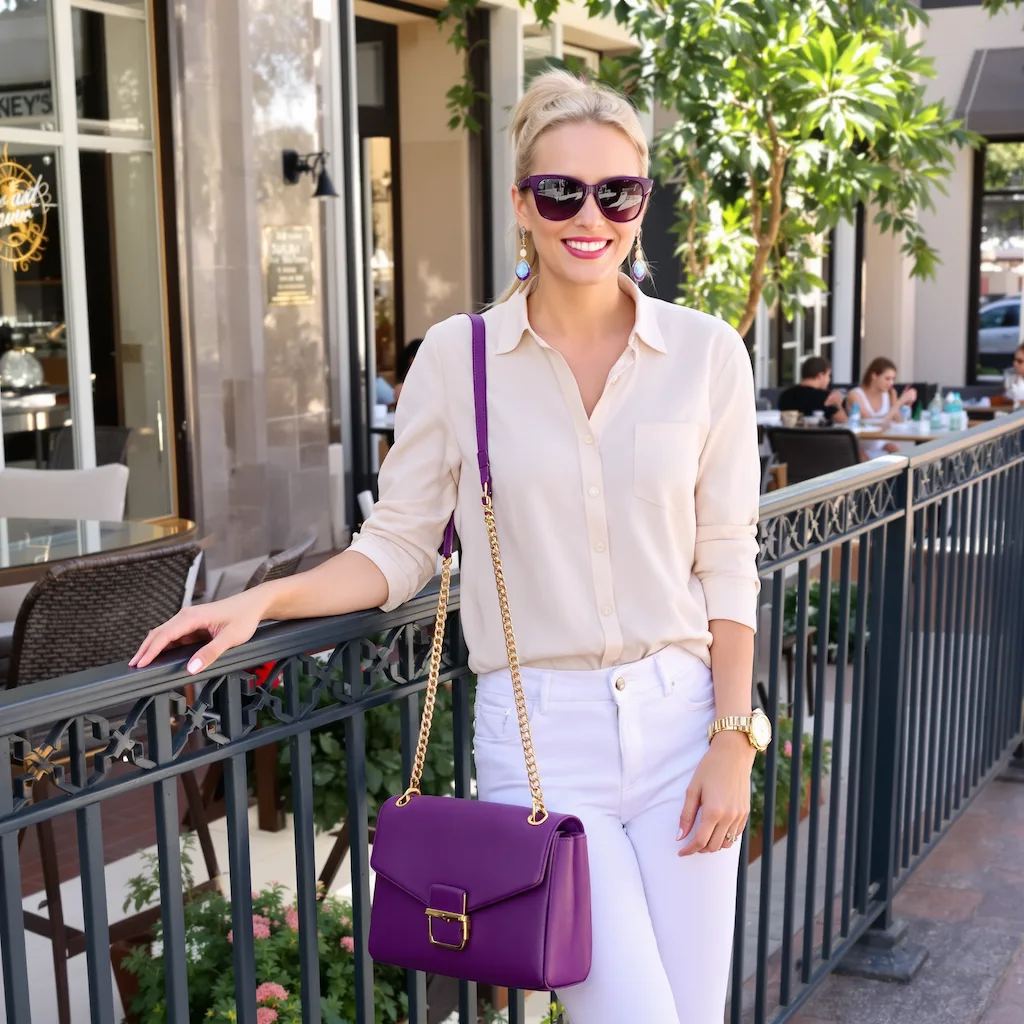
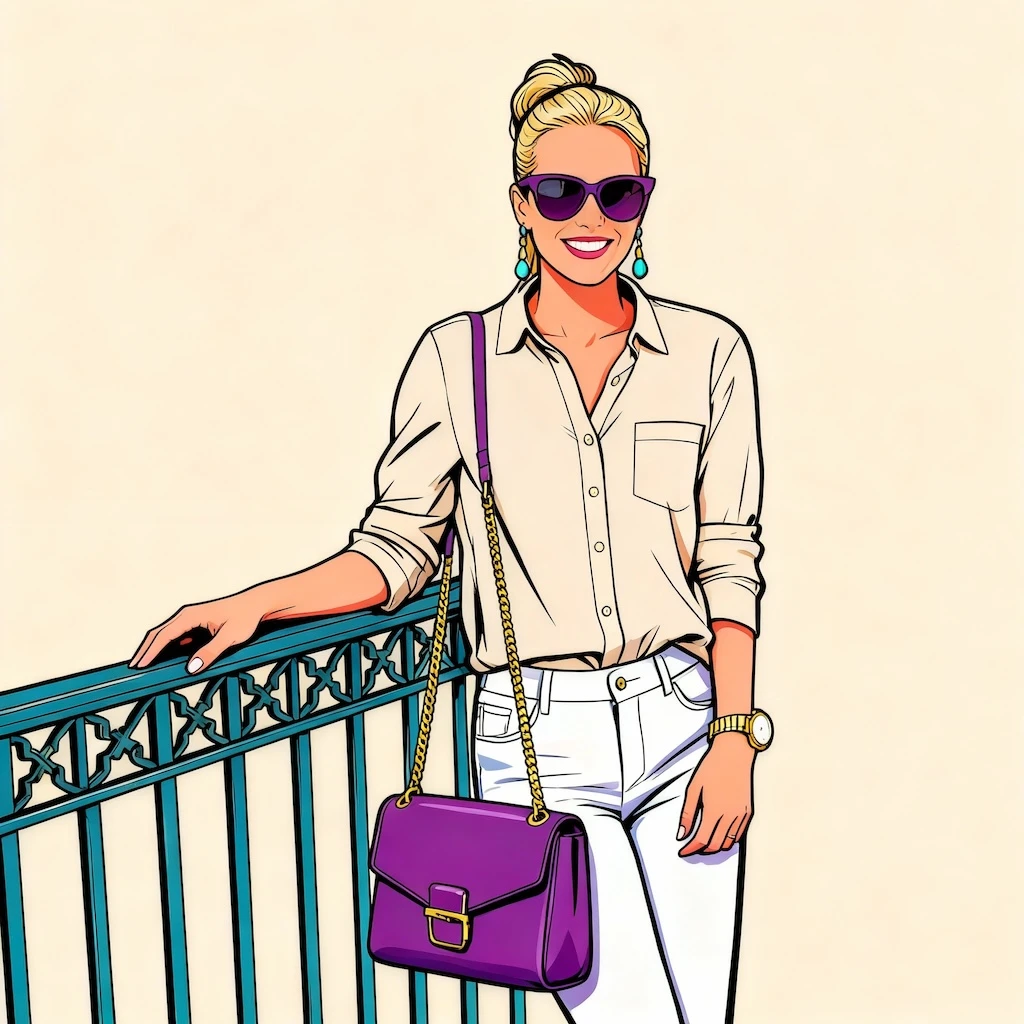
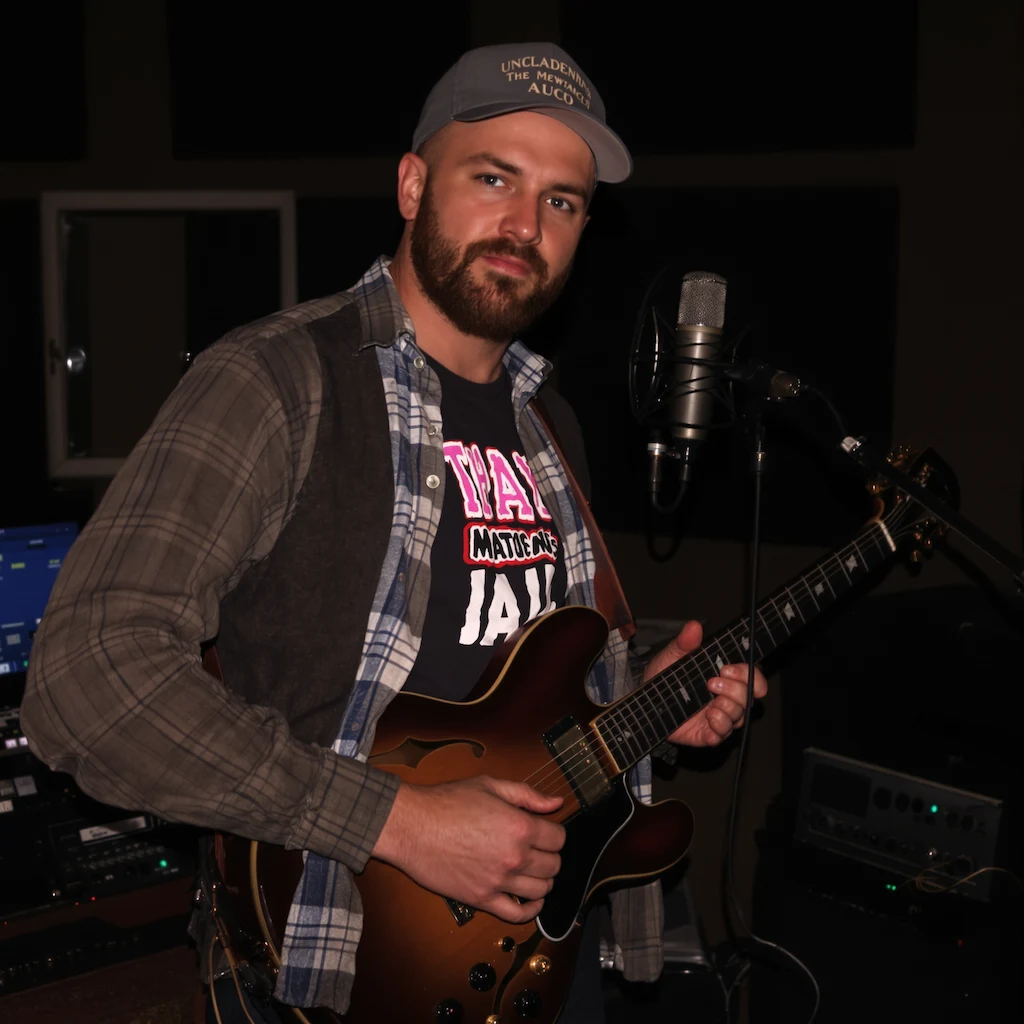
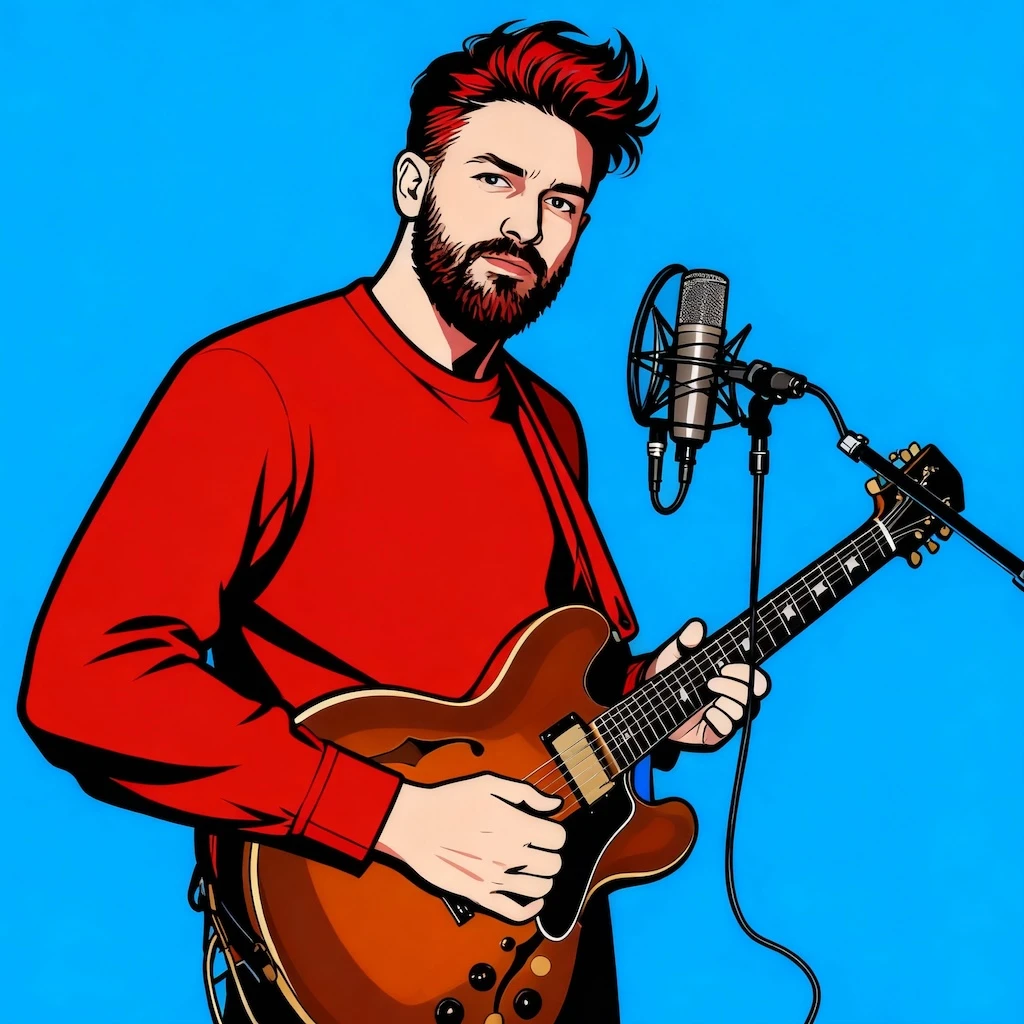
Start with a portrait, selfie, or clean face photo; the result shows comic color blocks, halftone texture, crisp outlines, and poster-ready contrast in a clear before-and-after comparison.
Use GPT Image 2 to create pop art portraits, comic-style profile photos, and colorful poster images. This Pop Art Portrait workflow focuses on comic color blocks, halftone texture, crisp outlines, and poster-ready contrast.
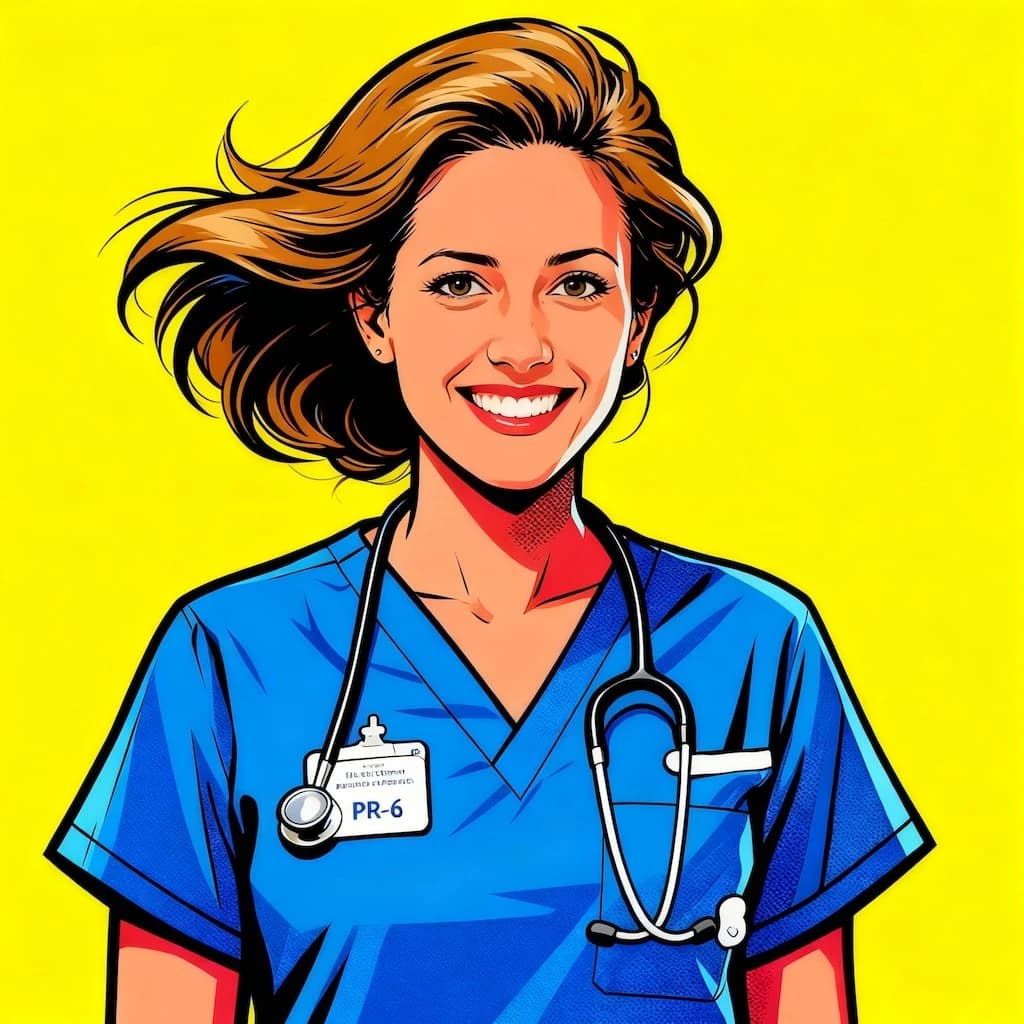
See how Pop Art Portrait works when you need to create pop art portraits, comic-style profile photos, and colorful poster images.
Start with a portrait, selfie, or clean face photo; the result shows comic color blocks, halftone texture, crisp outlines, and poster-ready contrast in a clear before-and-after comparison.
Best with a portrait, selfie, or clean face photo. Keep the main subject clear so GPT Image 2 can preserve recognizable detail while applying the Pop Art Portrait look.
Use it when you need to create pop art portraits, comic-style profile photos, and colorful poster images. These examples show finished outputs, so users can judge the Pop Art Portrait look before uploading.
Common questions about using Pop Art Portrait
For best results with GPT Image 2, use clear, well-lit photos where the subject's face is visible and unobstructed. Front-facing portraits or three-quarter angle shots work particularly well. The AI performs better with high-resolution images that have good contrast between the subject and background.
Commercial use may be permitted, subject to our Terms of Service, applicable law, and third-party rights. You are responsible for reviewing generated outputs before any commercial use.
Each Pop Art portrait generation uses 2/2/6 (1K/2K/4K) credits. You can purchase credit packages, claim daily check-in rewards, or invite friends for additional credits.
GPT Image 2 creates portraits inspired by classic pop art movements and modern graphic design. The style features bold outlines, vibrant colors, and simplified forms reminiscent of comic book art, Andy Warhol's iconic portraits, and contemporary character design. Each portrait maintains your unique features while adding artistic flair.
The AI automatically selects complementary colors and backgrounds that best suit your photo. While you cannot manually adjust specific colors, GPT Image 2's algorithm analyzes your image to choose the most visually striking color palette that enhances the pop art effect.
Generation typically takes 10-30 seconds with GPT Image 2, depending on server load. You'll see your transformed portrait appear automatically once processing is complete. The fast generation time allows you to try multiple photos and create various pop art versions quickly.
Still have questions? Contact us at [email protected]