Image2

GPT Image 2 OOTD Outfit Grid Generator

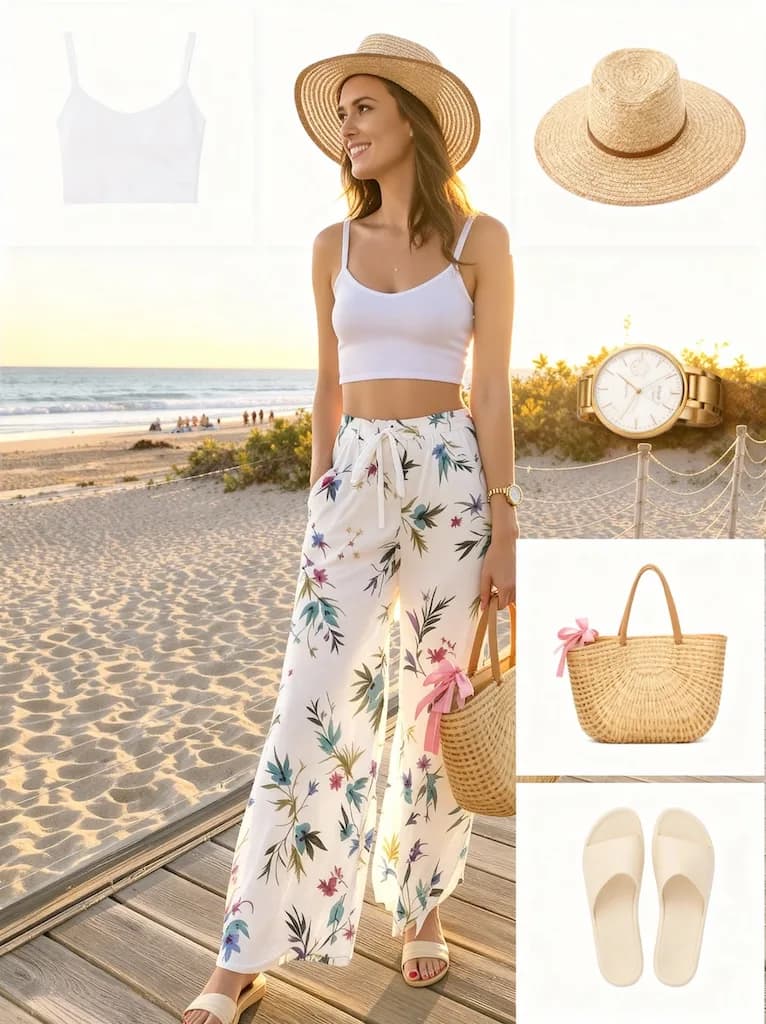
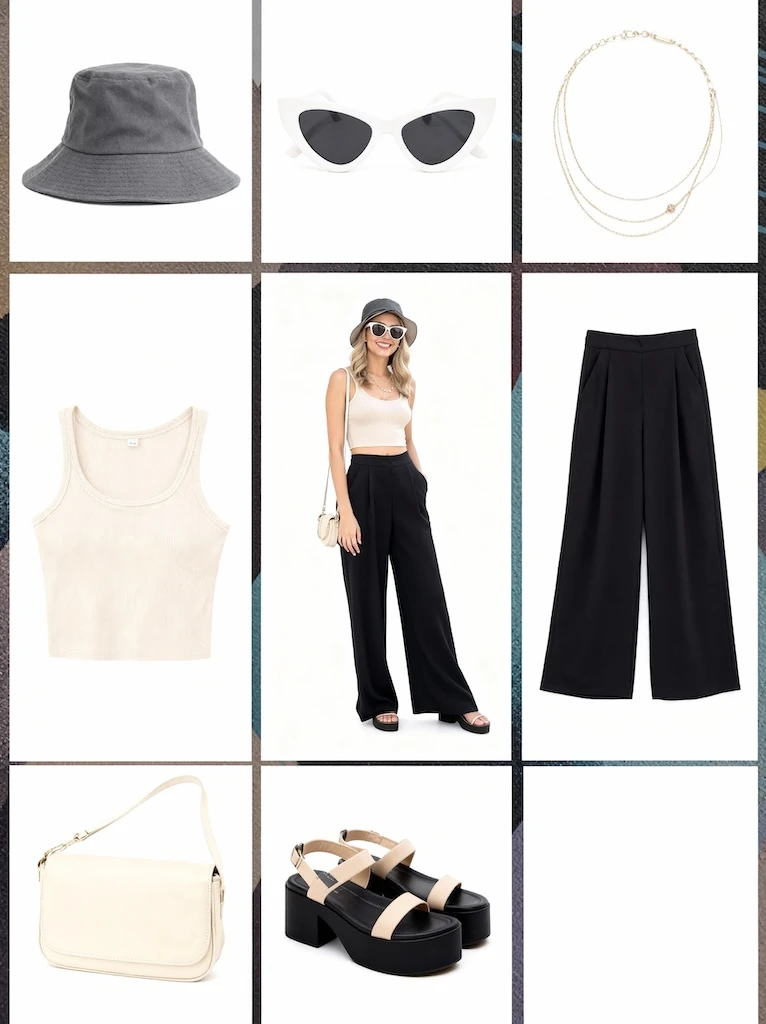
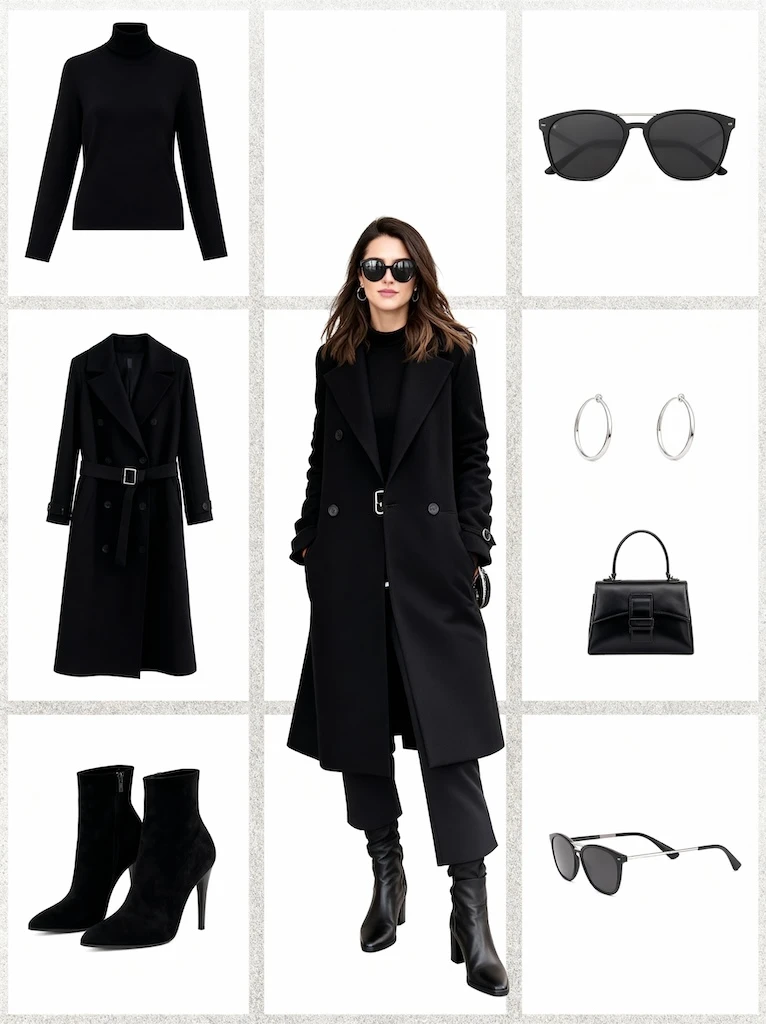
Use GPT Image 2 to create OOTD outfit grids and wardrobe breakdown images from full-body fashion photos. This OOTD Outfit Grid workflow focuses on the full look in the center with individual clothing pieces arranged around it.

OOTD GeneratorFashion
OOTD Outfit Grid sample result

Create an Outfit Grid

Upload a full-body outfit photo with visible clothing and accessories. GPT Image 2 will create an OOTD Outfit Grid result with the full look in the center with individual clothing pieces arranged around it.

Auto: 1K · 2K: 1:1, 16:9, 9:16, 4:3, 3:4 · 4K: 16:9, 9:16, 4:3, 3:4

OOTD Outfit Grid Results

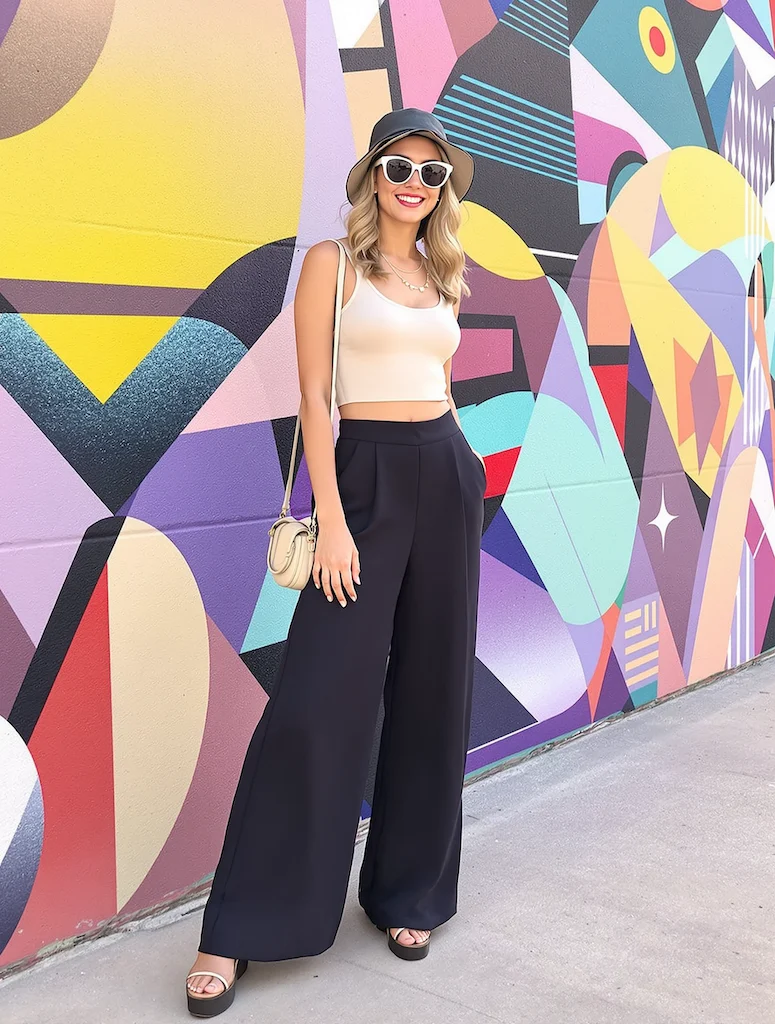
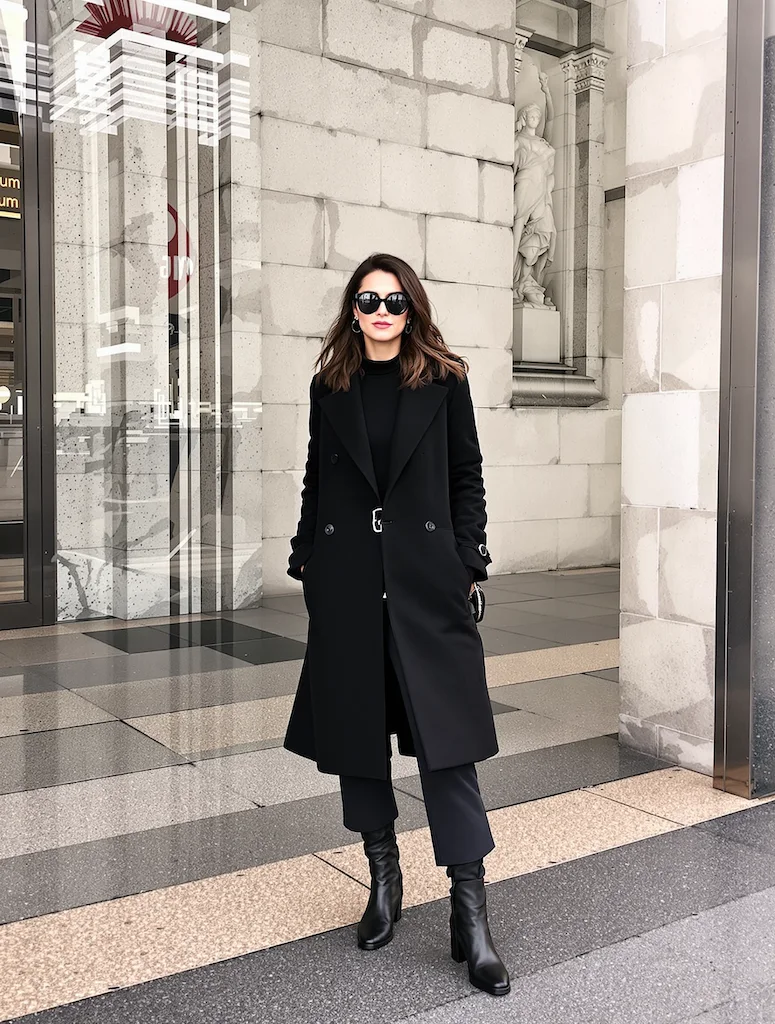
Original image example 1 - Before Image 2 AI transformation
AI-generated result example 1 - After Image 2 transformation
Before
After
Original image example 2 - Before Image 2 AI transformation
AI-generated result example 2 - After Image 2 transformation
Before
After

OOTD Outfit Grid Examples

See how OOTD Outfit Grid works when you need to create OOTD outfit grids and wardrobe breakdown images from full-body fashion photos.

01Transformations

OOTD Outfit Grid before and after

Start with a full-body outfit photo with visible clothing and accessories; the result shows the full look in the center with individual clothing pieces arranged around it in a clear before-and-after comparison.

02Transformations

Best source for OOTD Outfit Grid

Best with a full-body outfit photo with visible clothing and accessories. Keep the main subject clear so GPT Image 2 can preserve recognizable detail while applying the OOTD Outfit Grid look.

03Transformations

Where to use OOTD Outfit Grid

Use it when you need to create OOTD outfit grids and wardrobe breakdown images from full-body fashion photos. These examples show finished outputs, so users can judge the OOTD Outfit Grid look before uploading.

OOTD Outfit Grid FAQ

Common questions about using OOTD Outfit Grid

Still have questions? Contact us at [email protected]