01Transformations
Music-show framing
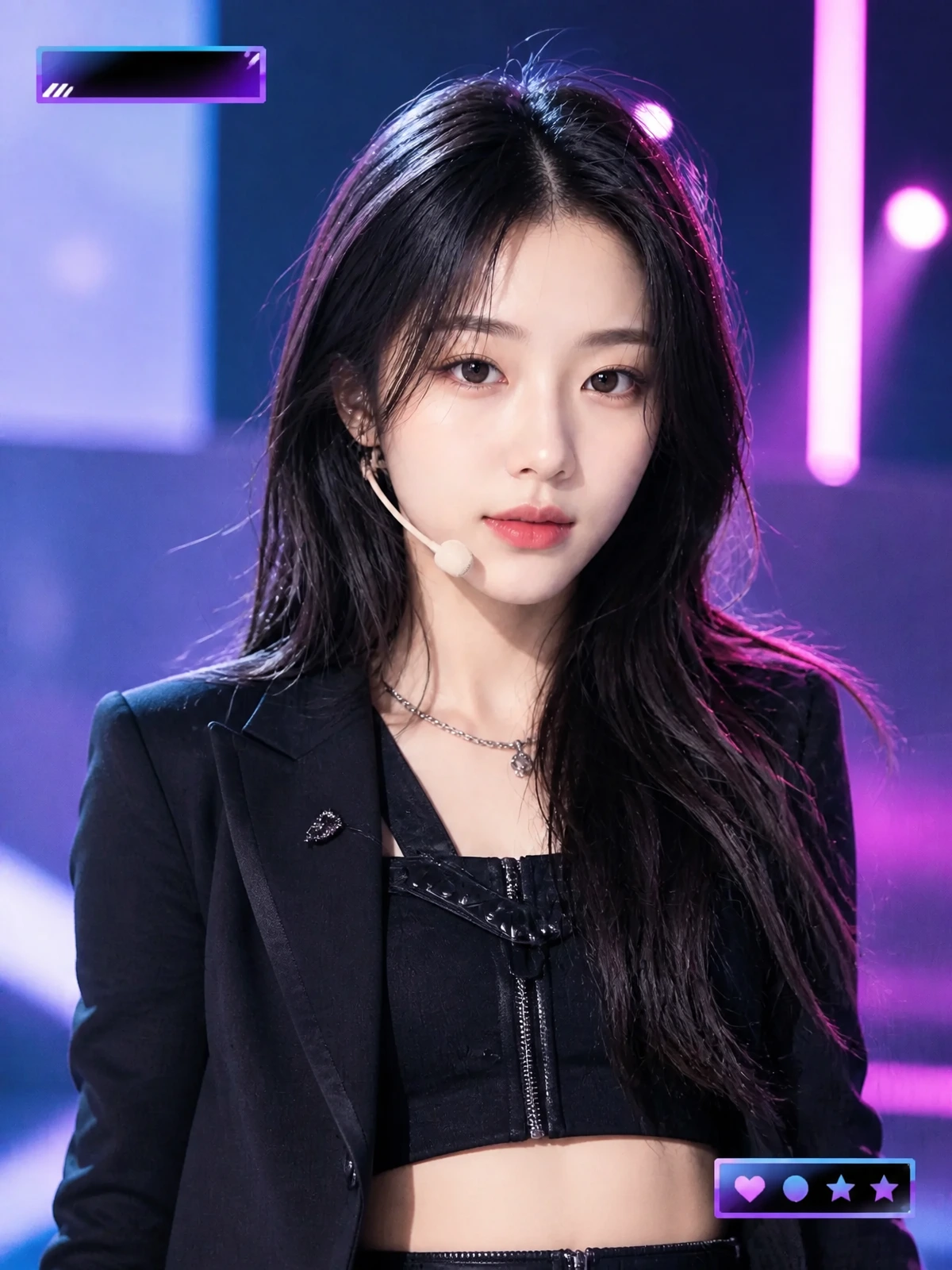
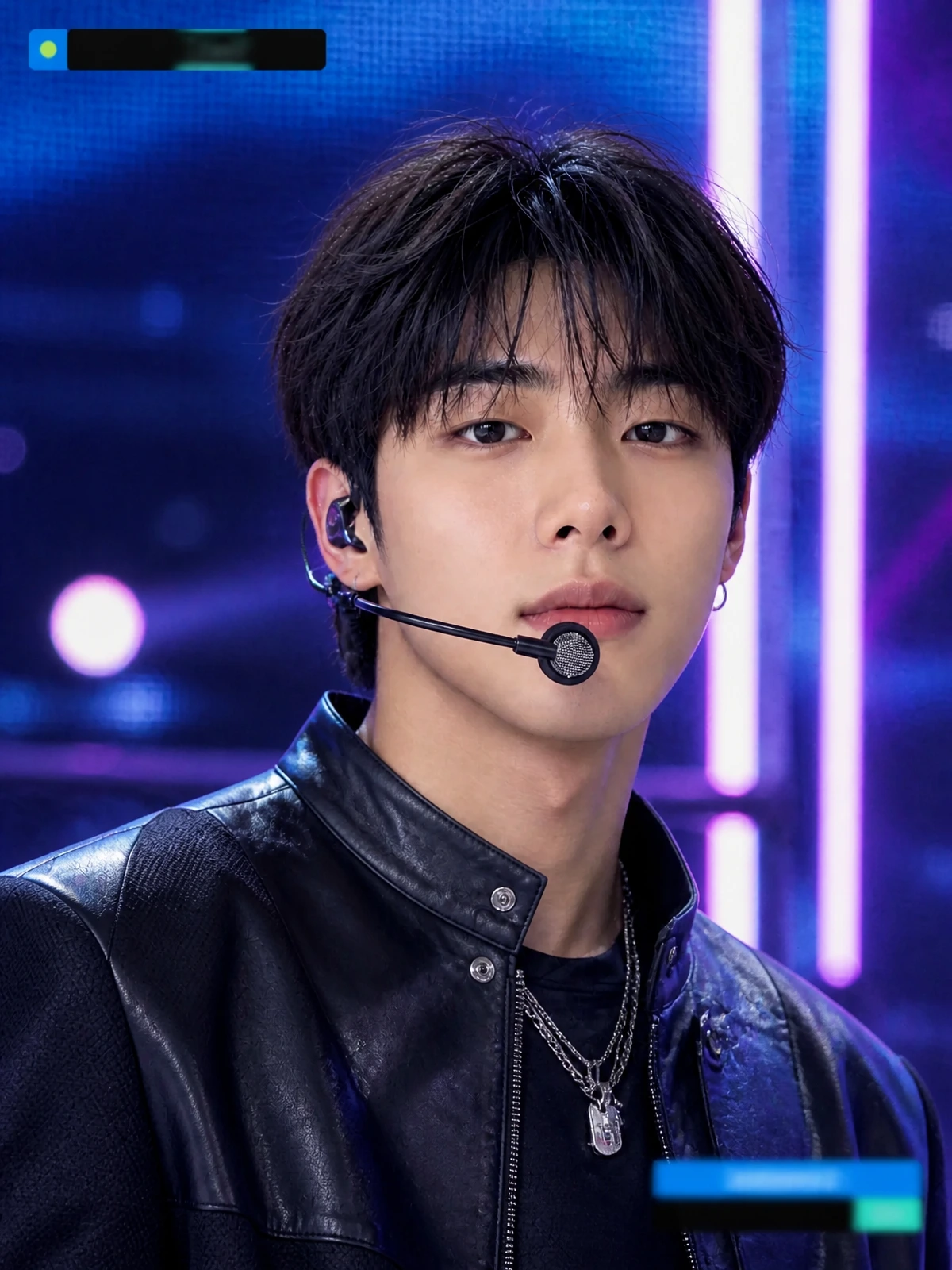
LED walls, glossy floor reflections, stage haze, and spotlights recreate a Korean TV music-show atmosphere.
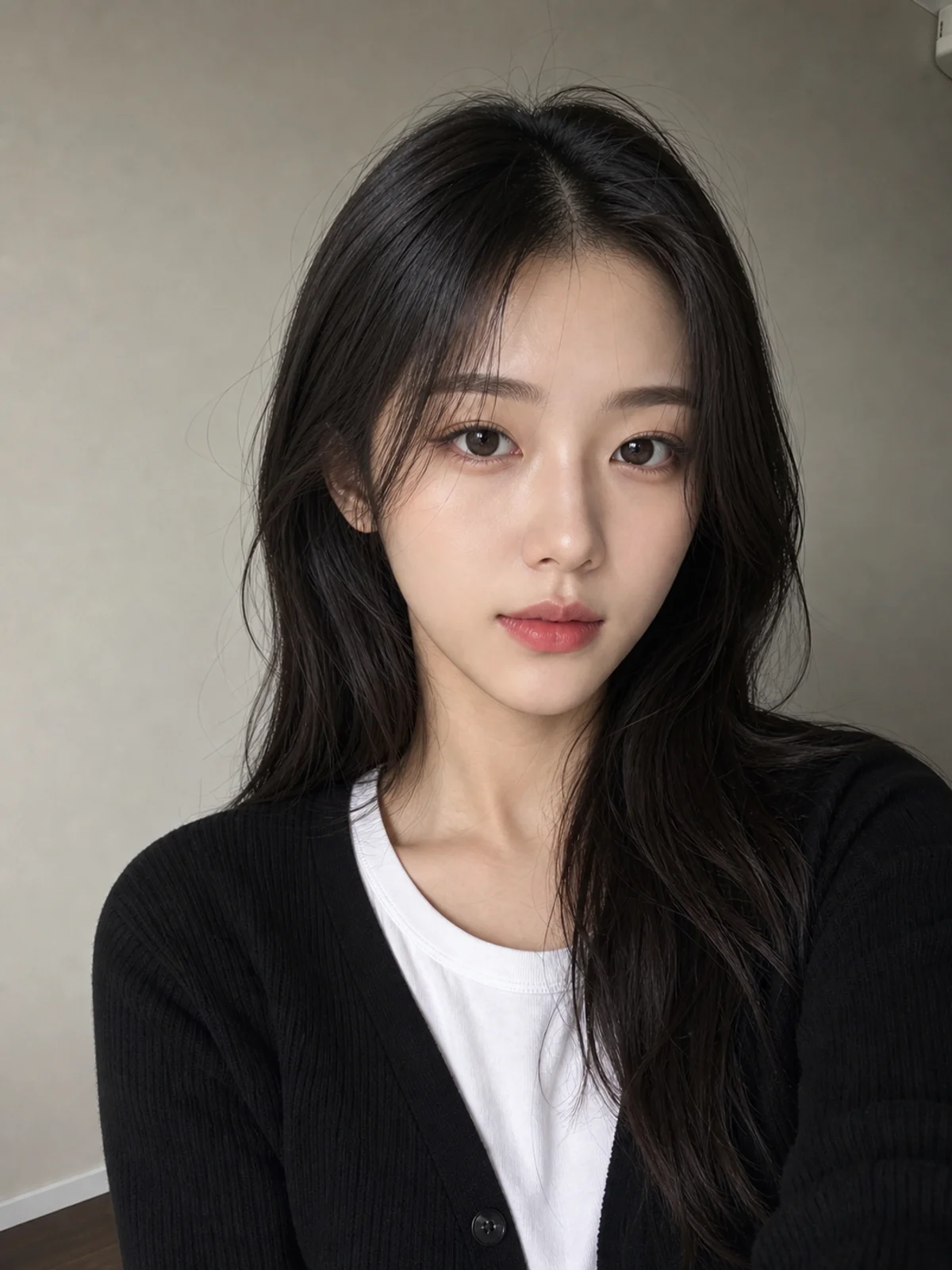
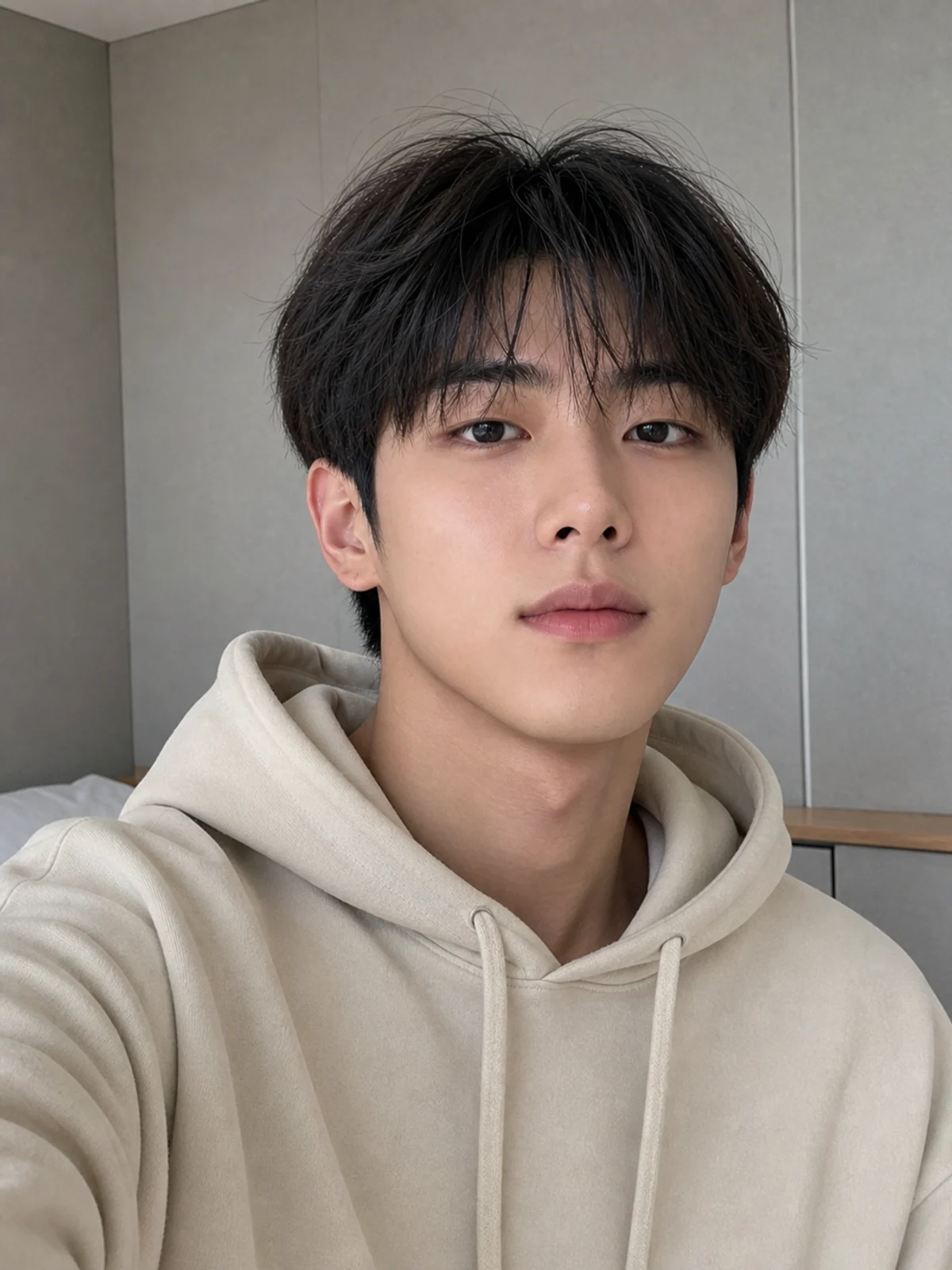
Upload a portrait and create a fictional M Countdown broadcast screenshot-style image: Korean music-show stage lighting, clean TV framing, headset mic, and generic broadcast UI.
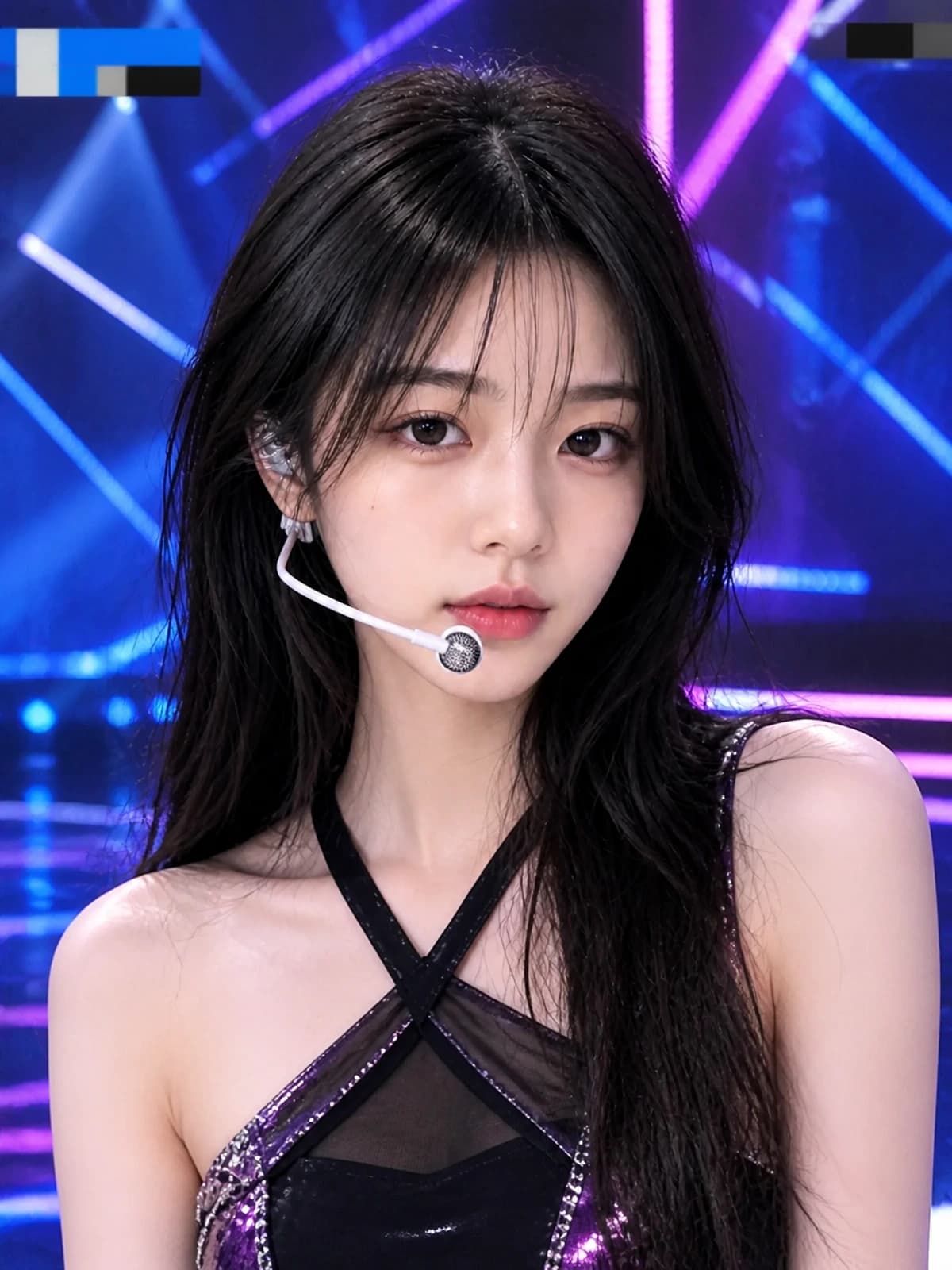
Create generic K-pop music-show screenshots with studio stage lighting and abstract broadcast UI, while avoiding real artists, group names, and Mnet branding.
LED walls, glossy floor reflections, stage haze, and spotlights recreate a Korean TV music-show atmosphere.
Close camera framing, headset mic, and polished performance expression create a broadcast-ready portrait.
Abstract overlay blocks add TV screenshot realism without Mnet logos, channel bugs, program marks, or readable official text.
Copy a prompt for M Countdown-style stage shots, broadcast close-ups, wide stage screenshots, or restrained image-to-video motion without official logos.
Transform this portrait into a realistic Korean music-show broadcast screenshot inspired by the M Countdown stage-camera look. The same person performs on a professional LED studio stage with blue-magenta spotlights, glossy floor reflections, headset mic, fictional stage outfit, clean broadcast framing, and subtle live-TV texture. Keep all UI generic and abstract. Preserve facial identity. No Mnet logo, no M Countdown official logo, no real artist names, group names, channel bugs, sponsor names, or official program graphics.
Create a close-up K-pop music-show broadcast screenshot from this photo. The same person is captured mid-performance under polished studio lights, with headset mic, soft stage haze, LED wall bokeh, confident performance expression, and generic lower-third style blocks that stay away from the face. Make the scene fictional and unbranded. No real idol resemblance, Mnet logo, M Countdown logo, group names, artist names, or broadcaster watermark.
Turn this uploaded portrait into a realistic wide Korean TV music-show stage screenshot. The same person appears as the main performer in a fictional stage set with geometric LED panels, dramatic spotlights, clean camera angle, and abstract non-readable broadcast UI. Preserve identity and natural proportions. Avoid official show logos, Mnet branding, real group names, sponsor names, channel marks, and copyrighted program graphics.
Animate this music-show broadcast screenshot as a short realistic clip. Keep movement subtle: a small head turn, blink, mic hand adjustment, soft stage light sweep, gentle camera push-in, and slight broadcast compression. Preserve identity and keep the stage fictional and unbranded. Do not add Mnet logo, M Countdown logo, group names, subtitles, or watermarks.
Common questions about using Free M Countdown Broadcast Screenshot Generator
It creates a fictional Korean music-show broadcast screenshot from a portrait. The style is inspired by clean stage-camera framing, LED walls, and K-pop performance lighting, but the result stays generic and unbranded.
Yes. You can try it with available Image 2 credits. Each generation uses 2/2/6 (1K/2K/4K) credits depending on the selected output resolution.
No. The examples, prompts, and generated results avoid Mnet logos, the official M Countdown logo, channel bugs, program graphics, sponsor names, and real broadcast watermarks.
No. Use fictional stage styling and generic K-pop music-show language. Avoid real artist likenesses, group names, fandom marks, copyrighted outfits, and official branding.
Upload a clear portrait, use the default prompt or a gallery prompt, choose resolution, and generate. A front-facing or half-body portrait with visible hair and expression gives better results.
Choose a sharp portrait with good lighting, visible face, and enough shoulder or upper-body detail. Avoid screenshots with heavy filters, busy backgrounds, or faces hidden by hands, masks, or sunglasses.
Each generation uses 2/2/6 (1K/2K/4K) credits depending on the selected output resolution. New users can try it with signup credits, and more credits are available through plans, top-ups, check-ins, or referrals.
Yes. Use the generated screenshot as the first frame and ask for restrained performance motion, small head turn, blink, light sweep, and gentle camera push-in.
The default prompt asks Image 2 to preserve the person’s face, age, skin tone, hairstyle, body proportions, expression, and recognizable identity. Results can vary, so use a clear source image.
Yes. Results can be used for personal posts, Reels covers, concept edits, and creator content, subject to Image 2 terms and any rights connected to your uploaded photo.
Still have questions? Contact us at [email protected]