
01Transformations
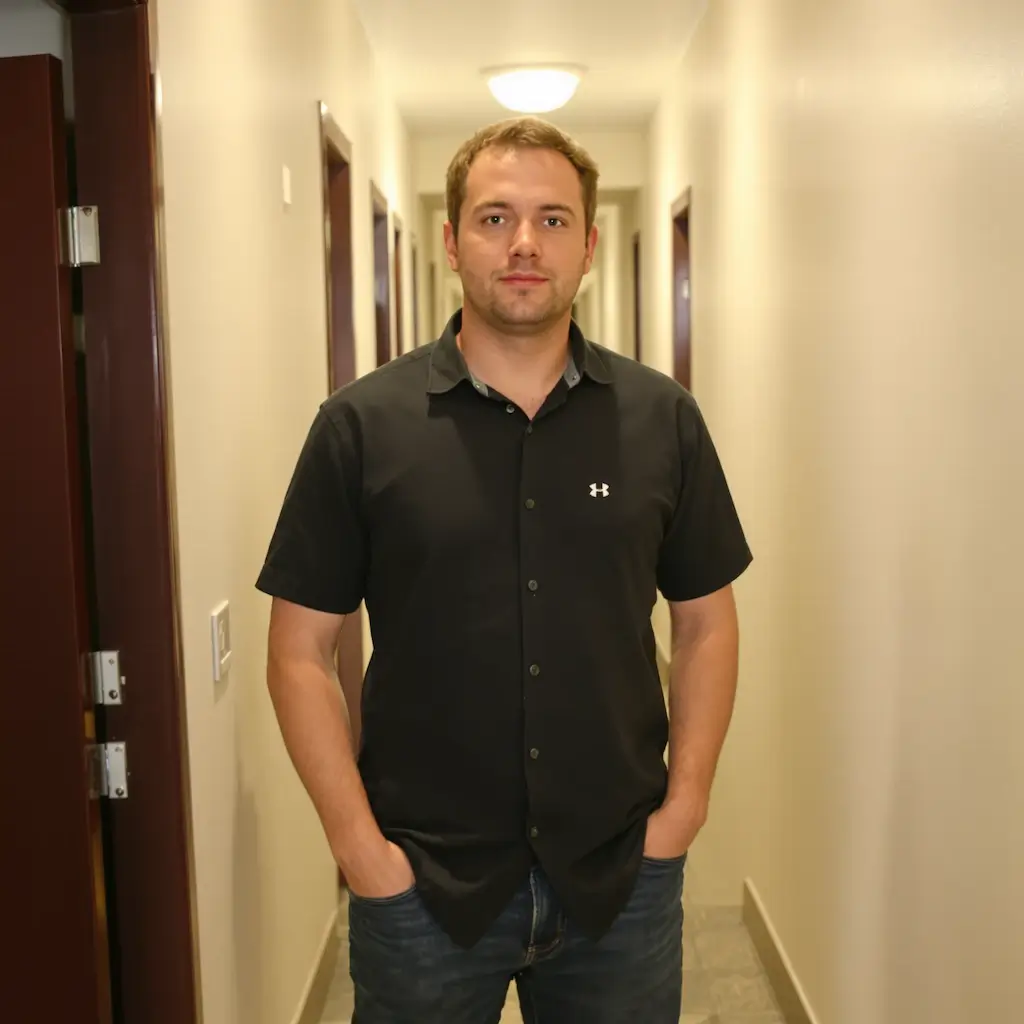
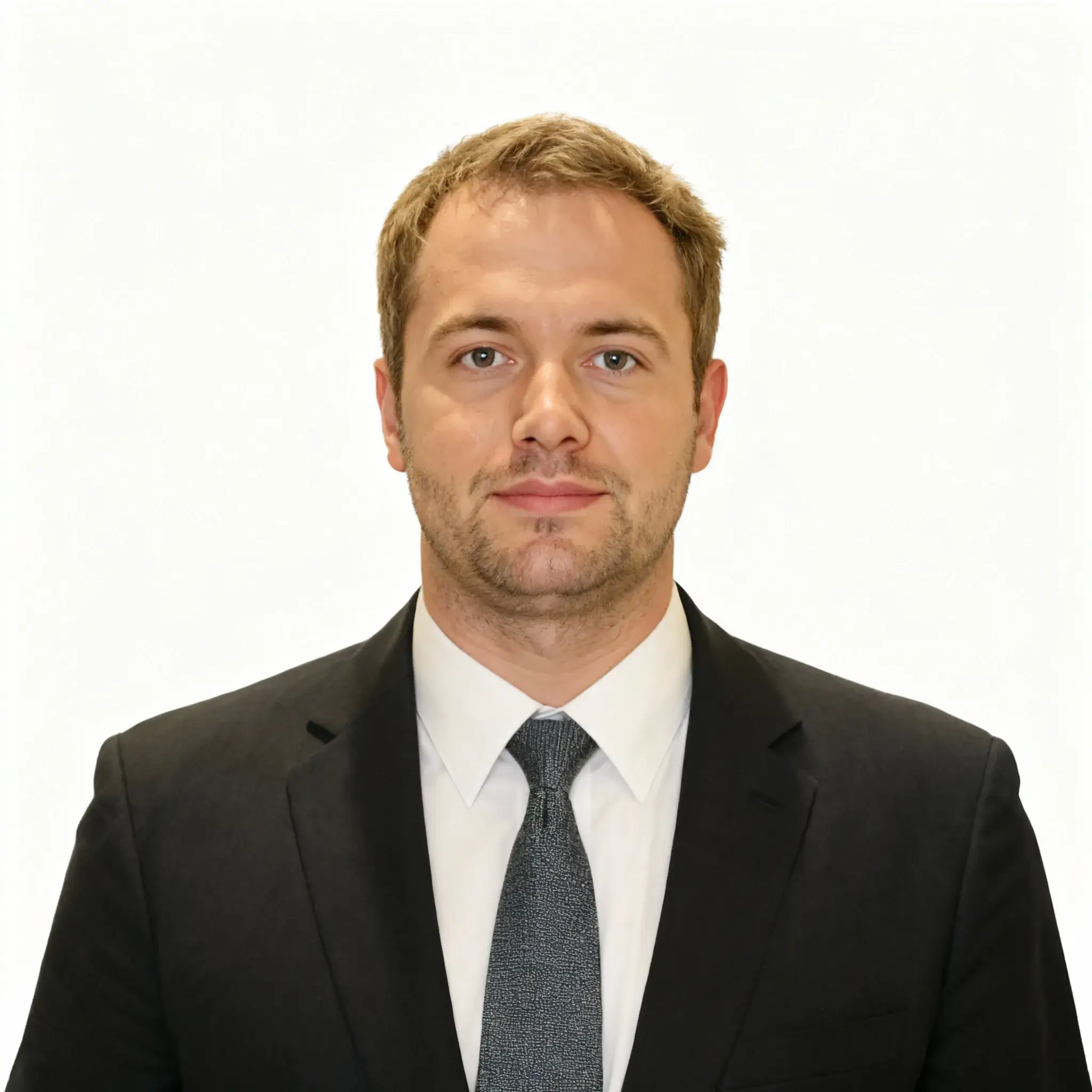
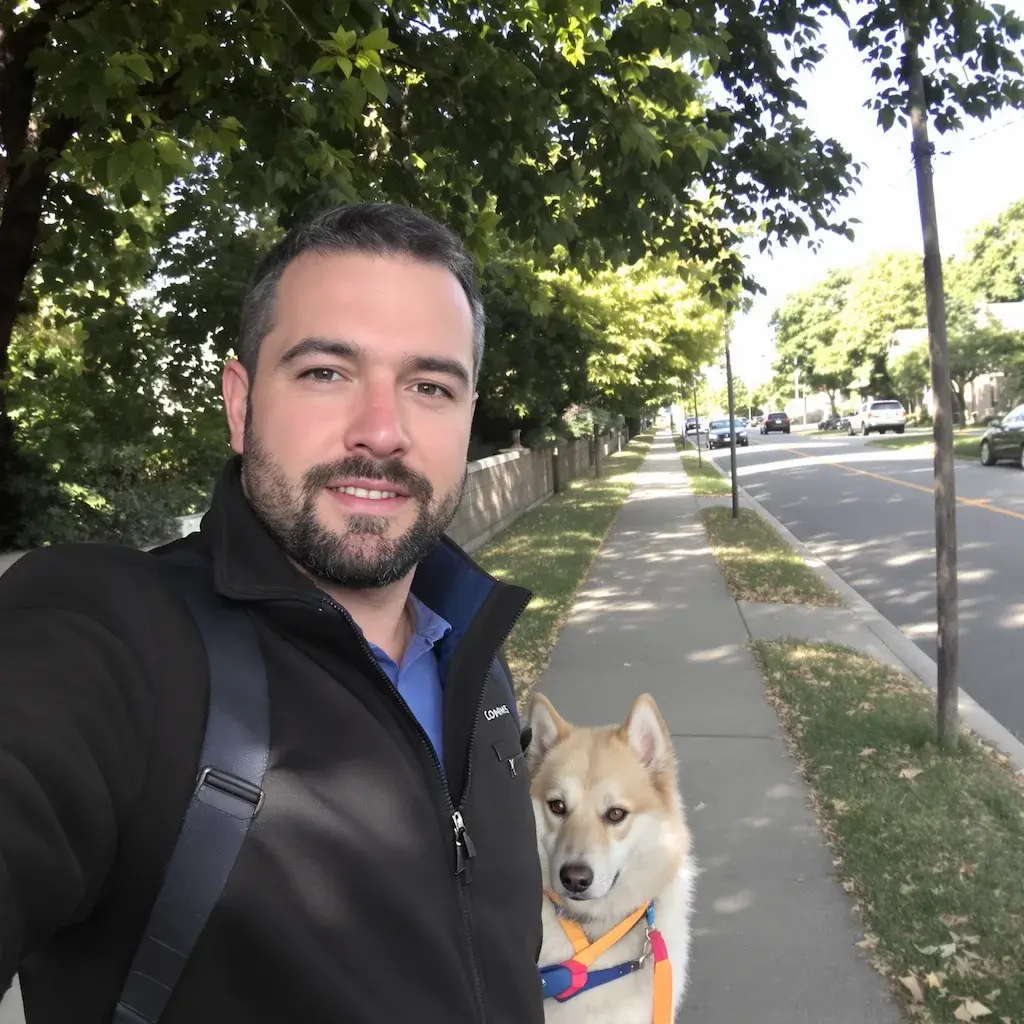
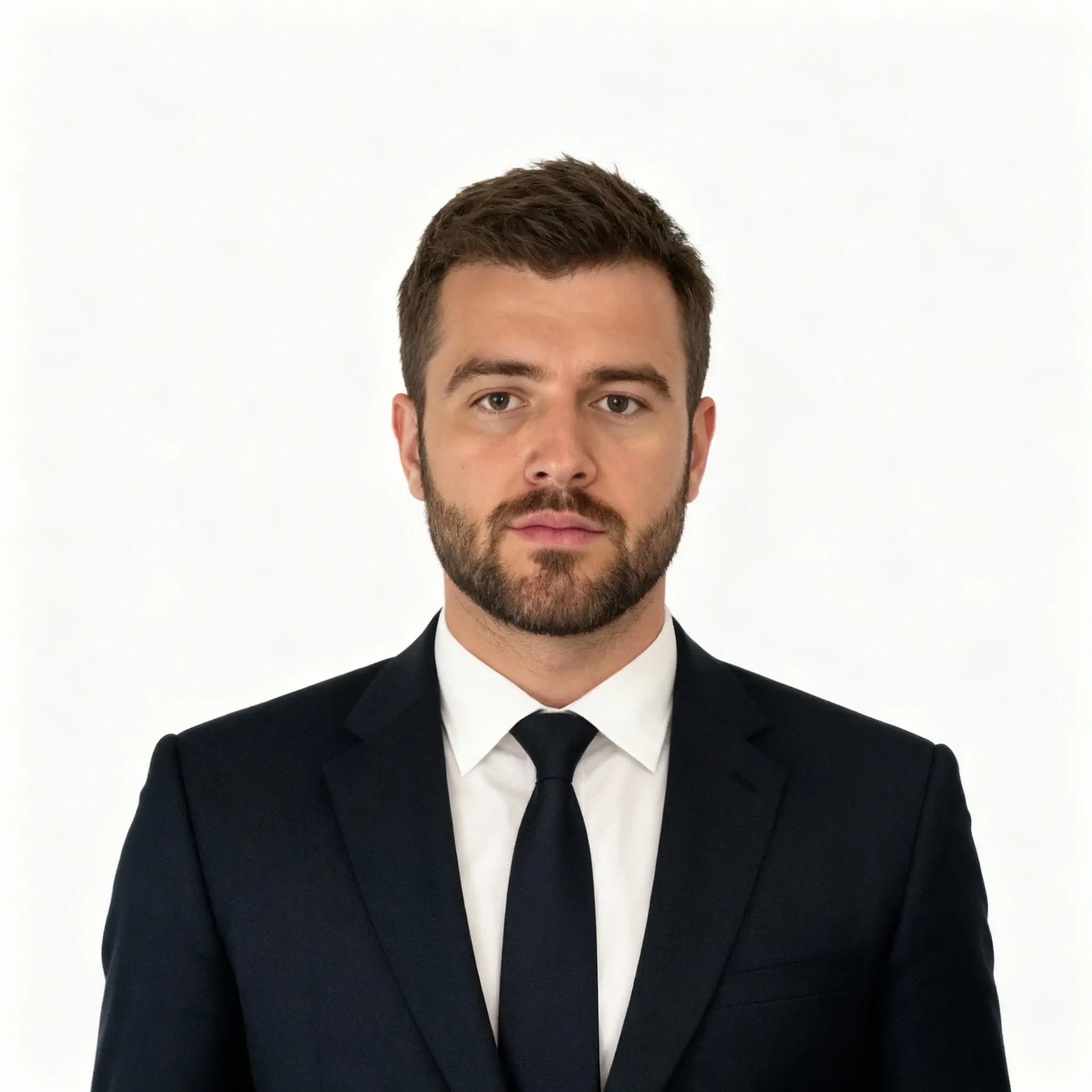
LinkedIn Headshot Generator before and after
Start with a clear solo portrait or casual selfie; the result shows professional framing, clean lighting, business styling, and a natural face in a clear before-and-after comparison.
Use GPT Image 2 to create professional LinkedIn headshots from selfies for resumes and job applications. This LinkedIn Headshot Generator workflow focuses on professional framing, clean lighting, business styling, and a natural face.
See how LinkedIn Headshot Generator works when you need to create professional LinkedIn headshots from selfies for resumes and job applications.
Start with a clear solo portrait or casual selfie; the result shows professional framing, clean lighting, business styling, and a natural face in a clear before-and-after comparison.
Best with a clear solo portrait or casual selfie. Keep the main subject clear so GPT Image 2 can preserve recognizable detail while applying the LinkedIn Headshot Generator look.
Use it when you need to create professional LinkedIn headshots from selfies for resumes and job applications. These examples show finished outputs, so users can judge the LinkedIn Headshot Generator look before uploading.
Common questions about using LinkedIn Headshot Generator
A professional LinkedIn headshot features formal posture, business attire, direct eye contact, and a clean background. GPT Image 2 automatically transforms your casual photos to meet these professional standards.
Your original image must be larger than 50 pixels with a clearly visible, unobstructed face. The photo should contain only one person for optimal results. GPT Image 2 will handle the rest of the transformation.
GPT Image 2 can center the posture, add business attire, create a clean solid background, and keep direct eye contact for a studio-style professional headshot.
Absolutely! The generated headshots are optimized for LinkedIn profiles and meet all professional standards. They're yours to use on LinkedIn, resumes, company websites, or any professional platform.
No problem! GPT Image 2 will automatically add appropriate business attire to your image, ensuring you look professional regardless of what you were wearing in the original photo.
The LinkedIn headshot generation typically completes in 30-60 seconds, delivering a professional-quality image ready for immediate use on your LinkedIn profile.
Yes, GPT Image 2 creates highly realistic transformations that maintain your facial features and identity while enhancing the professional aspects. The result looks like a genuine studio photograph.
Yes, you can generate multiple professional headshot variations from the same or different photos. Each generation uses 2/2/6 (1K/2K/4K) credits and provides a unique professional transformation.
Still have questions? Contact us at [email protected]