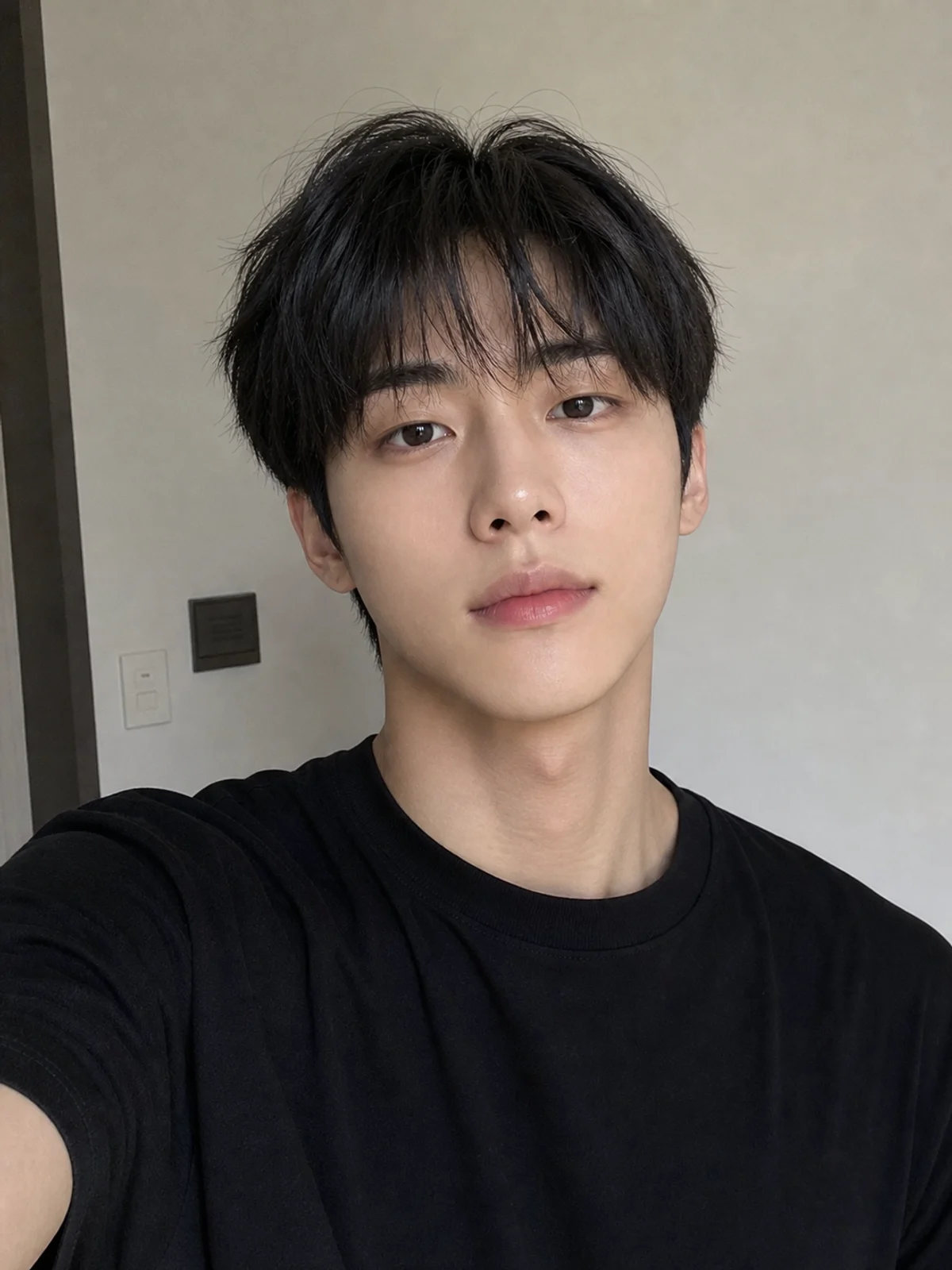
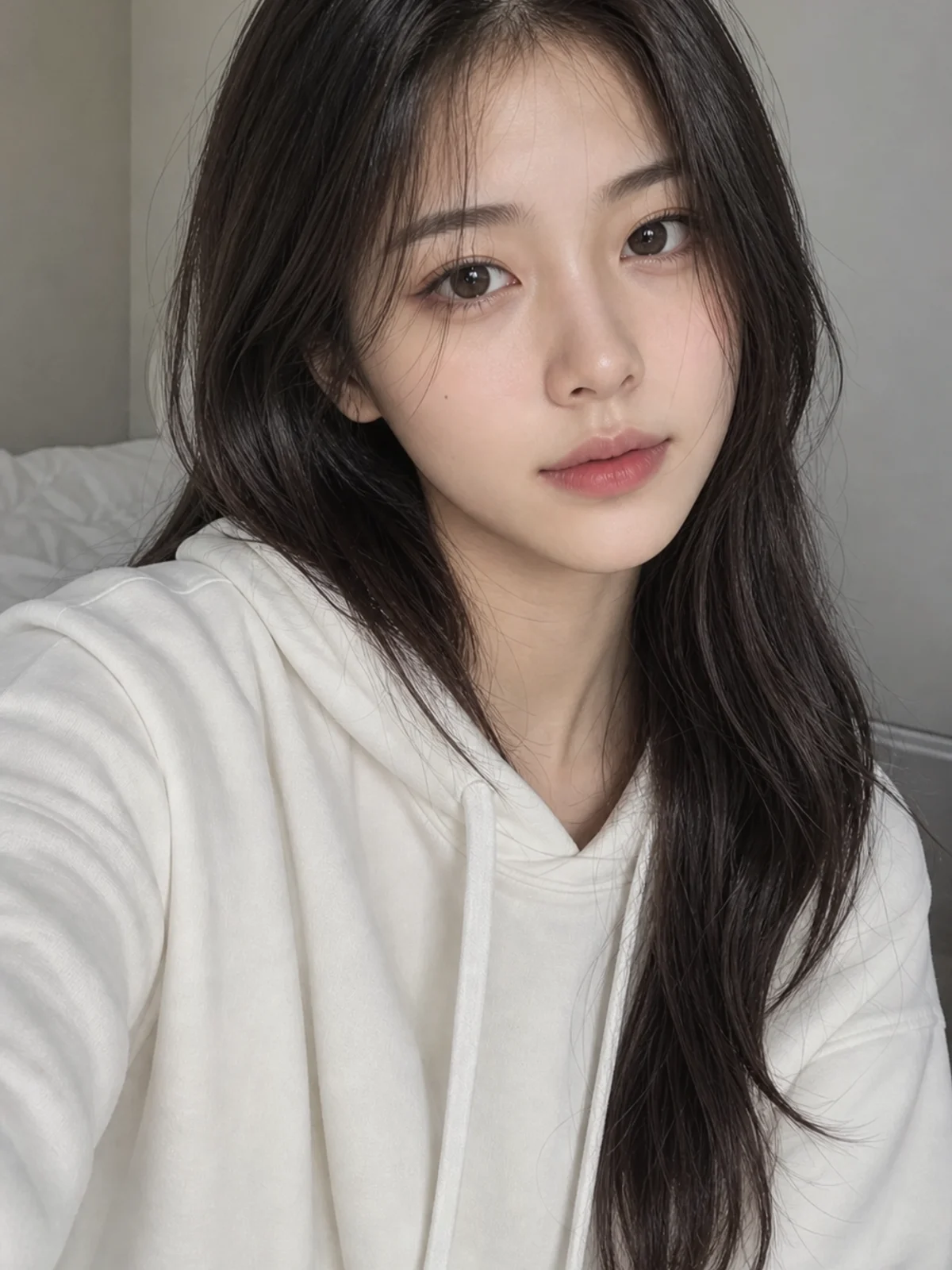
01Transformations
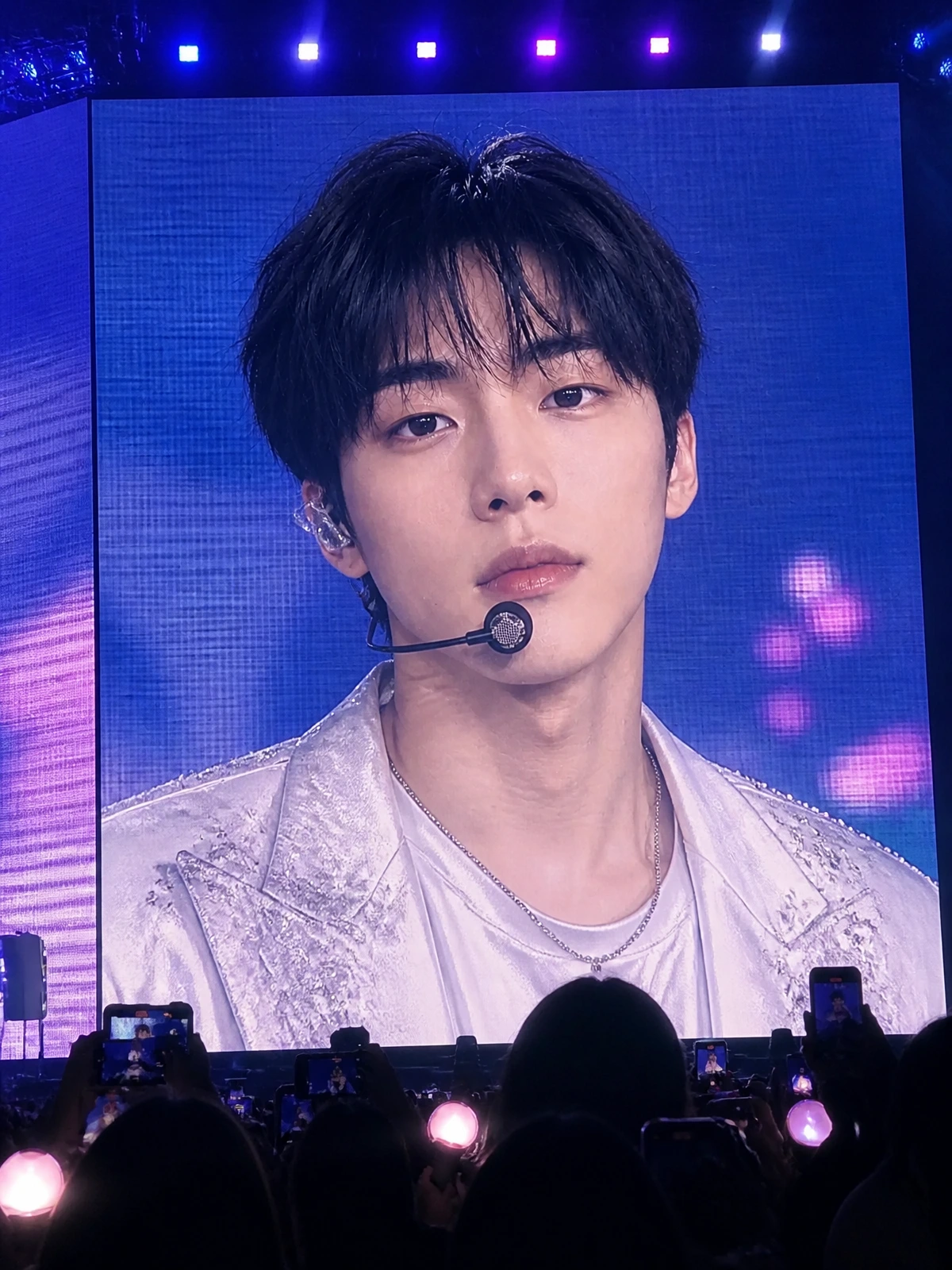
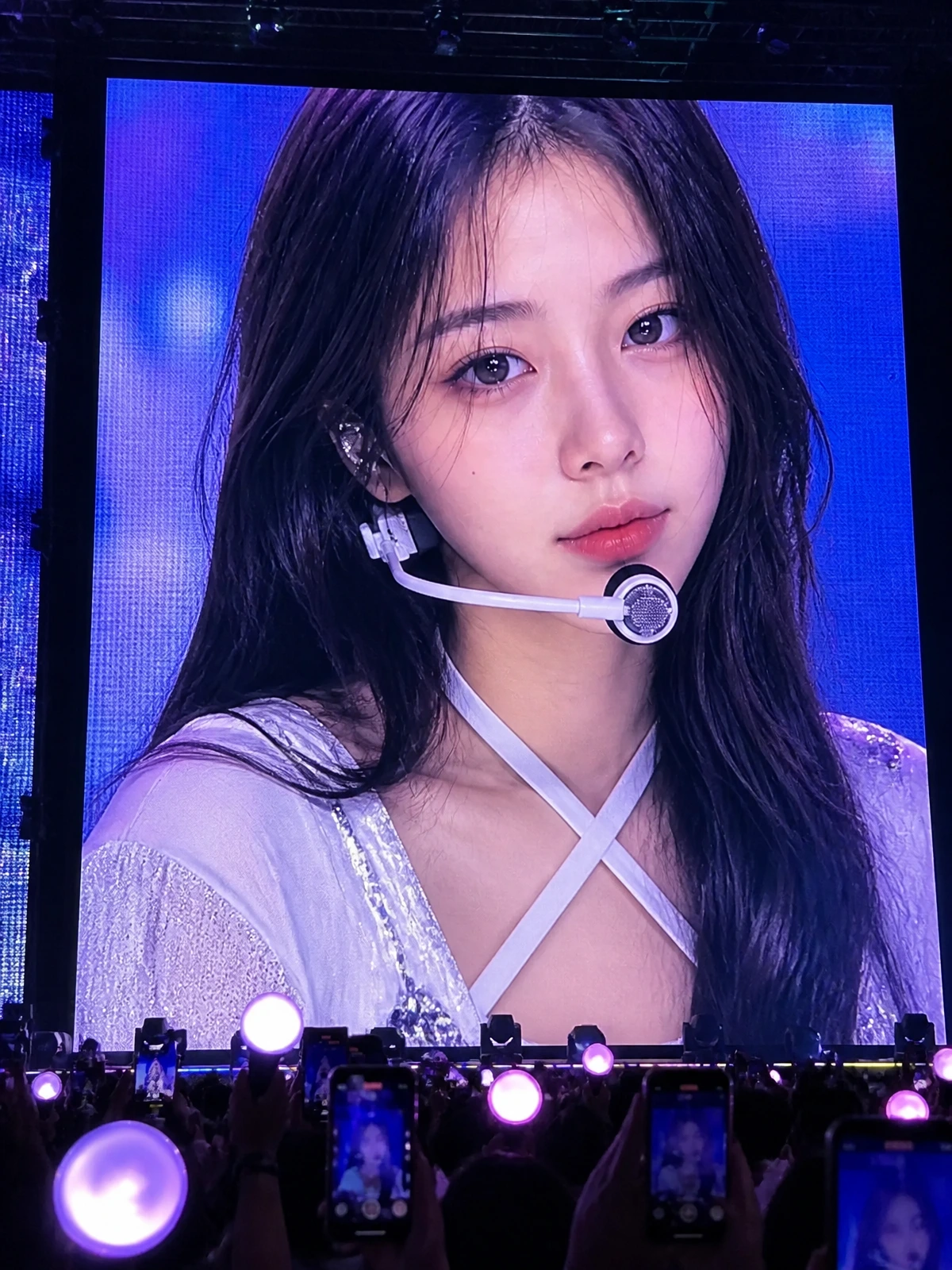
LED screen realism
LED pixels, moire, crowd silhouettes, and handheld framing make the result feel like a real arena screen capture.
Upload a selfie and create a realistic K-pop concert jumbotron AI photo: giant LED live feed, ending fairy close-up, fan phone shot, and concert crowd energy.
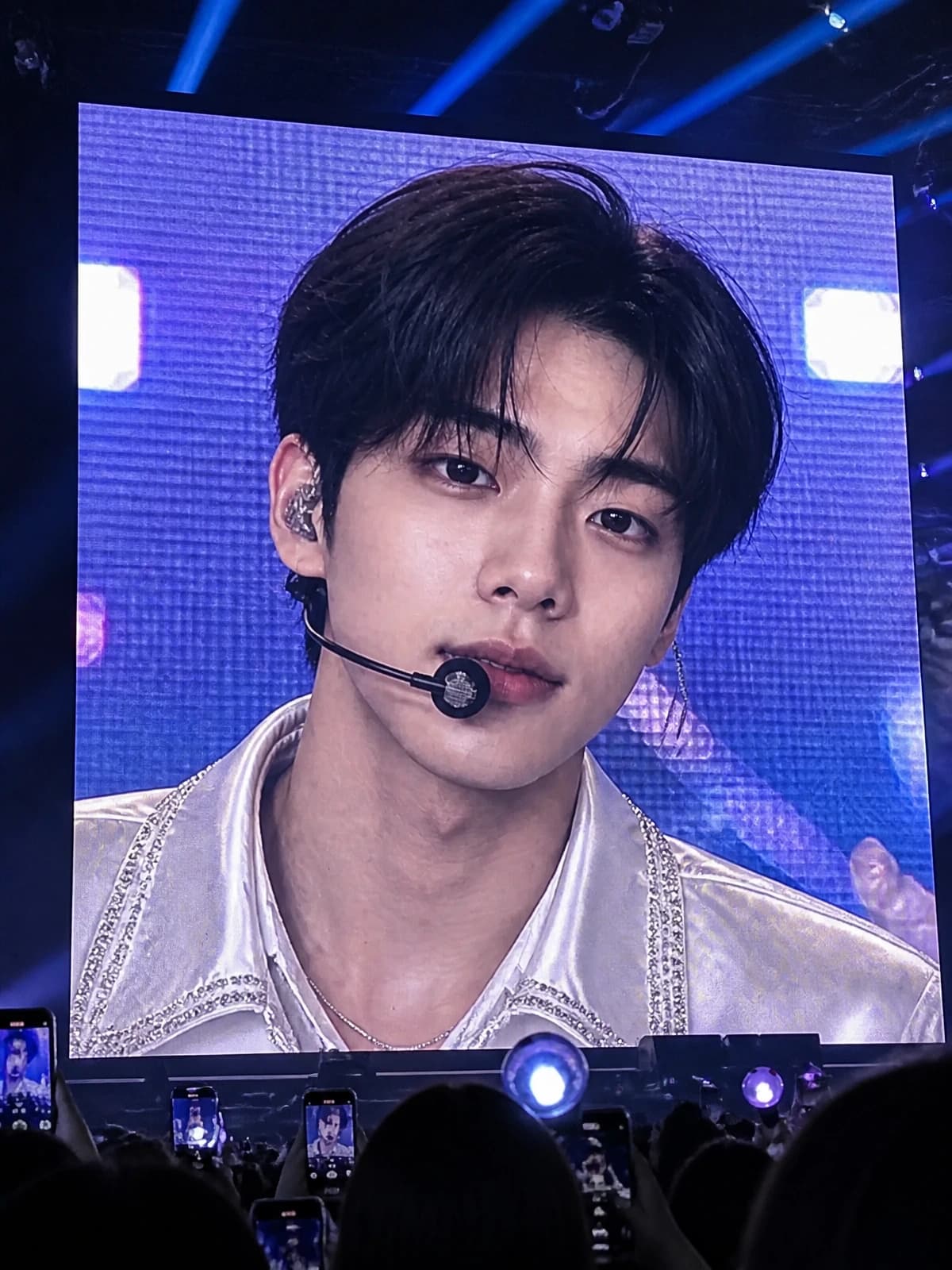
Fictional concert visuals built for fan-cam posts, Reels covers, and AI photo edits without real artist or broadcaster assets.
LED pixels, moire, crowd silhouettes, and handheld framing make the result feel like a real arena screen capture.
A headset mic, soft stage lighting, and emotional close-up create the familiar ending fairy look while staying fictional.
Phones, light sticks, haze, and audience silhouettes frame the giant screen without using real concert branding.
Copy a prompt for LED live feed, ending fairy close-up, audience phone shot, or image-to-video motion. All examples avoid real idols, group names, and official logos.
Transform this portrait into a realistic K-pop concert jumbotron live feed. The same person appears on a giant LED arena screen during an emotional ending-fairy moment, with crowd silhouettes, phone screens, soft light sticks, blue-magenta-white stage lighting, LED pixel texture, slight moire, and audience-camera framing. Preserve facial identity and natural skin texture. Keep the performer fully fictional. No real artist names, group names, Mnet logo, M Countdown logo, broadcaster marks, sponsor names, or readable copyrighted text.
Create a close-up K-pop ending fairy concert screen from this uploaded photo. The same person has a headset mic, tasteful fictional idol styling, soft stage sweat, sparkling silver or white outfit details, gentle smile, LED wall glow, and realistic live-feed compression. Make it feel like a fan captured the arena jumbotron from the crowd. Preserve identity. No celebrity likeness, no real group names, no official show graphics, no Mnet logo, no watermark.
Turn this image into a realistic audience phone photo of a K-pop concert jumbotron. The same person is shown on the huge screen, with dark arena foreground silhouettes, phones recording, light sticks, stage haze, LED pixel grid, mild blur, and natural handheld framing. Keep the screen content generic and fictional. Do not add real artists, group names, official concert branding, Mnet logo, M Countdown logo, sponsors, or broadcaster watermarks.
Animate this generated concert jumbotron image into a restrained realistic short video. Add tiny blink, soft smile shift, slow LED screen flicker, subtle handheld audience-camera shake, small phone-screen movement, and gentle light-stick motion. Preserve the subject identity and the generic fictional concert setting. No new logos, names, subtitles, or branded broadcast overlays.
Common questions about using Free K-pop Concert Jumbotron Generator
It is a realistic AI image that makes a person look like they appeared on a giant concert LED screen during a K-pop stage moment. The look uses arena lighting, LED texture, crowd phones, light sticks, and live-feed compression.
Yes. You can try it with available Image 2 credits. Each generation uses 2/2/6 (1K/2K/4K) credits depending on the selected output resolution.
Upload a clear portrait, keep the default jumbotron prompt or copy one from the gallery, choose an output size, and generate. A sharp front-facing selfie works best.
Yes. The prompt gallery includes an ending fairy close-up with headset mic, LED glow, soft stage mood, and fictional idol styling.
No. The page and default prompt are designed for fictional, generic K-pop concert visuals. Do not request real artist likenesses, group names, official concert branding, or broadcaster logos.
No. Keep the output generic. The prompt blocks Mnet logos, M Countdown logos, real broadcaster marks, official program graphics, sponsor names, and watermarks.
Yes. Use the generated image as a reference and ask for subtle blinking, LED screen flicker, light-stick movement, and gentle handheld camera shake. Keep the motion restrained.
Yes. You can use results for personal posts, fan-style edits, Reels covers, and creator content, subject to Image 2 terms and the rights to your uploaded photo.
Use a clear, well-lit portrait with the face visible and not covered by heavy filters. Front-facing selfies or half-body portraits give Image 2 more detail for LED screen realism, headset mic, and stage lighting.
Still have questions? Contact us at [email protected]