01Transformations
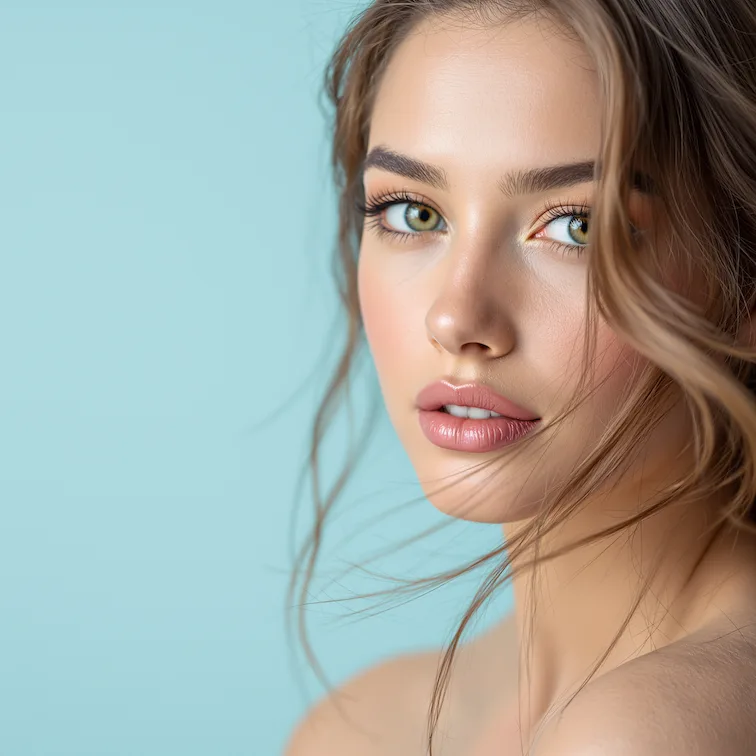
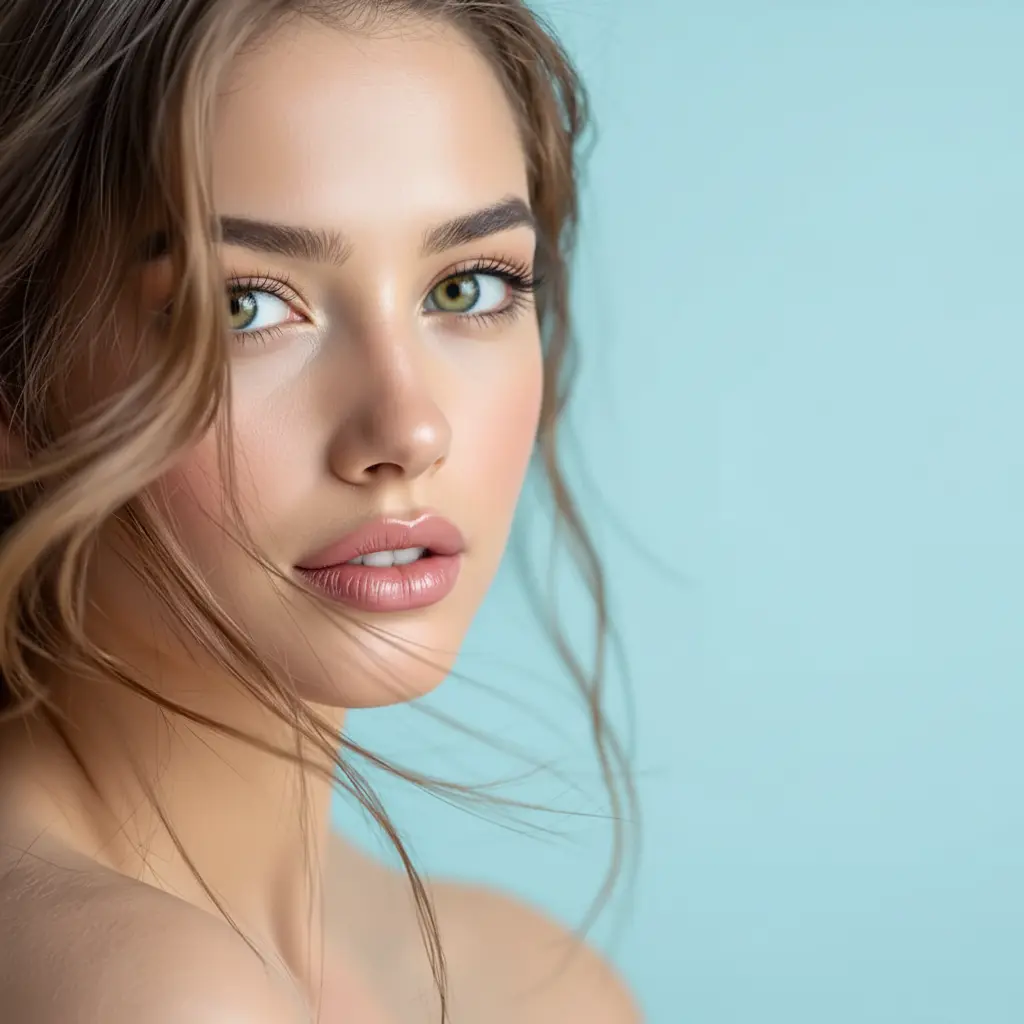
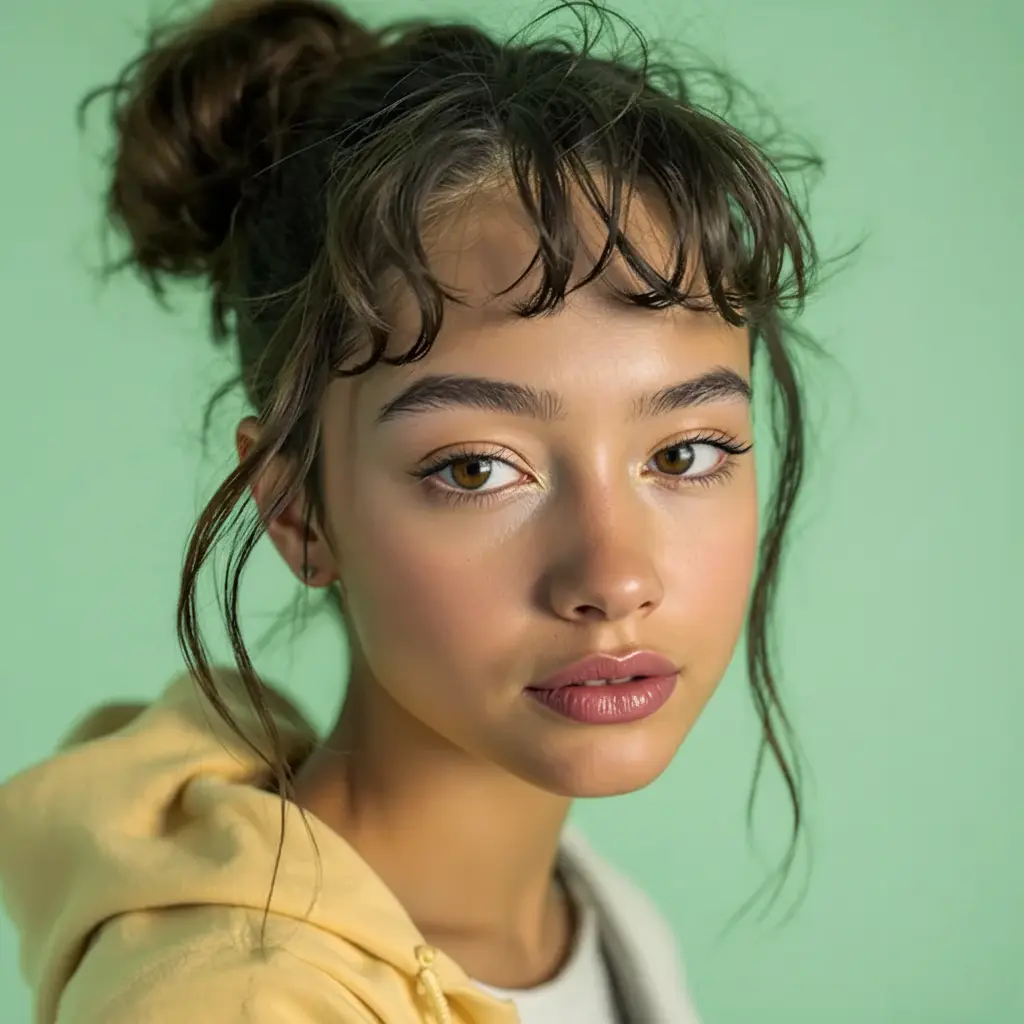
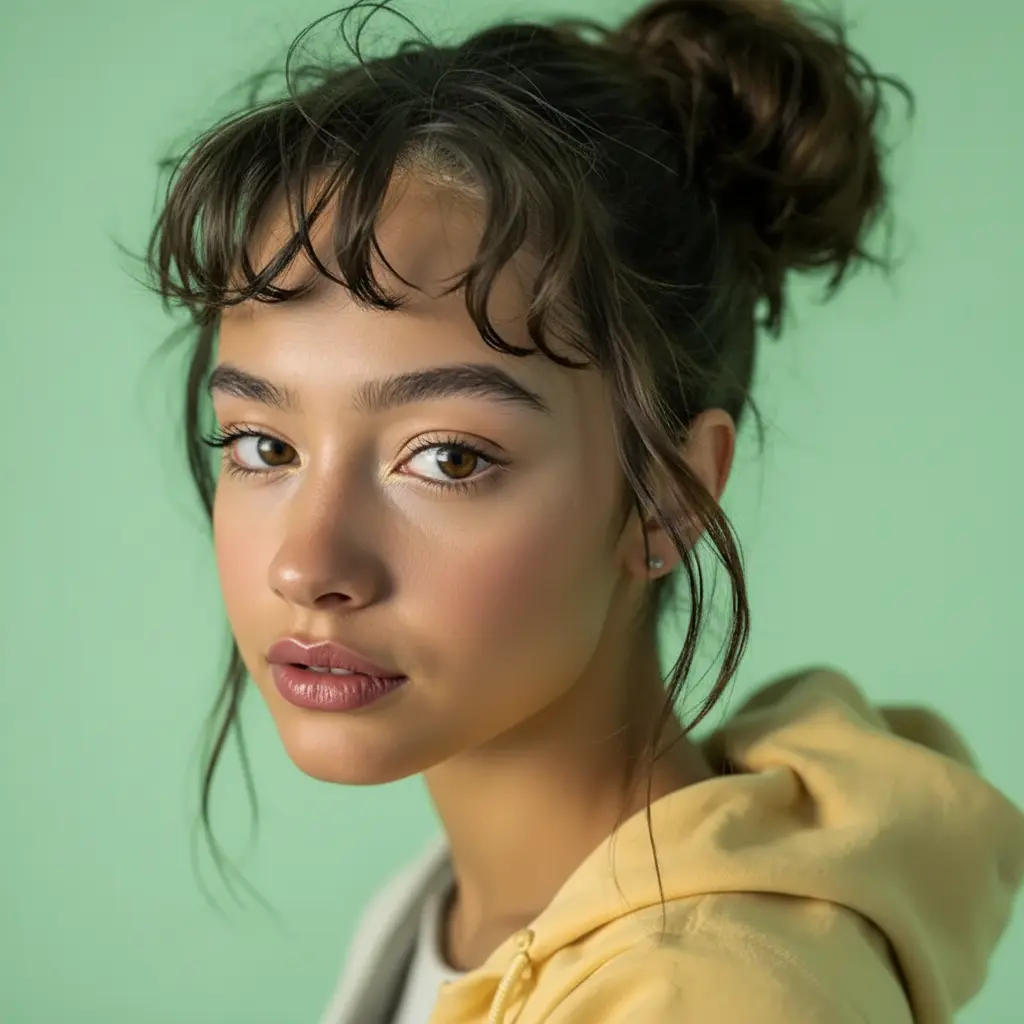
Inversion Filter before and after
Start with a portrait, selfie, or profile photo; the result swaps left and right like a mirror while keeping identity, lighting, and detail intact in a clear before-and-after comparison.
Use GPT Image 2 to flip selfies horizontally, preview your mirrored face, and see how your features read from the other side. This Inversion Filter workflow focuses on a clean left-right flip that keeps identity, lighting, and detail intact.

See how Inversion Filter works when you want to flip selfies horizontally, preview your mirrored face, and check how your features read from the other side.
Start with a portrait, selfie, or profile photo; the result swaps left and right like a mirror while keeping identity, lighting, and detail intact in a clear before-and-after comparison.
Best with a portrait, selfie, or profile photo. Keep the main subject clear so GPT Image 2 can preserve recognizable detail while flipping the image left to right.
Use it when you want to see yourself as others see you, check the asymmetry of your features, or prepare mirrored versions of avatars and profile photos. These examples show finished outputs, so users can judge the Inversion Filter look before uploading.
Common questions about using Inversion Filter
The Inversion Filter flips your photo horizontally, swapping left and right just like a mirror. Because faces are naturally asymmetric, the mirrored version often looks surprisingly different — a fun, easy way to see yourself the way other people do.
GPT Image 2 flips the image along its vertical axis and regenerates it, keeping your identity, lighting, and detail intact — so the result looks cleaner than a basic one-tap flip, with no stretched edges or artifacts.
Upload a photo where the face is clearly visible and well lit, with a clean background. Front-facing selfies and portraits show the mirror effect most clearly, since facial asymmetry becomes easy to compare.
Each generation uses 2/2/6 (1K/2K/4K) credits.
Commercial use may be permitted, subject to our Terms of Service, applicable law, and third-party rights. You are responsible for reviewing generated outputs before any commercial use.
A basic flip just mirrors the pixels. GPT Image 2 re-renders the flipped image with AI, preserving natural detail, skin texture, and lighting — so the mirrored version still looks like a real, clean photo.
Still have questions? Contact us at [email protected]