01Transformations
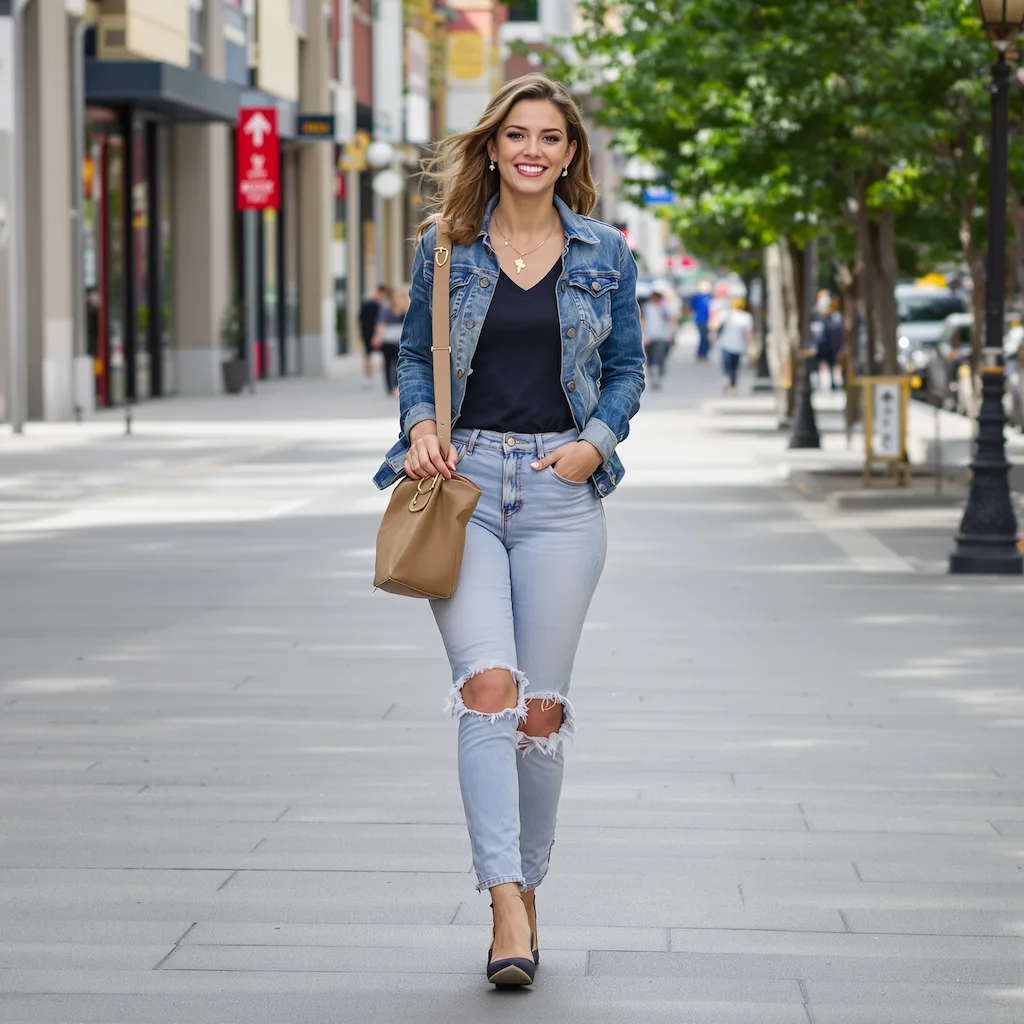
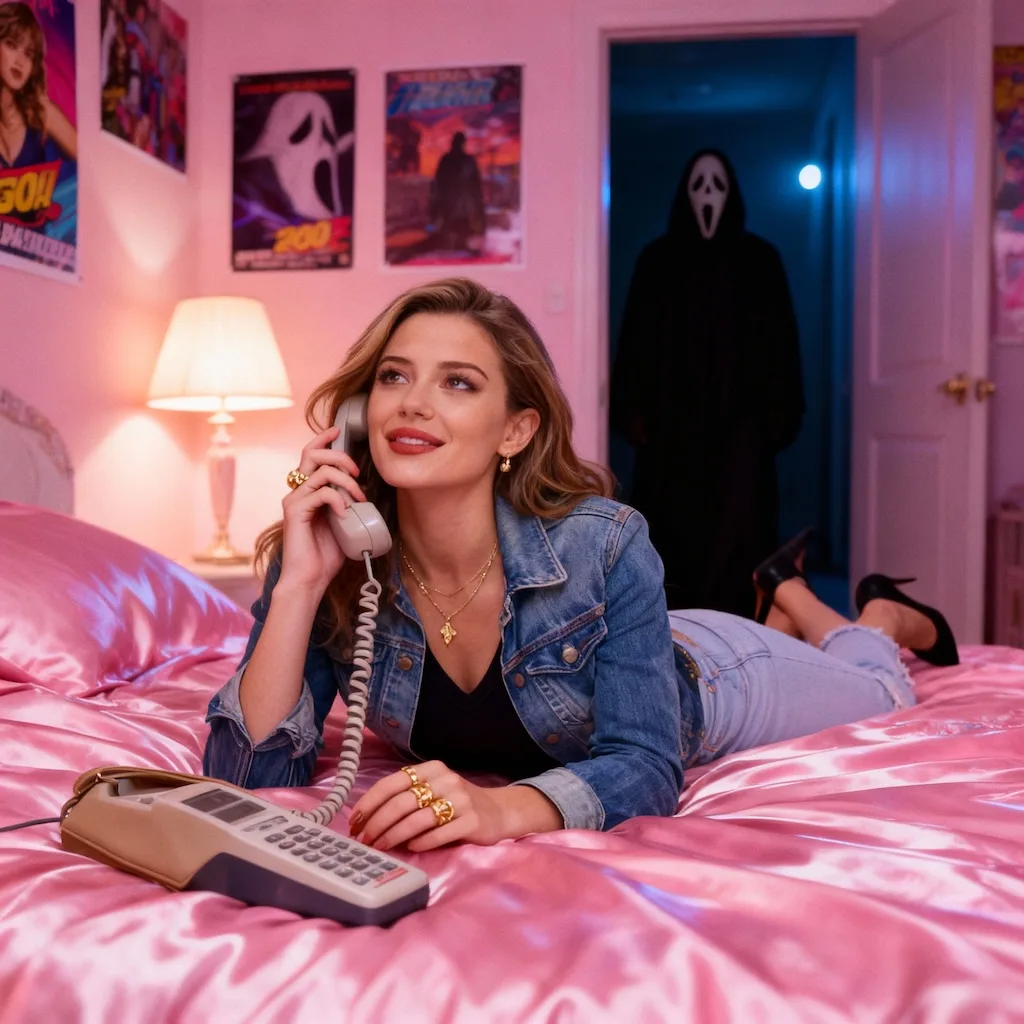
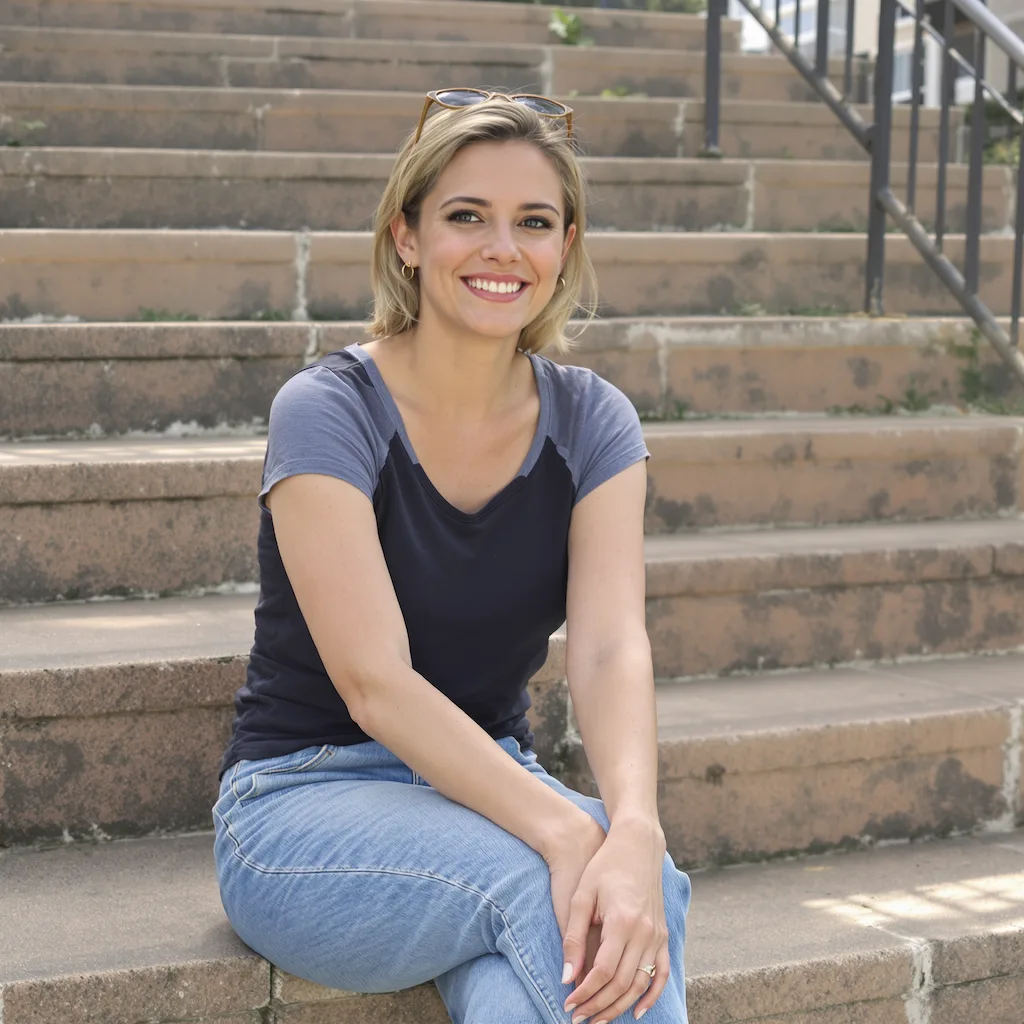
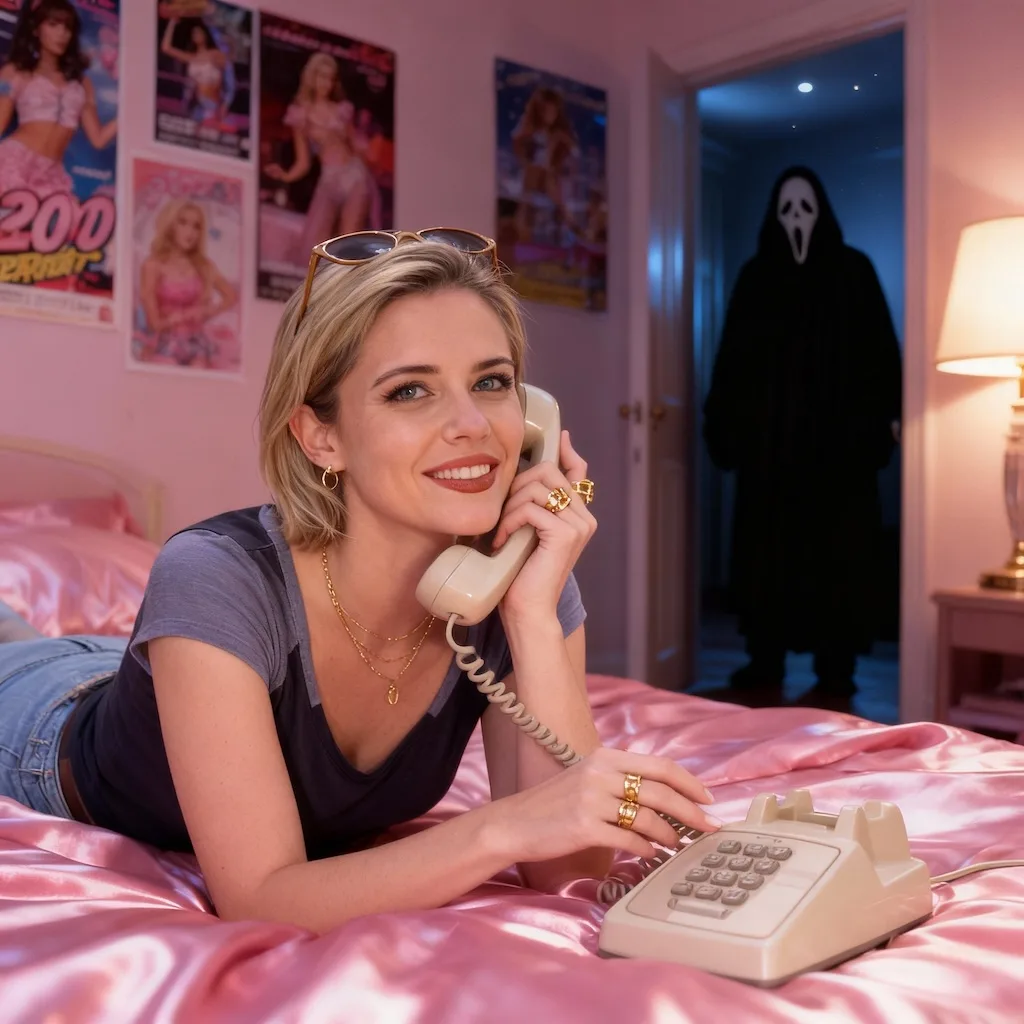
Y2K bedroom portrait
Place the subject in a soft, nostalgic bedroom scene with satin bedding, posters, and low lamp light.
Create a Ghostface-inspired AI picture with GPT Image 2, turning portraits into dreamy Y2K horror scenes with a subtle masked figure in the background.
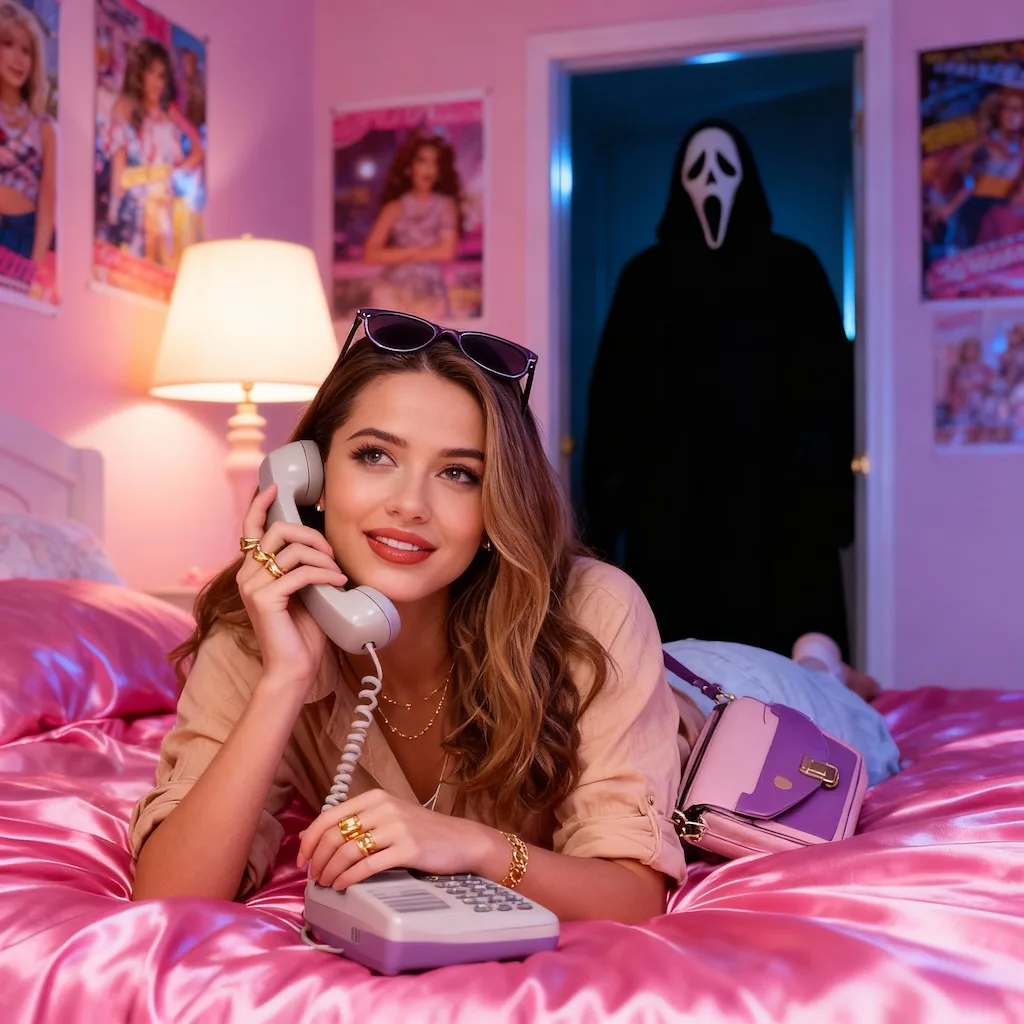
See how portraits can become dreamy Y2K horror scenes with soft color, bedroom props, and a subtle masked figure.
Place the subject in a soft, nostalgic bedroom scene with satin bedding, posters, and low lamp light.
Add a masked figure in the doorway or shadows without gore, weapons, or graphic violence.
Keep the image cinematic, polished, and easy to share as a spooky profile or trend post.
Common questions about using Ghostface AI Picture
The Ghostface AI Picture Generator is a free Image 2 style template powered by GPT Image 2. It turns a portrait into a dreamy Y2K horror scene with soft bedroom lighting, nostalgic props, and a subtle Ghostface-inspired masked figure in the background.
Upload a clear portrait and Image 2 uses GPT Image 2 to restyle the scene with Y2K bedroom details, atmospheric color, and a restrained horror element. The goal is a moody trend image, not a graphic or violent scene.
Use a sharp portrait with visible hair, face, outfit, and shoulders. Mirror selfies, seated portraits, and bedroom photos work especially well because the style relies on pose, props, and ambient lighting.
The current credit cost appears in the generator before you create. You can review the upload, cost, and settings before starting the Ghostface AI Picture generation.
No. Image 2 is independent and this style is not affiliated with, endorsed by, or sponsored by the Ghostface, Scream, or any rights holder. It creates a Ghostface-inspired masked-horror mood and should not add official logos, movie titles, or copyrighted assets.
The style is meant to be spooky and cinematic, not gory or violent. It should use shadows, distance, and atmosphere instead of weapons, blood, injury, or explicit horror content.
Commercial use may be permitted, subject to our Terms of Service, applicable law, and third-party rights. You are responsible for reviewing generated outputs before any commercial use.
Start with a well-lit image and keep the subject visible. Avoid very dark uploads, heavy filters, crowded backgrounds, and low-resolution screenshots so GPT Image 2 can preserve the face while building the Y2K horror atmosphere.
Still have questions? Contact us at [email protected]