Flash Filter AI
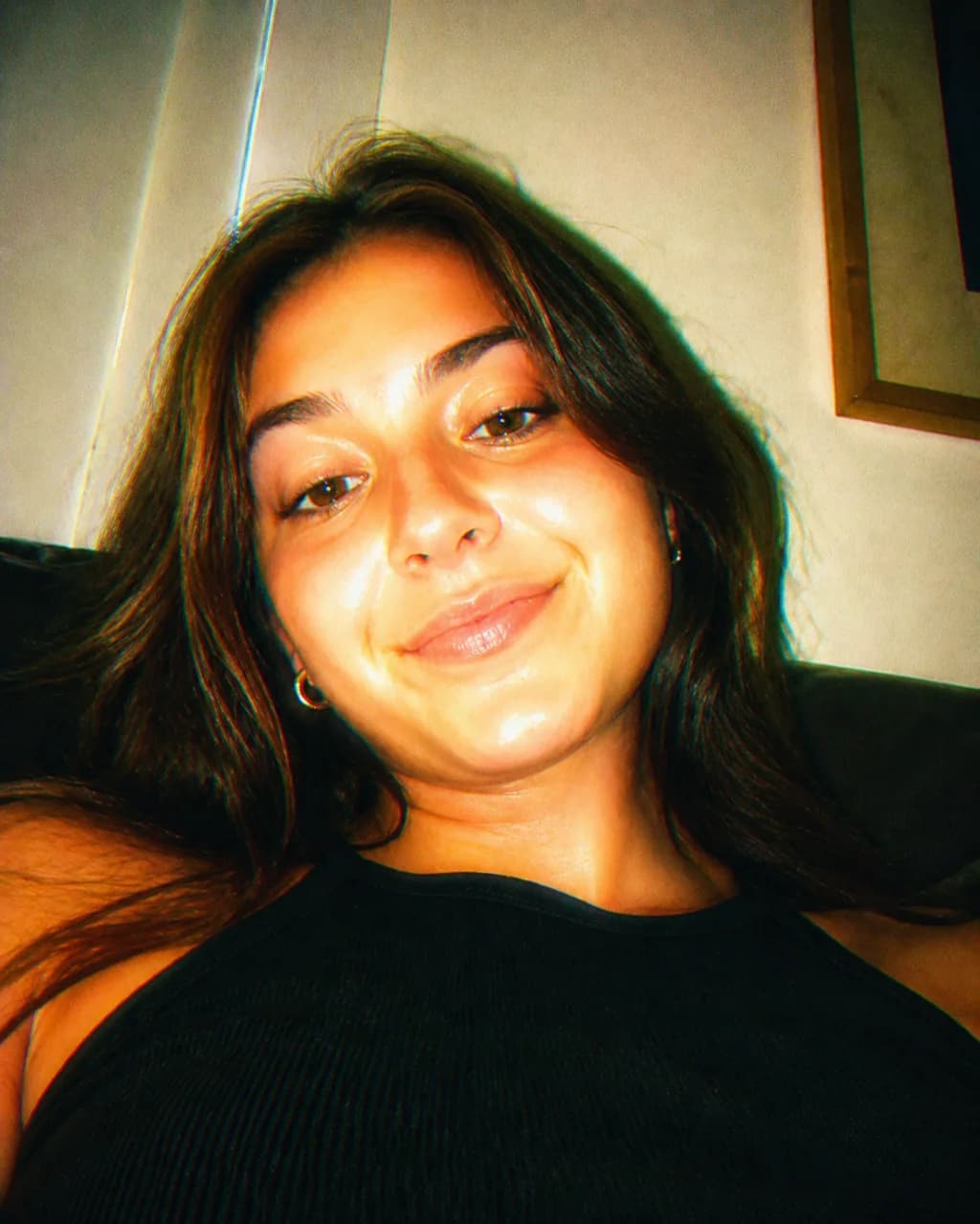
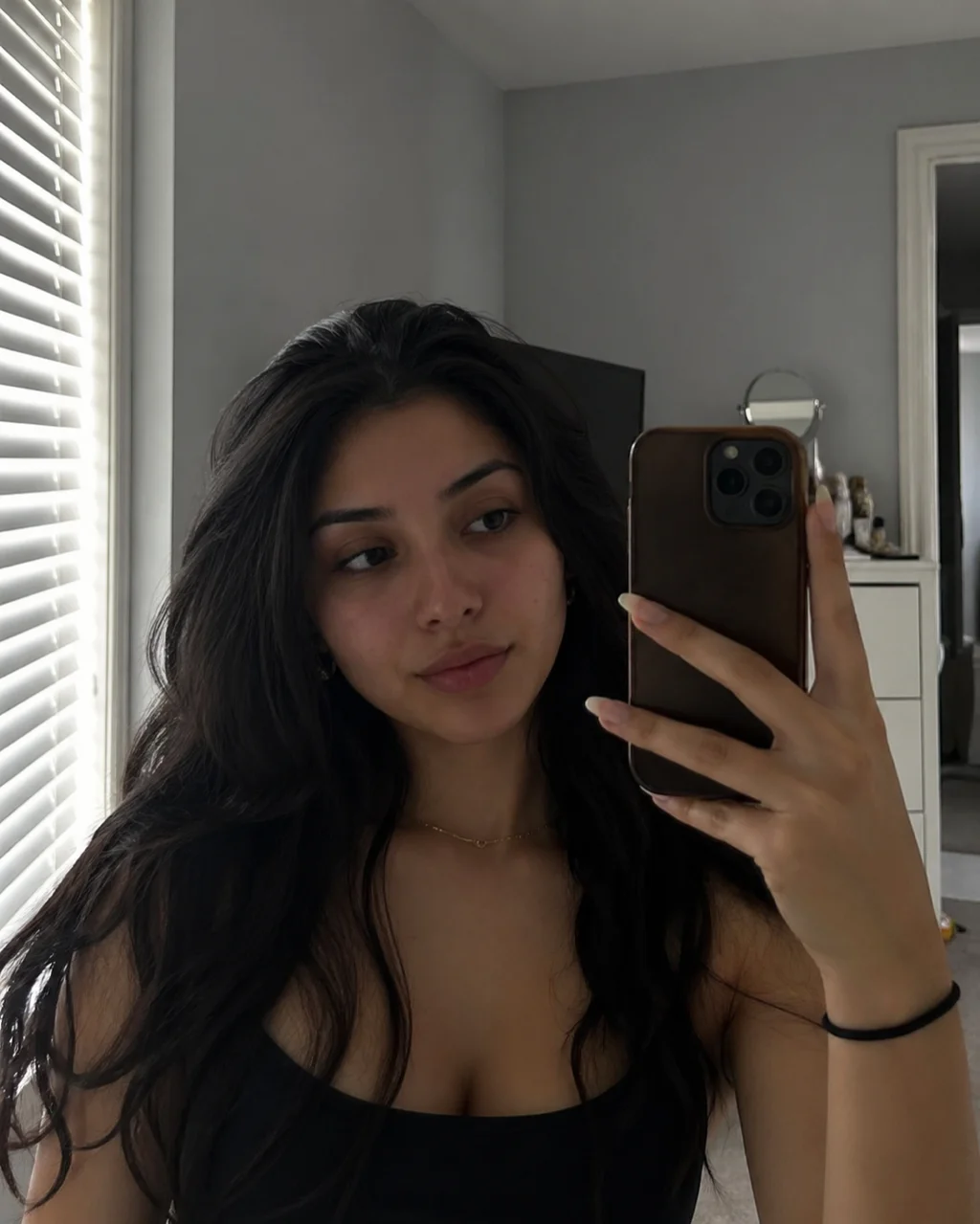
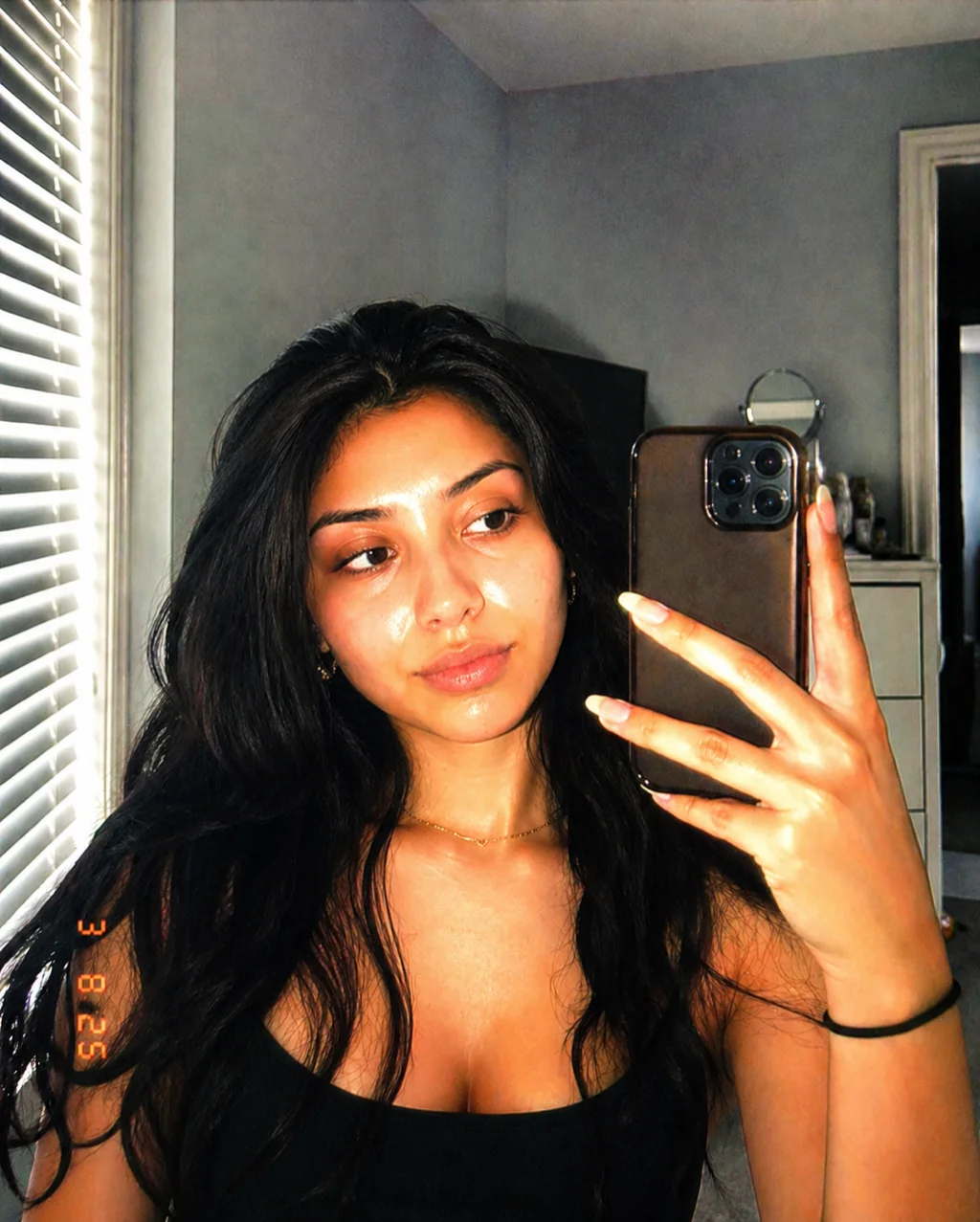
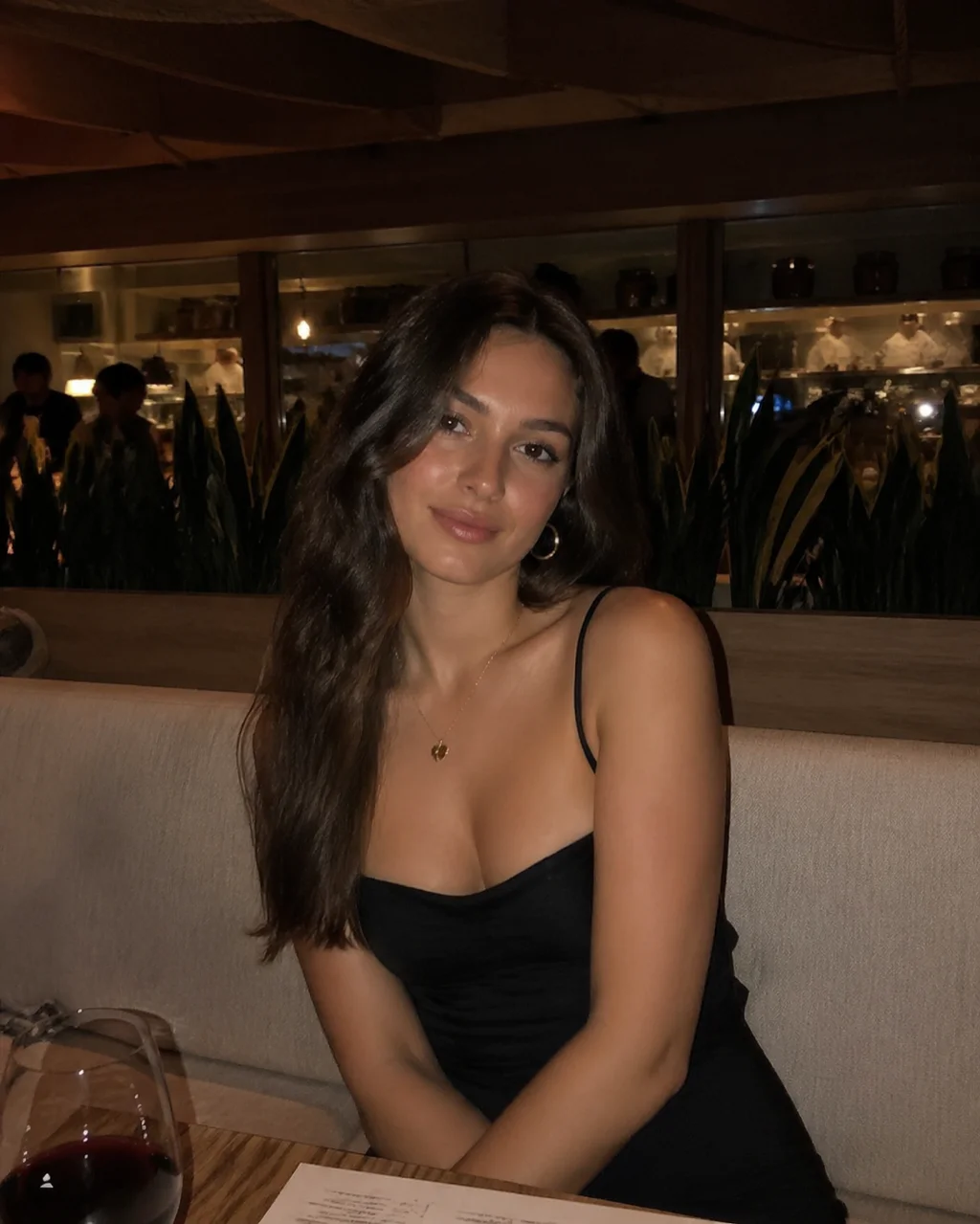
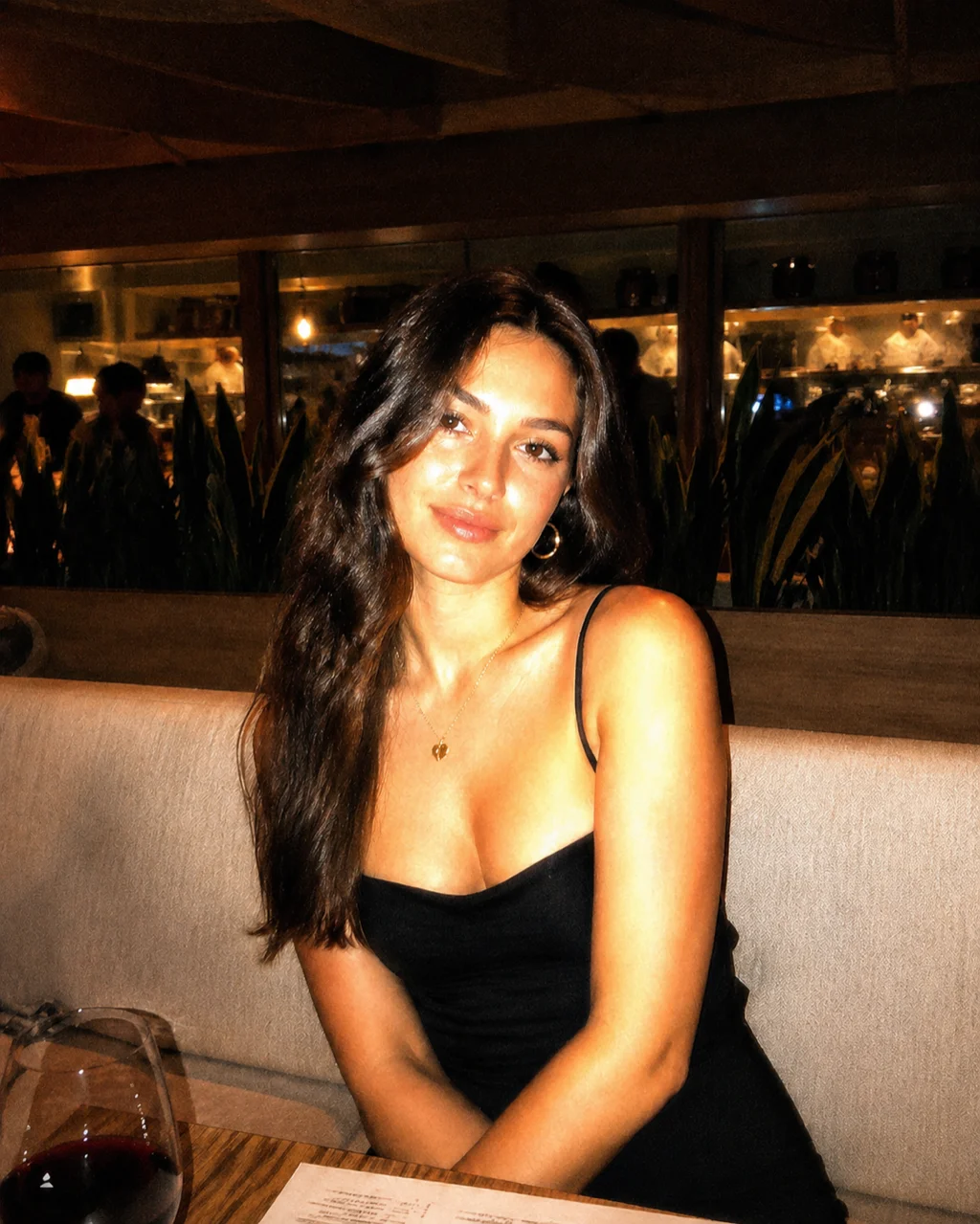
Create viral retro direct-flash photos with Image 2. Upload a portrait and add warm flash tones, glossy skin, blown highlights, CCD grain, and a paparazzi party snapshot vibe while preserving the original face, pose, framing, and scene.
Flash Filter AI
Upload a portrait and Image 2 will apply a retro direct-flash effect while preserving facial identity, pose, framing, and scene.
Flash Filter Results


Examples
See what you can create


Flash Filter Prompt Gallery
Copy a prompt variant or upload your photo and use the default direct-flash style.
same person, preserve facial identity, Y2K party flash filter, direct on-camera flash, warm orange skin tones, glossy luminous skin, blown face highlights, high contrast shadows, 2000s digicam CCD texture, fine film grain, add filter only, do not change pose, framing or scene
same person, preserve facial identity, paparazzi party snapshot vibe, strong frontal flash, slight overexposure, vivid sharp eyes, warm skin tones, green shadow tint, high contrast flash shadows, CCD camera texture, add filter only, keep original pose and scene
same person, preserve facial identity, retro digital camera aesthetic, CCD sensor texture, direct flash photography, glossy luminous skin, bright highlights, soft bloom glow, fine film grain, 2000s digicam look, do not change pose, framing or background
same person, preserve facial identity, disposable camera flash filter, warm orange skin tones, harsh frontal flash, subtle overexposure, film grain, party snapshot, luminous skin, high contrast shadows, add filter only, keep original composition
Flash Filter AI FAQ
Common questions about using Flash Filter AI
Still have questions? Contact us at [email protected]