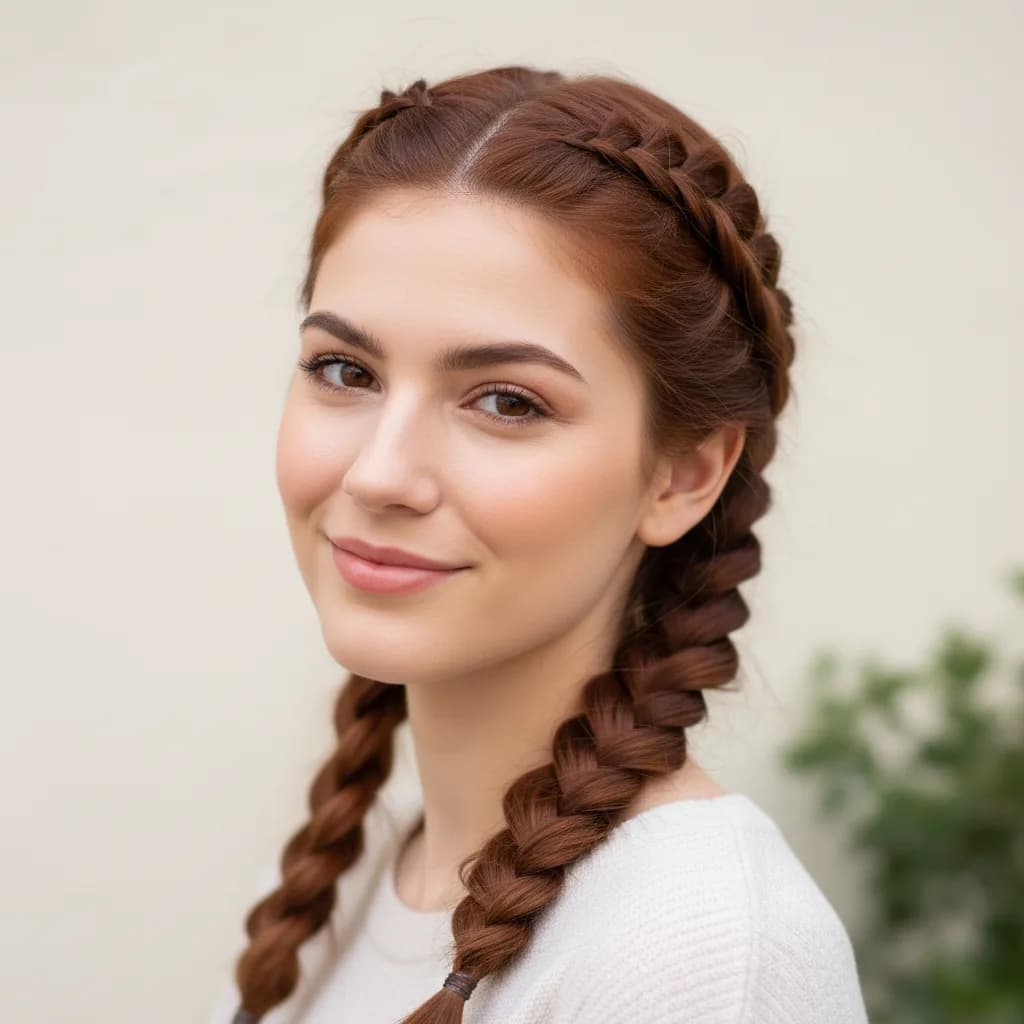
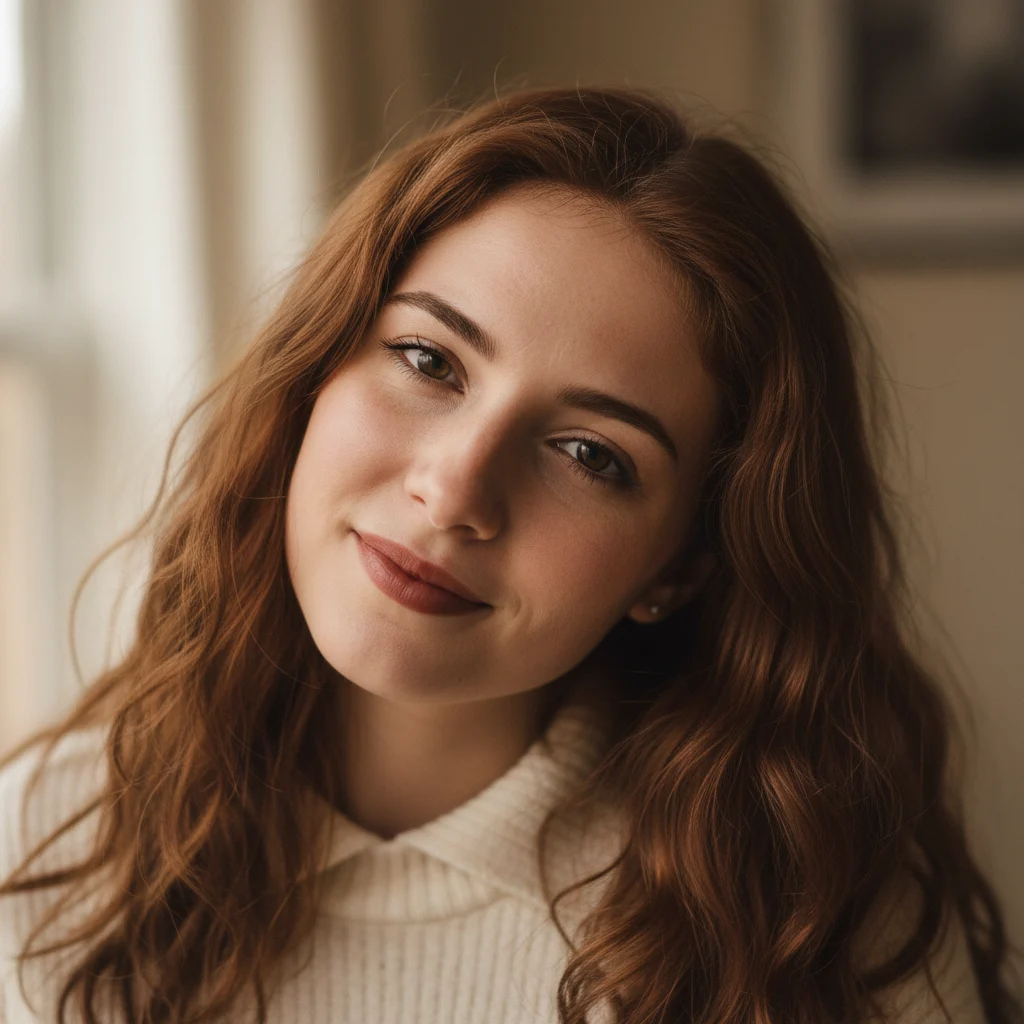
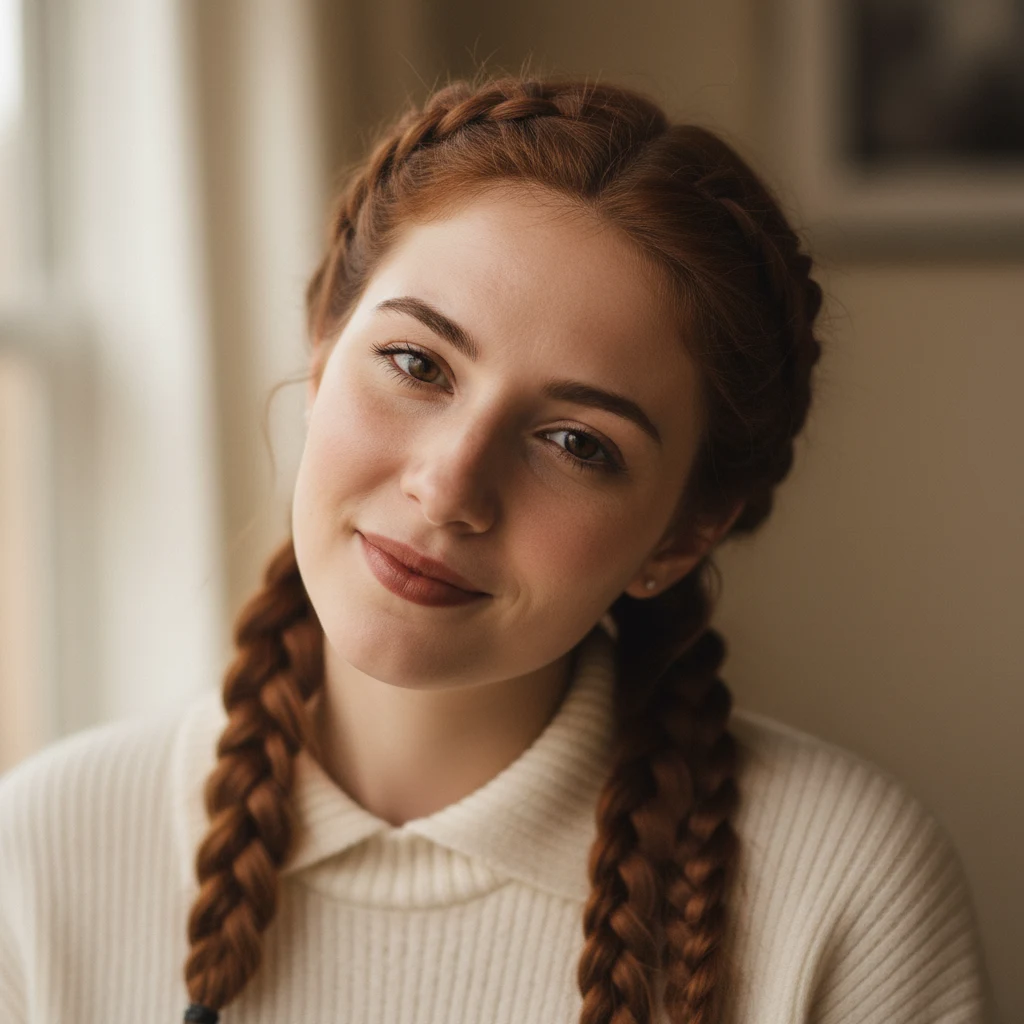
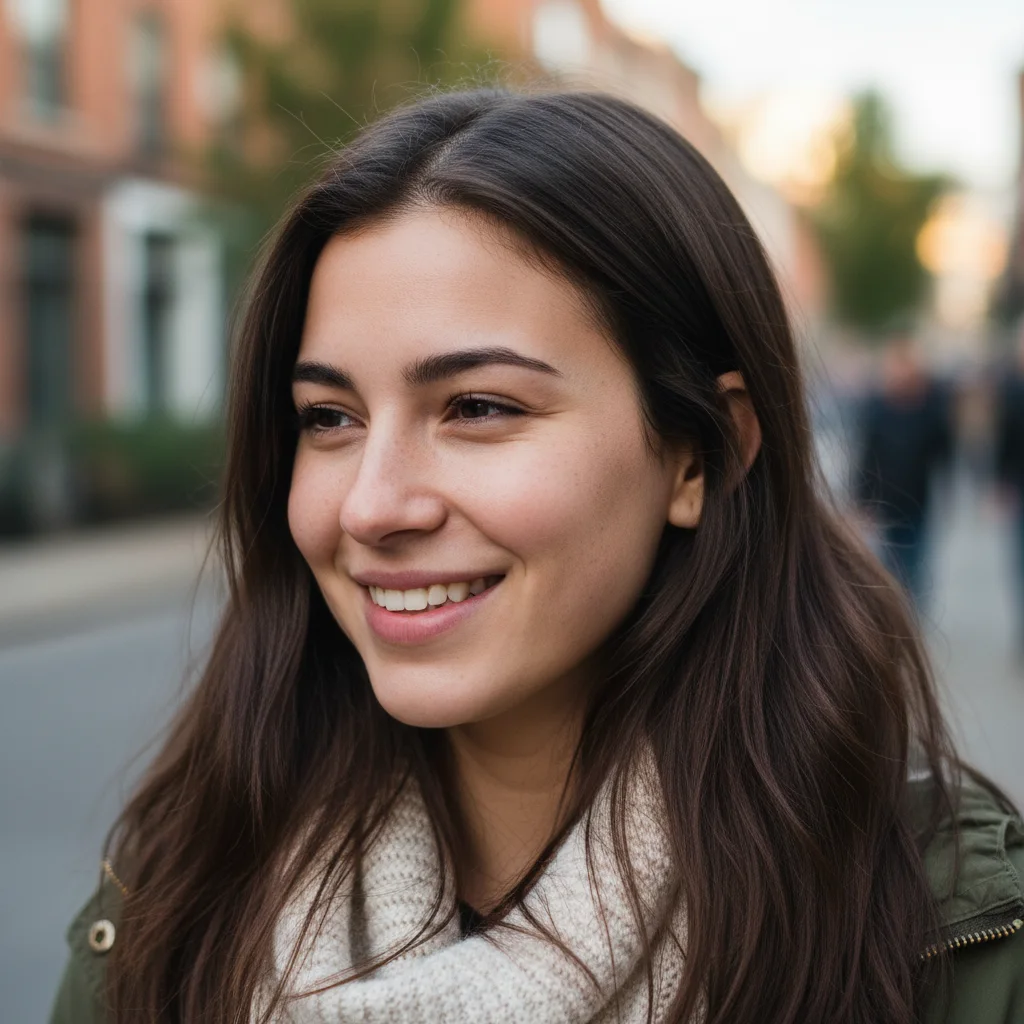
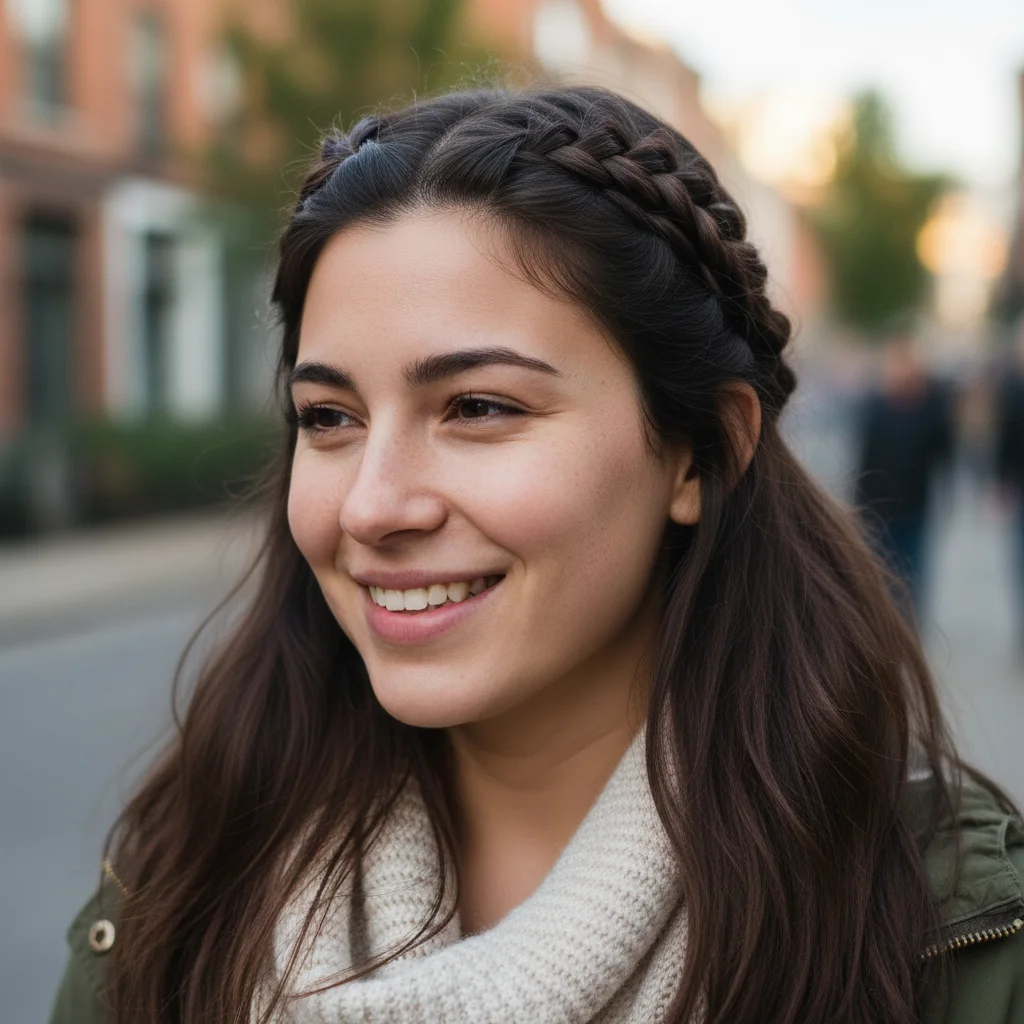
Braided Hairstyle Filter before and after
Start with a clear portrait with visible hair, hairline, and face shape; the result shows matched braid placement, hair texture, shine, color, and natural face framing in a clear before-and-after comparison.
Use GPT Image 2 to try braided hairstyles online, preview braids, and create salon reference images. This Braided Hairstyle Filter workflow focuses on matched braid placement, hair texture, shine, color, and natural face framing.


See how Braided Hairstyle Filter works when you need to try braided hairstyles online, preview braids, and create salon reference images.
Start with a clear portrait with visible hair, hairline, and face shape; the result shows matched braid placement, hair texture, shine, color, and natural face framing in a clear before-and-after comparison.
Best with a clear portrait with visible hair, hairline, and face shape. Keep the main subject clear so GPT Image 2 can preserve recognizable detail while applying the Braided Hairstyle Filter look.
Use it when you need to try braided hairstyles online, preview braids, and create salon reference images. These examples show finished outputs, so users can judge the Braided Hairstyle Filter look before uploading.
Common questions about using Braided Hairstyle Filter
Still have questions? Contact us at [email protected]