01Transformations
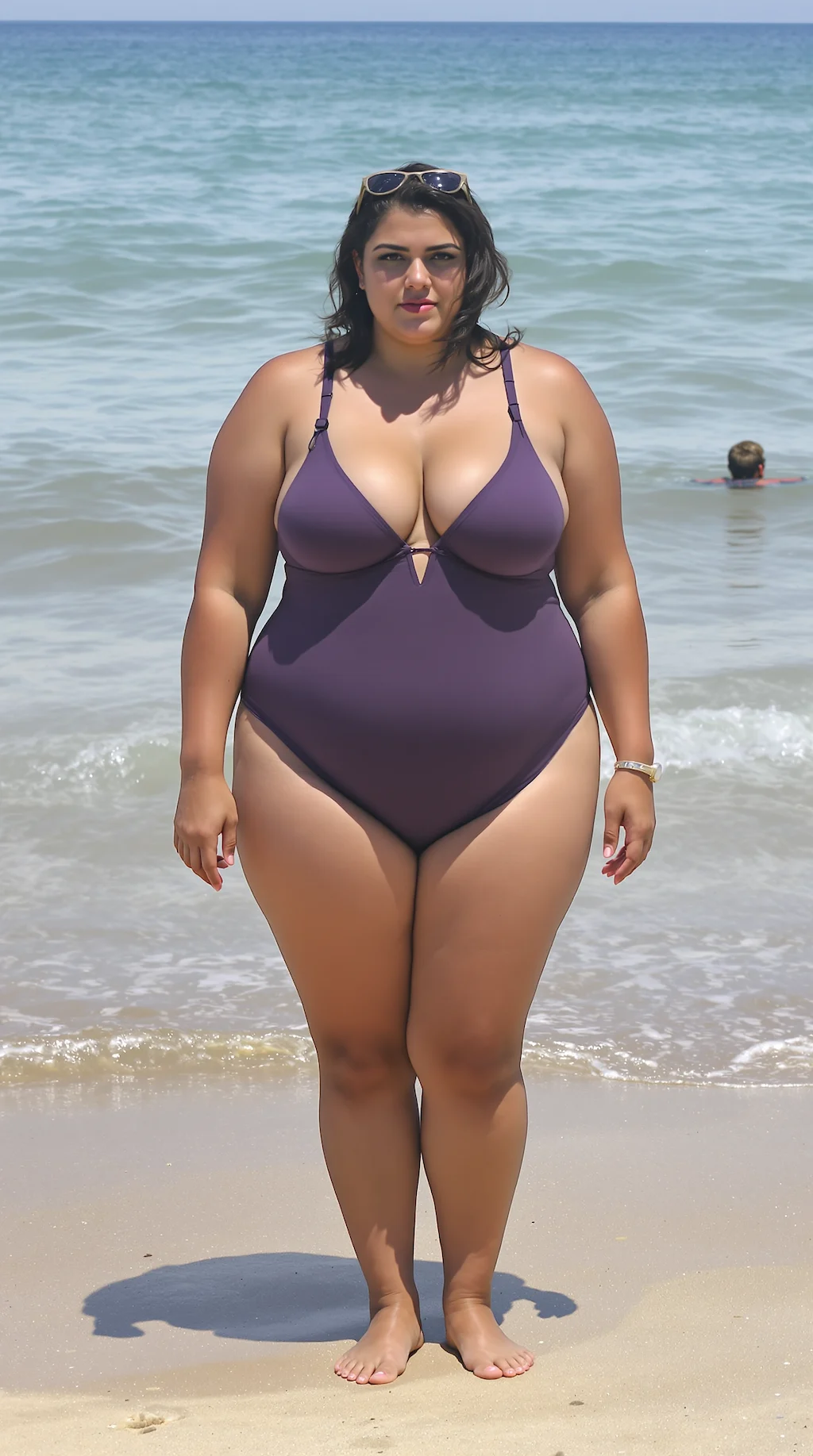
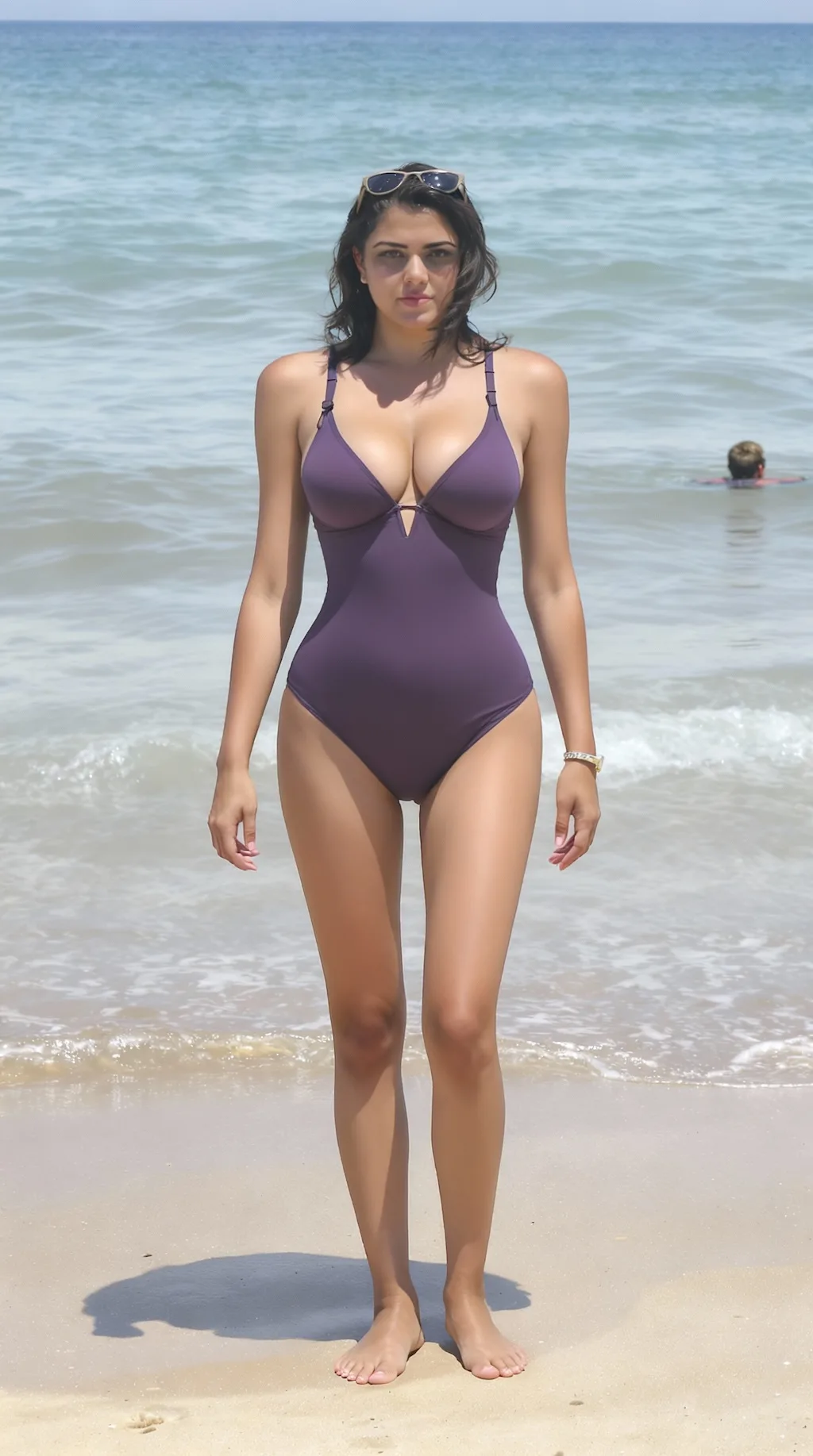
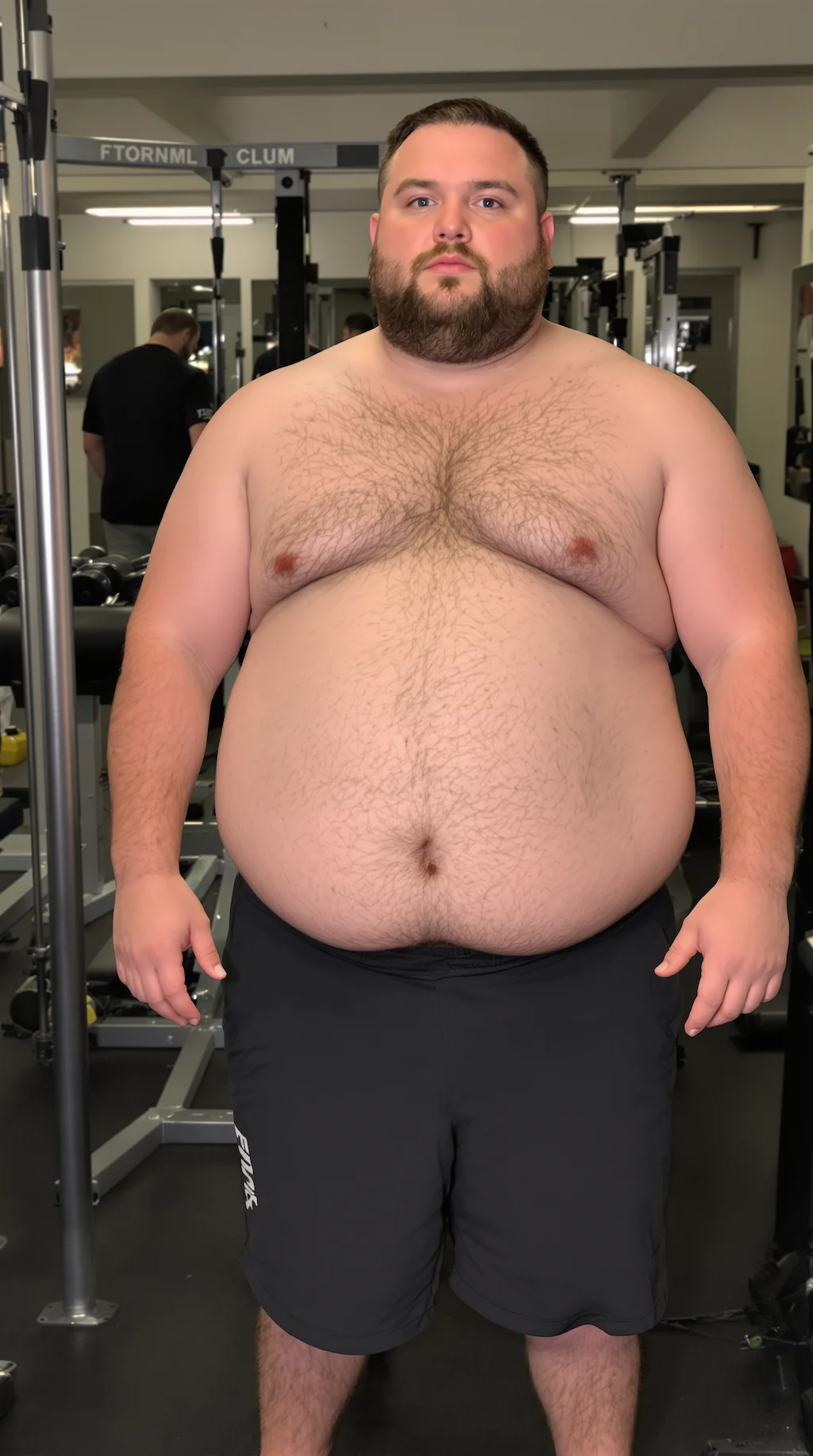
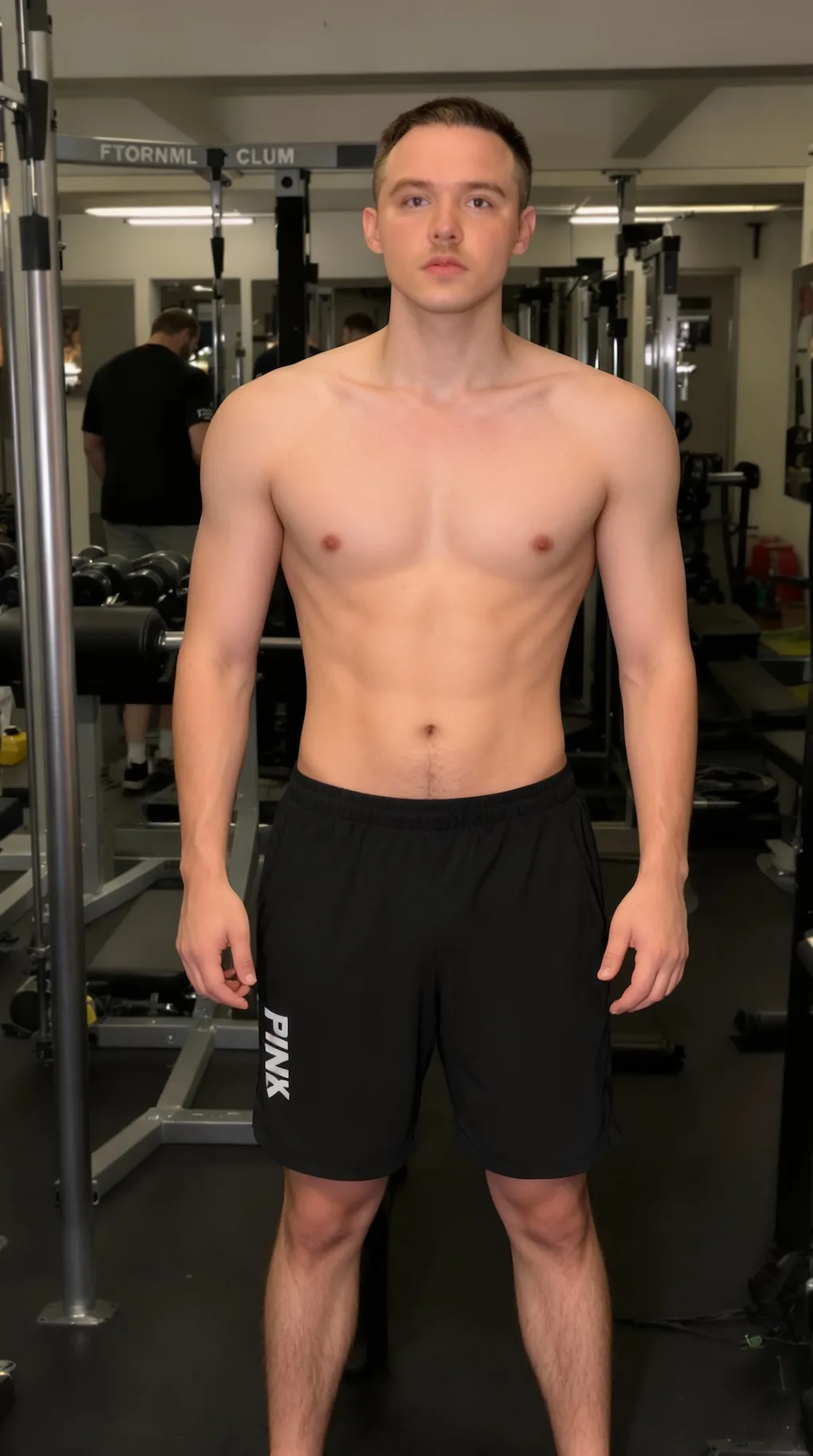
Natural silhouette change
Adjust waist, arms, legs, and face shape with a lighter touch instead of harsh warping.
Upload a portrait or full-body photo and preview a natural slimmer-looking version. GPT Image 2 adjusts body contours and face shape subtly while keeping proportions, lighting, and the person recognizable.
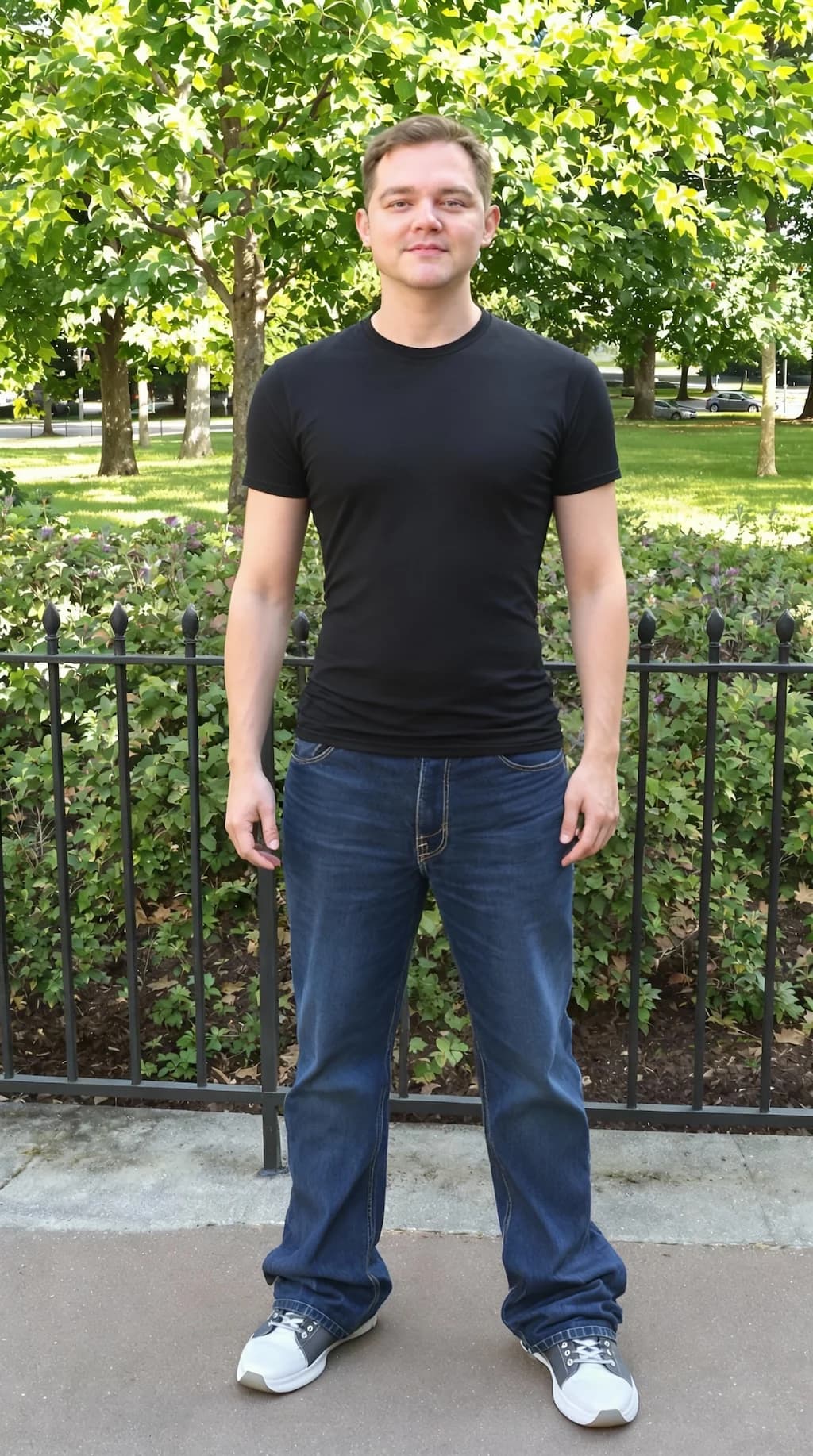
Compare natural body-slimming edits that keep the face, lighting, and photo context recognizable.
Adjust waist, arms, legs, and face shape with a lighter touch instead of harsh warping.
Keep facial features, expression, skin tone, and lighting aligned with the original photo.
Full-body or three-quarter photos with simple backgrounds give the cleanest slimming previews.
Common questions about using GPT Image 2 AI Skinny Filter
The GPT Image 2 AI Skinny Filter is a photo editing tool for creating a slimmer-looking body preview from a portrait or full-body image. It focuses on natural contour changes, recognizable facial identity, consistent lighting, and believable proportions instead of obvious warping.
Upload a clear photo, choose your output settings, and generate. A full-body or three-quarter photo works best. You can also add a short note such as "keep it subtle" or "slightly slimmer waist" if you want a specific direction.
Each generation uses 2/2/6 (1K/2K/4K) credits. You can purchase credit packages, claim daily check-in rewards, or invite friends for additional credits.
Use a sharp photo with one clearly visible person, even lighting, and a simple background. Avoid heavy blur, covered body outlines, extreme poses, oversized coats, or group photos when you want the cleanest slimming preview.
That is the goal. GPT Image 2 keeps the face, expression, skin tone, clothing context, and lighting anchored to the original image while making controlled contour adjustments. Very low-resolution photos or difficult angles can make the result less consistent.
Yes. Add a short instruction before generating. Phrases like "very subtle", "natural full-body slimming", or "keep face unchanged" help guide the result toward the amount of change you want.
You can try it for free when you have available credits or daily rewards. Each generation uses 2/2/6 (1K/2K/4K) credits, so higher-resolution outputs may cost more than quick previews.
You can use results for personal posts, profile images, creative concepts, and similar projects, subject to Image 2 terms and any rights connected to the uploaded photo. For commercial use, make sure you have permission from the people, photographers, brands, and source materials shown in the image.
Still have questions? Contact us at [email protected]