50% OFF
Image2

GPT Image 2 Celebrity Selfie Generator

Use GPT Image 2 to make a celebrity selfie style image from two photo references for fan posts and private fun. This Celebrity Selfie Generator workflow focuses on matched lighting, phone-camera framing, and a believable shared-selfie composition.

Celebrity Selfie
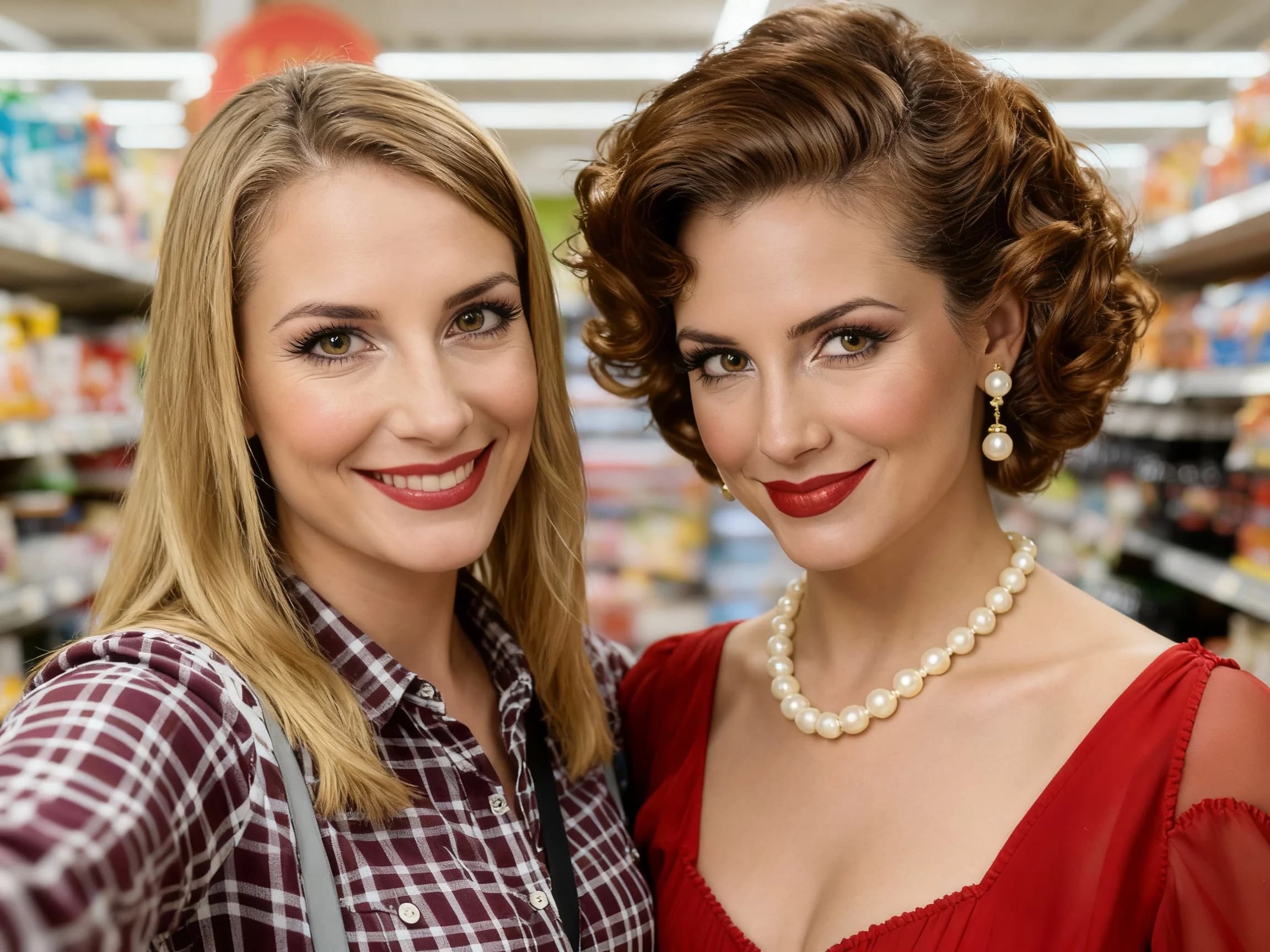
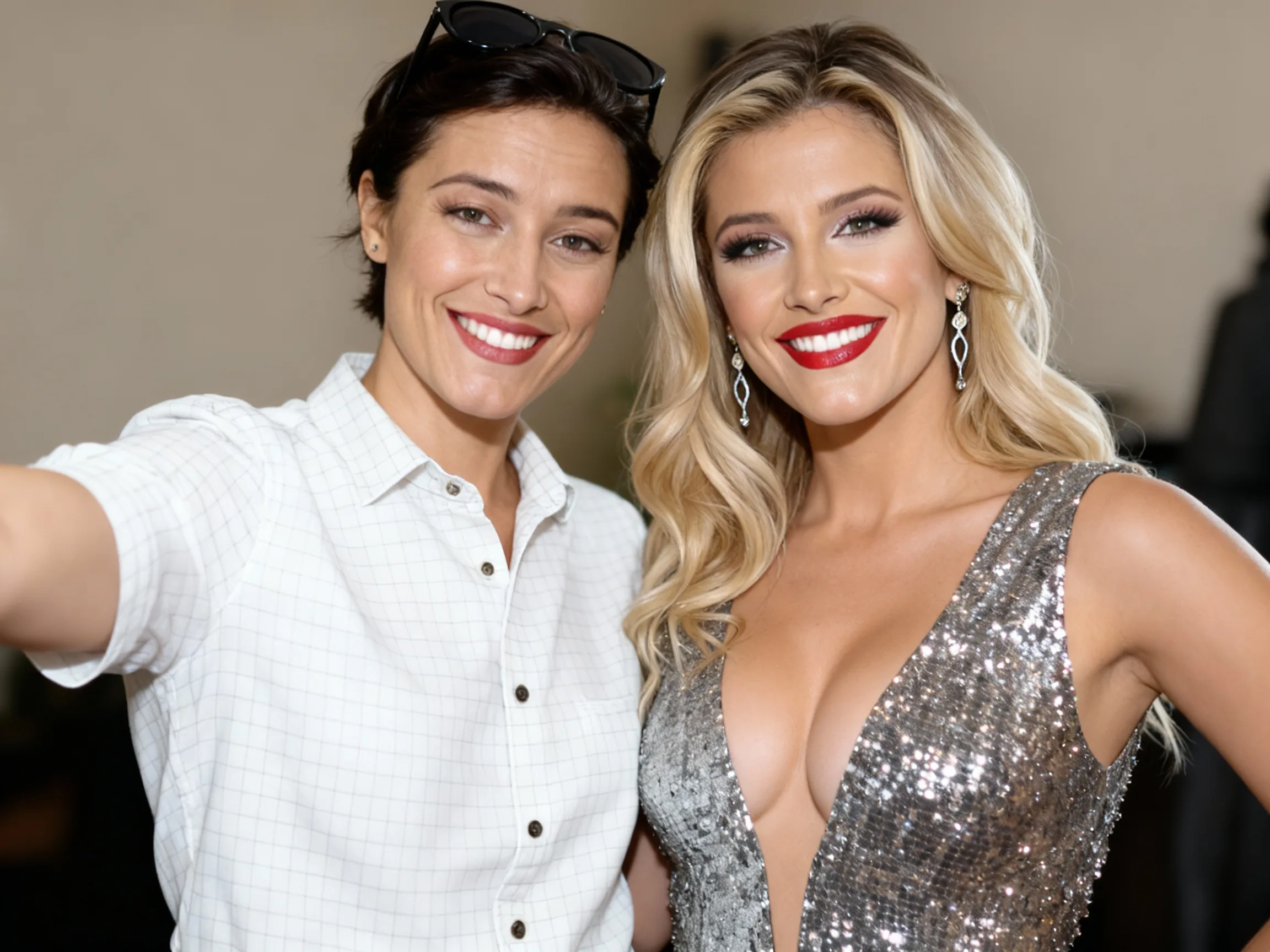
Celebrity Selfie sample result

Create a Celebrity Selfie

Upload your portrait plus a clear celebrity reference image. GPT Image 2 will create a Celebrity Selfie Generator result with matched lighting, phone-camera framing, and a believable shared-selfie composition.

Celebrity Selfie Generator Results

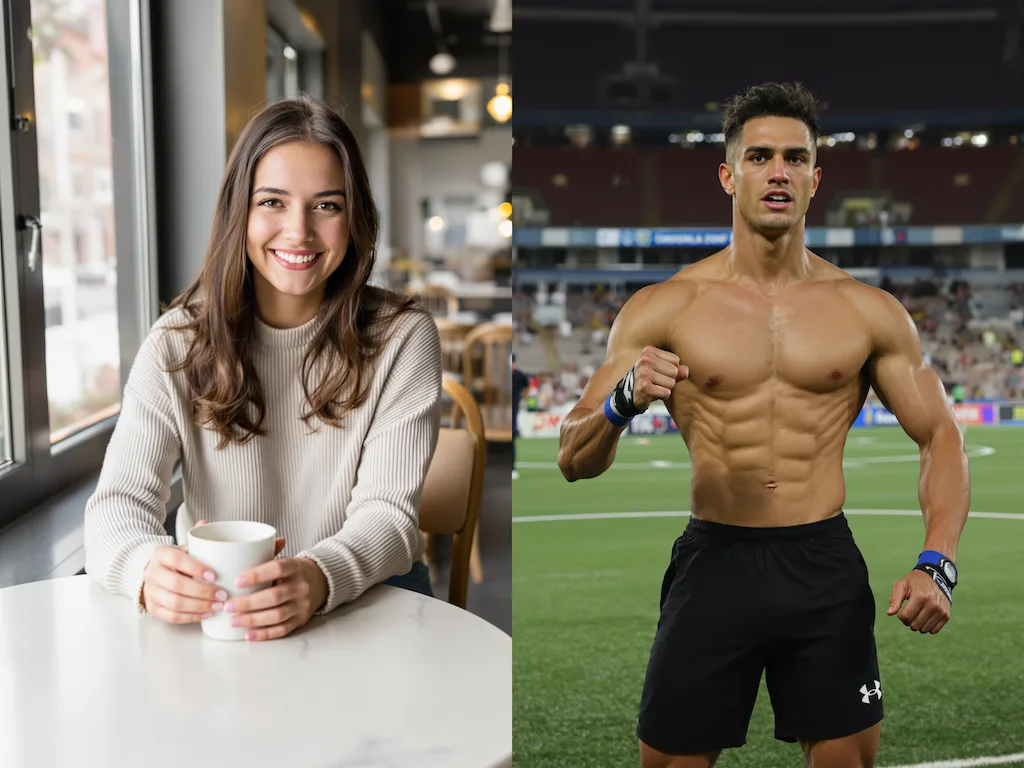
Original image example 1 - Before Image 2 AI transformation
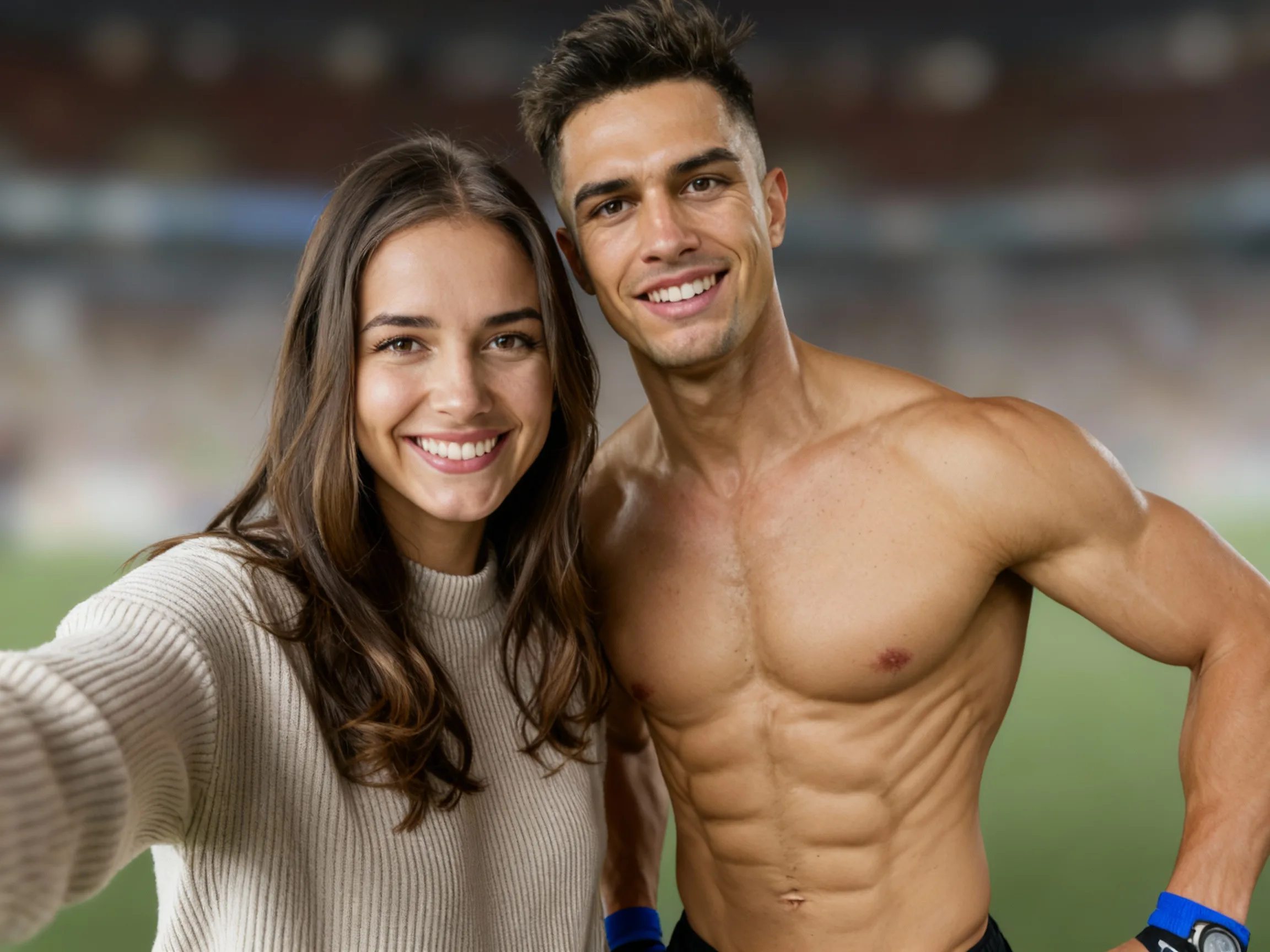
AI-generated result example 1 - After Image 2 transformation
Before
After
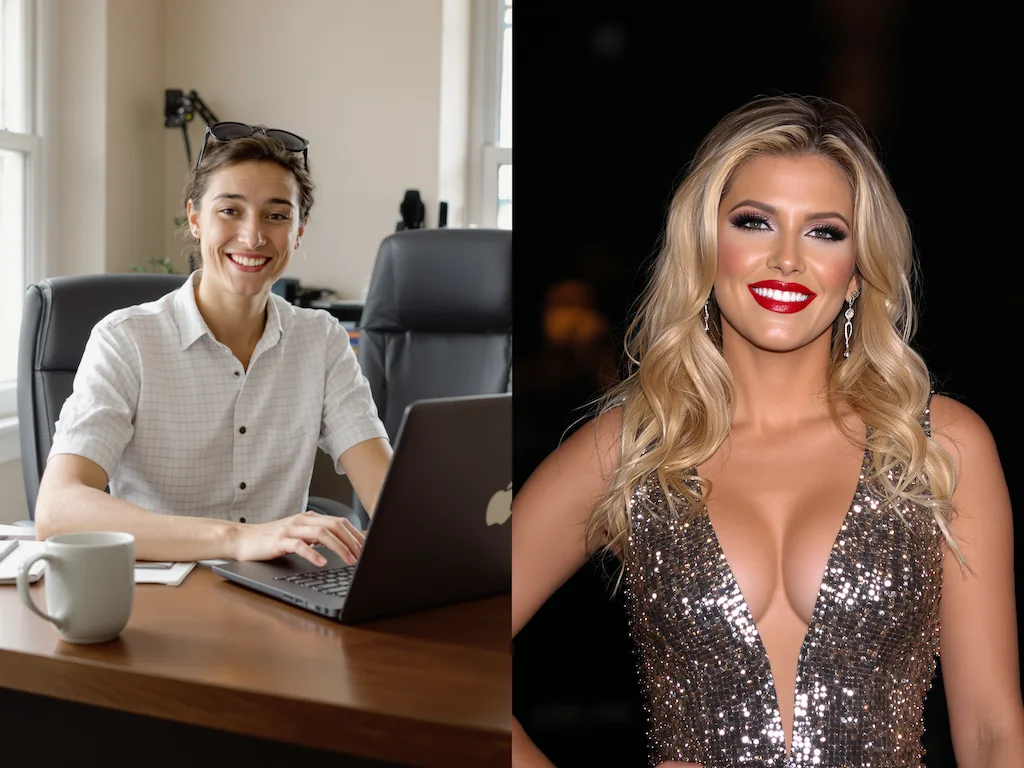
Original image example 2 - Before Image 2 AI transformation
AI-generated result example 2 - After Image 2 transformation
Before
After

Celebrity Selfie Generator Examples

See how Celebrity Selfie Generator works when you need to make a celebrity selfie style image from two photo references for fan posts and private fun.

01Transformations

Celebrity Selfie Generator before and after

Start with your portrait plus a clear celebrity reference image; the result shows matched lighting, phone-camera framing, and a believable shared-selfie composition in a clear before-and-after comparison.

02Transformations

Best source for Celebrity Selfie Generator

Best with your portrait plus a clear celebrity reference image. Keep the main subject clear so GPT Image 2 can preserve recognizable detail while applying the Celebrity Selfie Generator look.

03Transformations

Where to use Celebrity Selfie Generator

Use it when you need to make a celebrity selfie style image from two photo references for fan posts and private fun. These examples show finished outputs, so users can judge the Celebrity Selfie Generator look before uploading.

Celebrity Selfie FAQ

Common questions about using Celebrity Selfie

AI Photo With Celebrity creates a selfie-style image of you with a chosen celebrity reference. GPT Image 2 blends the two photos so the pose, light, and facial details feel like one shot.

You need to upload two photos: one clear photo of yourself and one photo of the celebrity you want to take a selfie with. Both photos should have clearly visible faces, preferably front-facing, for the best results with GPT Image 2.

Each celebrity selfie generation uses 2/2/6 (1K/2K/4K) credits. You can generate multiple variations with different poses and angles.

The generated images are for personal use. For commercial use involving celebrity likenesses, please ensure you have appropriate permissions and rights.

Yes. Run the same prompt again or adjust the uploaded image to compare different compositions, styling, and detail levels.

Use a sharp, well-lit image with the main subject unobstructed. Add a short note if you want stronger styling, a cleaner background, or a more subtle edit.

Still have questions? Contact us at [email protected]