01Transformations
Natural muscle definition
Add visible abs, arms, chest, and shoulders without a plastic or over-edited look.
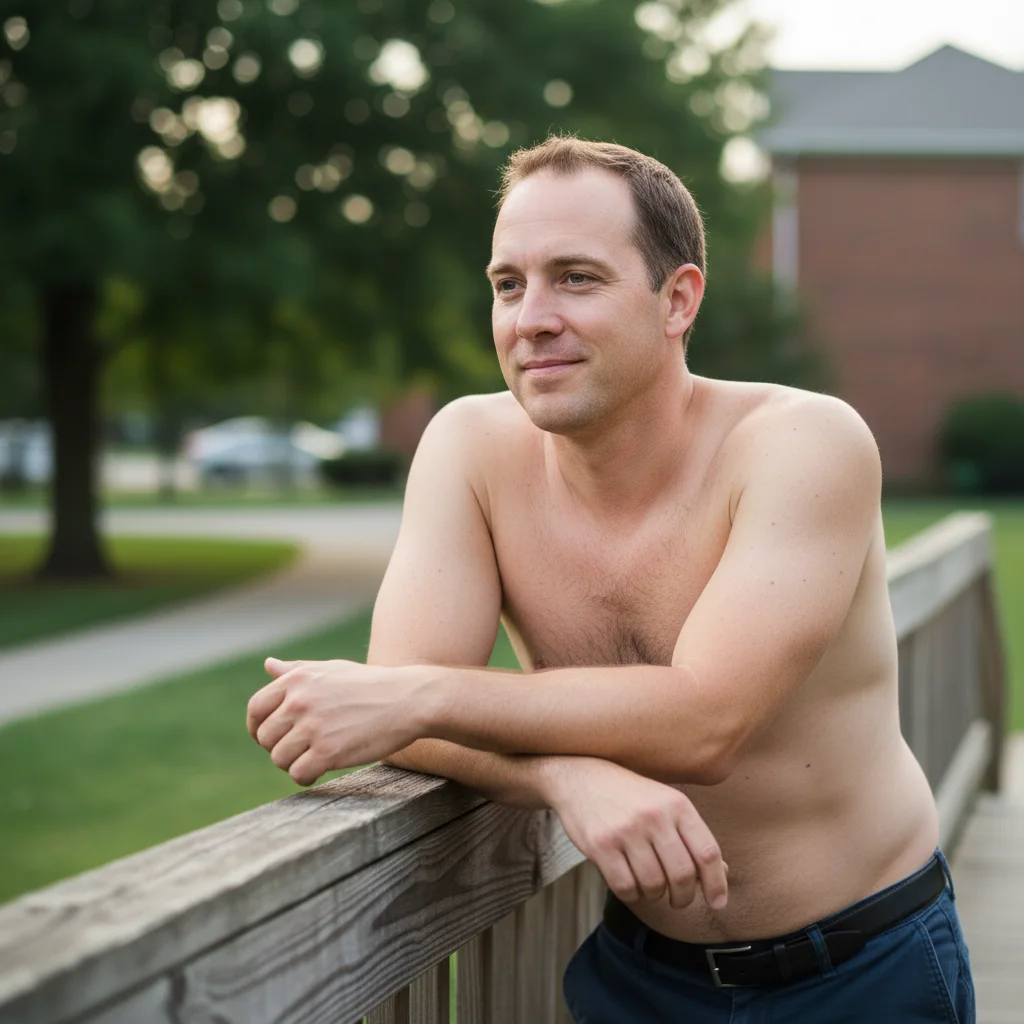
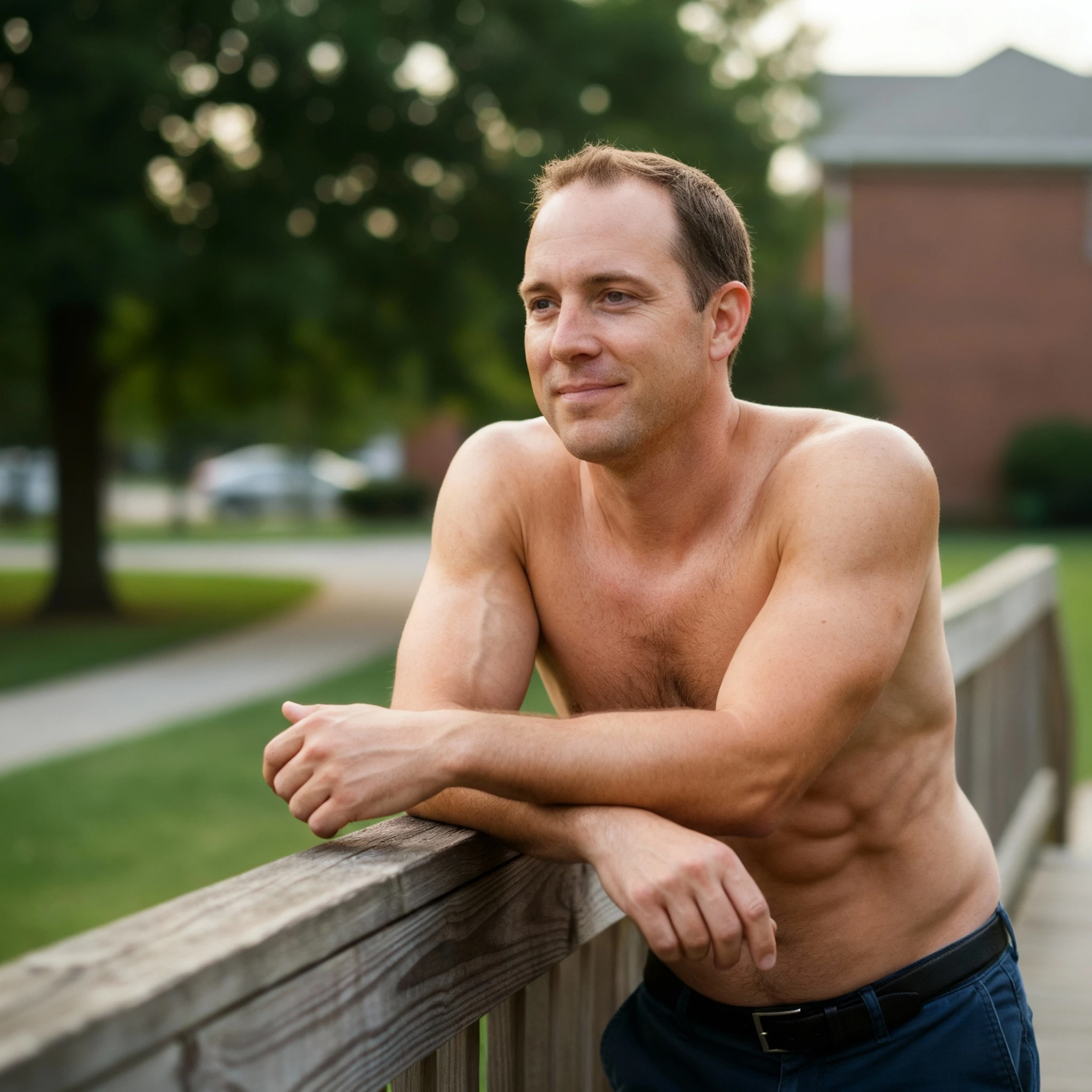
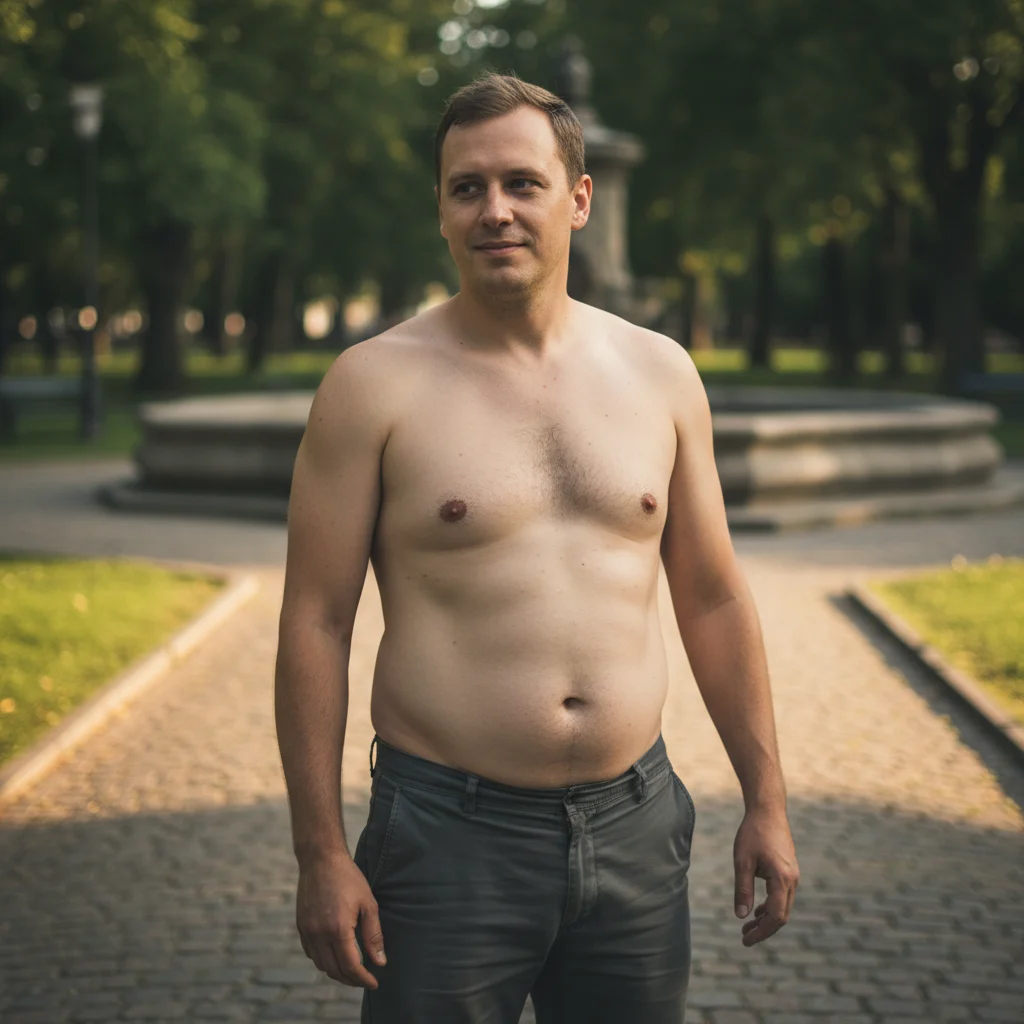
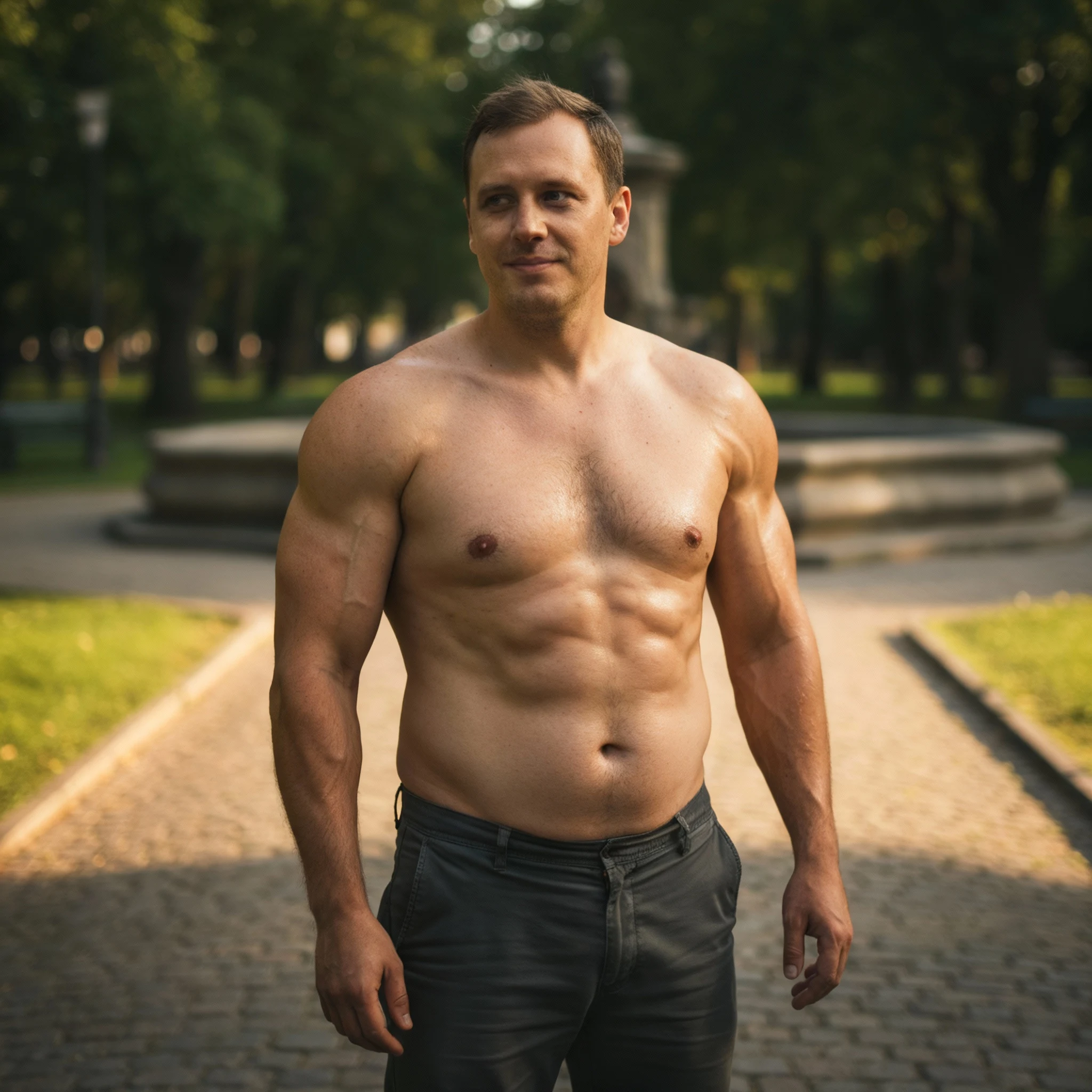
Upload an upper-body or full-body photo and preview a stronger, more defined fitness look. GPT Image 2 adds natural-looking abs, arms, chest, and shoulders while keeping lighting, skin texture, and proportions believable.
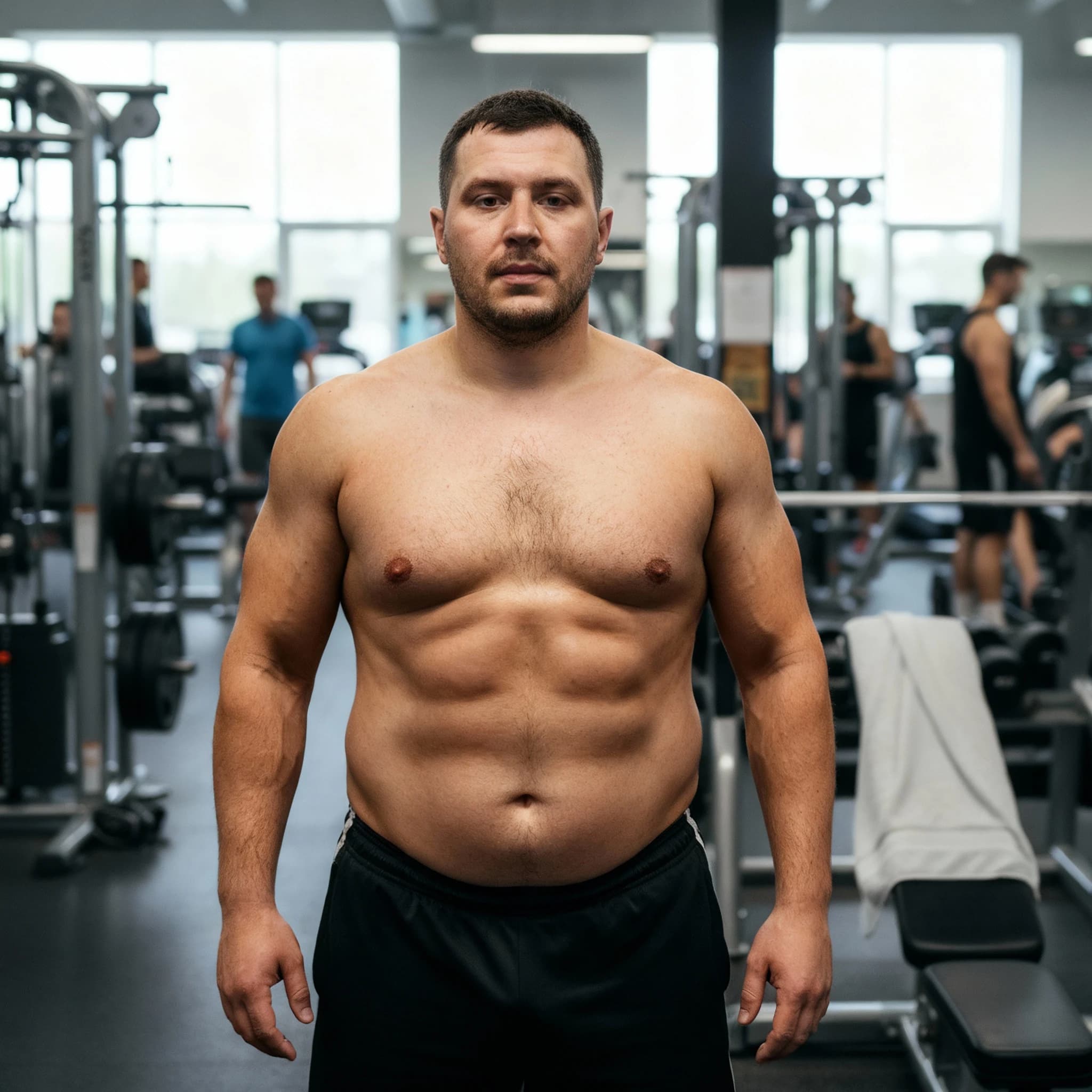
Compare realistic muscle-definition edits that preserve lighting, skin texture, pose, and body proportions.
Add visible abs, arms, chest, and shoulders without a plastic or over-edited look.
Keep shadows, skin texture, and highlights aligned with the original photo.
Upper-body or full-body shots with clear outlines give the cleanest muscle previews.
Common questions about using GPT Image 2 AI Muscle Generator
The GPT Image 2 AI Muscle Generator is a photo editing tool for creating a stronger, more defined fitness preview from an uploaded image. It adds natural-looking muscle definition to areas such as abs, arms, chest, and shoulders while keeping lighting, skin texture, pose, and proportions believable.
Upload a clear upper-body or full-body photo, choose your output settings, and generate. For a specific look, add a short note such as "subtle athletic definition", "more defined abs", or "keep proportions natural" before generating.
Each generation uses 2/2/6 (1K/2K/4K) credits. You can purchase credit packages, claim daily check-in rewards, or invite friends for additional credits.
Use a sharp photo with one clearly visible person, even lighting, and visible upper-body or full-body outlines. Athletic wear, tank tops, gym photos, and simple backgrounds usually work well. Heavy blur, covered body contours, oversized clothing, or group photos can make the result less consistent.
That is the goal. GPT Image 2 matches muscle definition to the original pose, skin texture, and lighting instead of drawing harsh or unrealistic shapes. Very low-resolution photos, extreme angles, or hidden body areas can reduce realism.
Yes. Add a short instruction before generating. Phrases like "subtle definition", "natural athletic build", or "stronger chest and shoulders" help guide the amount and location of the muscle enhancement.
You can try it for free when you have available credits or daily rewards. Each generation uses 2/2/6 (1K/2K/4K) credits, so higher-resolution outputs may cost more than quick previews.
You can use results for personal posts, profile images, fitness concepts, and creative projects, subject to Image 2 terms and any rights connected to the uploaded photo. Treat the result as an edited fitness preview, not proof of real training progress. For commercial use, make sure you have permission from the people, photographers, brands, and source materials shown in the image.
Still have questions? Contact us at [email protected]