01Transformations
Portraits into block characters
Keep the subject recognizable while turning hair, clothing, and pose into clean voxel shapes.
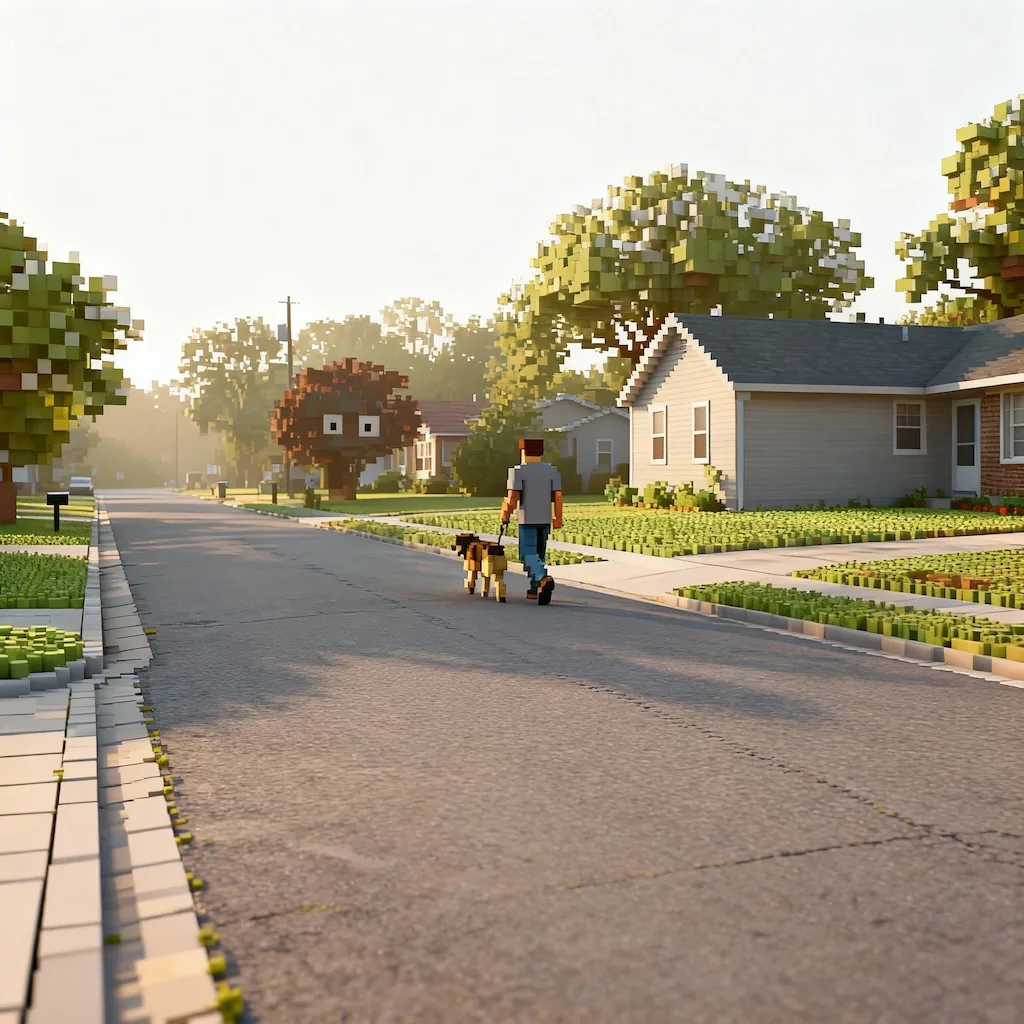
Turn photos into Minecraft-style 3D voxel art with GPT Image 2, using isometric blocks, crisp edges, and a playful block-built scene.
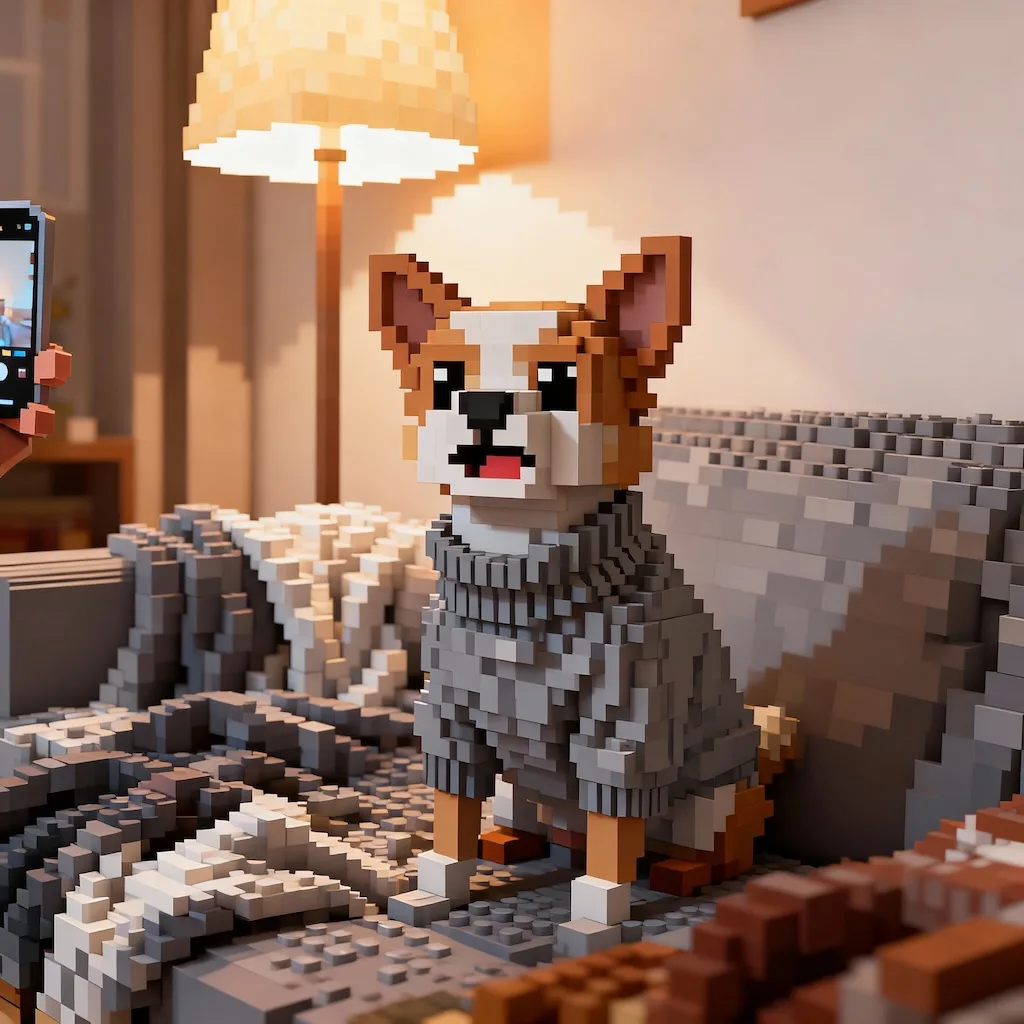
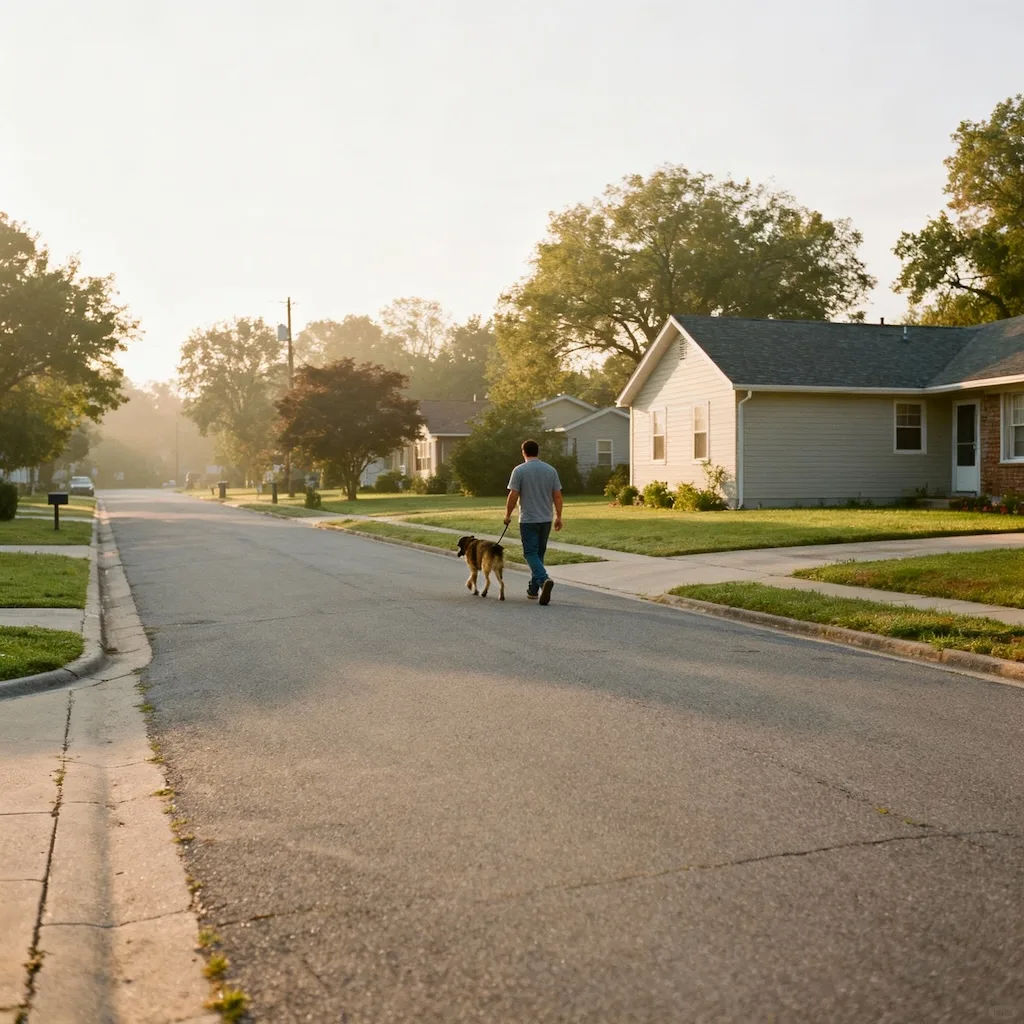
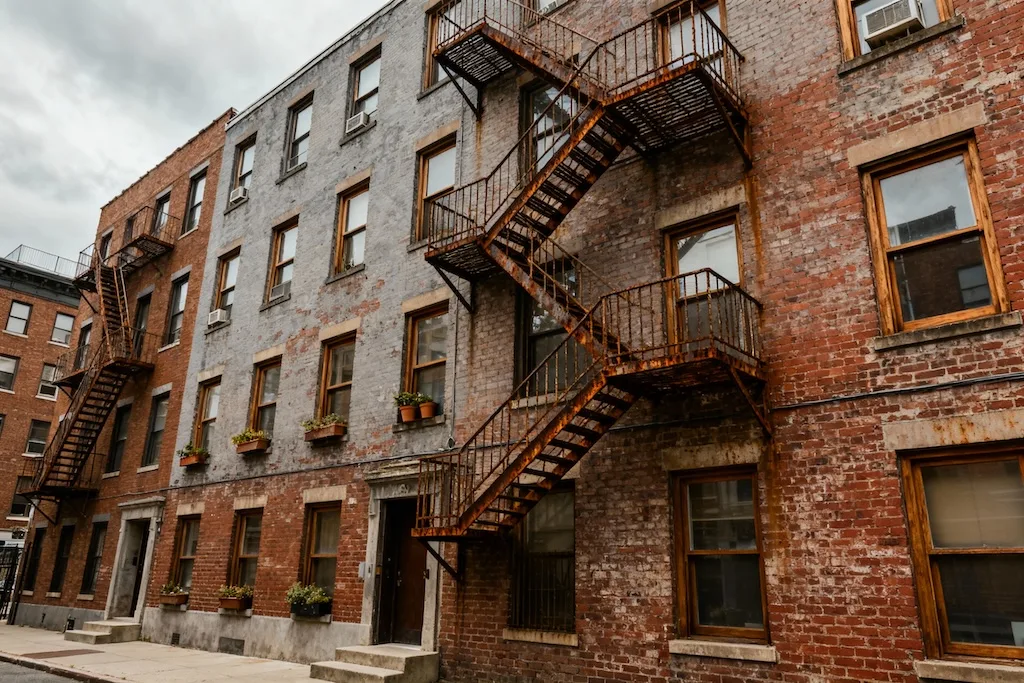
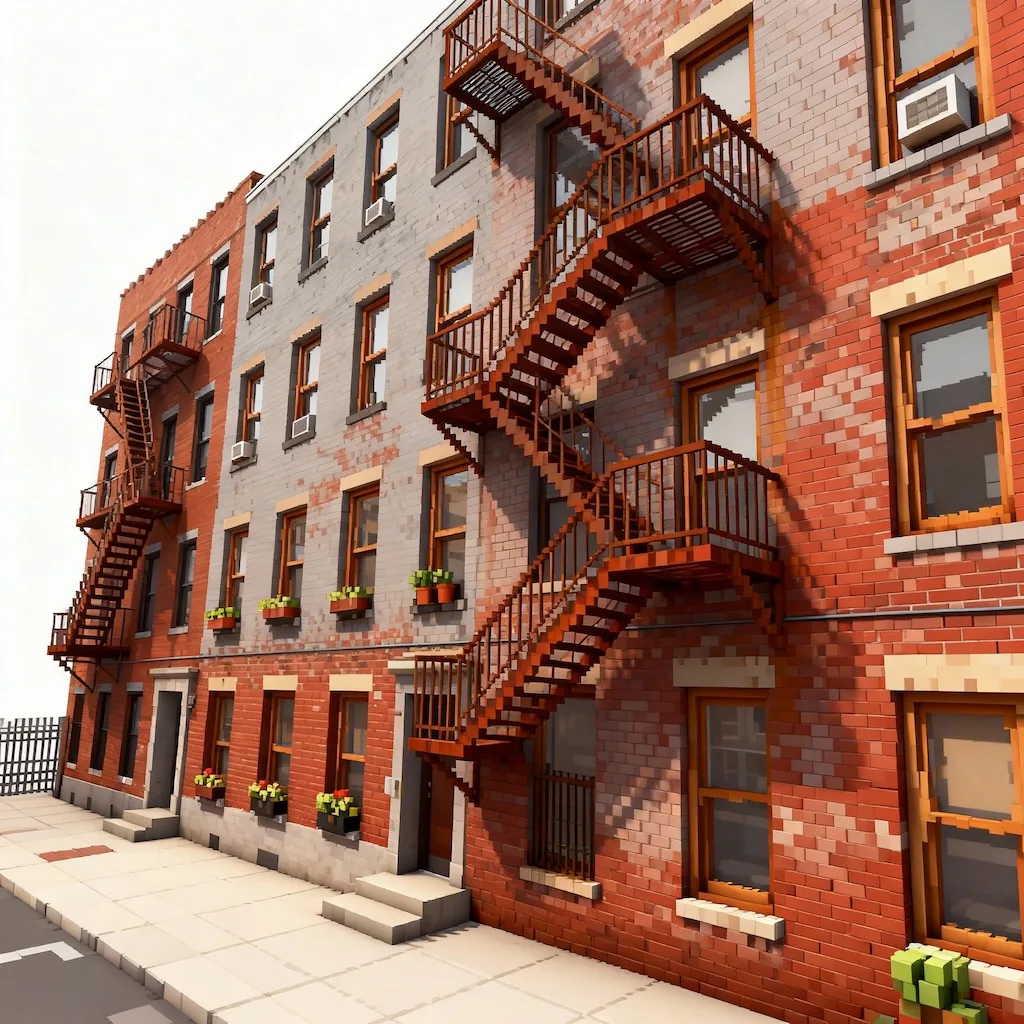
See how portraits, pets, objects, and landscapes can become crisp block-built voxel scenes.
Keep the subject recognizable while turning hair, clothing, and pose into clean voxel shapes.
Convert animals, products, and props into playful cube-built scenes with clear silhouettes.
Use angled 3D composition, sharp edges, and bright lighting for a game-like voxel preview.
Common questions about using AI Minecraft Filter
The AI Minecraft Filter is a free Image 2 style template powered by GPT Image 2. It turns uploaded photos into Minecraft-style 3D voxel art with blocky shapes, crisp edges, and an isometric scene feel while keeping the main subject recognizable.
Portraits, pets, products, buildings, landscapes, and simple room scenes work well. Clear subjects, good lighting, and uncluttered backgrounds help GPT Image 2 translate the image into readable voxel blocks.
The style rebuilds the image as a cube-based scene with simplified block forms, pixel-like facial details, bright neutral light, and crisp edges. It aims for a Minecraft-style block art look rather than a photorealistic edit.
The current credit cost is shown on the form before generation. You can review your upload, cost, and settings before starting the AI Minecraft Filter result.
No. Image 2 is independent and this tool is not affiliated with, endorsed by, or sponsored by Minecraft, Mojang, Microsoft, or any rights holder. It creates Minecraft-style voxel art and should not add official logos, UI, game screenshots, or copyrighted assets.
You can use results for your own projects when you have rights to the uploaded image and avoid third-party trademarks, official game branding, copyrighted characters, or misleading affiliation. Review outputs carefully before using them in ads, products, or client work.
Use a well-lit image with a clear subject and avoid heavy filters, motion blur, tiny faces, or busy backgrounds. Clean source images help GPT Image 2 preserve the composition while simplifying details into blocks.
Yes. The AI Minecraft Filter works with people, pets, small groups, objects, buildings, and scenery. For crowded scenes, use a higher-resolution image so the important subjects remain clear after the voxel transformation.
Still have questions? Contact us at [email protected]