01Transformations
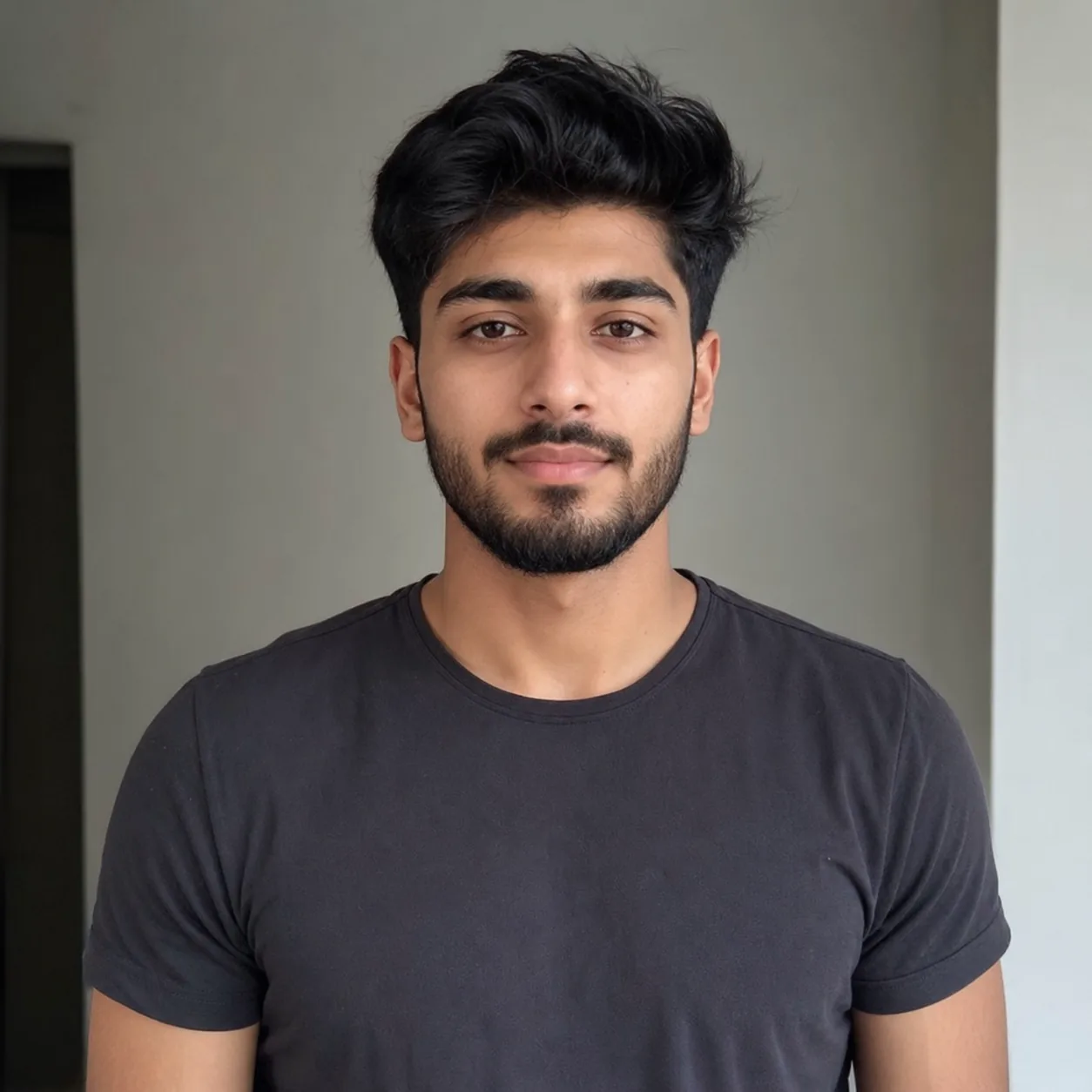
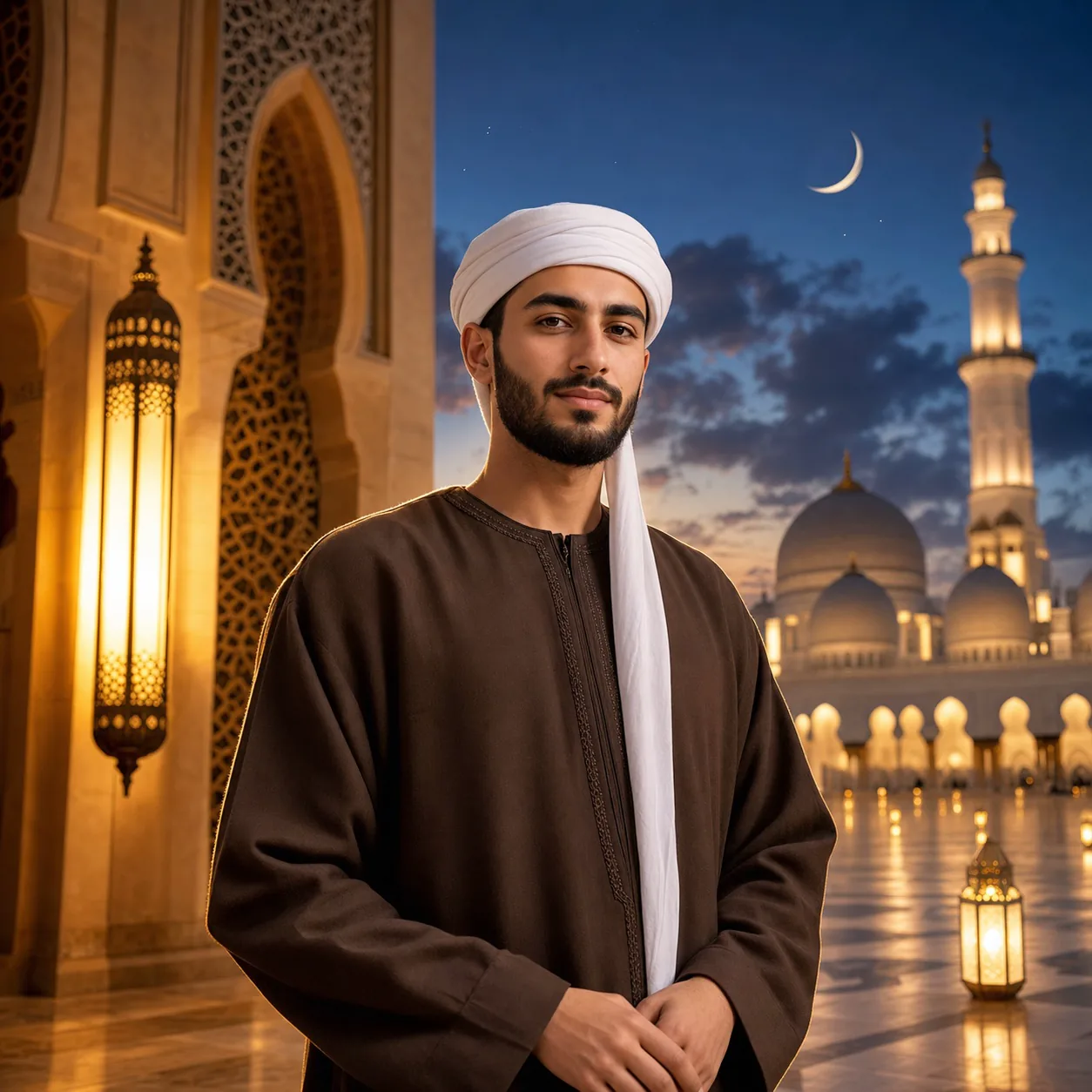
Eid portrait from a selfie
Turn an everyday selfie into an Eid ul Adha portrait with mosque arches, lantern light, and a natural festive look.
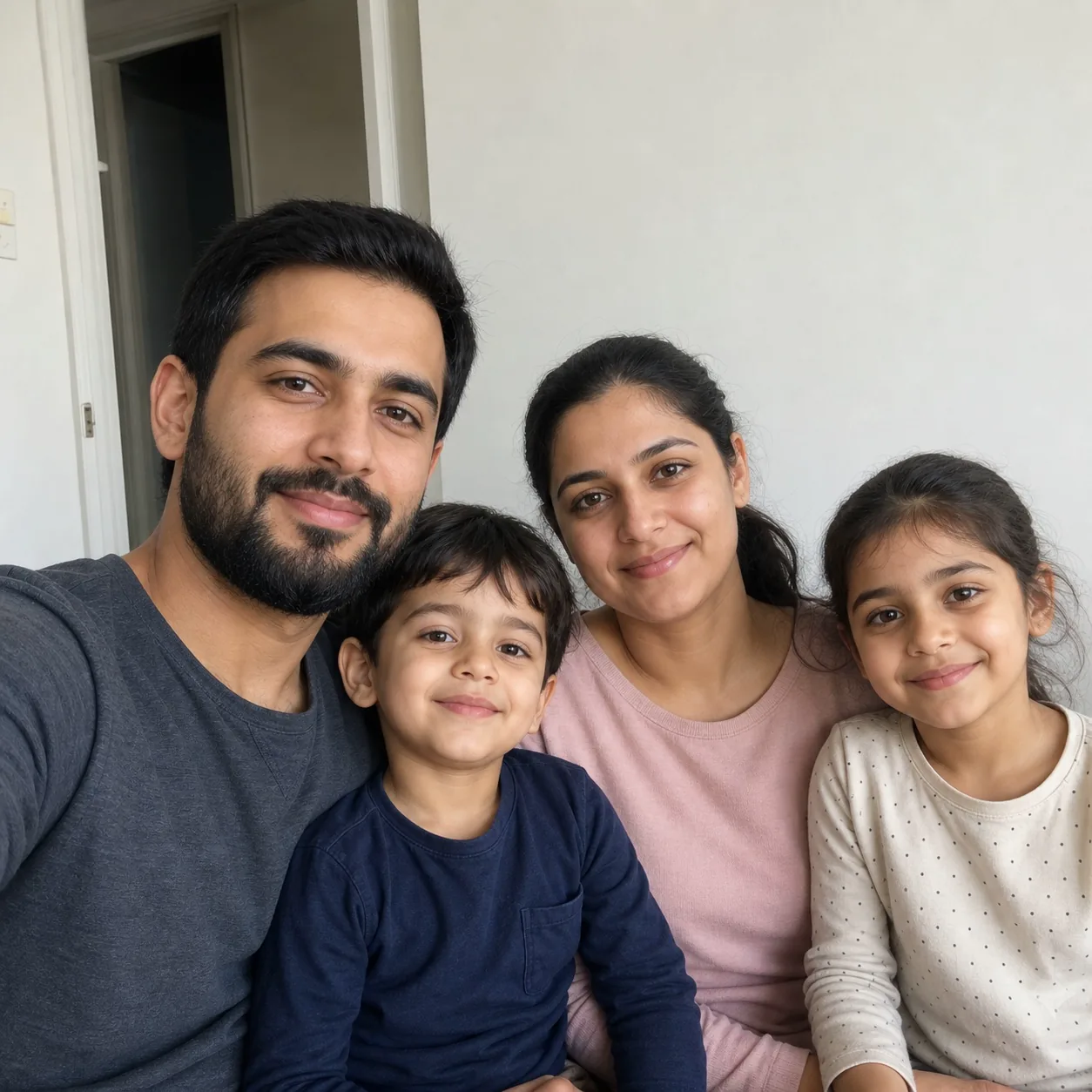
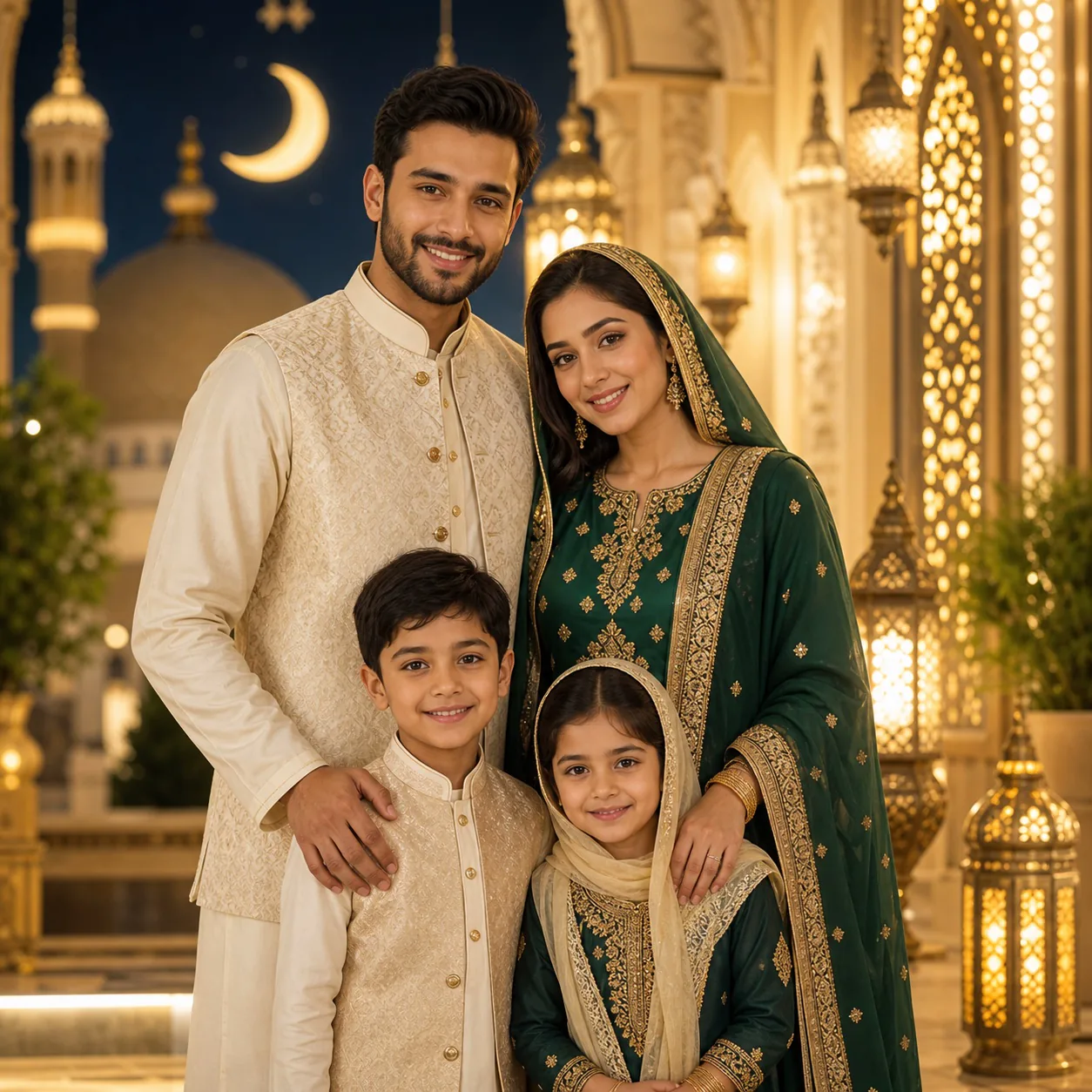
Upload a portrait or family photo to make an Eid ul Adha image for Instagram, WhatsApp DPs, greeting cards, and Eid Mubarak posts, with mosque arches, lantern light, crescent moons, and festive outfits.
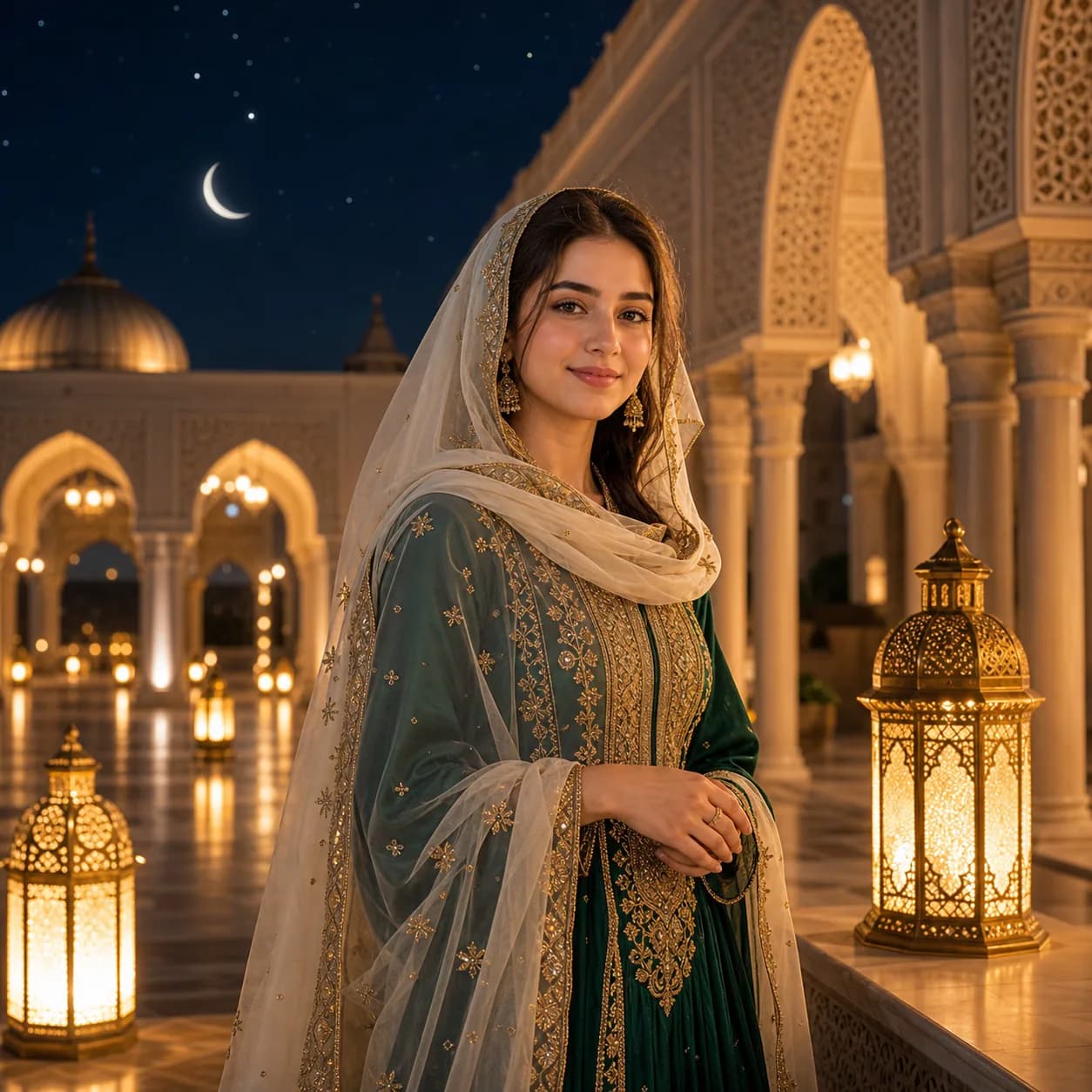
Upload a portrait or family photo to make an Eid ul Adha image for Instagram, WhatsApp DPs, greeting cards, and Eid Mubarak posts, with mosque arches, lantern light, crescent moons, and festive outfits.
Turn an everyday selfie into an Eid ul Adha portrait with mosque arches, lantern light, and a natural festive look.
Create a warm Eid Mubarak image from a family photo while keeping each person recognizable.
Create square, portrait, or landscape Eid images for WhatsApp DPs, Instagram posts, greeting cards, and short-video covers.
Copy a prompt for Eid portraits, Eid Mubarak cards, WhatsApp DPs, Instagram posts, or short-video covers.
Use the uploaded portrait as the identity reference. Keep the person's face, age, skin tone, hairstyle, expression, and pose recognizable. Create a realistic Eid ul Adha portrait with elegant modest festive clothing, a softly lit mosque courtyard, a crescent moon, warm brass lanterns, golden rim light, blue-hour sky, natural skin texture, and clean photo color grading. No text, no watermark.
Create a warm Eid ul Adha greeting image from the uploaded photo. Keep the person or family recognizable, add coordinated festive clothing, soft mosque arches, gold lanterns, a subtle Islamic geometric pattern, evening glow, natural portrait lighting, and optional clean text reading Eid ul Adha Mubarak placed away from faces.
Turn this portrait into a square WhatsApp display picture for Eid ul Adha. Keep the face centered and recognizable. Add an elegant modest festive outfit, a soft crescent moon, lantern bokeh, warm gold and emerald accents, shallow depth of field, and a clean profile-photo composition. No logo, no watermark.
Create a realistic first frame for an Eid ul Adha video. The same person stands in a softly lit mosque courtyard with golden lanterns glowing, subtle fabric movement implied, a crescent moon in the sky, warm rim light, natural expression, and space for a gentle camera push-in. Photorealistic, no text.
Common questions about using AI Eid ul Adha Photo Generator
It is a festive Eid photo made from your portrait, selfie, or family image. The result can add mosque backgrounds, lanterns, a crescent moon, modest festive clothing, and warm Eid Mubarak styling.
Upload a clear photo, use the default Eid prompt or copy a prompt from the gallery, choose an output size, and generate. GPT Image 2 keeps people recognizable while adding Eid ul Adha styling.
Clear solo portraits, selfies, waist-up shots, and family photos work best. Avoid heavy filters, covered faces, very dark lighting, crowded group shots, or photos where the subject is tiny.
Yes. You can ask for Eid ul Adha Mubarak, Eid Mubarak, or Bakra Eid Mubarak text. Keep the wording short and place it away from faces for cleaner results.
Use a square image for Instagram posts and WhatsApp DPs, a portrait image for Stories, Reels, and Shorts, and a landscape image for thumbnails or covers. You can crop the result for each platform afterward.
The default prompt asks GPT Image 2 to preserve facial identity, age, skin tone, hairstyle, expression, and recognizable features. Results can still vary, so use a clearer photo or regenerate if the likeness drifts.
Each generation uses 2/2/6 (1K/2K/4K) credits depending on the selected output resolution. New users can try it with signup credits, and more credits are available through plans, top-ups, check-ins, or referrals.
Still have questions? Contact us at [email protected]