
50% OFF
Image2

GPT Image 2 Corporate Headshot Generator

Use GPT Image 2 to create corporate headshots from selfies for LinkedIn, resumes, team pages, and company profiles. This Corporate Headshot Generator workflow focuses on business wardrobe, clean background, studio lighting, and a confident natural expression.

AI Corporate HeadshotLinkedIn HeadshotProfessional Portrait
Corporate Headshot sample result

Create a Corporate Headshot

Upload a clear solo portrait or casual selfie. GPT Image 2 will create a Corporate Headshot Generator result with business wardrobe, clean background, studio lighting, and a confident natural expression.

Corporate Headshot Generator Results

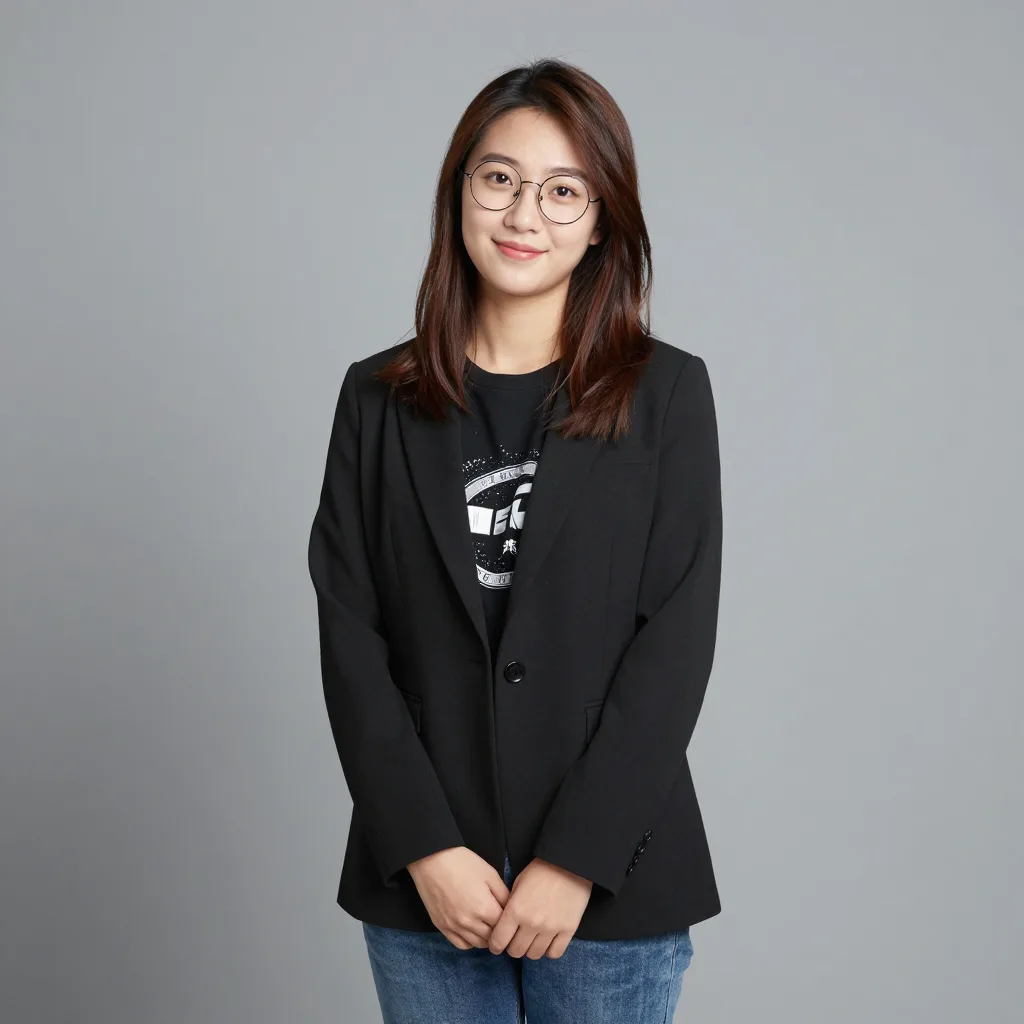
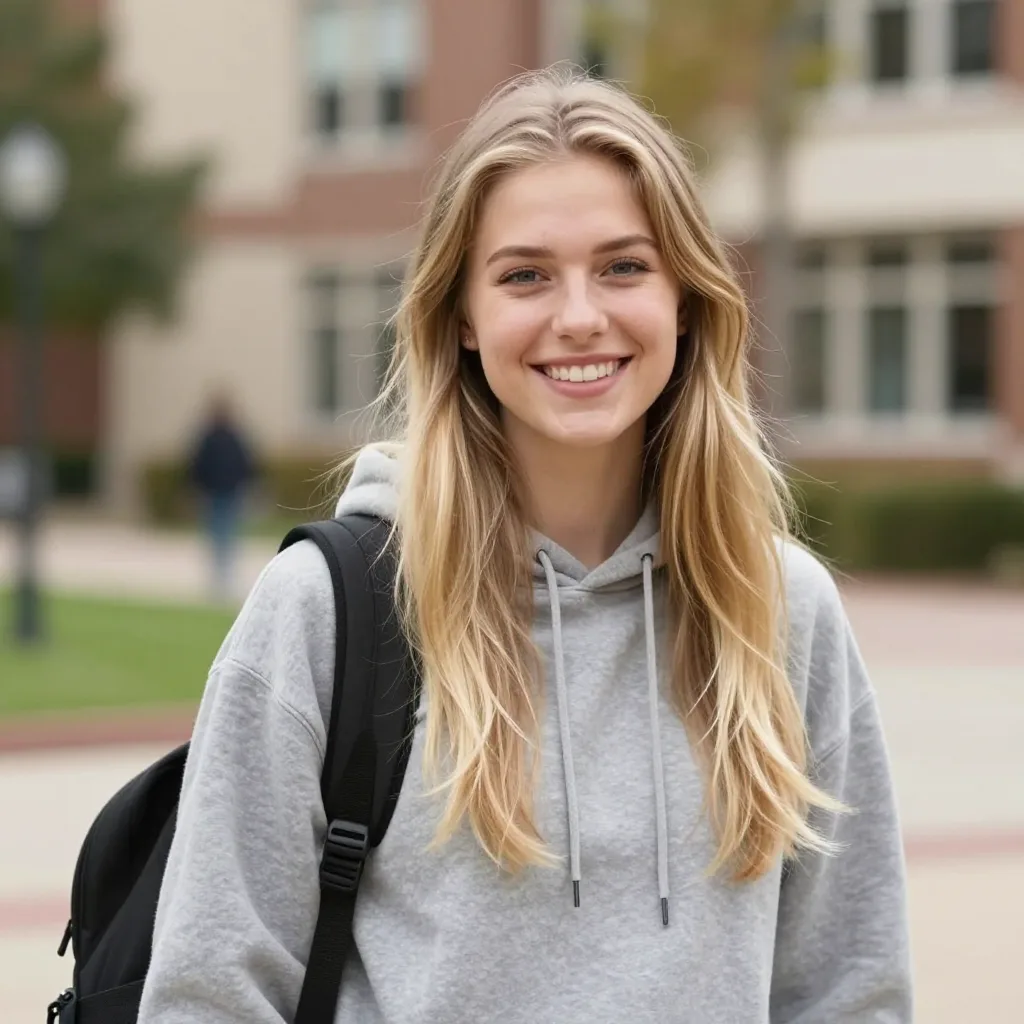
Original image example 1 - Before Image 2 AI transformation
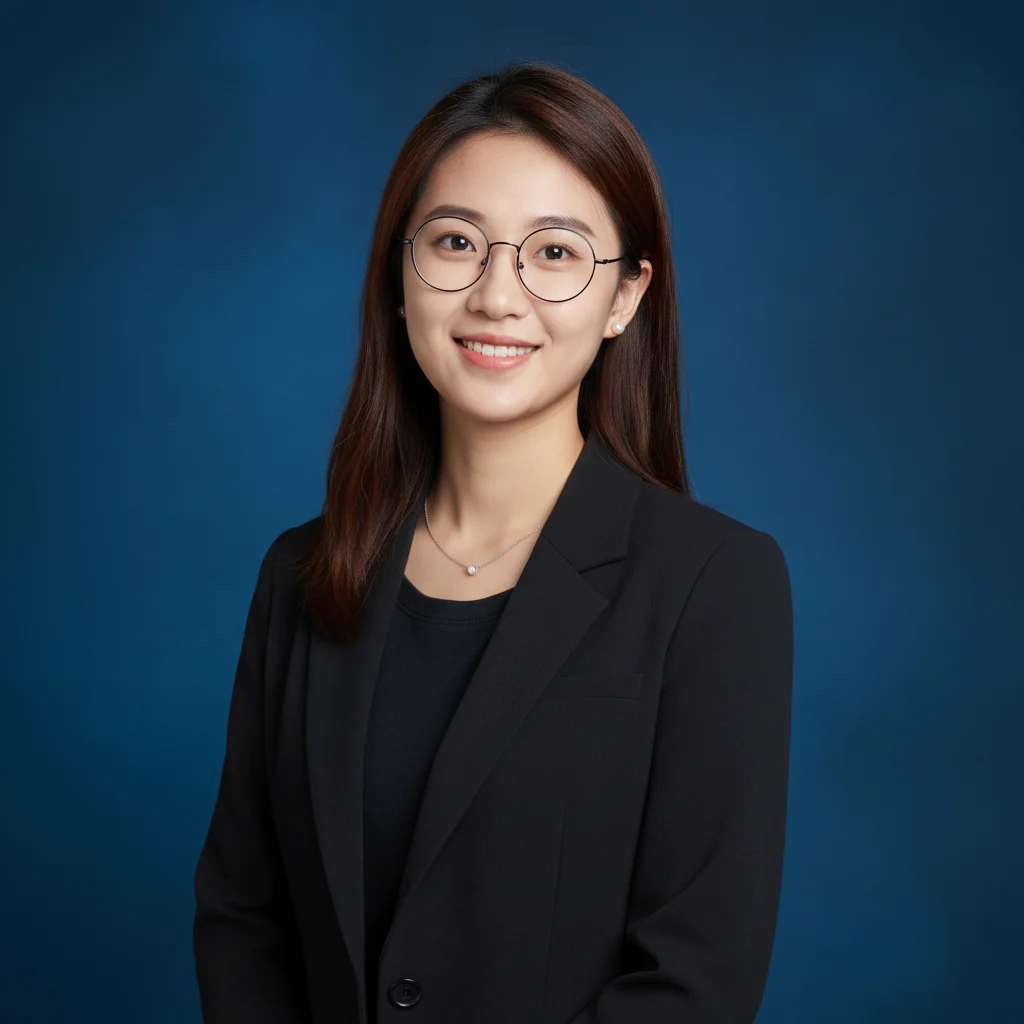
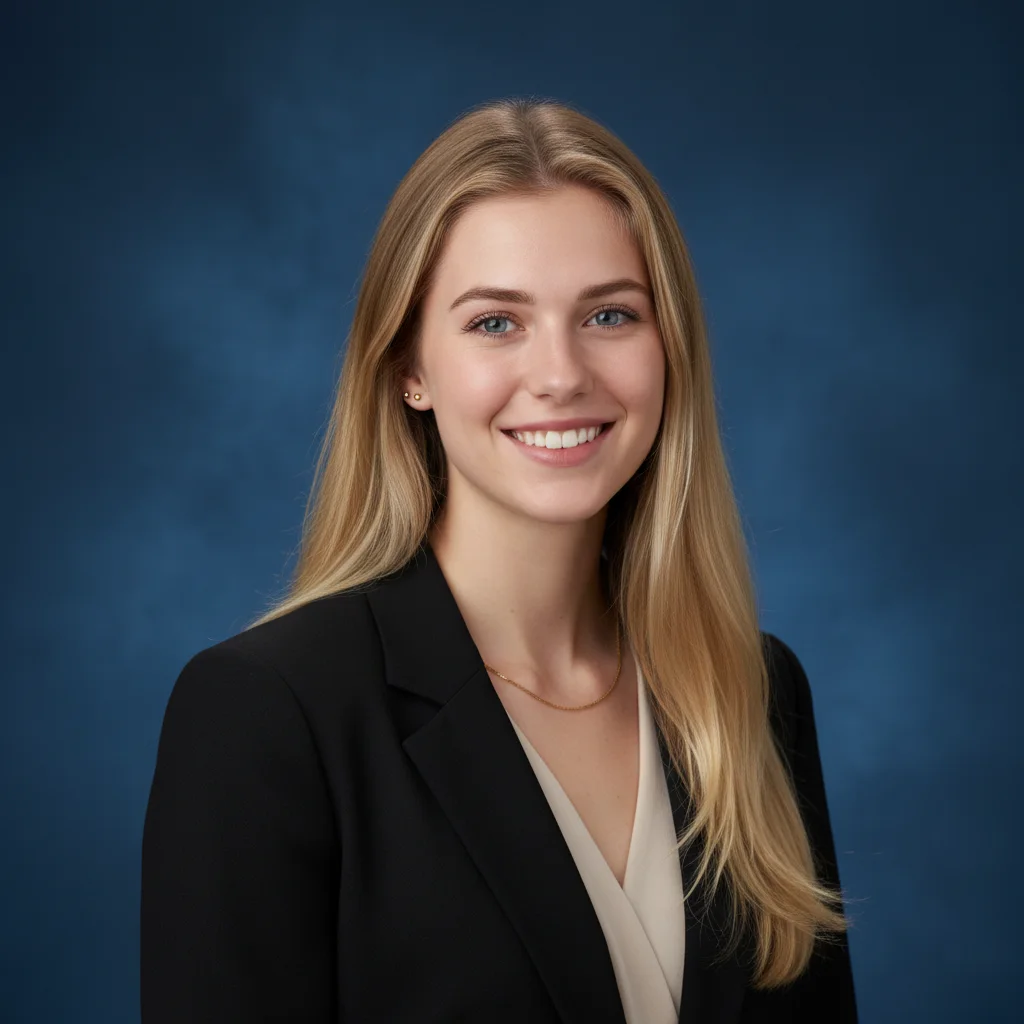
AI-generated result example 1 - After Image 2 transformation
Before
After
Original image example 2 - Before Image 2 AI transformation
AI-generated result example 2 - After Image 2 transformation
Before
After

Corporate Headshot Generator Examples

See how Corporate Headshot Generator works when you need to create corporate headshots from selfies for LinkedIn, resumes, team pages, and company profiles.

01Transformations

Corporate Headshot Generator before and after

Start with a clear solo portrait or casual selfie; the result shows business wardrobe, clean background, studio lighting, and a confident natural expression in a clear before-and-after comparison.

02Transformations

Best source for Corporate Headshot Generator

Best with a clear solo portrait or casual selfie. Keep the main subject clear so GPT Image 2 can preserve recognizable detail while applying the Corporate Headshot Generator look.

03Transformations

Where to use Corporate Headshot Generator

Use it when you need to create corporate headshots from selfies for LinkedIn, resumes, team pages, and company profiles. These examples show finished outputs, so users can judge the Corporate Headshot Generator look before uploading.

Corporate Headshot FAQ

Common questions about using Corporate Headshot

Still have questions? Contact us at [email protected]