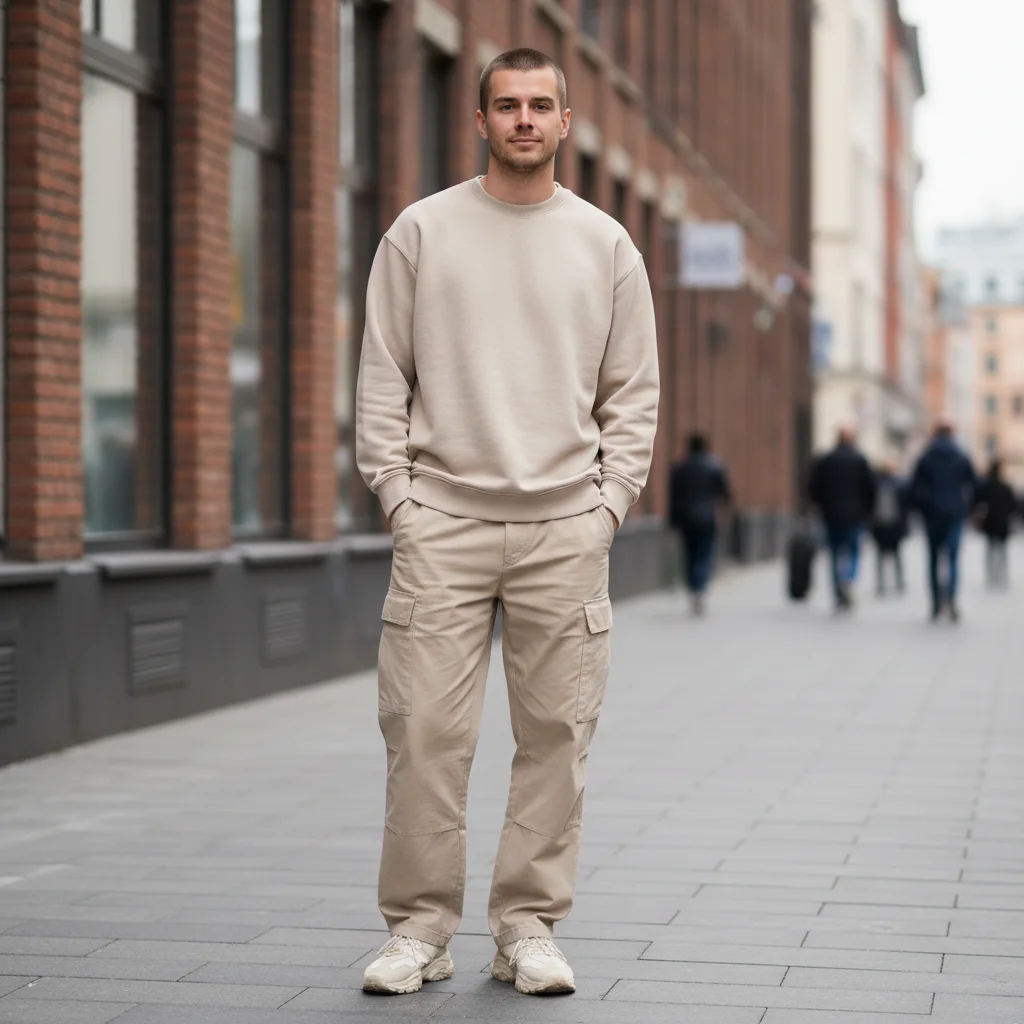




Buzz Cut Generator before and after
Start with a clear portrait with your current hair visible; the result shows a realistic short-hair preview with rebuilt hairline, scalp texture, and head contour in a clear before-and-after comparison.
Use GPT Image 2 to try a buzz cut online, preview short hair, and create barber reference photos. This Buzz Cut Generator workflow focuses on a realistic short-hair preview with rebuilt hairline, scalp texture, and head contour.


See how Buzz Cut Generator works when you need to try a buzz cut online, preview short hair, and create barber reference photos.
Start with a clear portrait with your current hair visible; the result shows a realistic short-hair preview with rebuilt hairline, scalp texture, and head contour in a clear before-and-after comparison.
Best with a clear portrait with your current hair visible. Keep the main subject clear so GPT Image 2 can preserve recognizable detail while applying the Buzz Cut Generator look.
Use it when you need to try a buzz cut online, preview short hair, and create barber reference photos. These examples show finished outputs, so users can judge the Buzz Cut Generator look before uploading.
Common questions about using Buzz Cut Preview
Still have questions? Contact us at [email protected]