Prompt
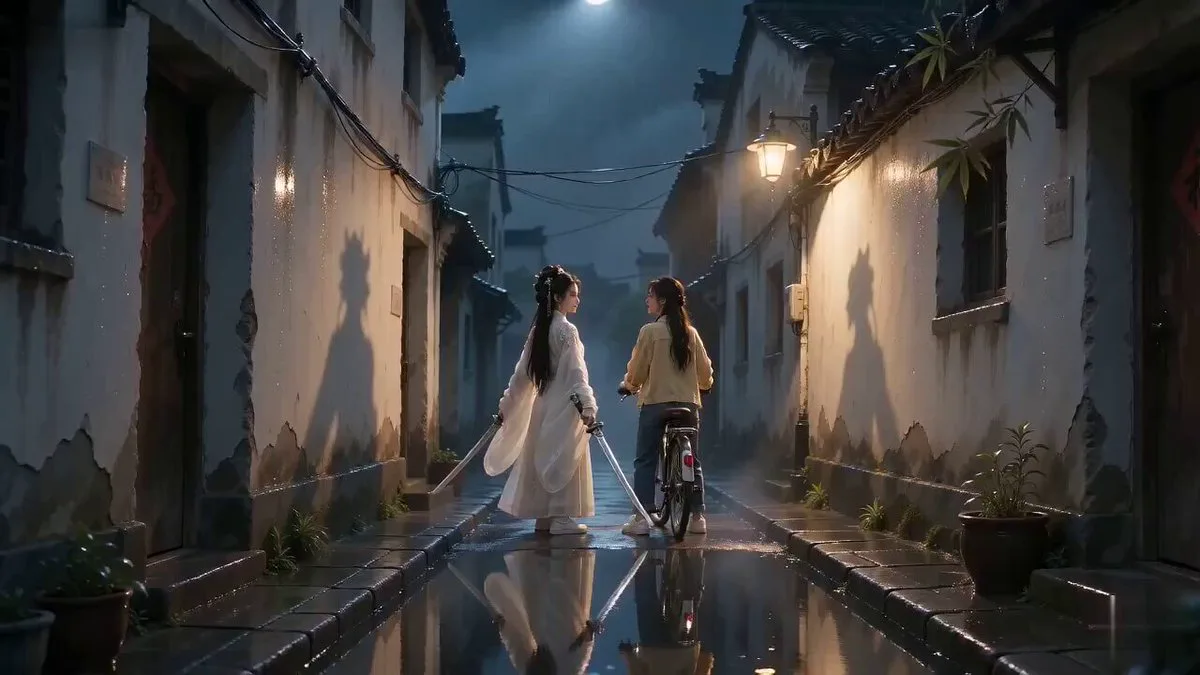
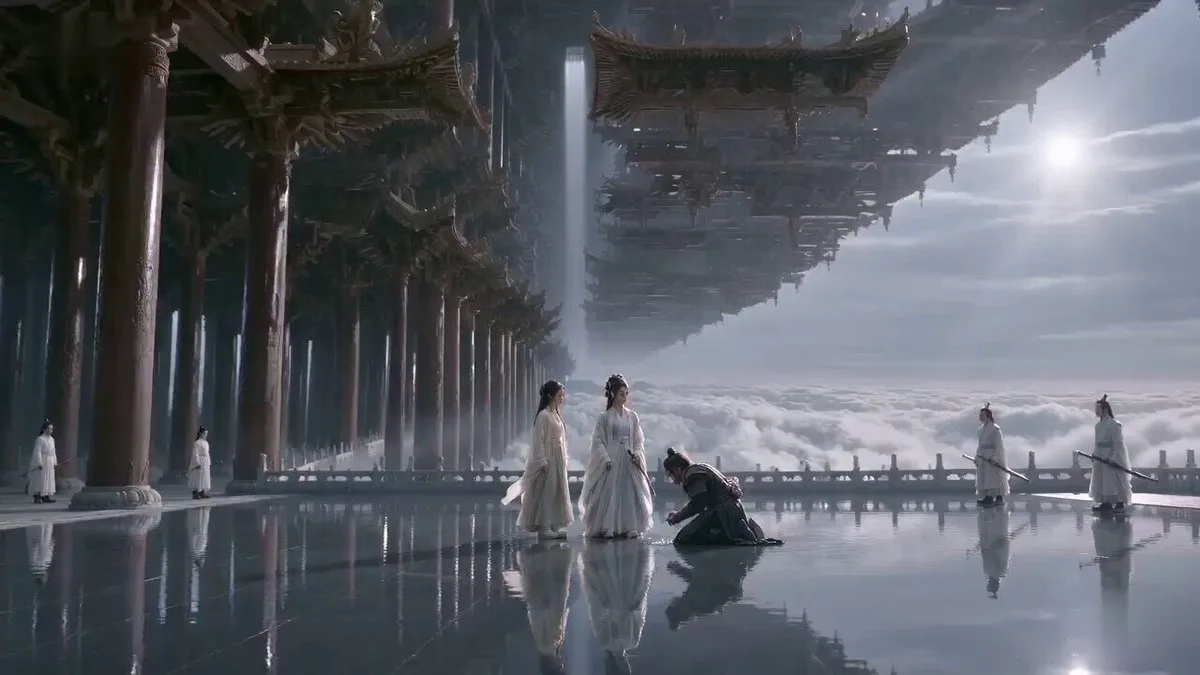
153 wordsCore Positioning: Cinematic realistic texture, pure classical Chinese Xianxia aesthetics. Overall tone: High-end deadpan comedy, elegant and clear Wuxia character blocking, visual misdirection, and escalating logic absurdity. Visual quality: Arri Alexa look, stable facial details, natural volumetric light. Comedy Structure: Solemn challenge → Absurd shortcut → Semantic counter-kill → Authority final blow. Narrative Logic: 1. Serious Challenge: An enemy array master challenges them to break his basic sword array before fighting him. 2. Absurd Shortcut: The junior sister simply walks around the edge of the array to stand next to him, asking to fight without breaking the array. 3. Counter-kill: When called an 'evil cultivator' for cheating, she accepts it as a compliment. 4. Authority Blow: The master rules that the rule was to break the array to fight, but didn't forbid not fighting at all. She then sheaths her sword and quits. Character IDs and blocking are consistent with white/green Hanfu archetypes.
About this prompt
Wuxia Sword-Array Logic Comedy is a Short Drama Seedance 2.0 prompt with 153 words, structured around shot timing, camera direction, motion cues, and remixable scene details.
Use the preview clip when available to understand pacing, then treat the prompt text as a production brief you can adapt for your own subject, brand, or story.
Video prompt structure
Use it for Short Drama videos
Best for Seedance 2.0 generations that need Short Drama. Replace the subject, setting, product, dialogue, music, and timing before sending it to the generator.
Customize before generating
- Swap the subject. Keep the camera and timing structure, but change the character, product, or environment.
- Tighten the timeline. Shorten or expand shot blocks so they match the duration you want to render.
- Add reference media. Use first frames, last frames, images, video, or audio when the prompt depends on a specific look or rhythm.
More Seedance paths to explore
Browse adjacent styles and techniques from the same Seedance 2.0 prompt library.
How to use it
- Step 1
Copy or start from this prompt
Use the full prompt as a structured draft rather than rewriting the whole video brief.
- Step 2
Open Seedance 2.0
Send the text into the Seedance generator and choose text, image, or reference mode.
- Step 3
Adapt and render
Tune duration, aspect ratio, reference media, camera notes, and dialogue before generating.
Make it a Seedance video
Start from this prompt in the Seedance 2.0 generator, then adjust the scene, duration, aspect ratio, and reference media.