Prompt
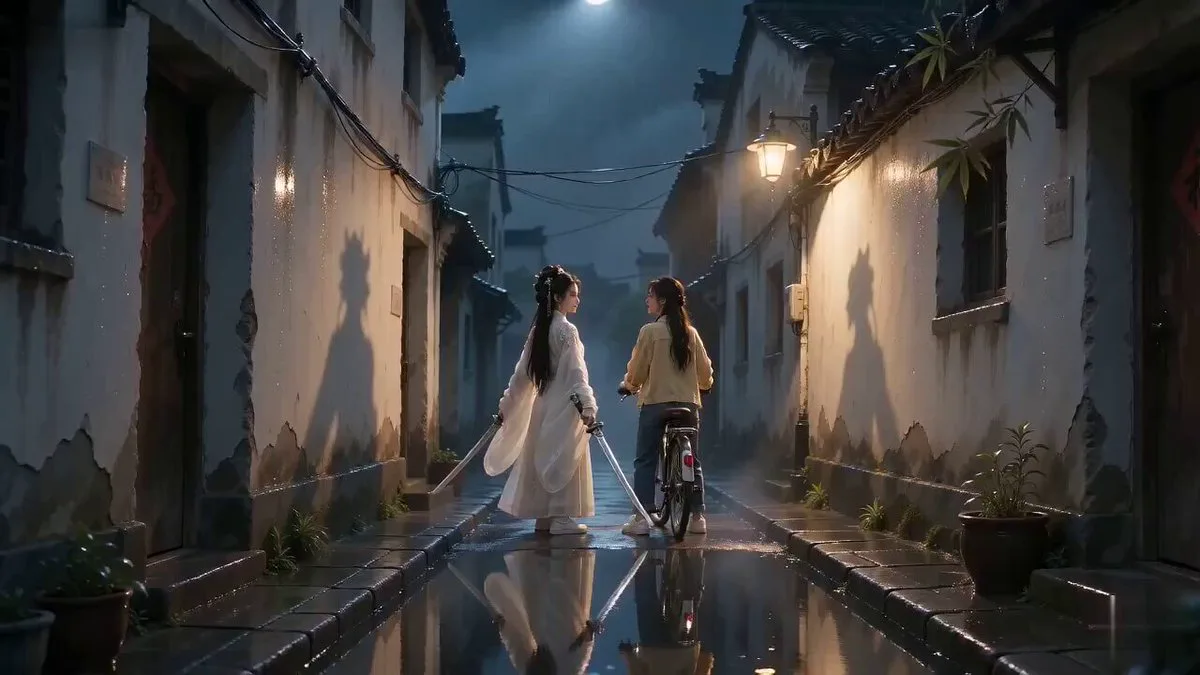
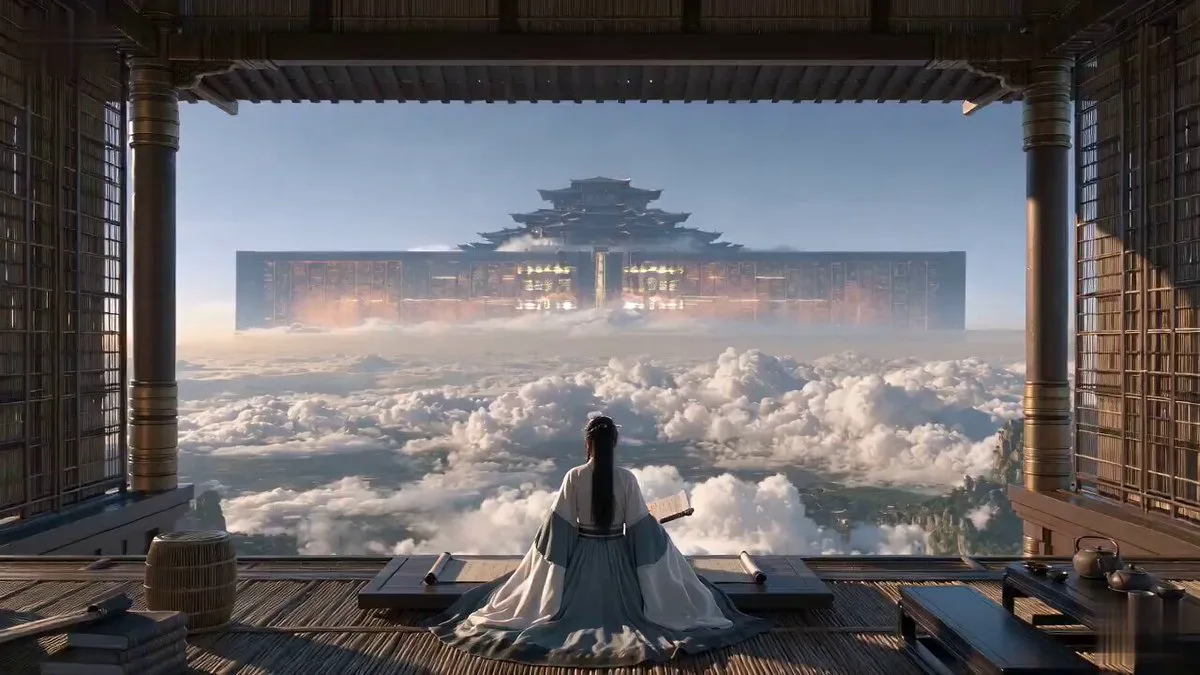
178 wordsCore Positioning: Cinematic realistic texture, pure classical Chinese Xianxia aesthetics. Overall tone: Sophisticated deadpan comedy, elegant and clear Wuxia character blocking, silent film reaction rhythm, socially awkward humor, restrained absurdity. Visual tone: Arri Alexa film quality, clear and stable facial micro-details, delicate film grain, natural volumetric light. Comedy Structure: Epic expectation → Confident but completely wrong understanding → Extremely mundane truth → Final authority blow. Narrative Logic: Phase 1: Epic expectation. The enemy leader gives a solemn, rapid challenge. Everyone assumes a legendary duel is set. Phase 2: Confident misunderstanding. The senior sister nods seriously, but actually didn't understand the speech. Phase 3: Mundane truth. She asks the junior sister what he said, revealing she only nodded to be polite. Phase 4: Authority blow. The master concludes that she is at least very polite. Character ID A: Senior Sister (White embroidery silk Hanfu, high bun, calm, serious, overly polite). Character ID B: Junior Sister (Green linen Hanfu, braids, smart, quick, trying to suppress laughter). Scene details: Dusk, ancient architecture, misty mountains, Arri Alexa cinematic look, high dynamic range.
About this prompt
Wuxia Deadpan Comedy: "Just a Sound" is a Short Drama Seedance 2.0 prompt with 178 words, structured around shot timing, camera direction, motion cues, and remixable scene details.
Use the preview clip when available to understand pacing, then treat the prompt text as a production brief you can adapt for your own subject, brand, or story.
Video prompt structure
Use it for Short Drama videos
Best for Seedance 2.0 generations that need Short Drama, Multi-Shot, Dialogue. Replace the subject, setting, product, dialogue, music, and timing before sending it to the generator.
Customize before generating
- Swap the subject. Keep the camera and timing structure, but change the character, product, or environment.
- Tighten the timeline. Shorten or expand shot blocks so they match the duration you want to render.
- Add reference media. Use first frames, last frames, images, video, or audio when the prompt depends on a specific look or rhythm.
More Seedance paths to explore
Browse adjacent styles and techniques from the same Seedance 2.0 prompt library.
How to use it
- Step 1
Copy or start from this prompt
Use the full prompt as a structured draft rather than rewriting the whole video brief.
- Step 2
Open Seedance 2.0
Send the text into the Seedance generator and choose text, image, or reference mode.
- Step 3
Adapt and render
Tune duration, aspect ratio, reference media, camera notes, and dialogue before generating.
Make it a Seedance video
Start from this prompt in the Seedance 2.0 generator, then adjust the scene, duration, aspect ratio, and reference media.