Prompt
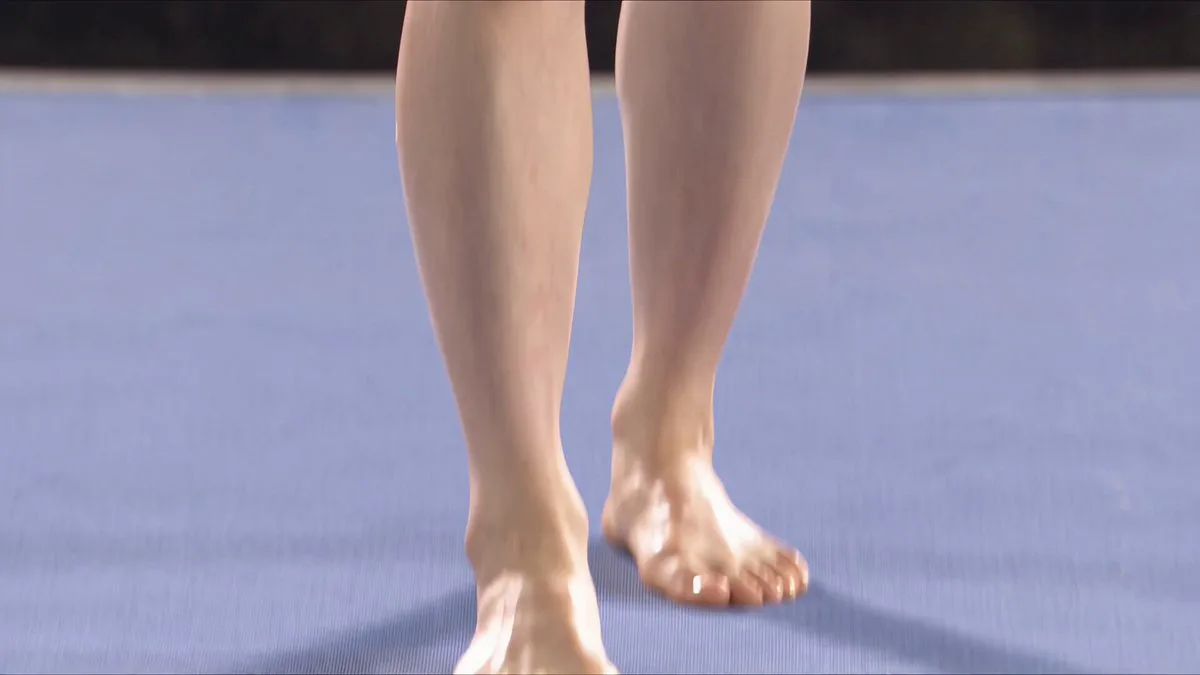
179 wordsSubject: A young Japanese woman, confident, with delicate facial features, long black hair in a high ponytail, wearing a white sports tank top, white tennis skirt, and white/blue sneakers. At night, she performs parkour in central Tokyo at the Tokyo Tower. She greets the camera then quickly runs across Tokyo Bridge, jumps over car roofs, rapidly leaps onto the entrance balcony of Tokyo Tower, then onto a large supermarket billboard, and then to the third-floor balcony of Tokyo Tower. She looks up at the towering, flashing neon lights of the tower, gathers strength for a sprint, and rapidly runs up the exterior wall of Tokyo Tower. Her body is almost perpendicular to the facade. In 3 seconds, she runs from the base to the top stepping on the exterior wall. Foot close-up. Her final leap jumps above the Tokyo Tower, then she lands steadily on the summit from the air. Fast camera rotation, overlooking the brightly lit night view of Tokyo. The action is very cool and thrilling. Low-angle follow shot, high-difficulty sports photography, hero perspective, handheld shaking, 16:9.
About this prompt
Tokyo Tower Parkour Leap is a Sports Seedance 2.0 prompt with 179 words, structured around shot timing, camera direction, motion cues, and remixable scene details.
Use the preview clip when available to understand pacing, then treat the prompt text as a production brief you can adapt for your own subject, brand, or story.
Video prompt structure
Use it for Sports videos
Best for Seedance 2.0 generations that need Sports. Replace the subject, setting, product, dialogue, music, and timing before sending it to the generator.
Customize before generating
- Swap the subject. Keep the camera and timing structure, but change the character, product, or environment.
- Tighten the timeline. Shorten or expand shot blocks so they match the duration you want to render.
- Add reference media. Use first frames, last frames, images, video, or audio when the prompt depends on a specific look or rhythm.
More Seedance paths to explore
Browse adjacent styles and techniques from the same Seedance 2.0 prompt library.
How to use it
- Step 1
Copy or start from this prompt
Use the full prompt as a structured draft rather than rewriting the whole video brief.
- Step 2
Open Seedance 2.0
Send the text into the Seedance generator and choose text, image, or reference mode.
- Step 3
Adapt and render
Tune duration, aspect ratio, reference media, camera notes, and dialogue before generating.
Make it a Seedance video
Start from this prompt in the Seedance 2.0 generator, then adjust the scene, duration, aspect ratio, and reference media.