Prompt
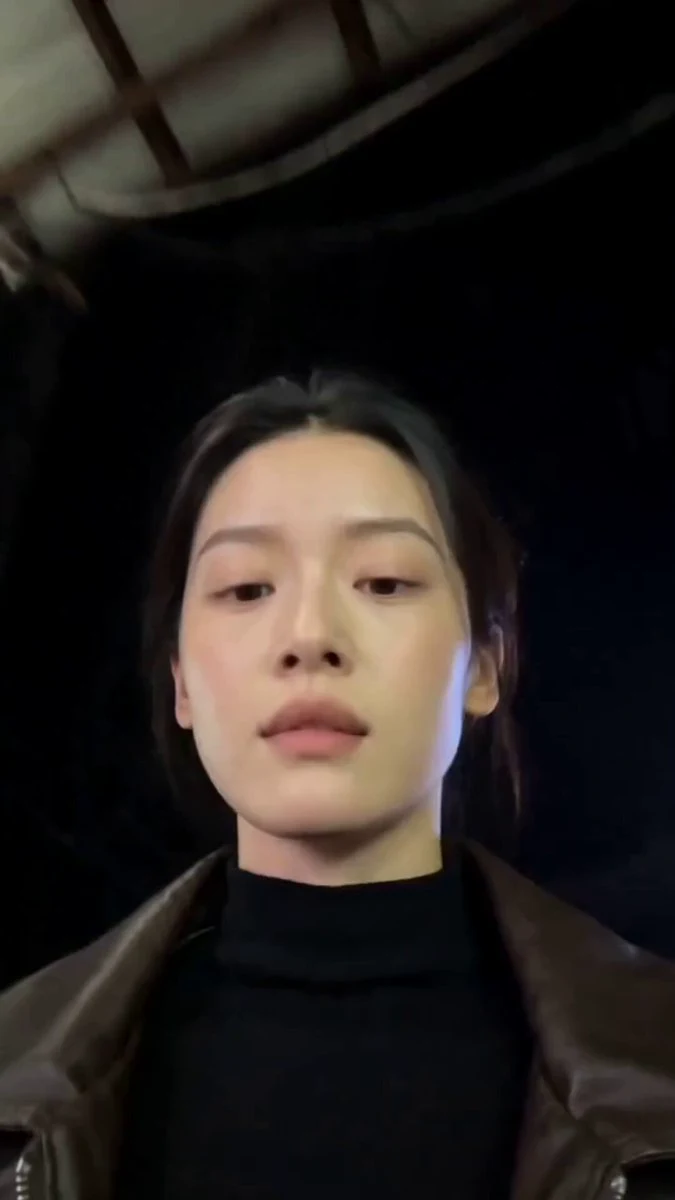
392 words[Style] Hairstyle Transformation Showcase, studio photography quality (9:16 Vertical, Studio Photography), warm beige solid background portrait lighting, smooth beat-matched transformation rhythm [Duration] 10 seconds [Scene] Warm beige seamless studio background remains unchanged throughout, front softbox portrait lighting, subtle rim light on hair edges [Character] Female Lead @Image 1 (Facial features remain consistent throughout, hairstyle and clothing switch per shot) [Camera Lock] Fixed camera vertical medium close-up (chest up), female lead centered facing camera [Transition Mechanism] At the end of each segment, the lead turns and whips her hair back (Turn + Hair Whip), high-speed hair movement creates motion blur, a brief face-obscuring instant hard cut, returning to face front with a new hairstyle and outfit; this transition is used for all nine transformations, hairstyle narration and centered subtitles switch synchronously [00:00-00:01] Hairstyle 1: Long Straight Black — White knit sweater, long straight black hair draping shoulders, speaking: "Long straight black." → Turn and whip hair [00:01-00:02] Hairstyle 2: Wool Curls — Camel cable-knit sweater with silver earrings, bouncy wool curls moving with the head turn: "Wool curls." → Turn and whip hair [00:02-00:03] Hairstyle 3: Big Waves — Black small blazer with red lips, big wavy curls over chest, waving hand: "Big waves." → Turn and whip hair [00:03-00:04] Hairstyle 4: Shoulder-Length Bob — Light blue shirt, shoulder-length hair slightly curled inward, ends swaying: "Shoulder-length bob." → Turn and whip hair [00:04-00:05] Hairstyle 5: High Ponytail — White oversize jersey showing waist, crisp and energetic high ponytail swaying with movement: "High ponytail." → Turn and whip hair [00:05-00:06] Hairstyle 6: Collarbone Length — Floral chiffon dress, hair gently draping to collarbone: "Collarbone hair." → Turn and whip hair [00:06-00:07] Hairstyle 7: Hime Cut — Navy white sailor suit with pink bow, black hime cut with straight bangs: "Hime cut." → Turn and whip hair [00:07-00:08.5] Hairstyle 8: Egg Roll Curls — Pink Lolita dress, double side egg roll bun braids, making a heart shape with hands: "Egg roll curls." → Turn and whip hair [00:08.5-00:10] Hairstyle 9: Pixie Cut Freeze — Black work shirt with suspenders, sharp pixie cut, turning back to front with a raised eyebrow smile: "Pixie cut." Subtitles pop up, screen freezes and ends [Sound Effects] Light beat-matched BGM, each turn and whip accompanied by a "whoosh" of hair and a "click" beat, ending with a rising closing sound
About this prompt
Studio Hairstyle Transformation is a Fashion Seedance 2.0 prompt with 392 words, structured around shot timing, camera direction, motion cues, and remixable scene details.
Use the preview clip when available to understand pacing, then treat the prompt text as a production brief you can adapt for your own subject, brand, or story.
Video prompt structure
Use it for Fashion videos
Best for Seedance 2.0 generations that need Fashion, Multi-Shot, Dialogue. Replace the subject, setting, product, dialogue, music, and timing before sending it to the generator.
Customize before generating
- Swap the subject. Keep the camera and timing structure, but change the character, product, or environment.
- Tighten the timeline. Shorten or expand shot blocks so they match the duration you want to render.
- Add reference media. Use first frames, last frames, images, video, or audio when the prompt depends on a specific look or rhythm.
More Seedance paths to explore
Browse adjacent styles and techniques from the same Seedance 2.0 prompt library.
How to use it
- Step 1
Copy or start from this prompt
Use the full prompt as a structured draft rather than rewriting the whole video brief.
- Step 2
Open Seedance 2.0
Send the text into the Seedance generator and choose text, image, or reference mode.
- Step 3
Adapt and render
Tune duration, aspect ratio, reference media, camera notes, and dialogue before generating.
Make it a Seedance video
Start from this prompt in the Seedance 2.0 generator, then adjust the scene, duration, aspect ratio, and reference media.