Prompt
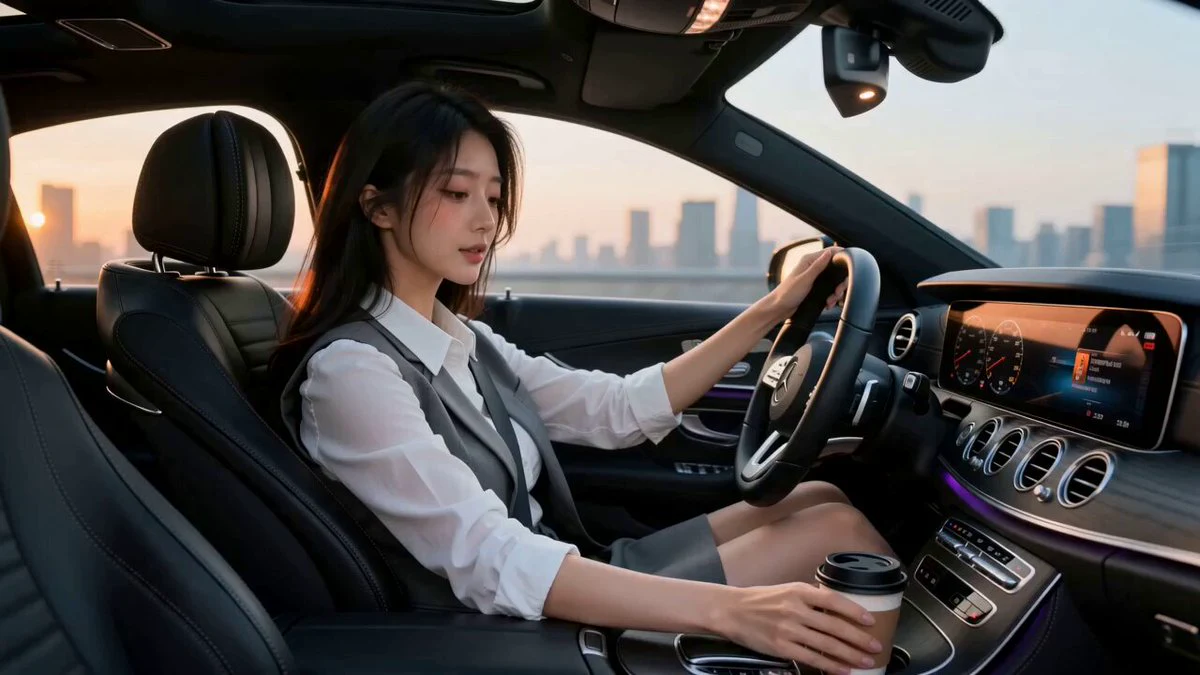
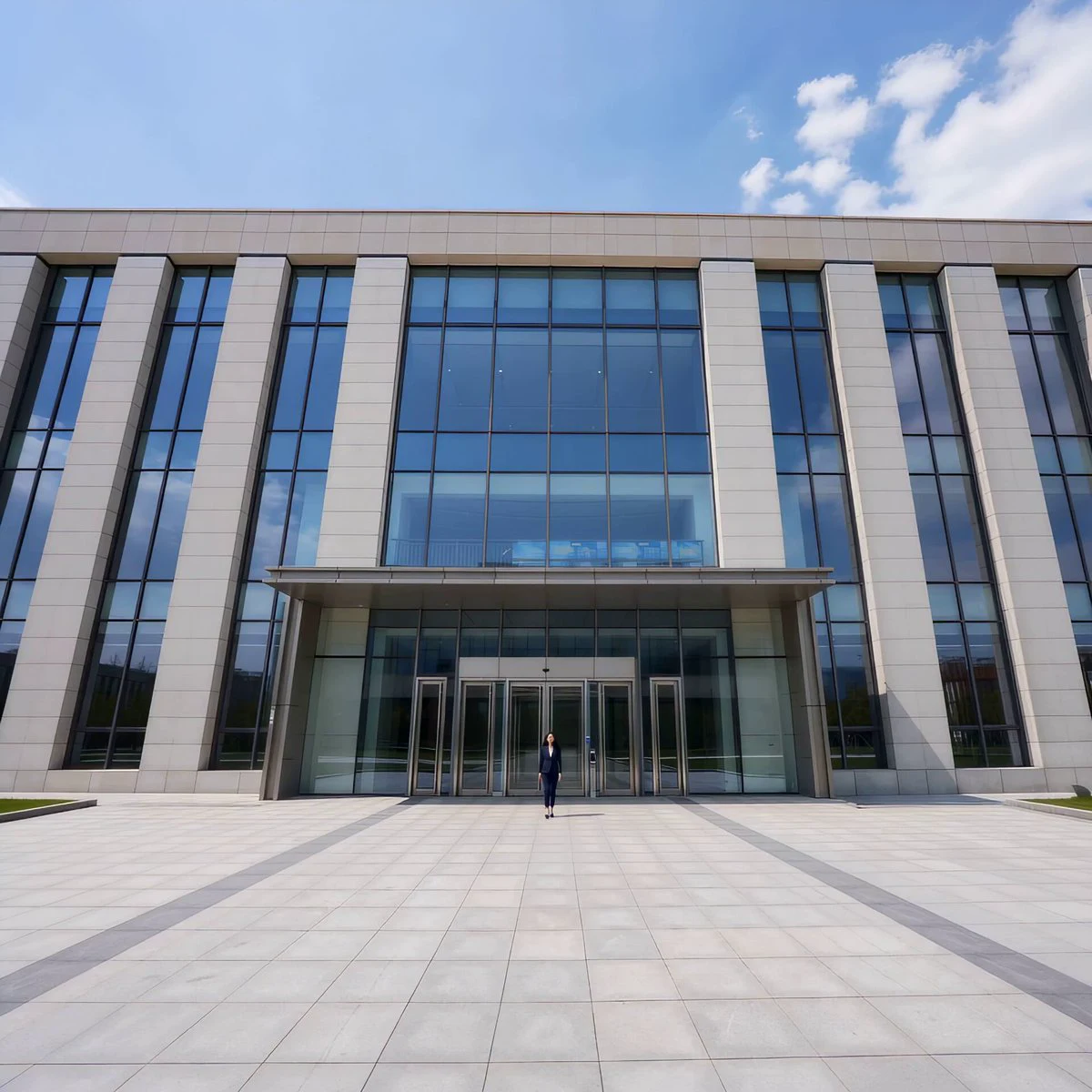
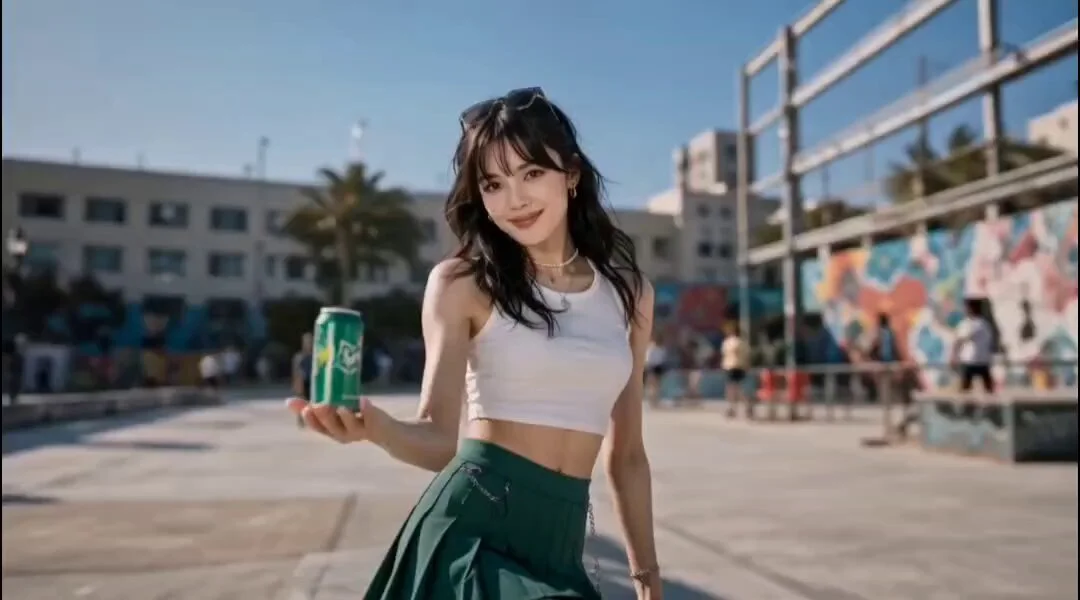
250 words[Overall Style] Cinematic deadpan music comedy, commercial film quality, designed for Seedance 2.0's multi-reference character locking, multi-shot continuity, and native audio-visual sync for Mandarin singing and dialogue. The illusion of a grand immortal concert collapses into an awkward private KTV room. [Character A] 25-30yo East Asian 'Sword Fairy' from @Image 1, strictly maintaining face, eyes, long black hair, white embroidered silk Hanfu. She stands on a glass table holding a silver sword like a microphone. [Character B] 'Bike Sister' from @Image 2, maintaining face, ponytail, and position on the sofa. [Shot 1 | 0-5s | 24mm Wide Low Angle] A luxury private KTV room with mirrored walls, red velvet sofa, fruit platter. Character A stands on the table holding a sword while Character B watches. Sword qi particles gather as epic strings swell. [Shot 2 | 5-10s | Medium Shot] Camera circles. Character A closes eyes and belts out an exaggerated Mandarin opera high note. Hair and sleeves float, glasses vibrate, and the KTV screen turns into a cloud sea. Character B looks genuinely shocked. [Shot 3 | 10-15s | Close-up] The high note ends, silence for half a second. The KTV system announces: "Score: 12 points." The cloud sea collapses into cheap disco lights. Character B claps twice and says: "Sister, plenty of sword qi, not enough breath." Character A lowers her sword, her face twitching as she tries to maintain a cold smile. Freeze on her broken expression. [Technical] 15s total, 16:9, 24fps, accurate lip-sync, no identity drift.
About this prompt
KTV Wuxia Comedy Concept Video is a Commercial Seedance 2.0 prompt with 250 words, structured around shot timing, camera direction, motion cues, and remixable scene details.
Use the preview clip when available to understand pacing, then treat the prompt text as a production brief you can adapt for your own subject, brand, or story.
Video prompt structure
Use it for Commercial videos
Best for Seedance 2.0 generations that need Commercial, Multi-Shot, Dialogue. Replace the subject, setting, product, dialogue, music, and timing before sending it to the generator.
Customize before generating
- Swap the subject. Keep the camera and timing structure, but change the character, product, or environment.
- Tighten the timeline. Shorten or expand shot blocks so they match the duration you want to render.
- Add reference media. Use first frames, last frames, images, video, or audio when the prompt depends on a specific look or rhythm.
More Seedance paths to explore
Browse adjacent styles and techniques from the same Seedance 2.0 prompt library.
How to use it
- Step 1
Copy or start from this prompt
Use the full prompt as a structured draft rather than rewriting the whole video brief.
- Step 2
Open Seedance 2.0
Send the text into the Seedance generator and choose text, image, or reference mode.
- Step 3
Adapt and render
Tune duration, aspect ratio, reference media, camera notes, and dialogue before generating.
Make it a Seedance video
Start from this prompt in the Seedance 2.0 generator, then adjust the scene, duration, aspect ratio, and reference media.