Prompt
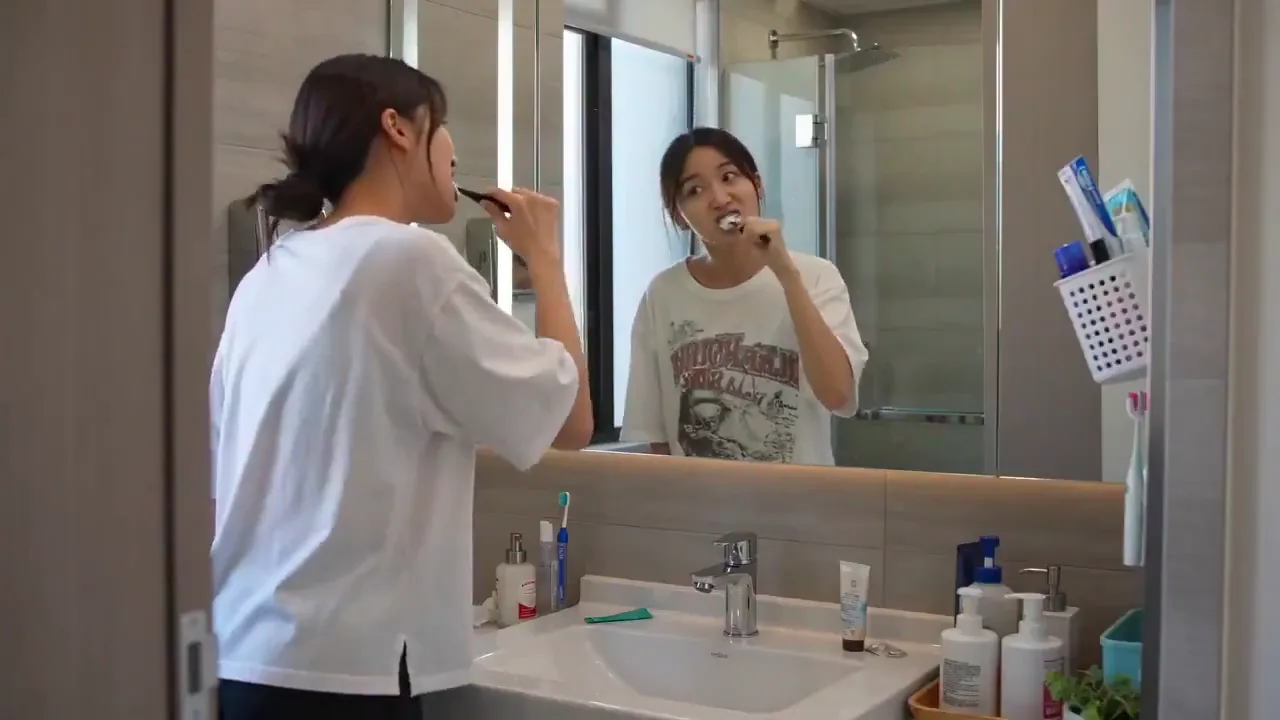
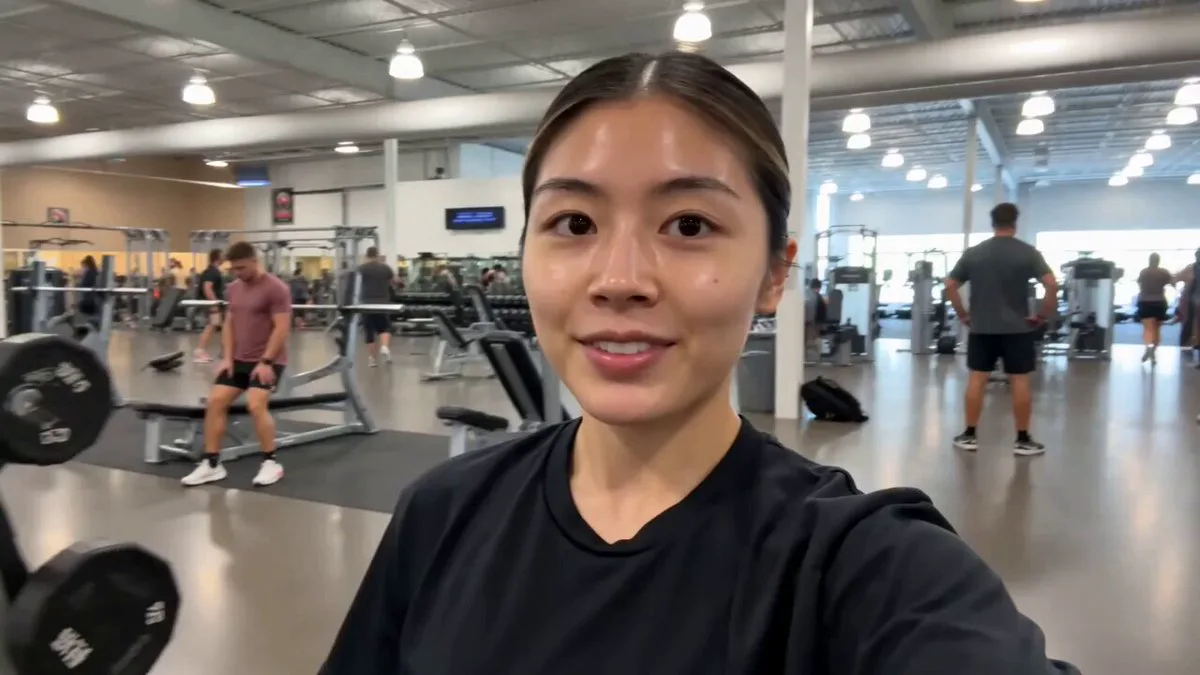
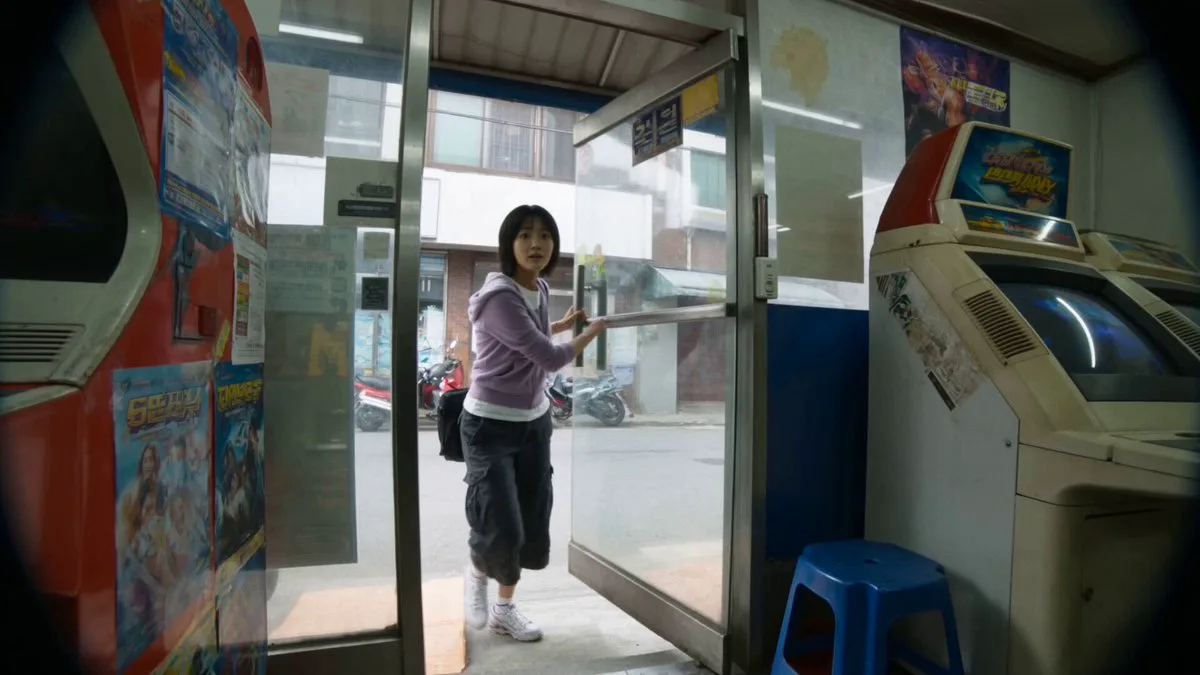
106 wordsMain Subject: Young Korean woman, early 20s, natural everyday appearance, faded charcoal-grey sleeveless crop top, loose high-waisted light-wash jeans, black canvas sneakers, black cord necklace, black wavy hair in a messy side ponytail with wispy bangs. Realistic skin texture, minimal makeup, warm and approachable personality. Maintain identical identity, clothing, hairstyle, and appearance throughout. Bicycle Ride Location: Peaceful neighborhood streets. 00:00–00:03 She unlocks an old bicycle beside her house. 00:03–00:06 The camera jogs behind while she rides slowly. 00:06–00:09 She rings the bicycle bell while passing trees. 00:09–00:12 She stops beside a small bridge overlooking a narrow stream. 00:12–00:15 She smiles toward the camera before riding away.
About this prompt
Korean Woman Neighborhood Bicycle Ride is a UGC Seedance 2.0 prompt with 106 words, structured around shot timing, camera direction, motion cues, and remixable scene details.
Use the preview clip when available to understand pacing, then treat the prompt text as a production brief you can adapt for your own subject, brand, or story.
Video prompt structure
Use it for UGC videos
Best for Seedance 2.0 generations that need UGC. Replace the subject, setting, product, dialogue, music, and timing before sending it to the generator.
Customize before generating
- Swap the subject. Keep the camera and timing structure, but change the character, product, or environment.
- Tighten the timeline. Shorten or expand shot blocks so they match the duration you want to render.
- Add reference media. Use first frames, last frames, images, video, or audio when the prompt depends on a specific look or rhythm.
More Seedance paths to explore
Browse adjacent styles and techniques from the same Seedance 2.0 prompt library.
How to use it
- Step 1
Copy or start from this prompt
Use the full prompt as a structured draft rather than rewriting the whole video brief.
- Step 2
Open Seedance 2.0
Send the text into the Seedance generator and choose text, image, or reference mode.
- Step 3
Adapt and render
Tune duration, aspect ratio, reference media, camera notes, and dialogue before generating.
Make it a Seedance video
Start from this prompt in the Seedance 2.0 generator, then adjust the scene, duration, aspect ratio, and reference media.