Prompt
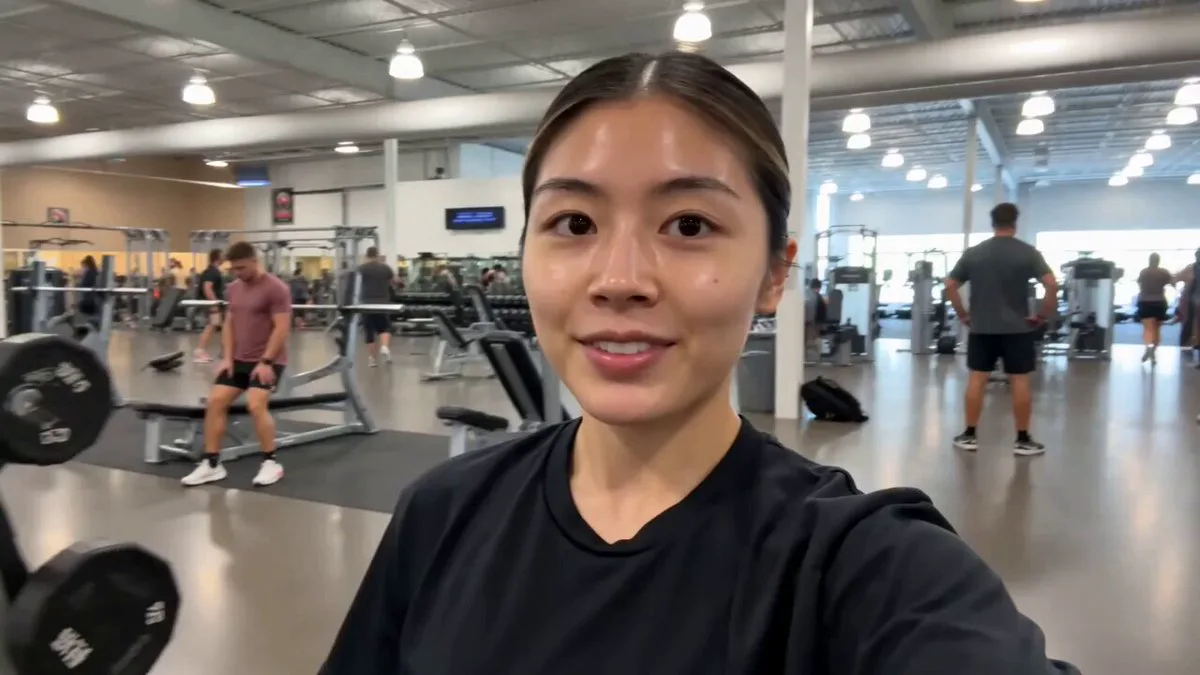
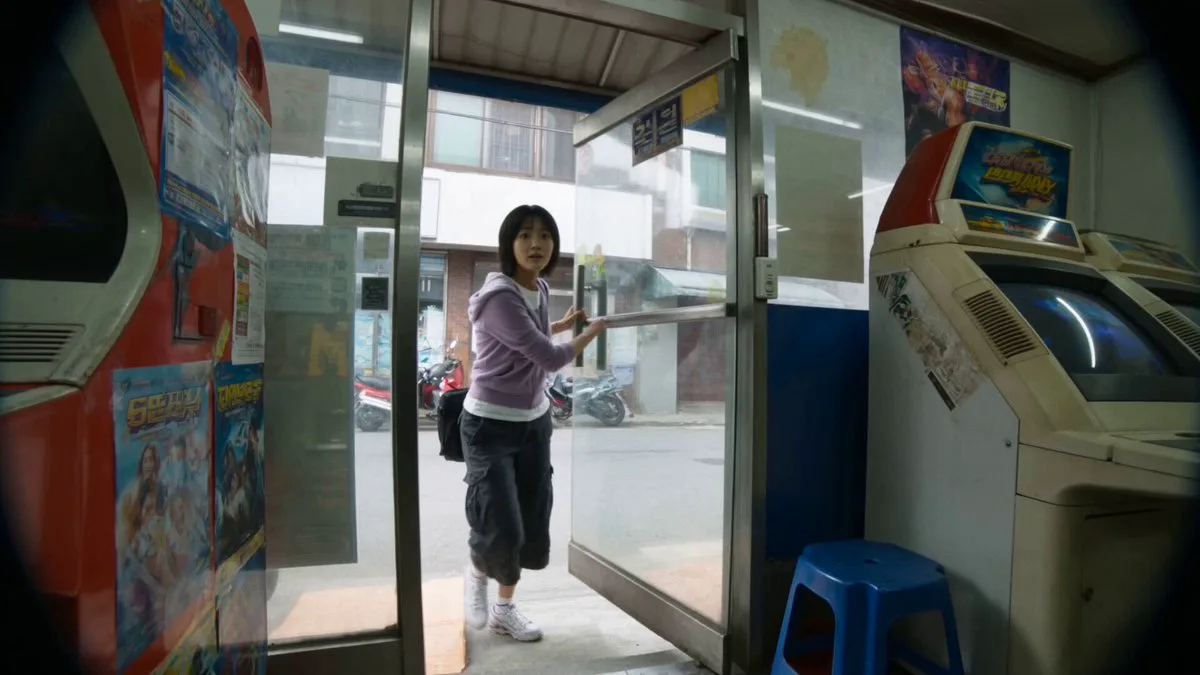
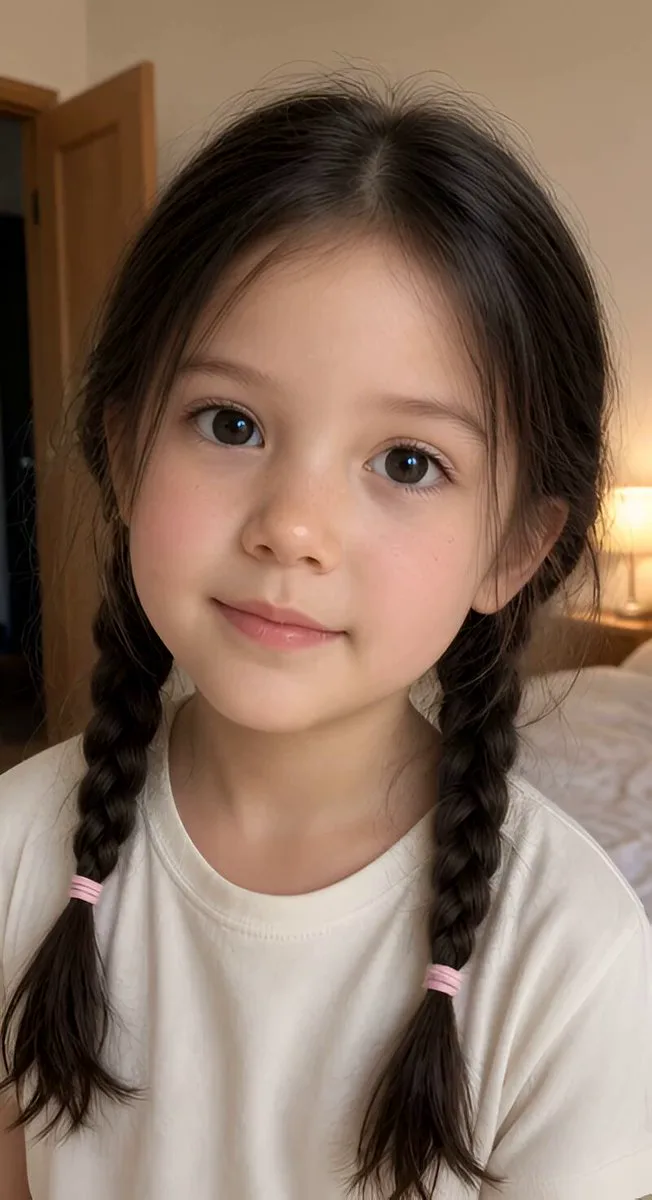
266 words[Style] Mockumentary (Vlog Style), hyperrealism, fixed-camera real-shot feel, natural lighting, with a slight suspenseful comedy tone. [Duration] 15 seconds [Main Character] An ordinary young beautiful woman, in front of the bathroom sink at home. [00:00-00:06] Shot 1: Daily setup (Normalcy). Scene: In front of a regular bathroom mirror. Action: The protagonist is brushing her teeth, mouth full of foam. She makes various funny faces (squinting, eyebrow-wiggling) at the mirror while brushing her teeth. Key detail: At this point, the reflection in the mirror is completely normal, movements synchronized. [00:06-00:11] Shot 2: BUG appears (The Glitch). Action: After brushing teeth, the protagonist lowers her head to spit out foam, then turns around to leave the bathroom. High-impact moment (core climax): Just as the protagonist's real body has turned and left the mirror frame, the "reflection" in the mirror doesn't move! That "reflection" still maintains the tooth-brushing pose, even mischievously raising eyebrows at the camera with a bad smile, staying for a full 2 seconds, before suddenly panicking and "fast-forwarding" to catch up with the original body's movements before disappearing. Director's note: Must create an extremely realistic "network delay" feel, as if the reflection has independent consciousness. [00:11-00:15] Shot 3: Comedic callback (The Punchline). Action: The protagonist, who has already walked to the door, seems to sense something is wrong, suddenly turning back to look at the mirror. Result: The mirror has now completely returned to normal, completely empty, only reflecting the opposite wall. The protagonist scratches her head in confusion, showing a life-questioning expression toward the camera. The frame freezes on the protagonist's confused face (comedy effect).
About this prompt
Mirror Glitch Mockumentary is a UGC Seedance 2.0 prompt with 266 words, structured around shot timing, camera direction, motion cues, and remixable scene details.
Use the preview clip when available to understand pacing, then treat the prompt text as a production brief you can adapt for your own subject, brand, or story.
Video prompt structure
Use it for UGC videos
Best for Seedance 2.0 generations that need UGC, Multi-Shot. Replace the subject, setting, product, dialogue, music, and timing before sending it to the generator.
Customize before generating
- Swap the subject. Keep the camera and timing structure, but change the character, product, or environment.
- Tighten the timeline. Shorten or expand shot blocks so they match the duration you want to render.
- Add reference media. Use first frames, last frames, images, video, or audio when the prompt depends on a specific look or rhythm.
More Seedance paths to explore
Browse adjacent styles and techniques from the same Seedance 2.0 prompt library.
How to use it
- Step 1
Copy or start from this prompt
Use the full prompt as a structured draft rather than rewriting the whole video brief.
- Step 2
Open Seedance 2.0
Send the text into the Seedance generator and choose text, image, or reference mode.
- Step 3
Adapt and render
Tune duration, aspect ratio, reference media, camera notes, and dialogue before generating.
Make it a Seedance video
Start from this prompt in the Seedance 2.0 generator, then adjust the scene, duration, aspect ratio, and reference media.