Prompt
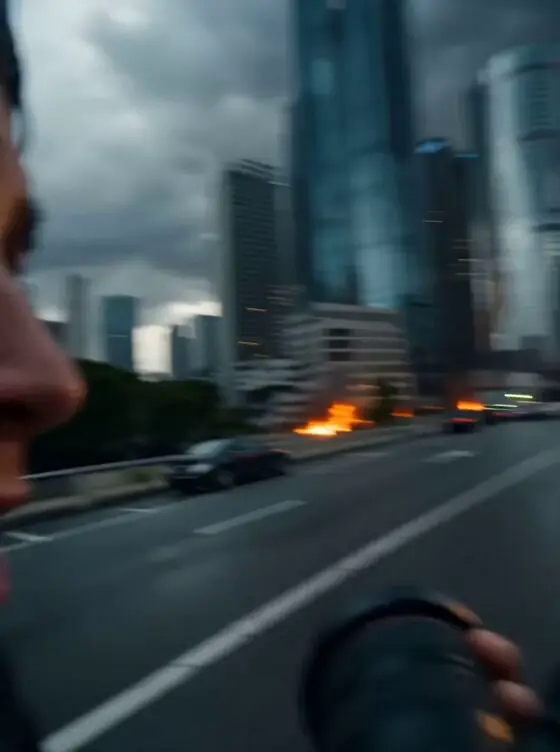
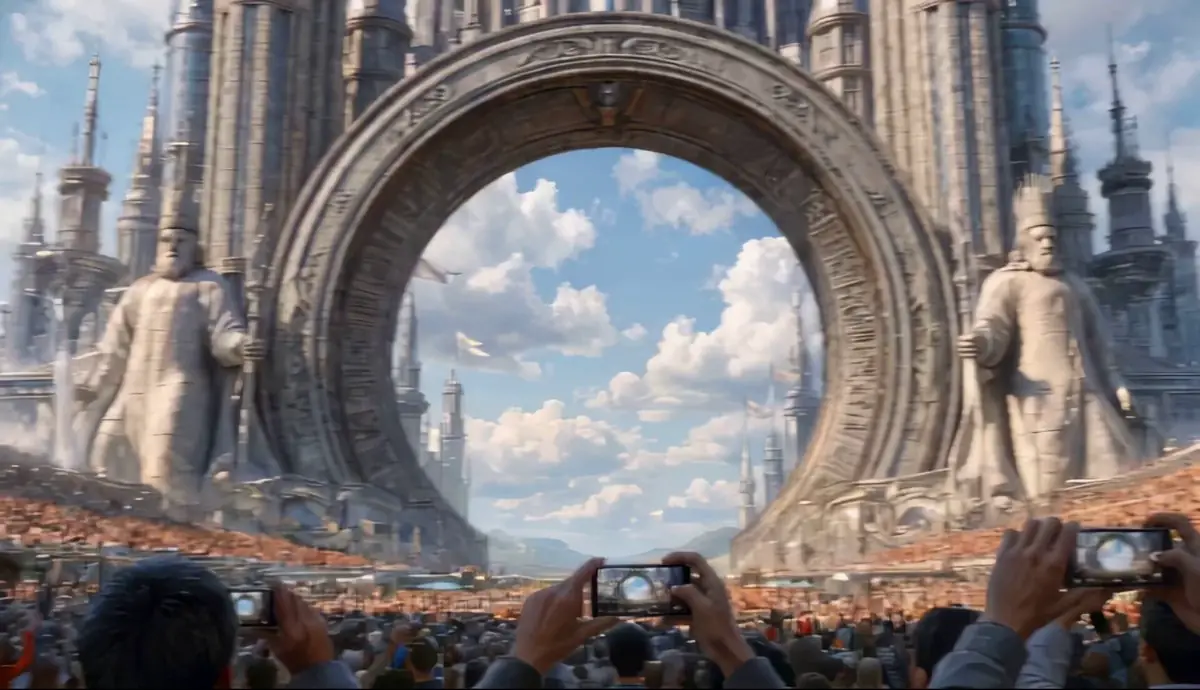
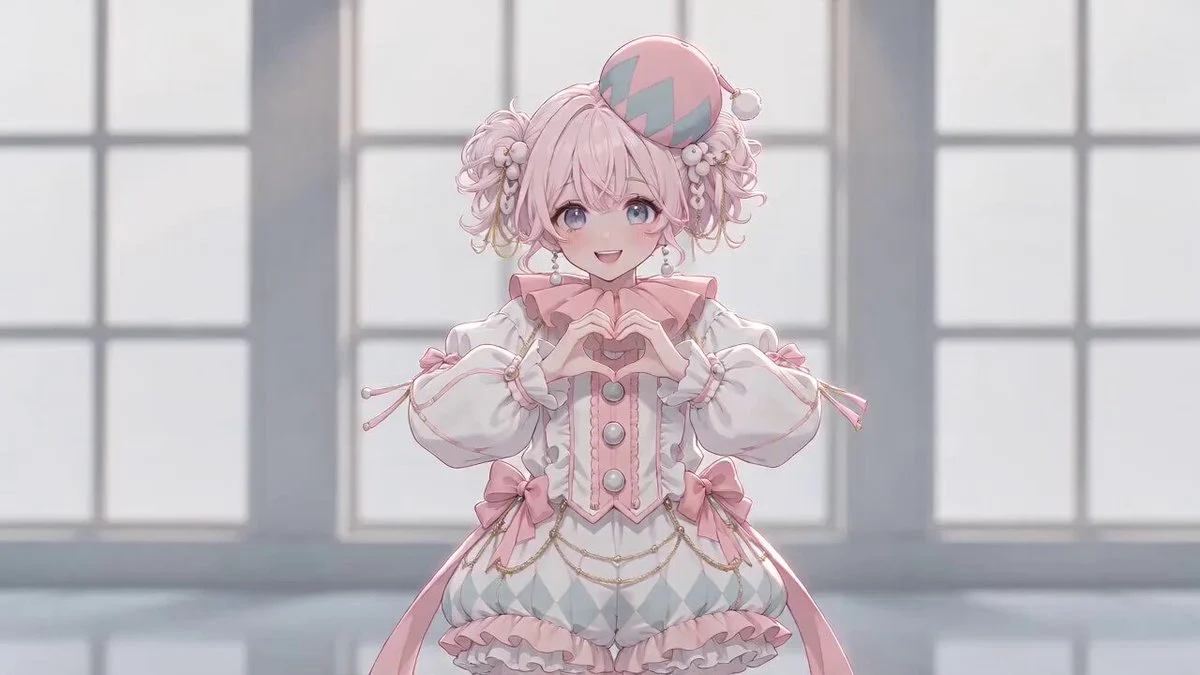
179 wordsKorean KPOP MV style, the background is replaced with the neon streets of Seoul at night. The female lead's appearance and clothing strictly refer to @Image 1, and the male lead's appearance and clothing strictly refer to @Image 2. All movements, positioning, body postures, interaction processes, and rhythm of the male and female leads strictly refer to @Depth Video, fully replicated without unauthorized modification. At the beginning of the video, the female lead appears first and naturally says: "I will tell him in Korean: 오빠, 정신 차려!" The first half "I will tell him in Korean" is in Chinese, and the second half "오빠, 정신 차려" uses natural Korean pronunciation, with a slightly anxious and reminding tone, and the lip movements are accurately synchronized with both languages. The subsequent appearance order of characters and all actions continue to strictly follow @Depth Video. Keep the appearance of both characters consistent throughout, with stable facial features and natural, fluid movements. 9:16 vertical screen, one-shot to the end, no subtitles, no text, no watermarks, no character misalignment, character swaps, or limb deformation.
About this prompt
K-pop Dance Action Mapping with Depth Video is a Dance Seedance 2.0 prompt with 179 words, structured around shot timing, camera direction, motion cues, and remixable scene details.
Use the preview clip when available to understand pacing, then treat the prompt text as a production brief you can adapt for your own subject, brand, or story.
Video prompt structure
Use it for Dance videos
Best for Seedance 2.0 generations that need Dance, Dialogue, Audio. Replace the subject, setting, product, dialogue, music, and timing before sending it to the generator.
Customize before generating
- Swap the subject. Keep the camera and timing structure, but change the character, product, or environment.
- Tighten the timeline. Shorten or expand shot blocks so they match the duration you want to render.
- Add reference media. Use first frames, last frames, images, video, or audio when the prompt depends on a specific look or rhythm.
More Seedance paths to explore
Browse adjacent styles and techniques from the same Seedance 2.0 prompt library.
How to use it
- Step 1
Copy or start from this prompt
Use the full prompt as a structured draft rather than rewriting the whole video brief.
- Step 2
Open Seedance 2.0
Send the text into the Seedance generator and choose text, image, or reference mode.
- Step 3
Adapt and render
Tune duration, aspect ratio, reference media, camera notes, and dialogue before generating.
Make it a Seedance video
Start from this prompt in the Seedance 2.0 generator, then adjust the scene, duration, aspect ratio, and reference media.