Prompt
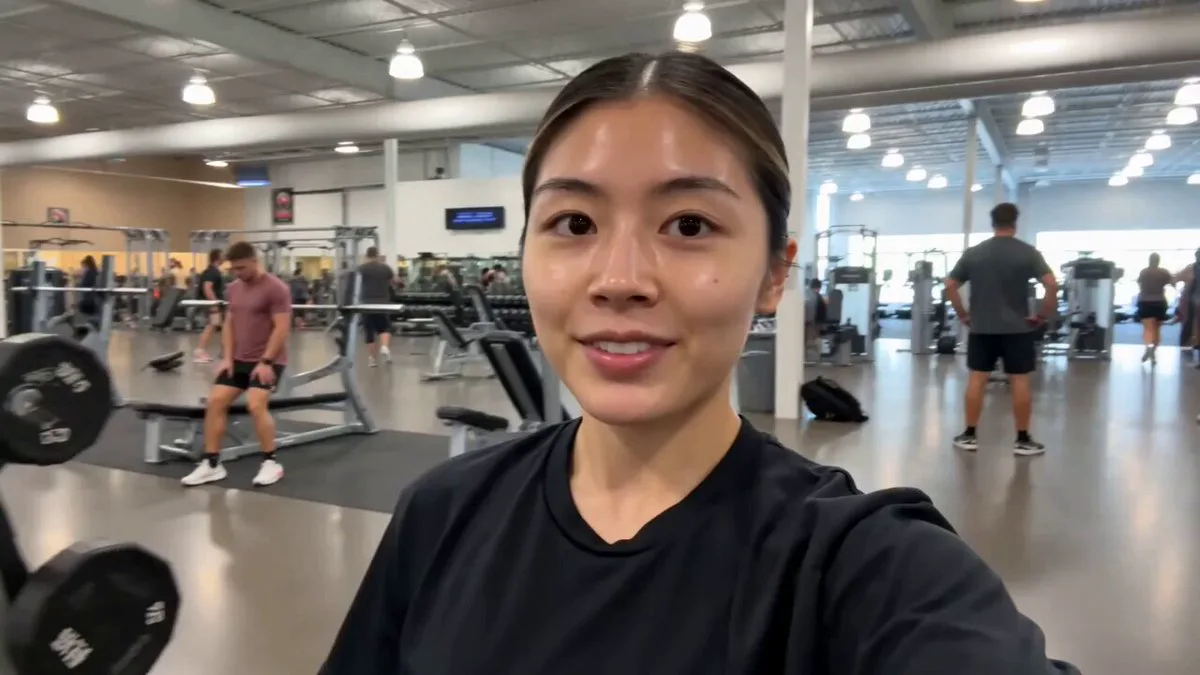
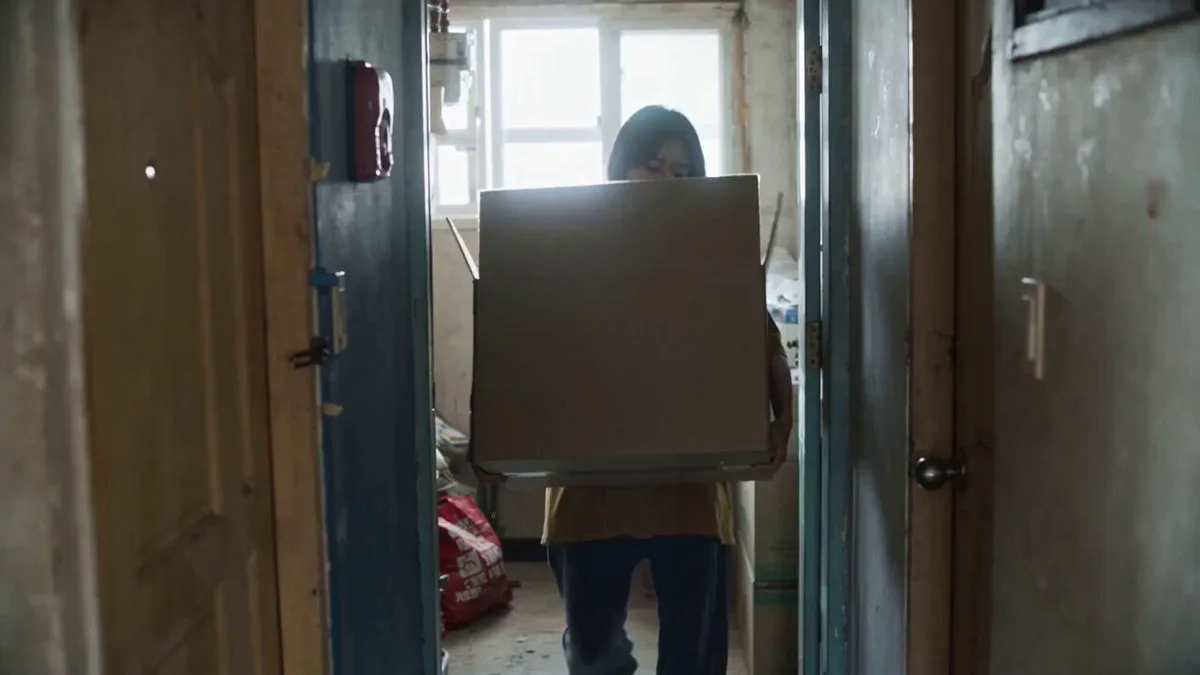
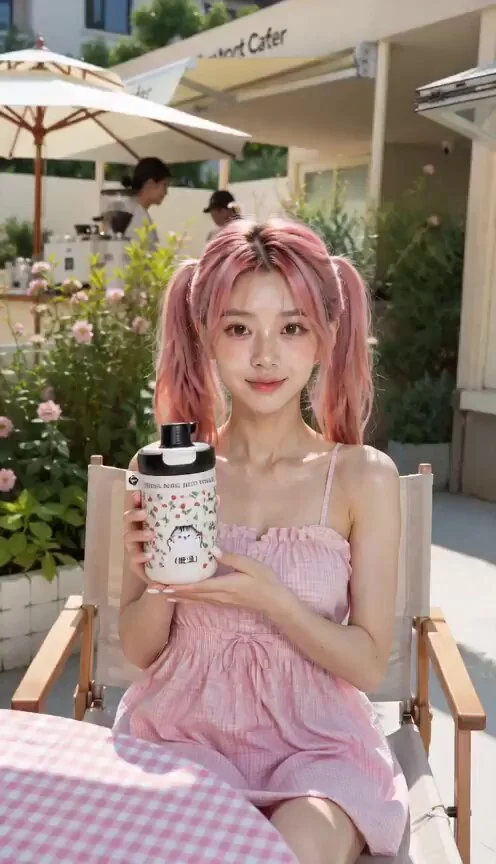
349 wordsUse the exact same character from the reference image. Preserve facial identity, hairstyle, outfit, colors, body proportions, silhouette, and overall design with absolute consistency in every frame. No redesigns. No facial drift. No outfit changes. 9:16 vertical format. The character performs an elite-level hip-hop dance performance with irresistible charisma, confidence, musicality, and effortless swagger. Dance style: premium commercial hip-hop, urban choreography, deep groove, musicality-driven movement, powerful chest isolations, sharp shoulder hits, controlled body waves, dynamic footwork, clean transitions, strong rhythm control, elite professional dancer quality. The performance feels natural, relaxed, stylish, and highly skilled. Never stiff. Never robotic. Continuous micro-groove throughout the performance. Natural breathing. Natural weight shifts. Authentic rhythm. Confident presence. The character commands attention from the very first frame. VIDEO STRUCTURE CUT 1 (0.0s–0.8s) Cowboy shot. The character is already moving when the video begins. Subtle groove active. At the first musical accent: sharp chest isolation, immediate shoulder hit, quick neck snap. The movement feels unexpected, precise, and highly skilled. Strong confidence. No posing. No stopping. CUT 2 (0.8s–3.5s) Full-body shot. The dancer explodes into groove-driven choreography. Strong bounce. Powerful rhythm. Clean footwork. Dynamic weight transfer. Large movement quality. Camera smoothly follows movement. CUT 3 (3.5s–5.5s) Low-angle hero shot. Large body roll. Strong directional movement. Powerful silhouette. Natural clothing movement. The dancer dominates the frame. CUT 4 (5.5s–7.5s) Medium cowboy shot. Focus on groove quality. Chest isolations. Shoulder grooves. Body waves. Clean musicality. Camera subtly tracks movement. Every accent feels satisfying. CUT 5 (7.5s–11.0s) Full-body performance section. Most impressive choreography. Traveling steps. Direction changes. Complex groove combinations. Elite dancer energy. Maximum visual impact. CUT 6 (11.0s–13.0s) Slow-motion sequence. Controlled body roll. Fluid body wave. Beautiful movement quality. Premium dance-film aesthetic. Elegant momentum. CUT 7 (13.0s–15.0s) Cowboy shot. The dancer advances toward the camera while continuing choreography. Confident swagger. Natural groove. Camera slowly pushes forward. Final musical accent. Strong finishing pose. Iconic ending frame. CAMERA STYLE Viral social-media dance cinematography. Fast pacing. Strong visual hooks. Character always remains dominant in frame. Alternating cowboy shots and full-body shots. Smooth tracking shots. Dynamic push-ins. Low-angle hero shots. No face close-ups.
About this prompt
Elite Hip-Hop Dance Choreography is a UGC Seedance 2.0 prompt with 349 words, structured around shot timing, camera direction, motion cues, and remixable scene details.
Use the preview clip when available to understand pacing, then treat the prompt text as a production brief you can adapt for your own subject, brand, or story.
Video prompt structure
Use it for UGC videos
Best for Seedance 2.0 generations that need Dance, UGC, Image Reference. Replace the subject, setting, product, dialogue, music, and timing before sending it to the generator.
Customize before generating
- Swap the subject. Keep the camera and timing structure, but change the character, product, or environment.
- Tighten the timeline. Shorten or expand shot blocks so they match the duration you want to render.
- Add reference media. Use first frames, last frames, images, video, or audio when the prompt depends on a specific look or rhythm.
More Seedance paths to explore
Browse adjacent styles and techniques from the same Seedance 2.0 prompt library.
How to use it
- Step 1
Copy or start from this prompt
Use the full prompt as a structured draft rather than rewriting the whole video brief.
- Step 2
Open Seedance 2.0
Send the text into the Seedance generator and choose text, image, or reference mode.
- Step 3
Adapt and render
Tune duration, aspect ratio, reference media, camera notes, and dialogue before generating.
Make it a Seedance video
Start from this prompt in the Seedance 2.0 generator, then adjust the scene, duration, aspect ratio, and reference media.