Prompt
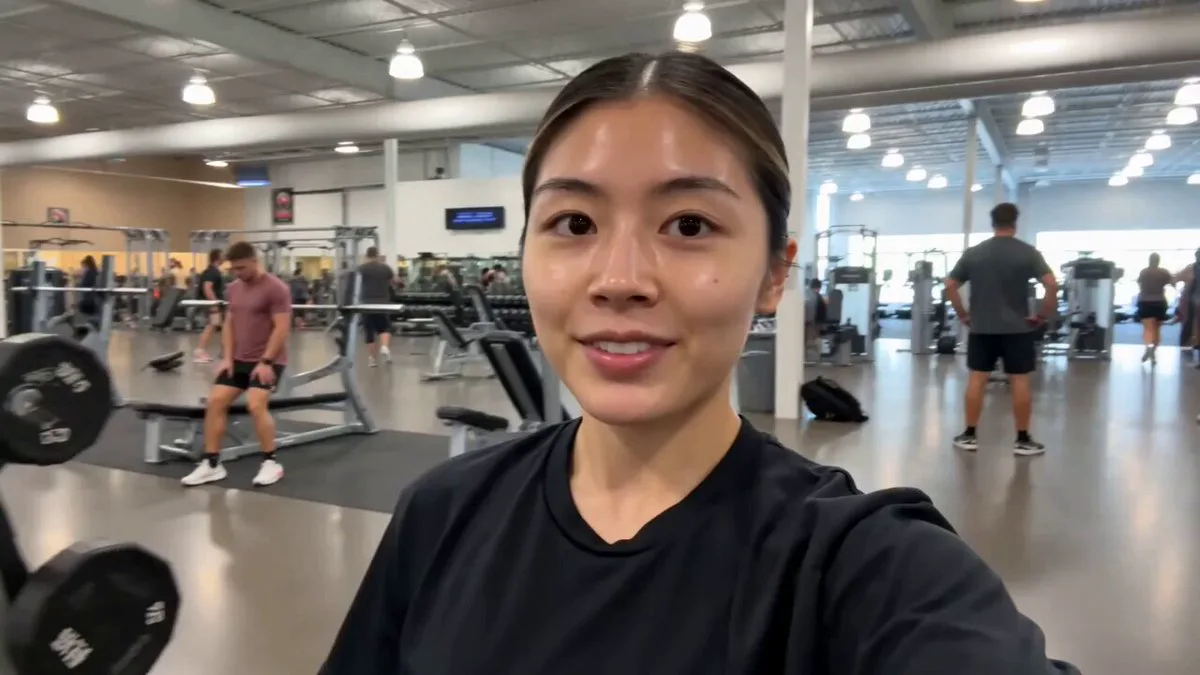
374 words## Core Technical Specifications Ultra-clear smartphone real-shot quality lifestyle recommendation video, 25fps, 6 seamless transitions, overall pace is gentle and sweet, no flashing cuts, no redundant frames. **Key Filming Rule**: Simulate handheld smartphone shooting with natural breathing-like slight tremors, mimicking a friend's casual filming perspective. No professional stabilizers, just authentic daily sharing vibes. **Audio Standards**: English soft jazz background music at 30% volume for atmosphere. Includes ambient white noise (clinking cups, soft background chatter, coffee machine). The voice is a sweet, healing young female voice with natural intonation, not robotic, providing brief and professional commentary. **Lighting & Color**: Natural sunlight, no harsh lighting or overexposure. Warm and healing atmosphere with natural color grading, no heavy filters or excessive skin smoothing. Visual focus always on the thermos. ## Positive Accuracy Settings 1. **Product Fidelity**: The core subject is the reference thermos, with complete details, no deformation, and high-quality textures. 2. **Character Fidelity**: A young Asian girl identical to the reference image, with white French tips, a sweet smile, and natural expressions. Her movements are relaxed and authentic. 3. **Scene Fidelity**: Full replication of the outdoor garden from the reference image, including natural pedestrian background activity. ## Storyboard Content 0-2s: Mid-shot, soft natural sunlight. The girl sits on an outdoor chair, smiling at the camera while holding the thermos. Handheld camera with slight tremors pushes forward slowly. 2-4s: Close-up. The girl gently rotates the thermos, showing the pattern. Her eyes are warm and focused on the cup. Focus on the cat pattern on the cup. 4-6s: Macro close-up. Warm light highlights cup details. The girl's finger picks up the cup. Voiceover: 'This thermos is just too cute!' 6-8s: Mid-shot. The girl leans the thermos against her cheek and smiles at the camera. Handheld camera pulls back slightly. Ambient sounds of laughter included. 8-10s: Close-up. The girl holds the thermos with one hand to show the overall design. Voiceover: 'The looks are just perfect.' 10-12s: Close-up finale. The screen freezes on her smiling with the cup. A minimalist white text overlay appears: 'Cute Portable Thermos.' Music fades out. ## Negative Prompt AI distortion, deformed features, robotic movements, deformed product, low quality, professional stabilizer smoothness, harsh lighting, heavy filters, over-saturated colors, robotic voice, blurred patterns, irrelevant background elements.
About this prompt
Natural Smartphone Vlogger Product Review is a UGC Seedance 2.0 prompt with 374 words, structured around shot timing, camera direction, motion cues, and remixable scene details.
Use the preview clip when available to understand pacing, then treat the prompt text as a production brief you can adapt for your own subject, brand, or story.
Video prompt structure
Use it for UGC videos
Best for Seedance 2.0 generations that need UGC, Multi-Shot, Dialogue. Replace the subject, setting, product, dialogue, music, and timing before sending it to the generator.
Customize before generating
- Swap the subject. Keep the camera and timing structure, but change the character, product, or environment.
- Tighten the timeline. Shorten or expand shot blocks so they match the duration you want to render.
- Add reference media. Use first frames, last frames, images, video, or audio when the prompt depends on a specific look or rhythm.
More Seedance paths to explore
Browse adjacent styles and techniques from the same Seedance 2.0 prompt library.
How to use it
- Step 1
Copy or start from this prompt
Use the full prompt as a structured draft rather than rewriting the whole video brief.
- Step 2
Open Seedance 2.0
Send the text into the Seedance generator and choose text, image, or reference mode.
- Step 3
Adapt and render
Tune duration, aspect ratio, reference media, camera notes, and dialogue before generating.
Make it a Seedance video
Start from this prompt in the Seedance 2.0 generator, then adjust the scene, duration, aspect ratio, and reference media.