Prompt
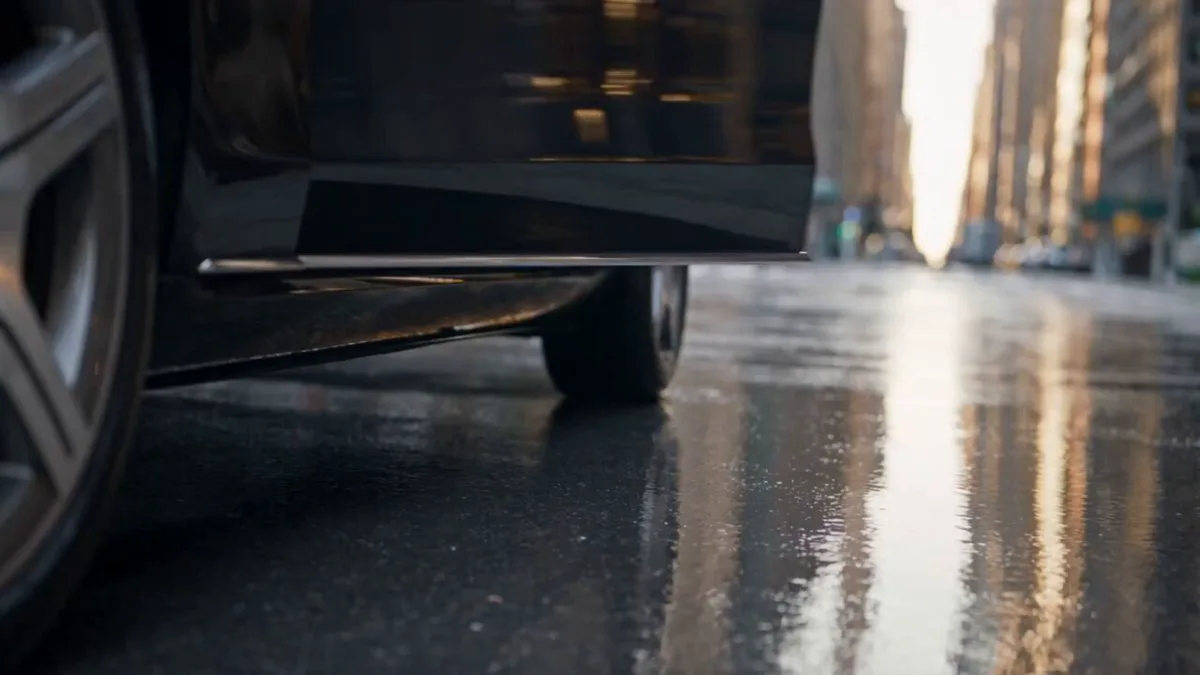
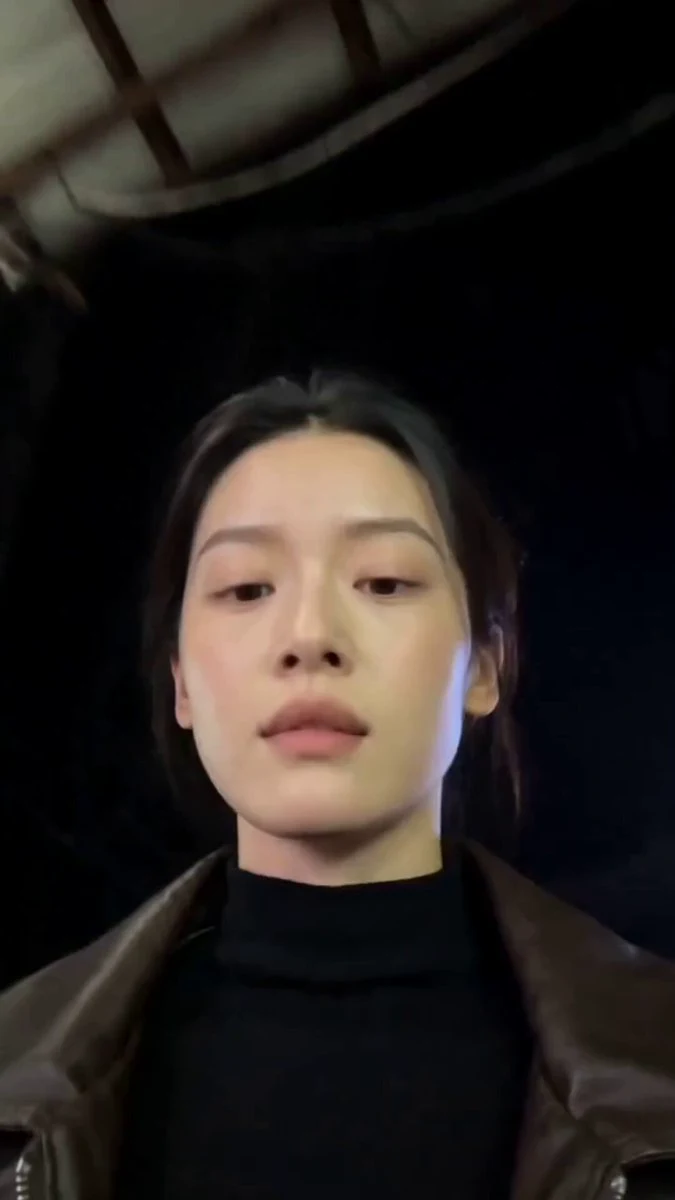
448 wordsCreate a 15-second, 16:9 photorealistic editorial street-fashion film that feels captured by a real small crew on a full-frame cinema camera. Two young adult female models; keep faces, body proportions and wardrobes consistent across every cut. Model A: oversized off-white/cream streetwear, chunky white shoes, layered necklaces, small brown leather shoulder bag. Model B: dark sunglasses, loose black top, electric-blue layered/baggy streetwear, chunky black shoes, silver jewelry; one brief look adds a burnt-orange jacket over the same blue outfit. 0.0–2.2s — Modern metro/lobby interior. Floor-level 14–16mm ultra-wide/fisheye, tilted slightly upward. Model A walks calmly toward lens beneath a huge circular white LED ceiling fixture forming a halo. Metallic escalators recede behind her; glossy charcoal stone floor shows accurate reflections; dark concrete walls and a small orange panel add contrast. Camera dollies backward with subtle handheld micro-jitter and natural footstep bounce. 2.2–4.3s — Low-angle push-in. She grips the front of her oversized shirt, leans close and gives a relaxed, confident direct gaze. One hand passes near lens, creating real perspective distortion and soft edge blur. Hair and loose fabric react naturally. 4.3–5.1s — Extreme close-up of a human eye with detailed iris, moist catchlight and the circular ceiling light reflected in the cornea. Match-cut the round highlight into bright daylight; keep it photographic, not fantasy VFX. 5.1–7.9s — Exterior urban promenade beside water in warm late-afternoon sun. Model B stands on pale concrete with palms and modern towers in the distance. Camera stays below waist height on a 16–20mm lens, gently orbiting and drifting forward. She poses, then steps toward lens; wind moves hair and fabric. Cyan sky, warm skin, crisp believable sunlight and ground shadows. 7.9–10.4s — Fast beat-synced montage: indoors Model A leans into the fisheye smiling, jewelry and brown bag near lens; outdoors Model B appears from an extreme low angle against blue sky as hair sweeps through frame; indoors again, a ringed hand reaches close to lens. Use hard cuts and motivated match cuts only—no face or wardrobe morphing. 10.4–12.0s — Indoors, Model A lifts one chunky shoe playfully toward the floor camera so the sole briefly fills foreground. Hard cut outdoors to Model B centered in the burnt-orange jacket over the same blue outfit. Body balance and cloth physics must remain natural. 12.0–14.0s — Model B walks across a quiet city crosswalk in profile, relaxed stride, sunglasses on. Track parallel at hip height on a 24mm lens; high-rise, palms, railings and street geometry remain stable. 14.0–15.0s — Slightly overhead fisheye close-up outdoors. Model B looks up smiling, both hands and jewelry entering foreground. Add two very fast beat-matched flashes of Model A indoors perfectly centered inside the glowing ceiling ring, then finish on Model B.
About this prompt
Editorial Street Fashion Cinema Film is a Fashion Seedance 2.0 prompt with 448 words, structured around shot timing, camera direction, motion cues, and remixable scene details.
Use the preview clip when available to understand pacing, then treat the prompt text as a production brief you can adapt for your own subject, brand, or story.
Video prompt structure
Use it for Fashion videos
Best for Seedance 2.0 generations that need Fashion, Multi-Shot. Replace the subject, setting, product, dialogue, music, and timing before sending it to the generator.
Customize before generating
- Swap the subject. Keep the camera and timing structure, but change the character, product, or environment.
- Tighten the timeline. Shorten or expand shot blocks so they match the duration you want to render.
- Add reference media. Use first frames, last frames, images, video, or audio when the prompt depends on a specific look or rhythm.
More Seedance paths to explore
Browse adjacent styles and techniques from the same Seedance 2.0 prompt library.
How to use it
- Step 1
Copy or start from this prompt
Use the full prompt as a structured draft rather than rewriting the whole video brief.
- Step 2
Open Seedance 2.0
Send the text into the Seedance generator and choose text, image, or reference mode.
- Step 3
Adapt and render
Tune duration, aspect ratio, reference media, camera notes, and dialogue before generating.
Make it a Seedance video
Start from this prompt in the Seedance 2.0 generator, then adjust the scene, duration, aspect ratio, and reference media.