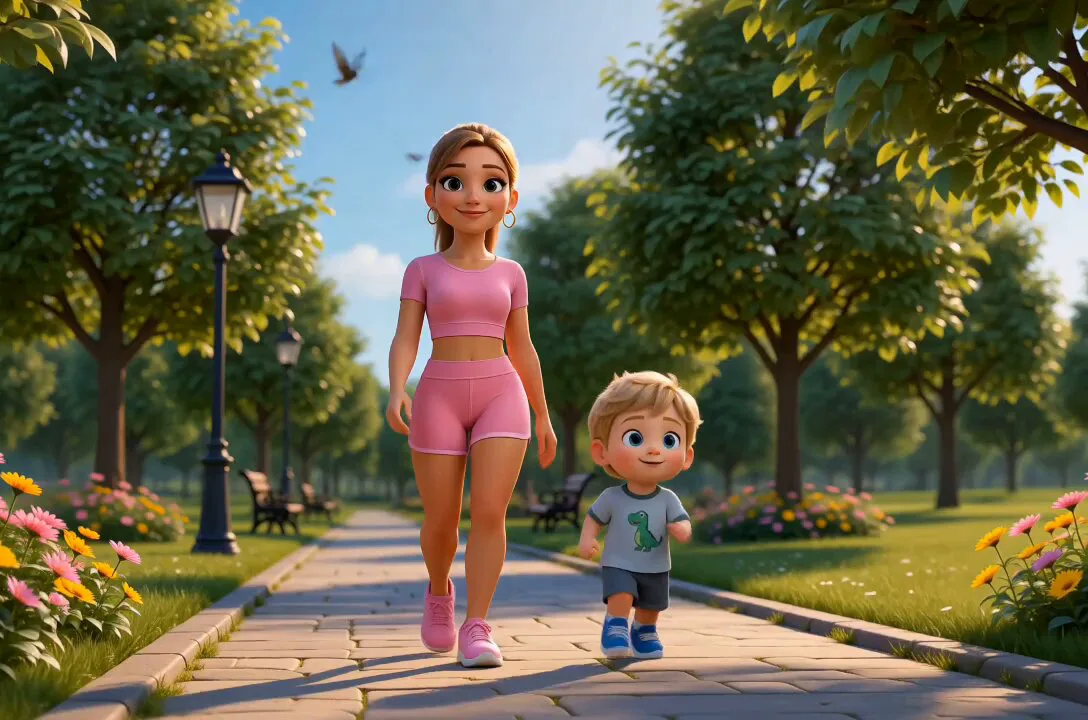
Prompt
114 wordsA 3D Disney Pixar style animation of a tired young woman sitting in a modern skincare aesthetician chair looking sad with visible dark under-eye circles and tired eyes. An elegant female aesthetician wearing black gloves gently examines her skin. Cut to close-up shots of high-end skincare treatments: applying a clear glowing sheet mask with a soft brush, a golden facial oil droplet falling onto smooth skin, soothing LED light therapy shining overhead, and a gentle facial massage. The final scene shows the young woman looking into a mirror with glowing, flawless, radiant skin, gasping in joy and smiling brightly with genuine happiness. Soft warm studio lighting, cinematic, hyper-detailed, 8k resolution, smooth 3D character animation.
About this prompt
Disney Pixar Skincare Animation is a Animation Seedance 2.0 prompt with 114 words, structured around shot timing, camera direction, motion cues, and remixable scene details.
Use the preview clip when available to understand pacing, then treat the prompt text as a production brief you can adapt for your own subject, brand, or story.
Video prompt structure
Use it for Animation videos
Best for Seedance 2.0 generations that need Animation, Multi-Shot. Replace the subject, setting, product, dialogue, music, and timing before sending it to the generator.
Customize before generating
- Swap the subject. Keep the camera and timing structure, but change the character, product, or environment.
- Tighten the timeline. Shorten or expand shot blocks so they match the duration you want to render.
- Add reference media. Use first frames, last frames, images, video, or audio when the prompt depends on a specific look or rhythm.
More Seedance paths to explore
Browse adjacent styles and techniques from the same Seedance 2.0 prompt library.
How to use it
- Step 1
Copy or start from this prompt
Use the full prompt as a structured draft rather than rewriting the whole video brief.
- Step 2
Open Seedance 2.0
Send the text into the Seedance generator and choose text, image, or reference mode.
- Step 3
Adapt and render
Tune duration, aspect ratio, reference media, camera notes, and dialogue before generating.
Make it a Seedance video
Start from this prompt in the Seedance 2.0 generator, then adjust the scene, duration, aspect ratio, and reference media.