Prompt
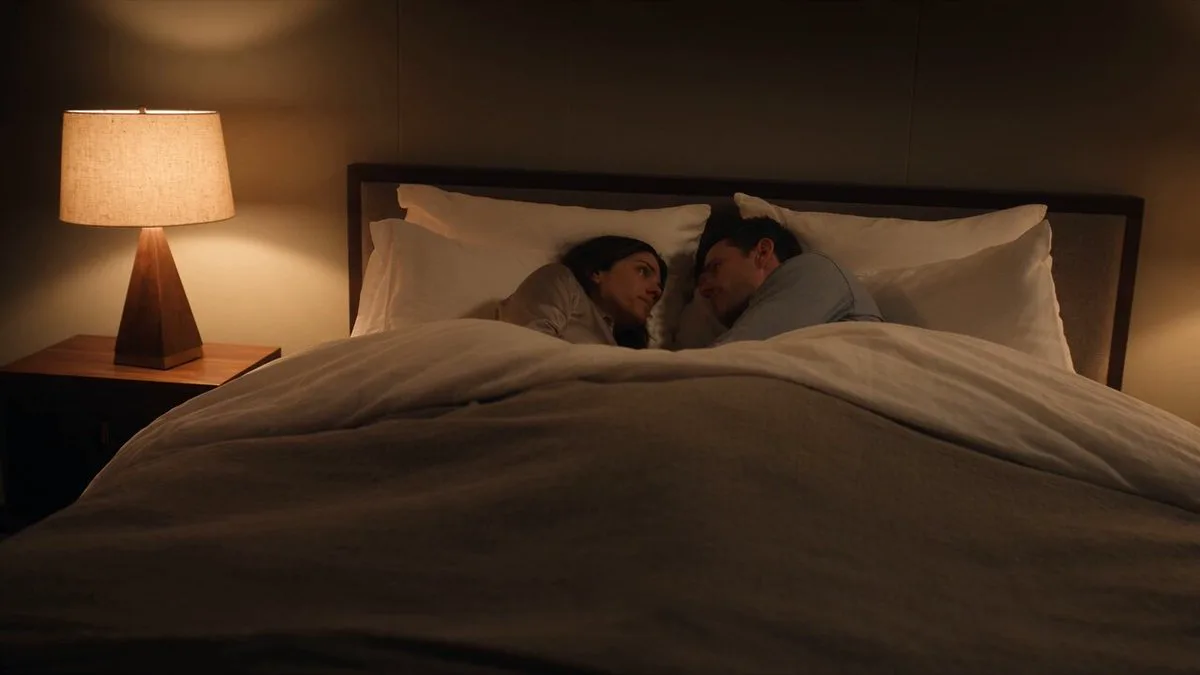
192 wordsCreate a 15-second ultra-realistic cinematic video in one continuous uncut shot with consistent character appearance. A young romantic couple in their mid-20s with natural beauty, expressive eyes, and genuine smiles walk hand-in-hand through a lush green park on a gentle rainy afternoon. They have no umbrellas and become happily soaked by the rain. The man playfully twirls the woman, and they laugh naturally while splashing through shallow puddles. As they continue walking, he gently brushes a wet strand of hair away from her face, they pause beneath a large tree that offers little shelter, look deeply into each other's eyes, smile warmly, while rain falls all around them. The camera performs a smooth cinematic tracking movement, slowly circling the couple before pulling back to reveal the rain-covered park, glistening wet pathways, vibrant green trees, soft mist, and reflections shimmering in puddles. Realistic rain physics, natural facial expressions, authentic body movements, wind gently moving their hair and clothing, shallow depth of field, soft overcast lighting with subtle golden rays breaking through the clouds near the end, emotional storytelling, photorealistic details, cinematic color grading, HDR, 4K, movie-quality realism, no cuts, no text, no watermark.
About this prompt
Cinematic Rainy Park Romantic Walk is a Short Drama Seedance 2.0 prompt with 192 words, structured around shot timing, camera direction, motion cues, and remixable scene details.
Use the preview clip when available to understand pacing, then treat the prompt text as a production brief you can adapt for your own subject, brand, or story.
Video prompt structure
Use it for Short Drama videos
Best for Seedance 2.0 generations that need Short Drama, Multi-Shot. Replace the subject, setting, product, dialogue, music, and timing before sending it to the generator.
Customize before generating
- Swap the subject. Keep the camera and timing structure, but change the character, product, or environment.
- Tighten the timeline. Shorten or expand shot blocks so they match the duration you want to render.
- Add reference media. Use first frames, last frames, images, video, or audio when the prompt depends on a specific look or rhythm.
More Seedance paths to explore
Browse adjacent styles and techniques from the same Seedance 2.0 prompt library.
How to use it
- Step 1
Copy or start from this prompt
Use the full prompt as a structured draft rather than rewriting the whole video brief.
- Step 2
Open Seedance 2.0
Send the text into the Seedance generator and choose text, image, or reference mode.
- Step 3
Adapt and render
Tune duration, aspect ratio, reference media, camera notes, and dialogue before generating.
Make it a Seedance video
Start from this prompt in the Seedance 2.0 generator, then adjust the scene, duration, aspect ratio, and reference media.