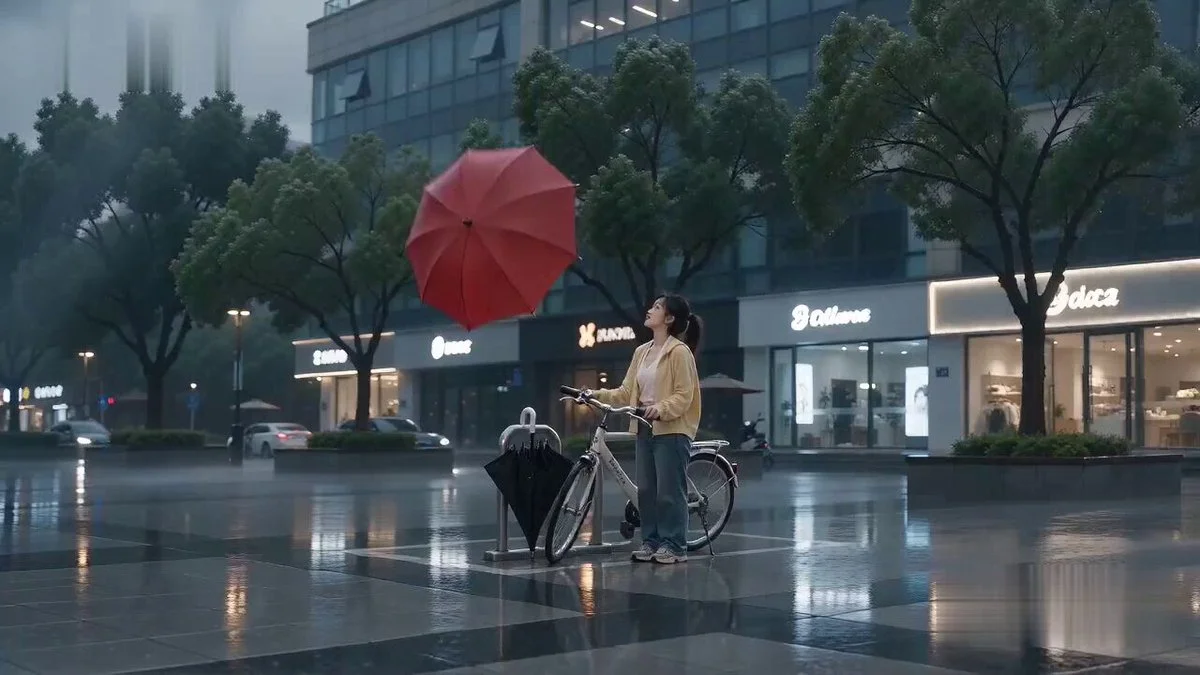
Prompt
401 words[Style] Photorealistic Magical-Realism Gelato Shop Video. A real silver-gray British Shorthair cat lies in the ice cream cabinet, strictly referencing the uploaded image's round face, silver-gray tabby markings, golden eyes, and thick cheeks. The video simulates using an ice cream scoop to pick up a tuft of loose fur, which is then placed into a waffle cone where it instantly transforms into a miniature realistic kitten. The effect is a harmless magic trick with no skin contact or pain. Vertical 9:16, 5 seconds, real mobile phone close-up, no subtitles or watermarks. [Scene] A bright and warm handmade ice cream shop with a glass display cabinet. On the left is pink strawberry ice cream, and on the right is light yellow vanilla. In the middle is a room-temperature display tray with a beige cushion where the silver-gray cat lies comfortably like a large scoop of ice cream. Features glass reflections, metal frames, and cool display lighting. [Characters] Adult Cat: A real adult silver-gray British Shorthair with a round face, golden eyes, and silver-gray tabby markings; relaxed expression. Mini Kitten: Thumb-sized, a realistic miniature version of the adult cat with identical markings and features. [Props] Blue disposable gloves, stainless steel round ice cream scoop, a golden-yellow waffle cone with crisp jagged edges. [Sound] Subtle cabinet cooling hum, soft 'sand' sound of the scoop, the cat's purring, a short clean 'pop' during transformation, followed by a tiny 'meow'. [00:00-00:01.5] Shot 1: Picking up fur like ice cream. Overhead shot of the display tray. A small tuft of loose fur floats above the cat's belly. A gloved hand uses the scoop to gently roll the fur into a ball. The cat remains intact and comfortable. [00:01.5-00:03.5] Shot 2: Placing the ball in the cone. A gloved hand holds the empty cone upright while the scoop drops the fur ball inside, filling the top. It remains a fluffy fur ball at this stage. [00:03.5-00:05] Shot 3: Instant transformation. Within 0.2 seconds of falling, the ball pops into a thumb-sized realistic kitten. The kitten peeks out with its golden eyes open and one paw on the edge, letting out a tiny meow. The hand lifts the cone toward the camera as the adult cat remains resting in the background. [Negative Constraints] Real ice cream touching the cat, low-temperature frostbite, hair pulling, shaving, wounds, blood, pain, struggling, bald spots, sharp tools, slow transformation, cartoonish style, text, watermarks. 9:16
About this prompt
Cat Ice Cream Shop Magic Trick is a Meme Seedance 2.0 prompt with 401 words, structured around shot timing, camera direction, motion cues, and remixable scene details.
Use the preview clip when available to understand pacing, then treat the prompt text as a production brief you can adapt for your own subject, brand, or story.
Video prompt structure
Use it for Meme videos
Best for Seedance 2.0 generations that need Meme, Multi-Shot, Audio. Replace the subject, setting, product, dialogue, music, and timing before sending it to the generator.
Customize before generating
- Swap the subject. Keep the camera and timing structure, but change the character, product, or environment.
- Tighten the timeline. Shorten or expand shot blocks so they match the duration you want to render.
- Add reference media. Use first frames, last frames, images, video, or audio when the prompt depends on a specific look or rhythm.
More Seedance paths to explore
Browse adjacent styles and techniques from the same Seedance 2.0 prompt library.
How to use it
- Step 1
Copy or start from this prompt
Use the full prompt as a structured draft rather than rewriting the whole video brief.
- Step 2
Open Seedance 2.0
Send the text into the Seedance generator and choose text, image, or reference mode.
- Step 3
Adapt and render
Tune duration, aspect ratio, reference media, camera notes, and dialogue before generating.
Make it a Seedance video
Start from this prompt in the Seedance 2.0 generator, then adjust the scene, duration, aspect ratio, and reference media.